

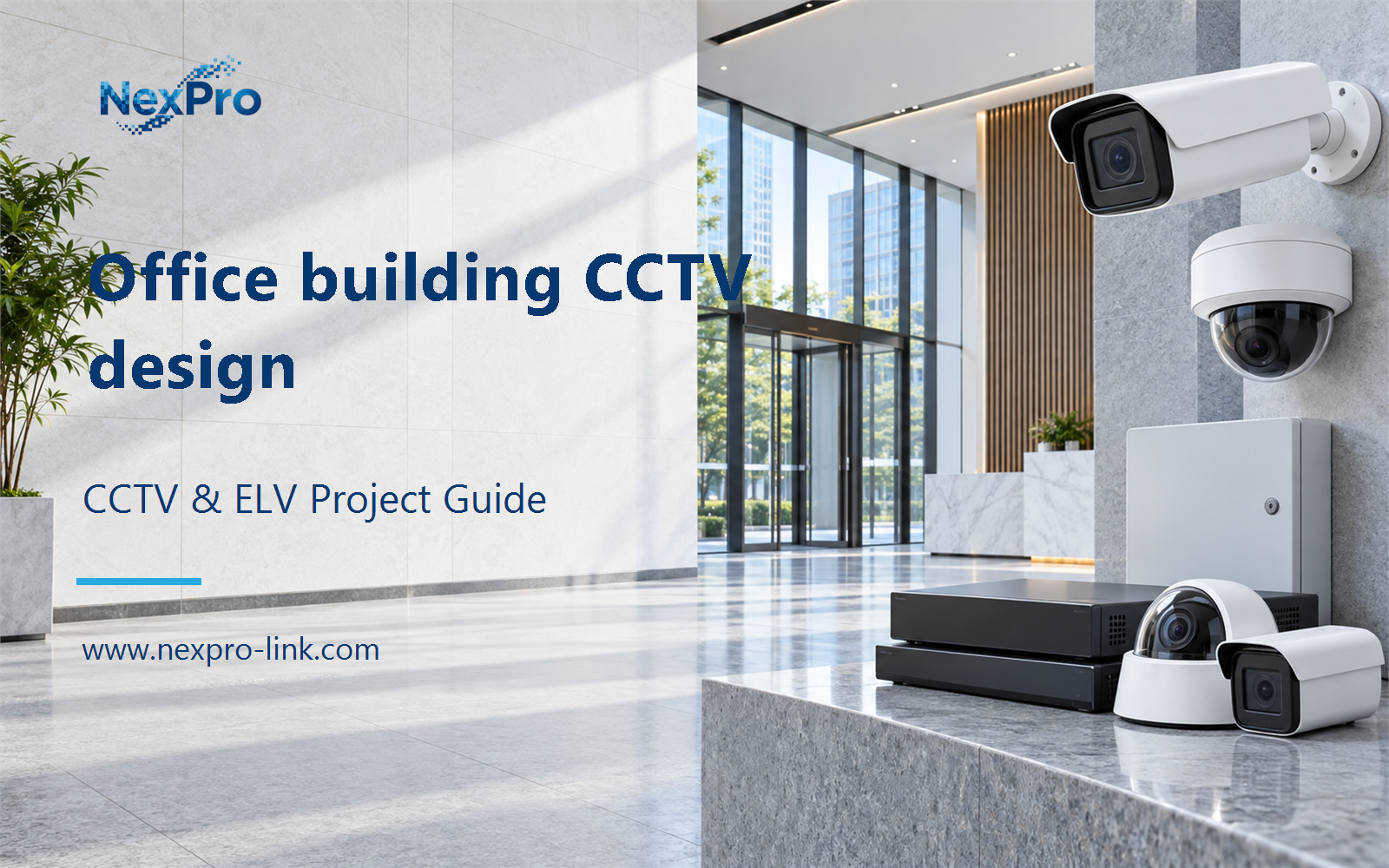
Plan office building CCTV design with practical guidance on map building functions and ownership and allocate recording and retention. NexPro-Link project guide.
Section 01
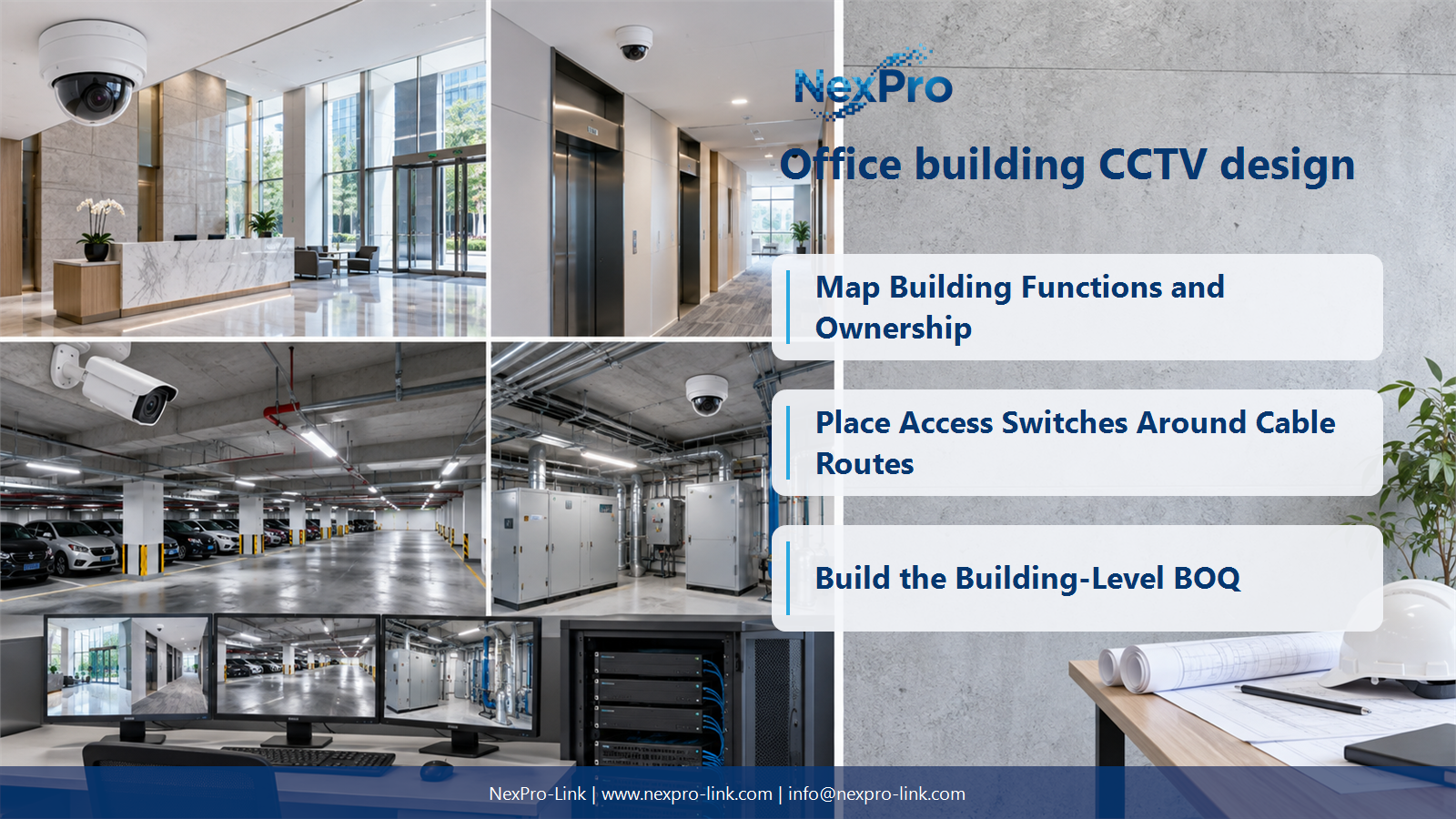
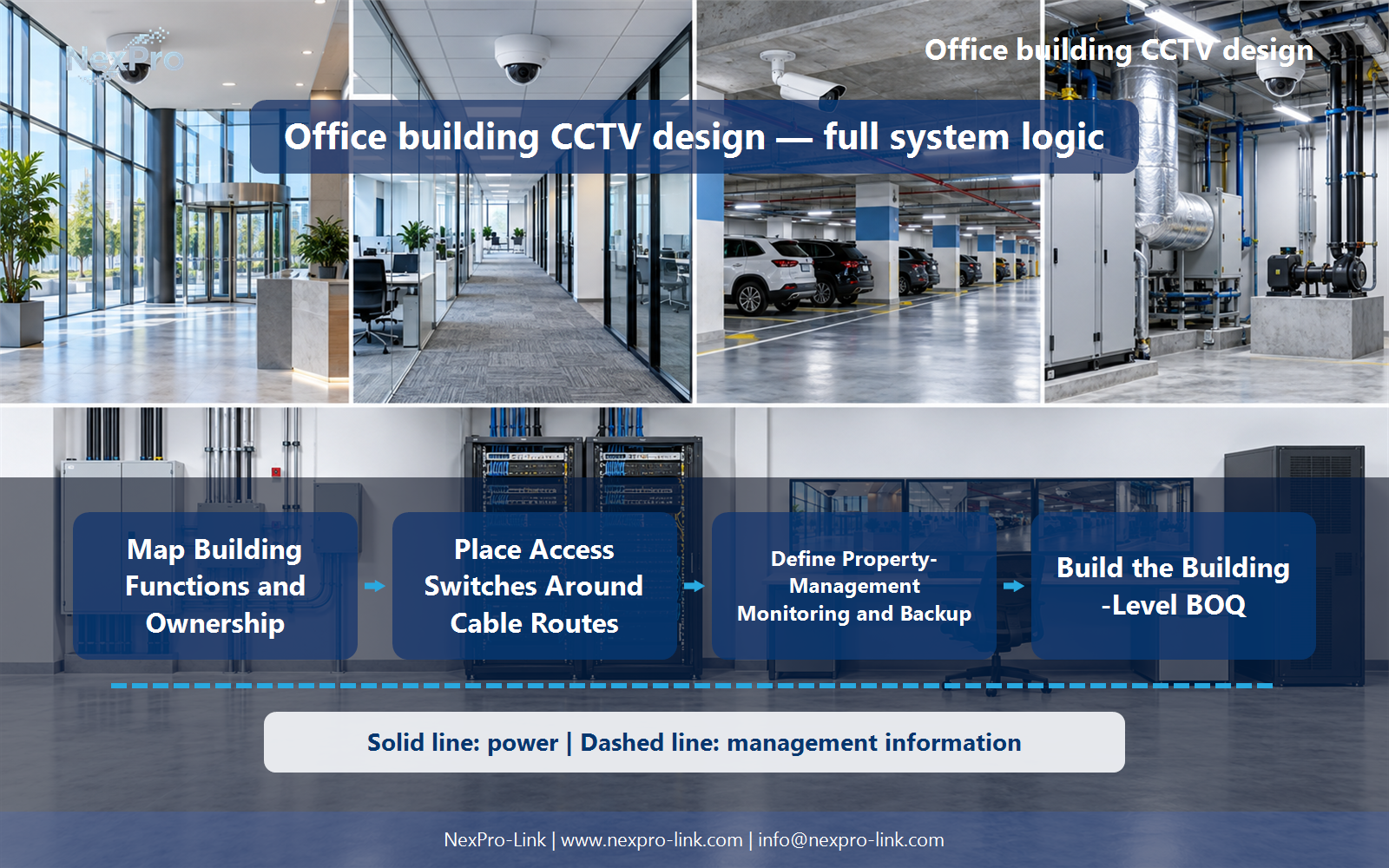
Map Building Functions and Ownership
Separate public entrances, floor circulation, parking and technical spaces by purpose and ownership. Tenant interiors may have different responsibilities from common areas. A building-wide layout should not imply that property management is entitled to monitor every tenant workspace.
Turn the answer into a working record using Zone, Function, Monitoring owner, View boundary.
| Decision area | Buyer question | Required output |
|---|---|---|
| Map Building Functions and Ownership | How should an office building's camera zones be organized? | Separate public entrances, floor circulation, parking and technical spaces by purpose and ownership. |
| Design Entrance and Typical-Floor Views | Can a typical-floor camera layout be copied to every floor? | It can provide a starting pattern, but doors, partitions, circulation and occupancy can change the required views. |
| Place Access Switches Around Cable Routes | Where should floor PoE switches be located? | Use practical distribution points that keep camera channels within supported conditions and permit maintenance. |
Section 02
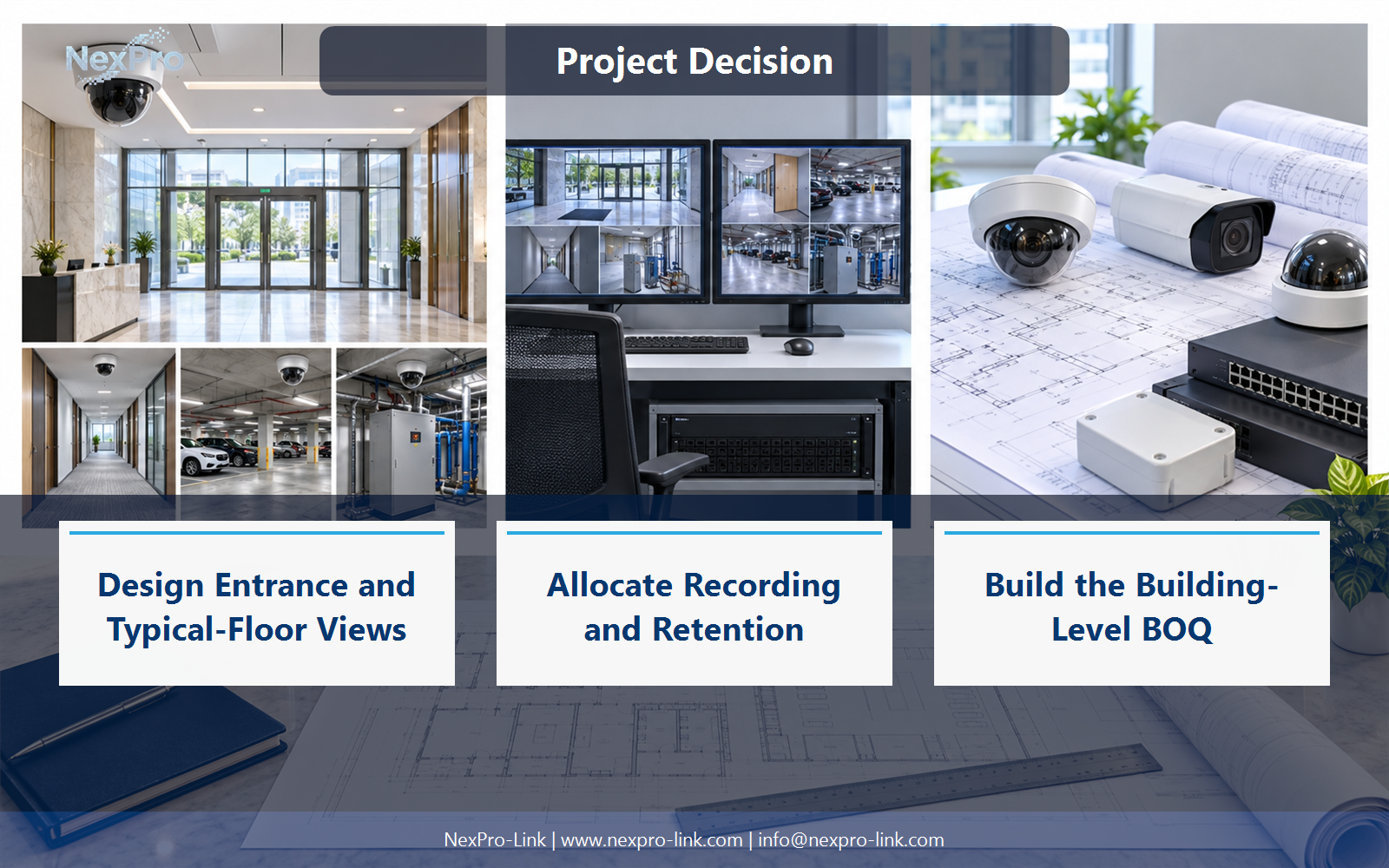
Design Entrance and Typical-Floor Views
It can provide a starting pattern, but doors, partitions, circulation and occupancy can change the required views. Confirm each floor's actual geometry and task. A standard model or floor plate does not guarantee identical coverage after tenant fit-out changes.
Use Floor, Entrance, Obstruction, Lens, View task to compare options on the same basis. Keep product capability, project assumption and operating responsibility in separate columns.
Section 03
Place Access Switches Around Cable Routes
Use practical distribution points that keep camera channels within supported conditions and permit maintenance. Calculate ports, PoE and uplink traffic per floor. Consider whether local cupboards have suitable power, ventilation and backup rather than placing all switches according to drawing symmetry.
The project output should make Floor, Cable reach, Ports, PoE, Uplink, Power traceable from input to acceptance.
- Confirm the answer to: Where should floor PoE switches be located?
- Record the project fields: Floor / Cable reach / Ports / PoE / Uplink / Power.
- Keep product capability, project assumptions and site responsibility in separate records.
Section 04
Allocate Recording and Retention
Calculate the stream workload and required retention before choosing recorder and disk arrangements. Separate channel capacity from input throughput, decoding and storage. A 30-day example does not make any 64-channel chassis automatically adequate for the whole building.
Record Group, Mbps, Retention, Required TB, Recorder node before selecting a product family. That makes later substitutions possible without silently changing the operational requirement.
Section 05
Define Property-Management Monitoring and Backup
It depends on the operator workflow and room conditions. A workstation may meet routine needs, while a wall can support shared situational awareness. Protect essential recording and network paths independently of optional display loads and define the required outage service.
Review Operator, Layout, Display option, Essential load, Runtime with the party that will operate or maintain the system.
Section 06
Build the Building-Level BOQ
Connect camera locations to floor switches, recording, storage, display and power assignments. Include mounts, patching, cable routes and interfaces with fit-out work. This gives NexPro-Link a usable basis for equipment matching and supply coordination rather than an isolated camera quantity.
Use Location, Model role, Switch, Recorder, Power, Cable as the handoff between design and procurement.
Engineering references
These sources support the general planning principles. Always use the selected product's current datasheet and applicable project standards for final design.


