

Plan NVR firmware version control with practical guidance on identify hardware and software together and pilot the required cctv functions. NexPro-Link project guide.
Section 01
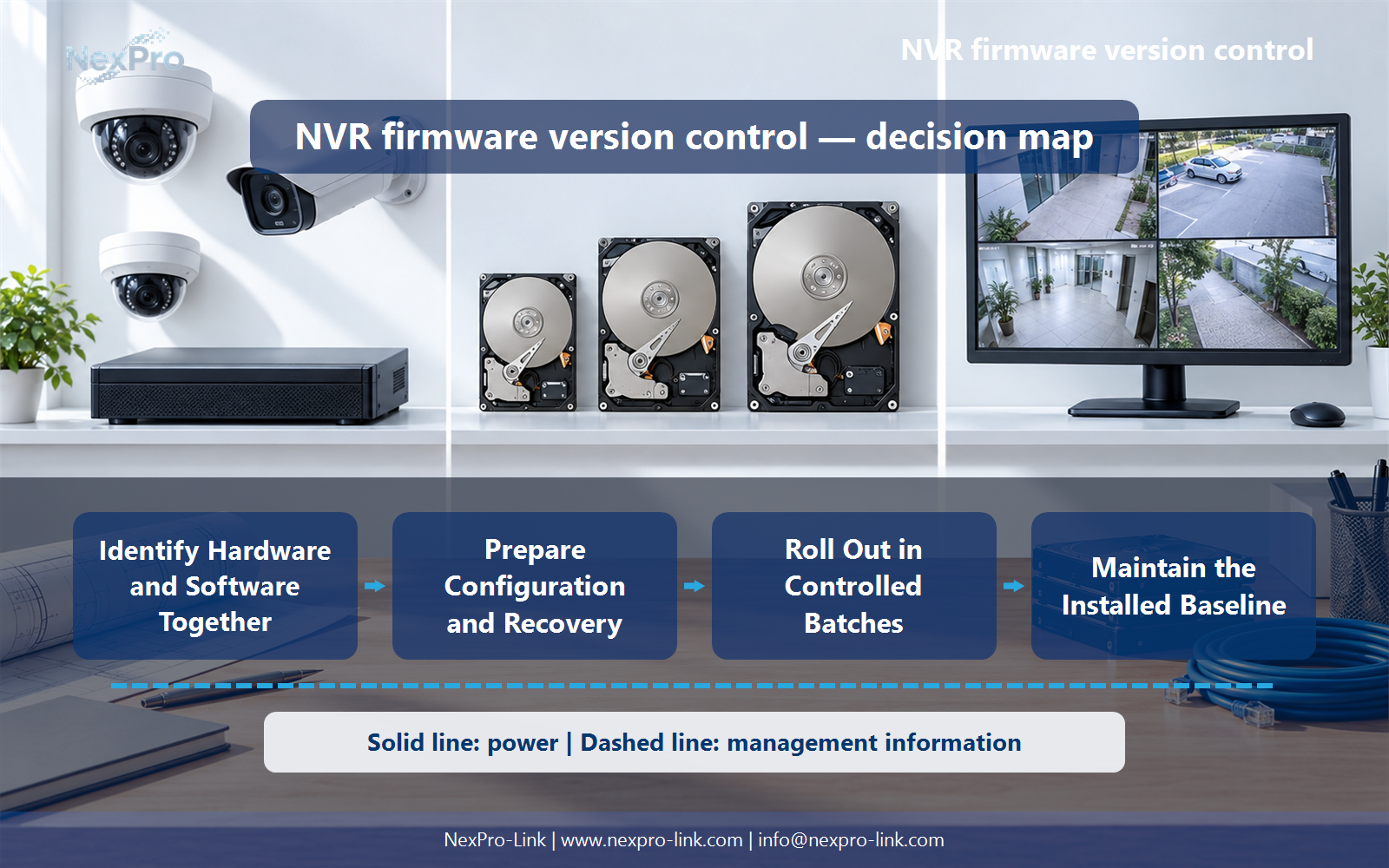
Identify Hardware and Software Together
A model family may include hardware or regional variations with different firmware requirements. Record the exact device identity, hardware revision and installed software before choosing an update. A similar filename or model prefix is not a safe basis for flashing another device.
Turn the answer into a working record using Exact model, Hardware revision, Firmware, Configuration version.
| Decision area | Buyer question | Required output |
|---|---|---|
| Identify Hardware and Software Together | Why is the NVR model name insufficient for firmware selection? | A model family may include hardware or regional variations with different firmware requirements. |
| Decide Why an Update Is Needed | Should every recorder immediately receive the newest firmware? | Evaluate the release purpose, security relevance, supported upgrade path and operational impact. |
| Prepare Configuration and Recovery | What should be saved before a firmware change? | Preserve the configuration and required operational records using supported methods, and confirm how recovery works for that device. |
Section 02
Decide Why an Update Is Needed
Evaluate the release purpose, security relevance, supported upgrade path and operational impact. A required security fix may deserve prompt controlled deployment, while unrelated changes still need compatibility consideration. Version management is a risk-based process, not a permanent rule to stay old or always update instantly.
Use Release, Reason, Affected function, Deployment urgency to compare options on the same basis. Keep product capability, project assumption and operating responsibility in separate columns.
Section 03
Prepare Configuration and Recovery
Preserve the configuration and required operational records using supported methods, and confirm how recovery works for that device. An exported configuration may not be compatible with every firmware version. Keep credentials secure and identify any settings that need re-entry after an update.
The project output should make Backup, Compatible version, Recovery method, Owner traceable from input to acceptance.
- Confirm the answer to: What should be saved before a firmware change?
- Record the project fields: Backup / Compatible version / Recovery method / Owner.
- Keep product capability, project assumptions and site responsibility in separate records.
Section 04
Pilot the Required CCTV Functions
Test the project's actual camera streams, recording, playback, export, events and remote access after the change. Include important integrations and power-recovery behavior where relevant. A successful login page alone does not show that the recording workflow remains correct.
Record Function, Before, After, Observed change, Action before selecting a product family. That makes later substitutions possible without silently changing the operational requirement.
Section 05
Roll Out in Controlled Batches
A staged rollout limits the number of affected sites when an unexpected compatibility or configuration problem appears. Group devices by their actual supported configuration and keep service priorities visible. Pause on unexpected behavior instead of automatically applying the same package to the remaining fleet.
Review Batch, Device group, Window, Service check, Next release with the party that will operate or maintain the system.
Section 06
Maintain the Installed Baseline
Record the installed version, compatible device identity, configuration reference and update responsibility. Link future changes to that baseline. Do not invent a supplier release cadence or support lifetime; the handover should describe the actual delivered arrangement and the agreed communication channel.
Use Asset, Installed baseline, Change date, Change reason, Owner as the handoff between design and procurement.
Engineering references
These sources support the general planning principles. Always use the selected product's current datasheet and applicable project standards for final design.


