
A UPS growth plan stalls when it treats every possible future load as if the buyer owes money for it today. The working alternative is to split demand into three groups: the load committed now, the load committed.
Section 01
Define the Initial and Final Demand
A UPS growth plan stalls when it treats every possible future load as if the buyer owes money for it today. The working alternative is to split demand into three groups: the load committed now, the load committed for a later phase, and the load that is only speculative. Give each group an approximate release date and an installation limit. That separation lets a buyer compare phased investment against future spend instead of sizing the full system on day one.
Separate the initial committed load, later committed additions and speculative growth. Assign approximate release milestones and installation constraints. This allows the buyer to compare phased investment without treating every possible future load as present demand.
The working question is simple: What makes a growth plan usable for UPS procurement? Record the answer as a service requirement before comparing UPS ratings or battery options.
| Decision area | Project question | Required output |
|---|---|---|
| Define the Initial and Final Demand | What makes a growth plan usable for UPS procurement? | Approved service objective |
| Distinguish Frame and Module Ratings | Does installing another module always increase useful output? | Defined load and dependency boundary |
| Evaluate Low-Load Operation | How should early-phase efficiency be compared? | Reviewed power-path decision |

Section 02
Distinguish Frame and Module Ratings
Only within the complete system's limits, including frame, distribution, batteries and the reserve policy. Explain each constraint separately. The modular label does not mean power, runtime and upstream capacity all expand together through one insertion.
Keep the load list, operating state and supporting dependencies in the same schedule. This makes omissions visible before runtime or capacity is discussed.
- Confirm the answer to: Does installing another module always increase useful output?
- Separate measured demand, nameplate limits and committed growth.
- Identify the owner of each external service or approval.
Section 03
Evaluate Low-Load Operation and Plan Physical Expansion Work
Use efficiency data relevant to the expected active modules and load fractions. Compare equal useful output and operating hours. Do not assume the highest advertised efficiency applies during a lightly loaded first phase or proves the lowest lifecycle cost.
No. Some supported module operations may be possible under defined conditions, while distribution, battery or upstream changes can require planned work. Mark those boundaries in the roadmap. For a project-specific decision, record component, access, operational state and authorization in the expansion work. This keeps the equipment inputs and intended service outcome aligned.
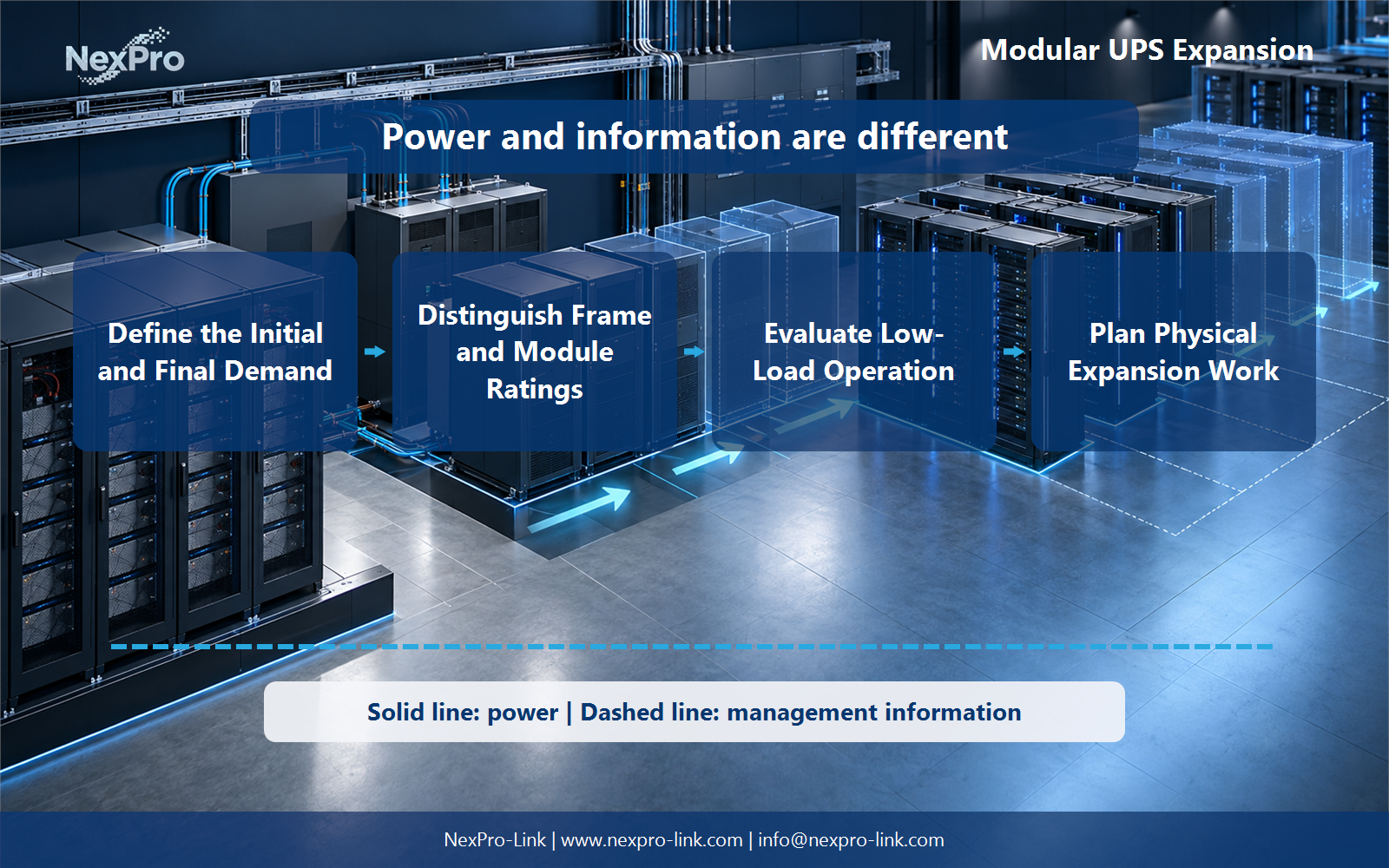
Draw power delivery as a solid path and management information as a separate dashed path. That distinction prevents an alarm or software command from being mistaken for an electrical protection function.
Section 04
Build a Transparent Cost Model
Include phased equipment costs, batteries, installation, energy and service assumptions on the same time basis. Show uncertain demand scenarios separately. A useful model allows recalculation rather than asserting modular construction always repays its additional cost.
Assign the action, acknowledgement, timeout and escalation owner before commissioning. The useful battery interval is the time needed for this approved sequence plus reserve, not an arbitrary marketing duration.
Section 05
Request Phase-Compatible Equipment
Provide the phased capacity schedule and the required interfaces. NexPro-Link can discuss equipment supply possibilities without inventing an unlisted modular SKU. Future compatibility, availability and release conditions should be stated as project items, not assumed from a series name.
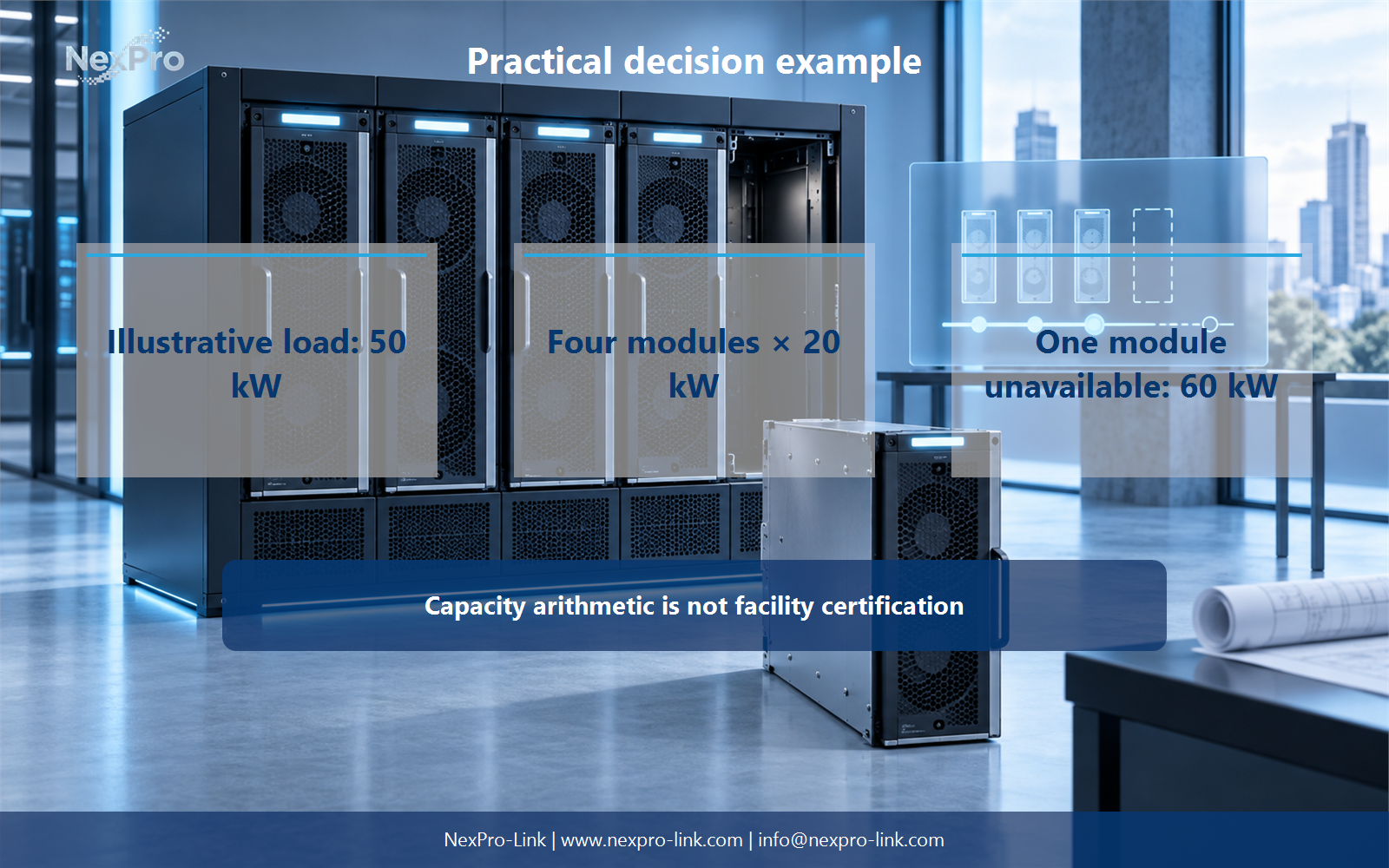
For the article's practical example, the stated teaching inputs are: Illustrative load: 50 kW. Four modules × 20 kW. One module unavailable: 60 kW. Capacity arithmetic is not facility certification. Treat these figures as planning assumptions, then replace them with measured or manufacturer-supported project data.
Engineering references
These sources support the general planning principles. Always use the selected product's current datasheet and applicable project standards for final design.