Separate general IT from hazardous-area equipment by installation area and function; do not claim compliance by adding an explosion-proof enclosure to a standard UPS.
Section 01
Locate the Protected Equipment
Separate general IT from hazardous-area equipment by installation area and function; do not claim compliance by adding an explosion-proof enclosure to a standard UPS.
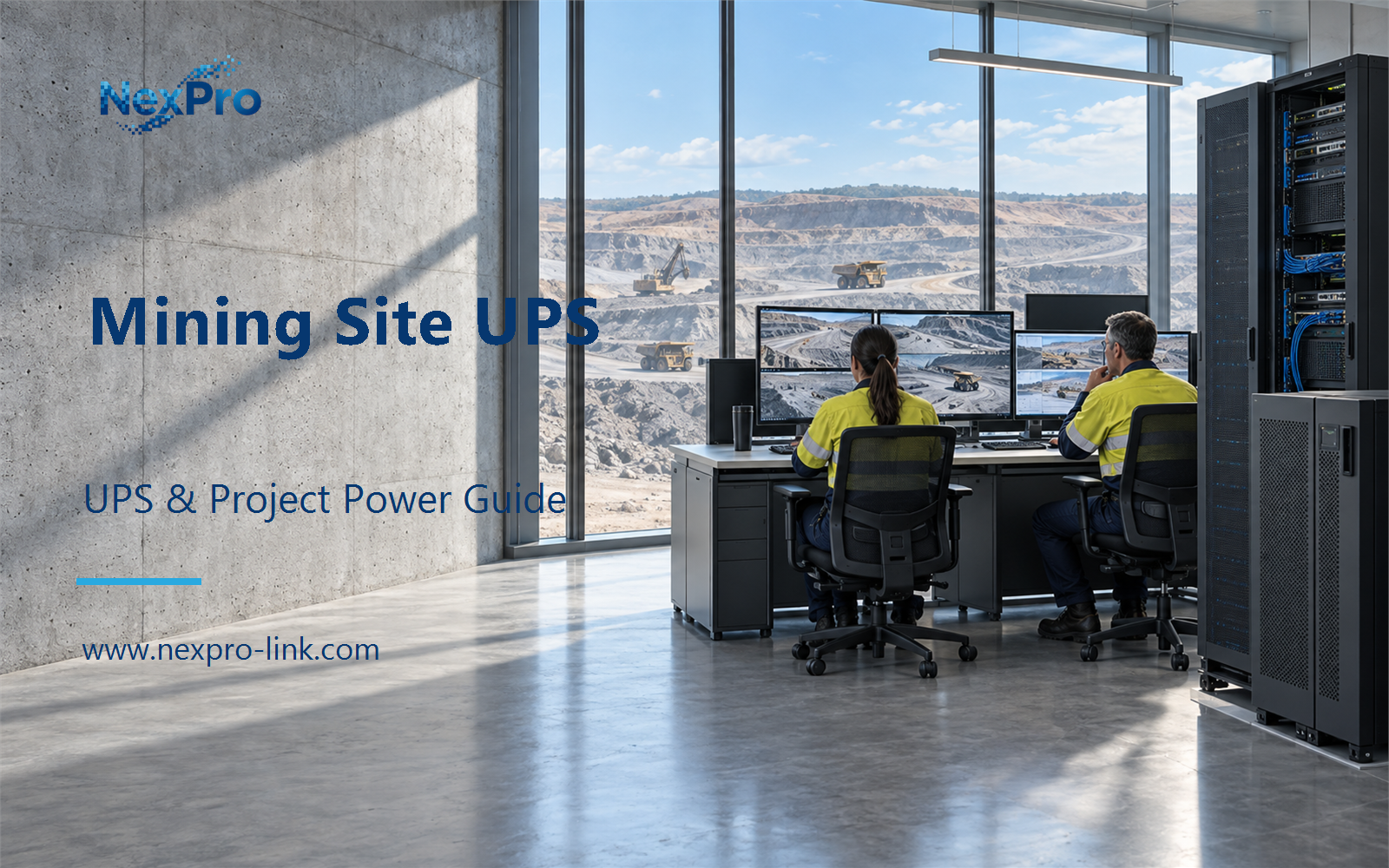
Start with where the equipment sits and what it does. Surface offices, plant rooms and underground areas impose different temperatures, dust loads, vibration, access and approvals. The word "mining" does not establish one universal enclosure, battery arrangement or requirement. A UPS sized for a clean control room can be the wrong choice beside a crusher, and the reverse also holds.
The table is a starting point. Record the actual location and role for each candidate load before any capacity work. If a single room mixes ordinary IT and specialist equipment, treat the two groups on separate lines.
| Decision area | Project question | Required output |
|---|---|---|
| Locate the Protected Equipment | Why begin with the installation location? | Location table: surface / controlled room / underground / function |
| Separate Hazardous-Area Requirements | Does placing an ordinary UPS in a protective box prove suitability? | Boundary map: area requirement / equipment / enclosure / system scope |
| Identify General Support Loads | Which loads can be planned as support IT? | Scope table: IT / communication / monitoring / specialized systems |
Section 02
Separate Hazardous-Area Requirements
A common shortcut is to put a standard UPS inside a protective box and call the result suitable. That does not work. A hazardous-area installation concerns the complete arrangement: the area requirement, the equipment, the enclosure and the system scope. An enclosure label on its own proves nothing. Keep the specialist scope separate from ordinary IT backup.
This boundary map keeps the equipment inputs and the intended service aligned. When a project needs a hazardous-area decision, record the classification, the responsible designer and the required approval before the equipment discussion. A general UPS family does not carry a mining or explosion-protection qualification.
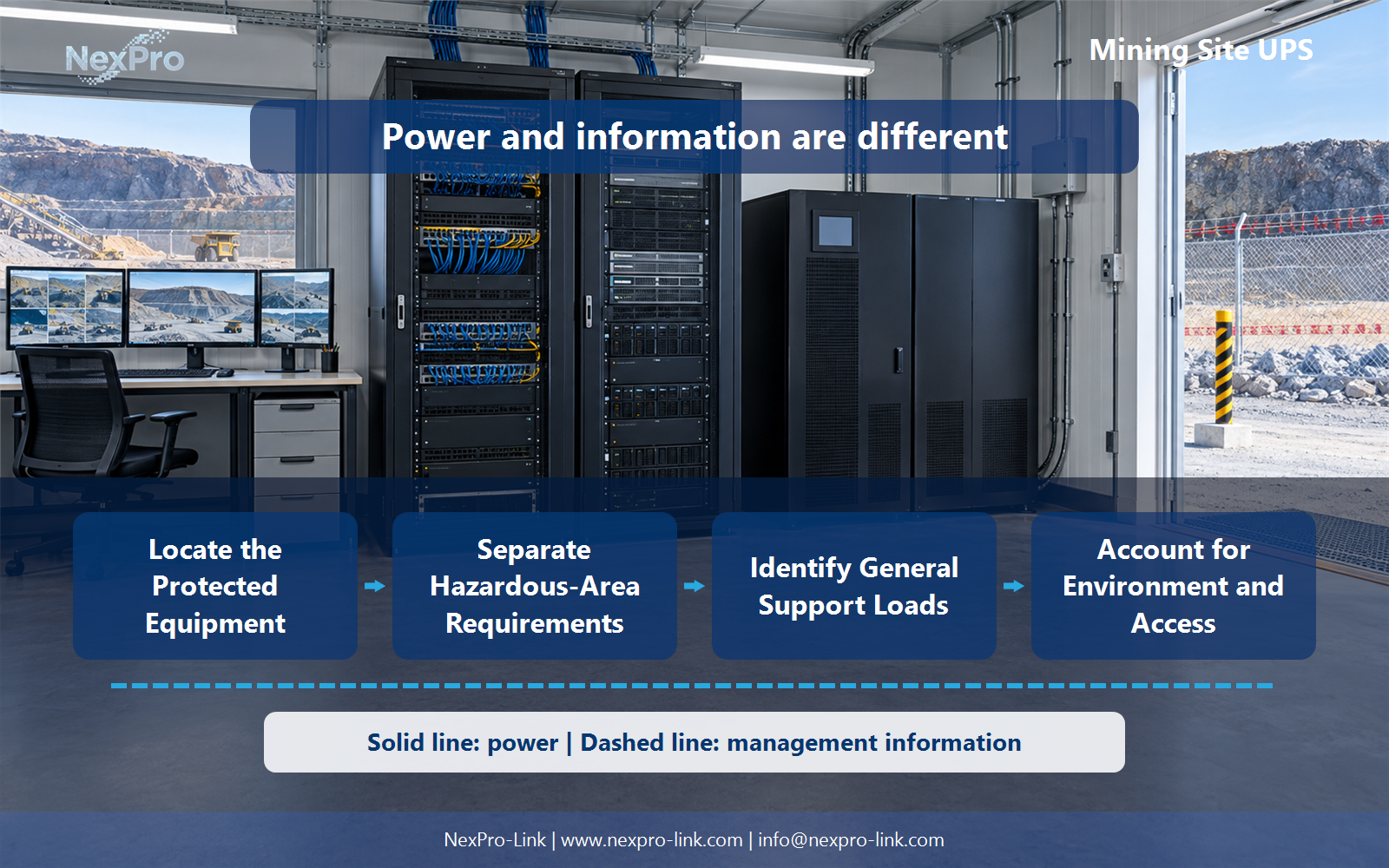
!The functional relationships behind mining site UPS surface underground scope; power delivery and management information are shown separately.
Section 03
Identify General Support Loads
List the designated servers, networks, monitoring and communication equipment inside the approved scope. Safety, emergency and process systems may need separate supplies. Show those exclusions clearly so the proposal does not silently cover the whole mine.
The scope table turns a vague "mine UPS" request into a defined package. A quantity change alone will not capture a shift in function. If a control device moves into scope, update the boundary map and recheck which input or operating objective changed.
- Confirm the answer to: Which loads can be planned as support IT?
- Draw electrical power as a solid path and management information as a separate dashed path.
- Keep external services and specialist approvals outside the UPS equipment claim.
Section 04
Account for Environment and Access
Record dust, temperature, vibration, enclosure conditions and replacement access for the real installation. Treat them as specification inputs. A "rugged" product description does not replace the selected equipment's defined operating conditions.
Temperature affects battery life, dust affects cooling and insulation, and vibration works on connectors and battery terminals. Record these inputs in the request. Where the environment falls outside the equipment's published range, the responsible designer should confirm the arrangement.
Section 05
Plan Operational Recovery
After an outage, confirm the supported communication and information functions through the site's authorized procedures. Electrical restoration does not establish mine safety or process readiness. Keep those decisions with the responsible site and specialized system teams.
The recovery table separates the IT restart from the broader mine restart. A UPS can hold the monitoring room up during a short dip, but it does not decide when the site is safe to resume production.
Section 06
Prepare a Location-Specific RFQ
Send the equipment scope, area and environmental requirements, interfaces and continuity objective. NexPro-Link can then discuss suitable supply options for the defined boundary. Mining or explosion-protection qualifications must not be invented from a general UPS family.
The RFQ becomes the input for a BOQ or supplier discussion. Each line can carry the equipment, the required interfaces and the intended operating objective. Optional work stays on a separate line.
Engineering references
These sources support the general planning principles. Always use the selected product's current datasheet and applicable project standards for final design.