

Plan logistics yard CCTV ANPR with practical guidance on define the vehicle and trailer identifiers and link video to operational records. NexPro-Link project guide.
Section 01
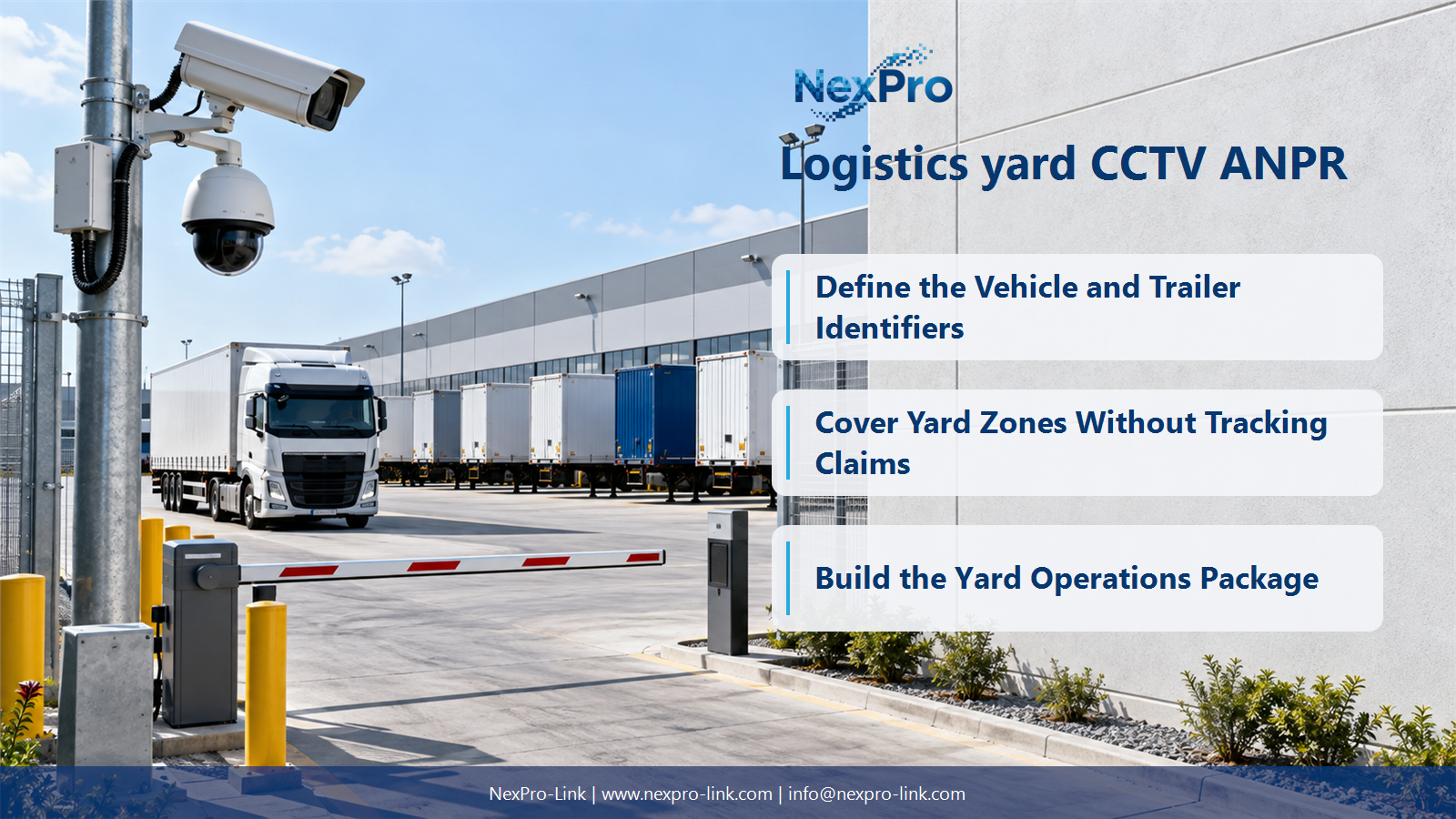
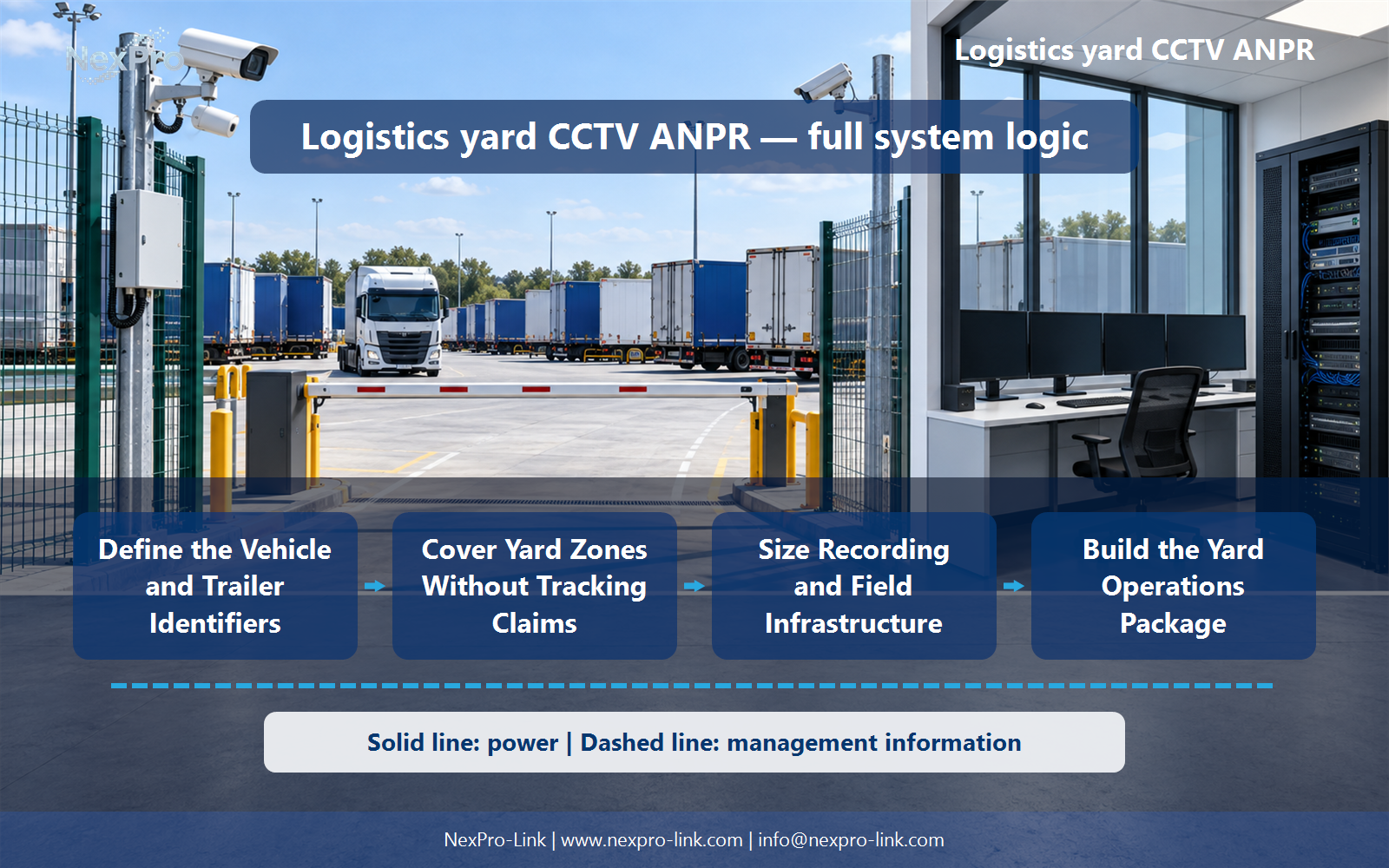
Define the Vehicle and Trailer Identifiers
Not necessarily. Tractor and trailer identifiers can differ, and their relationship can change. Define which identifiers the operation needs and how they are captured or entered. A recognized vehicle plate should not be presented as a complete trailer-tracking record.
Turn the answer into a working record using Tractor ID, Trailer ID, Pairing event, Record owner.
| Decision area | Buyer question | Required output |
|---|---|---|
| Define the Vehicle and Trailer Identifiers | Does ANPR automatically identify the trailer being moved? | Not necessarily. |
| Design Gate Capture and Context | What views should a logistics gate provide? | Provide the plate or identifier view needed by the chosen recognition process and a context view of vehicle movement. |
| Cover Yard Zones Without Tracking Claims | Can a PTZ continuously track every trailer in a yard? | No. |
Section 02
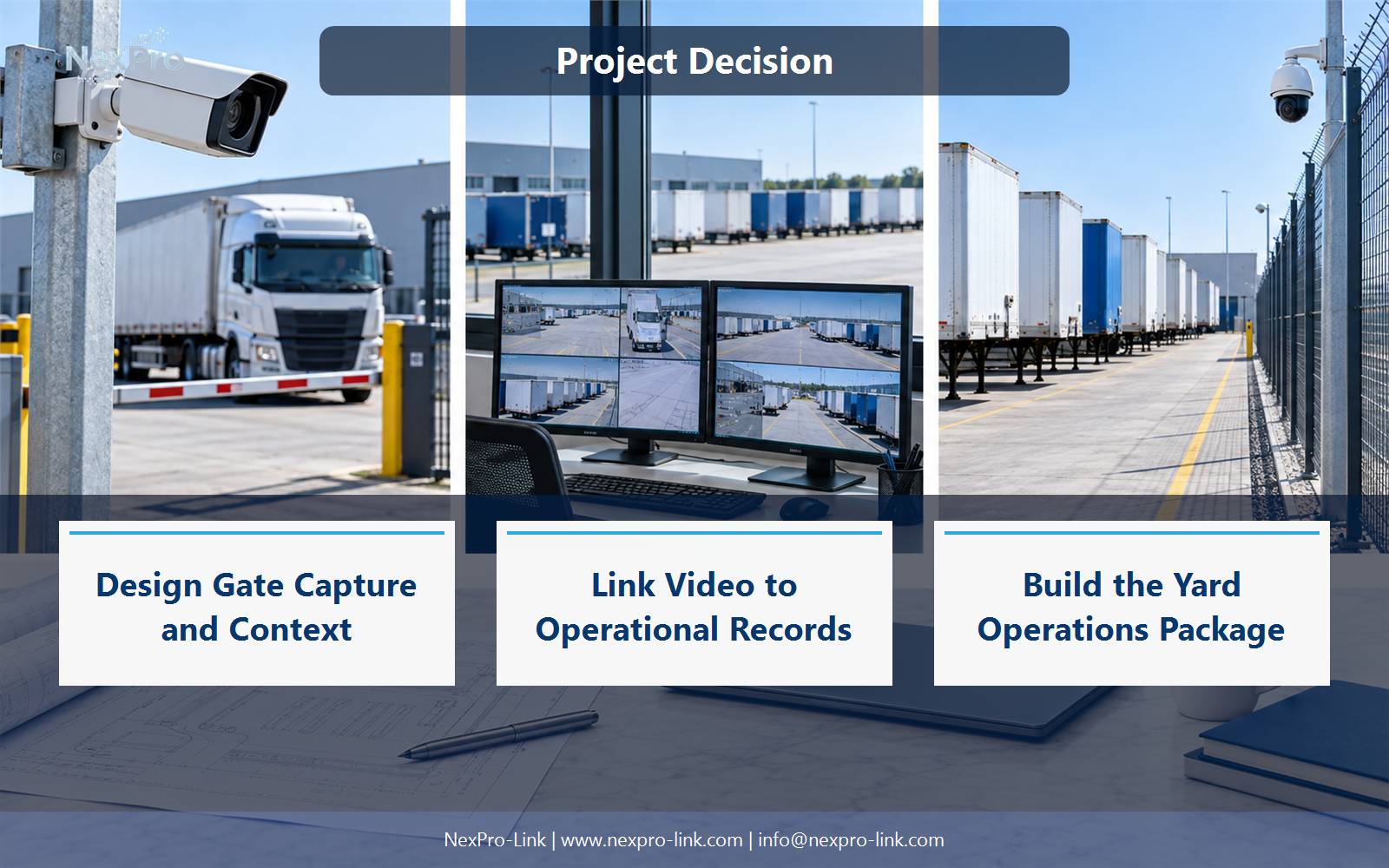
Design Gate Capture and Context
Provide the plate or identifier view needed by the chosen recognition process and a context view of vehicle movement. Account for lanes, speed, stopping behavior and lighting. A generic overview camera may not preserve the constrained detail required for reliable identifier capture.
Use Lane, Identifier target, Context, Speed, Lighting to compare options on the same basis. Keep product capability, project assumption and operating responsibility in separate columns.
Section 03
Cover Yard Zones Without Tracking Claims
No. A single movable view cannot observe all directions continuously, and tracking functions depend on the complete platform. Use fixed zone views for required evidence and PTZ support for inspection where useful. Describe automated tracking only when the actual system provides that function.
The project output should make Yard zone, Fixed coverage, PTZ task, Record gap traceable from input to acceptance.
- Confirm the answer to: Can a PTZ continuously track every trailer in a yard?
- Record the project fields: Yard zone / Fixed coverage / PTZ task / Record gap.
- Keep product capability, project assumptions and site responsibility in separate records.
Section 04
Link Video to Operational Records
Define the event identifier, timestamp, source and supported interface that connect the records. Include uncertain or missing matches and manual correction. An integration requires more than placing the CCTV and logistics software on the same network.
Record Event, External record, Video reference, Interface, Exception before selecting a product family. That makes later substitutions possible without silently changing the operational requirement.
Section 05
Size Recording and Field Infrastructure
Use camera-group bitrates, schedules and the stated retention target, then map them to field cabinets and recording nodes. Outdoor links need suitable media and local power. A 90-day example does not establish a universal logistics requirement or a fixed disk package.
Review Zone, Mbps, Days, Storage, Field power with the party that will operate or maintain the system.
Section 06
Build the Yard Operations Package
Explain capture roles, recording, storage, recognition or integration interfaces, operator displays and backup power, with outdoor cable and mounting scope. Keep specialist identifier or tracking functions distinct from standard camera features. The equipment list should support a defined operational record flow.
Use Function, Equipment, Interface, Quantity, Responsibility as the handoff between design and procurement.
Engineering references
These sources support the general planning principles. Always use the selected product's current datasheet and applicable project standards for final design.


