

Plan loading dock CCTV design with practical guidance on map the vehicle and goods journey and calculate recording by activity group. NexPro-Link project guide.
Section 01
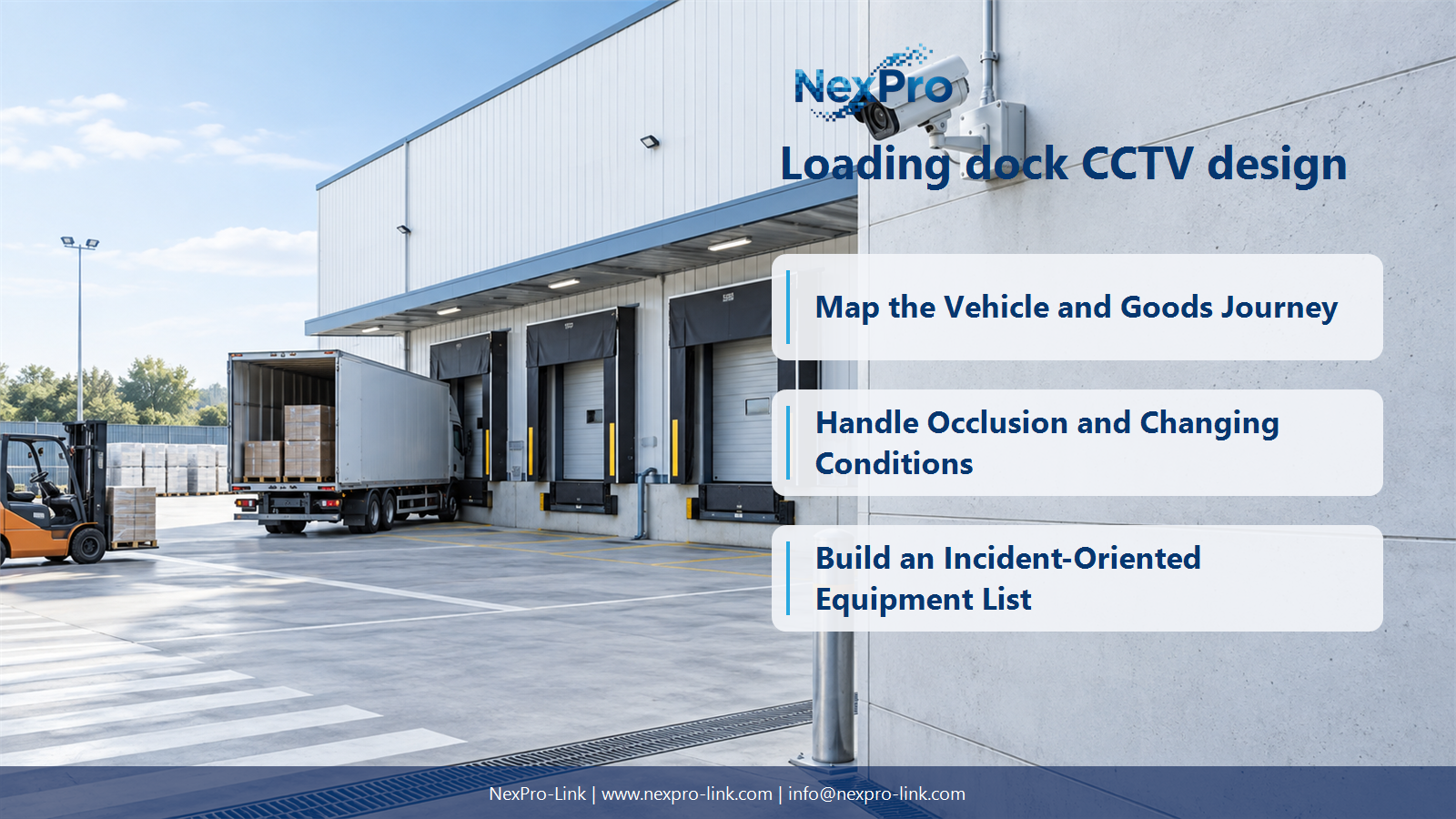
Map the Vehicle and Goods Journey
Follow the movement from gate arrival to dock assignment, loading and departure. Identify the questions an operator must answer after a delay, dispute or damage event. This creates linked views instead of a collection of cameras pointed at empty yard space.
Turn the answer into a working record using Stage, Question, View, Related record.
| Decision area | Buyer question | Required output |
|---|---|---|
| Map the Vehicle and Goods Journey | Which loading-dock views should be planned first? | Follow the movement from gate arrival to dock assignment, loading and departure. |
| Separate Plates, Loads and Overview | Can one camera capture plates and cargo detail equally well? | Often those tasks require different framing, exposure and target distances. |
| Handle Occlusion and Changing Conditions | Why do docks need more than an empty-site survey? | Trailers, open doors, reversing vehicles and temporary stacks change visibility. |
Section 02
Separate Plates, Loads and Overview
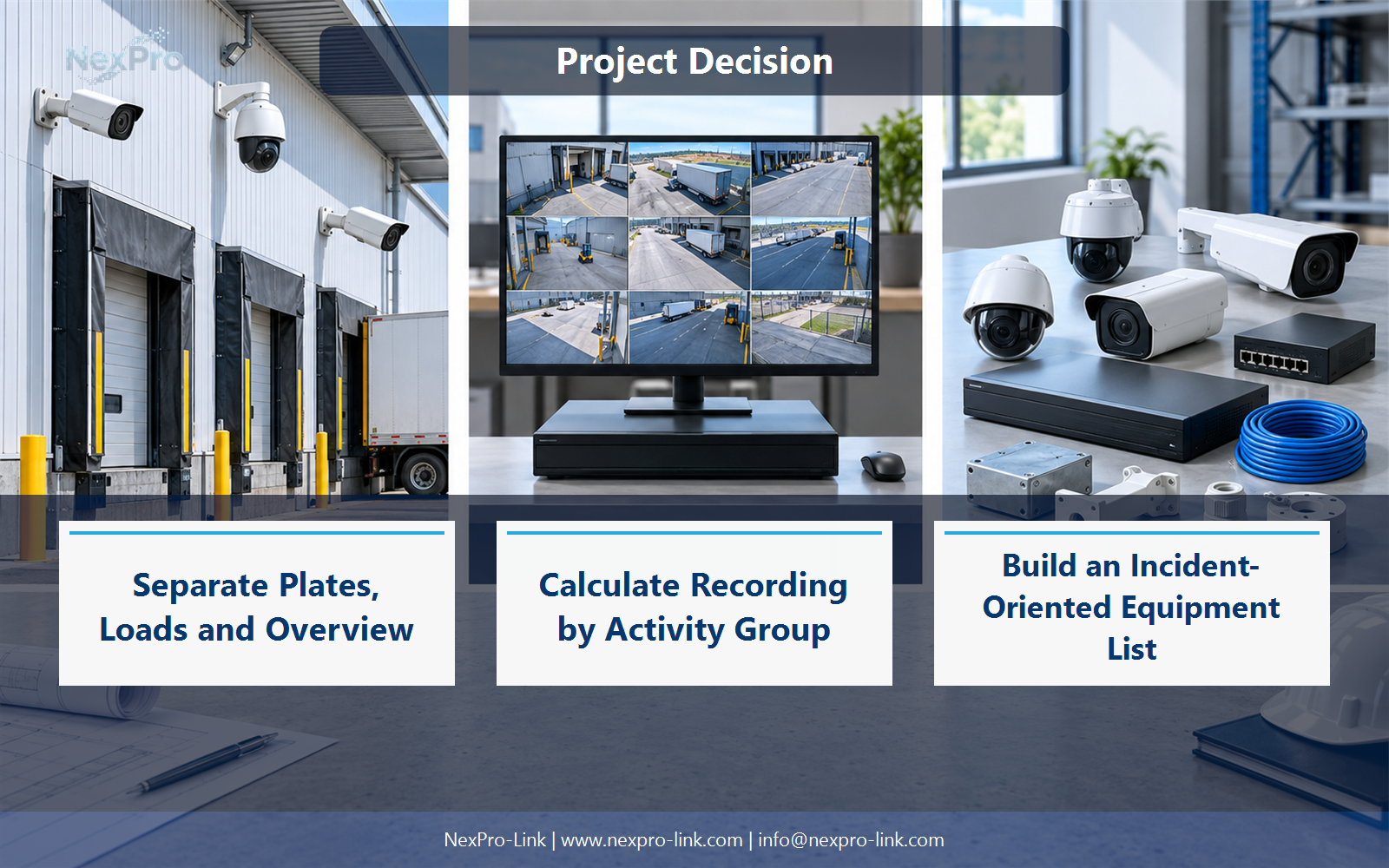
Often those tasks require different framing, exposure and target distances. A plate view must suit the vehicle path, while cargo review may need a dock-level angle. Keep an overview for context rather than stretching one view to satisfy incompatible detail requirements.
Use Task, Target, Framing, Lighting, Camera role to compare options on the same basis. Keep product capability, project assumption and operating responsibility in separate columns.
Section 03
Handle Occlusion and Changing Conditions
Trailers, open doors, reversing vehicles and temporary stacks change visibility. Check the operating scene at relevant times, including backlighting and darkness. A view that looks clear before work begins can become obstructed during the very activity the system needs to document.
The project output should make Dock condition, Obstruction, Exposure issue, Alternative view traceable from input to acceptance.
- Confirm the answer to: Why do docks need more than an empty-site survey?
- Record the project fields: Dock condition / Obstruction / Exposure issue / Alternative view.
- Keep product capability, project assumptions and site responsibility in separate records.
Section 04
Calculate Recording by Activity Group
Use the client's operational and applicable requirements, then calculate capacity for each camera group and schedule. A 90-day example is a design input, not a universal rule. Preserve significant incidents separately when their review period extends beyond routine recording.
Record Group, Average Mbps, Schedule, Days, Required TB before selecting a product family. That makes later substitutions possible without silently changing the operational requirement.
Section 05
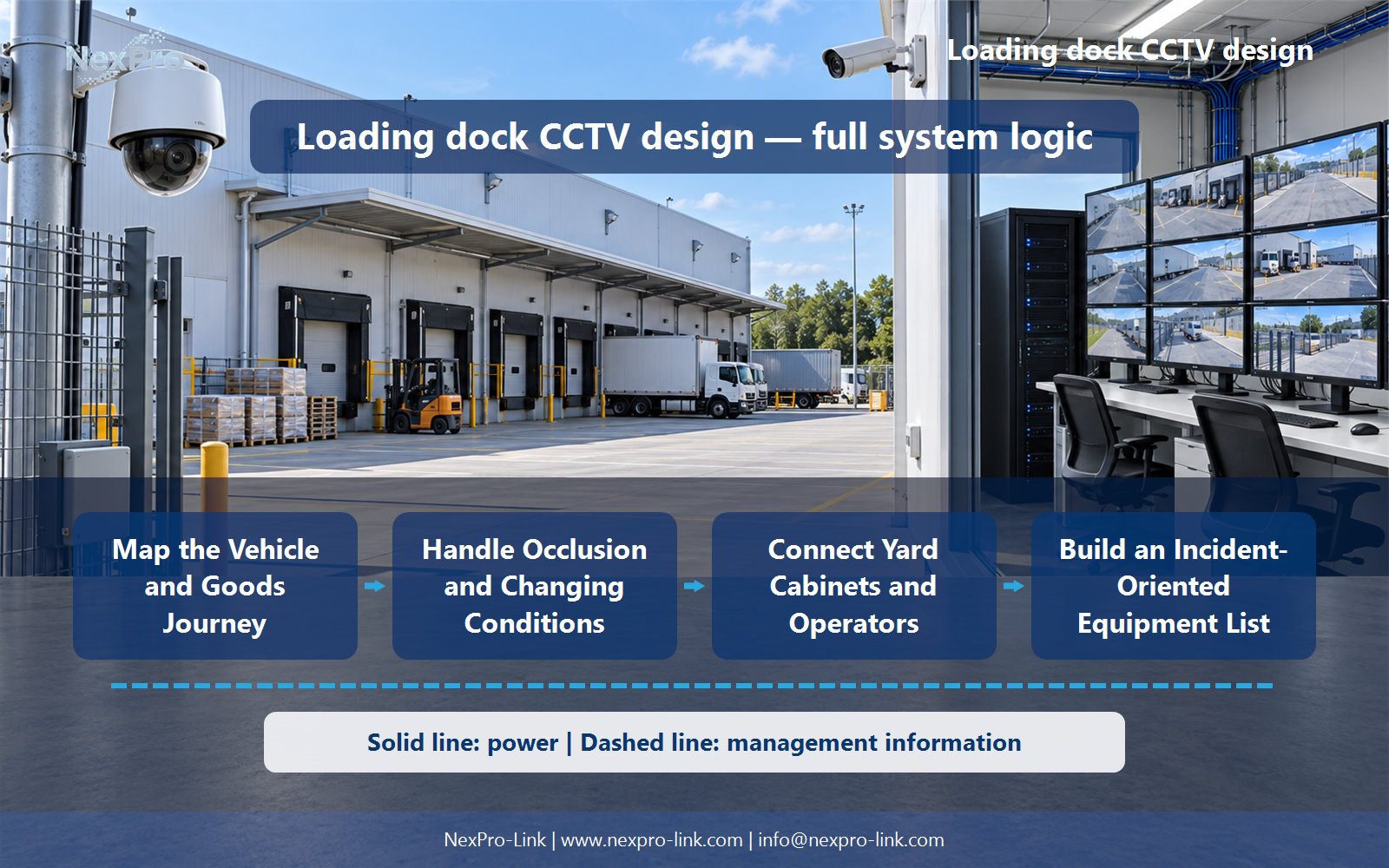
Connect Yard Cabinets and Operators
Provide supported outdoor routes, local PoE or other power, suitable cabinets and backup for the required paths. Connect gate and security operators to relevant views and playback. An outdoor fiber link still requires powered endpoints and an appropriate local camera connection.
Review Zone, Backbone, Local links, PoE, Backup, Display with the party that will operate or maintain the system.
Section 06
Build an Incident-Oriented Equipment List
Group cameras and infrastructure by gate, dock and yard function, with references connecting related views. Include mounting, lighting or plate-specific equipment only where required. Define the supplier and local contractor roles so the package can be priced and installed without hidden interface assumptions.
Use Location, View role, Equipment, Interface, Quantity as the handoff between design and procurement.
Engineering references
These sources support the general planning principles. Always use the selected product's current datasheet and applicable project standards for final design.


