Identify the responsibility boundary between clinical, safety and general IT loads before discussing equipment supply. Plan the project from the hospital load classification, approved supply architecture and equipment.
Section 01
Classify by Function and Requirement
Identify the responsibility boundary between clinical, safety and general IT loads before discussing equipment supply.
Not every piece of hospital equipment belongs in the same UPS category. Classify loads by function and by the requirements that apply, with clinical and safety responsibilities assigned to named owners. General IT, building services, and patient-connected equipment can need different supply arrangements. The hospital label on a building does not by itself establish the correct UPS design.
Standards should be read by their published scope. IEC 60601-1-11, for example, addresses home healthcare environments. It does not, by itself, define what a hospital operating room or ICU UPS must be. A team that extends one standard across the whole building can end up over-specifying the office PCs and under-specifying the clinical boundary.
| Decision area | Project question | Required output |
|---|---|---|
| Classify by Function and Requirement | Can all hospital equipment use one generic UPS category? | Classification: clinical / safety / IT / facilities / owner |
| Separate Power-System Roles | How should UPS and generator roles be distinguished? | Source-state map: normal / transition / alternate / restoration |
| Map Clinical-Service Dependencies | Why trace IT dependencies for hospital services? | Service map: terminal / network / application / storage / external |
Section 02
Separate Power-System Roles
A UPS and a generator do different jobs, and the design should say which source carries each load in each state. A UPS can bridge an interruption or support a controlled shutdown. A generator starts, stabilizes, and then carries the essential bus for a longer period. Neither device name proves compliance for a clinical application on its own.
The transition row is where most mistakes happen. A generator does not start instantly, so the UPS has to hold the essential load through the starting window. A transfer can also bring its own disturbance. Recording both sources together, state by state, keeps the UPS from being sized as if it were the only source and keeps the generator from being treated as a zero-time switch.
Section 03
Map Clinical-Service Dependencies
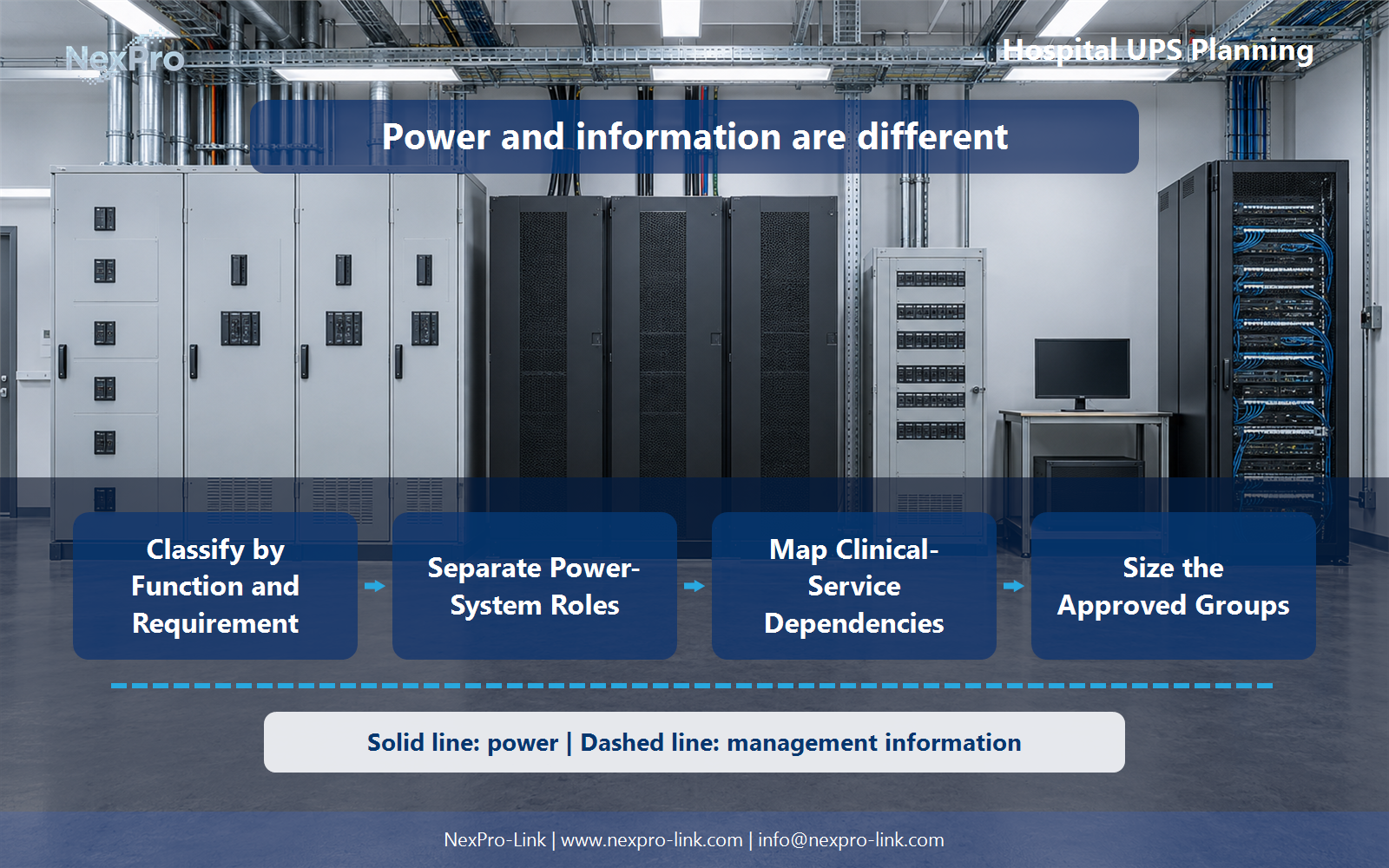
A clinical workflow can depend on networks, identity services, storage, and workstations. Keeping a terminal powered is not enough when the data or the communication service is unavailable. Map those dependencies within the approved scope before anyone picks a rating.
The terminal row is only the visible part. A monitor that stays lit while its switch is dark has not solved the workflow problem. The map makes the hidden dependencies explicit, so the supply scope can follow the service instead of following the power cord.
- Confirm the answer to: Why trace IT dependencies for hospital services?
- Draw electrical power as a solid path and management information as a separate dashed path.
- Keep external services and specialist approvals outside the UPS equipment claim.
Section 04
Size the Approved Groups
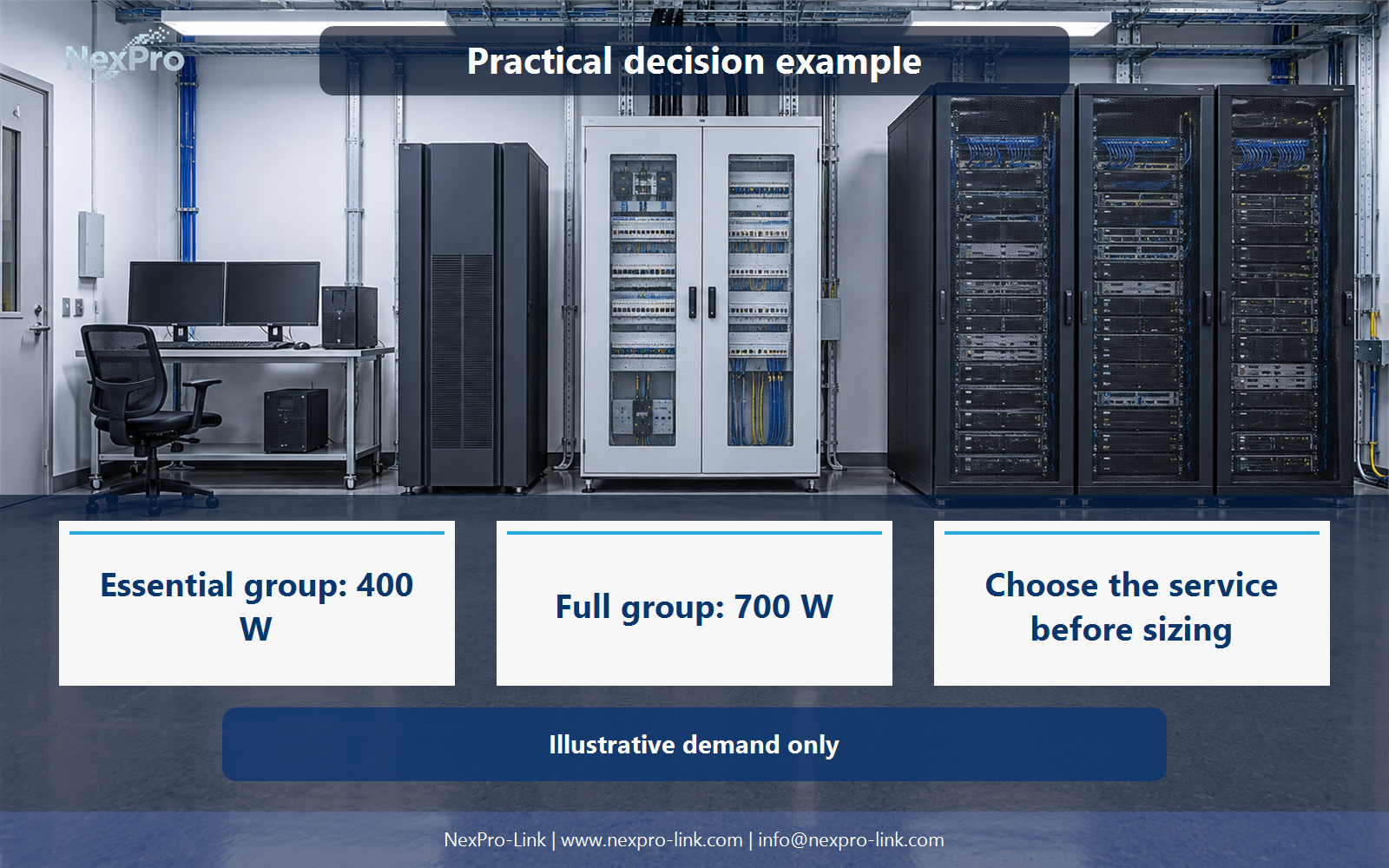
Sizing starts from the classified loads, their operating states, and the continuity objective for each group. Approved growth is a separate line. Do not derive a universal rating or battery duration from bed count, room count, or the hospital name.
The essential group totals 200 + 150 + 50 = 400 W. The full group is 400 + 180 + 120 = 700 W. At a 15-minute target the essential load needs 400 × 15 ÷ 60 = 100 Wh and the full load needs 700 × 15 ÷ 60 = 175 Wh. These figures are illustrative teaching inputs, not measured values and not runtime guarantees.
Watts and volt-amperes are separate checks. The example stays in watts for clarity; a VA figure needs a known power factor. Battery minutes also need a load-dependent runtime curve from the manufacturer for a specific battery set. The Wh arithmetic only scopes the conversation.
Section 05
Assign Recovery and Maintenance
Facilities, clinical engineering, and IT each own a different part of the boundary. Maintenance windows and alternate arrangements should follow the approved operating plan. The table records who may change a state and who restores it.
The ownership table keeps the equipment inputs and the intended service outcome aligned. A maintenance window on the UPS is not the same decision as a maintenance window on a patient monitor, and the design should not let one owner's procedure quietly govern the other.
Section 06
Create a Scoped Procurement Request
A supplier cannot quote "protect the hospital." It needs load classifications, interfaces, and the applicable project requirements, not only a kVA target. NexPro-Link can discuss equipment within the agreed scope, while clinical suitability and local acceptance stay tied to the actual configuration and the responsible hospital design.
NexPro-Link can use those inputs to discuss equipment and a defined supply package. On its public catalog, the online rack-mounted series NX-UP-RM-001 lists configurations such as C2KR(S) at 2,000 VA and 1,800 W with internal VRLA batteries. The line shows how a series, a configuration, and a rating align, but it is not a preselected answer for a hospital. The load, the operating states, and the site's clinical approvals decide the fitting, not the rating alone.
Engineering references
These sources support the general planning principles. Always use the selected product's current datasheet and applicable project standards for final design.