HIS availability depends on database, storage, identity and network dependencies, not only the primary application server.
Section 01
Trace the HIS Service
HIS availability depends on database, storage, identity and network dependencies, not only the primary application server.
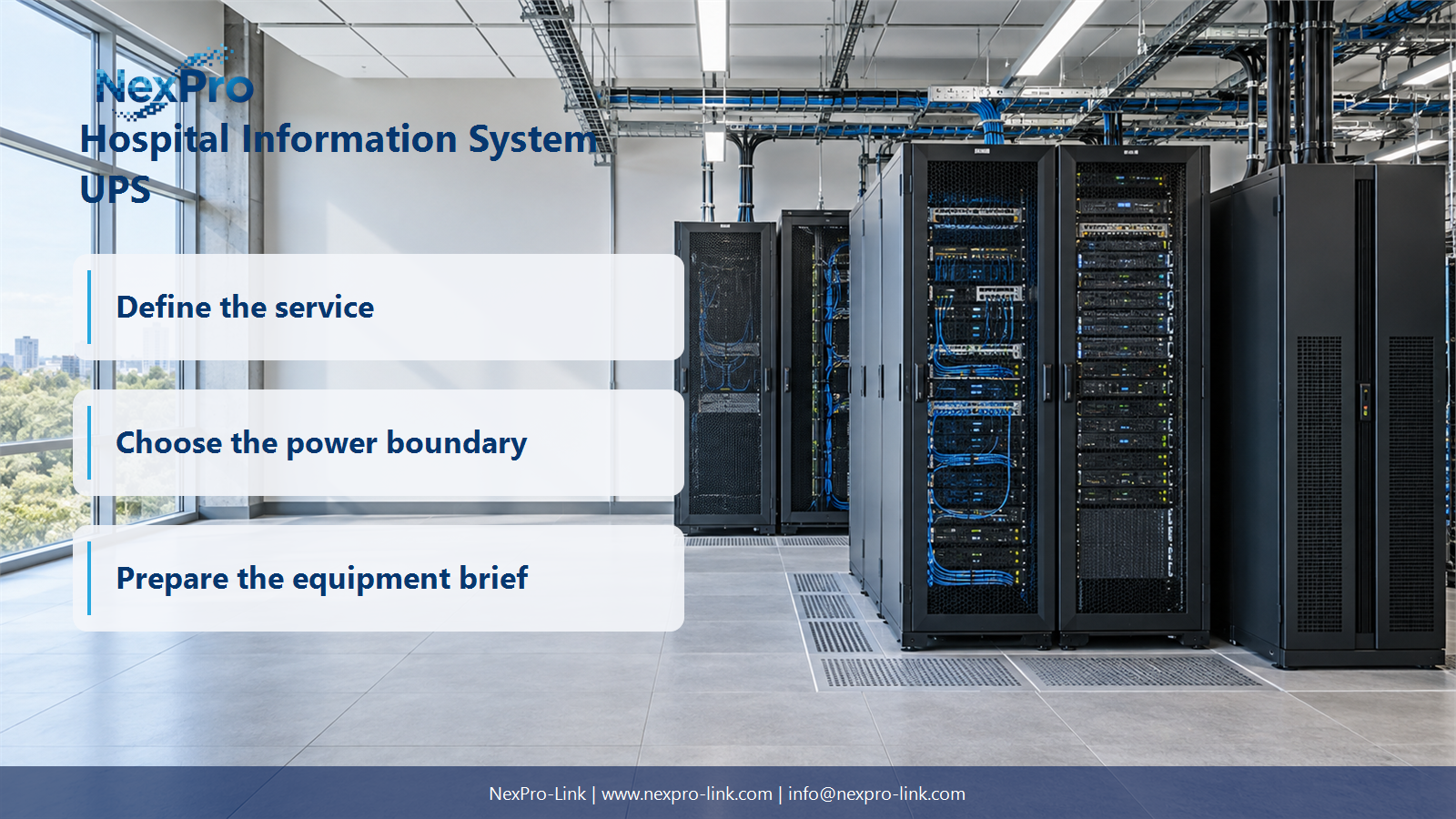
Start by naming the service, not the server. A HIS workflow depends on several layers: the user and identity path, the application, the database, the shared storage, and the network that carries both traffic and management signals. If any required layer is missing, the clinician sees a failure even when the application host itself is powered.
The table below is a filled example for a typical HIS scope. Replace each row with the systems your hospital actually uses.
The network row matters more than it first appears. Shutdown automation travels over that path, so the management network has to stay powered for the whole sequence, even after the application stops.
| Decision area | Project question | Required output |
|---|---|---|
| Trace the HIS Service | What does a useful HIS backup plan protect? | Service map: user / identity / app / database / storage |
| Keep Data Protection Layers Separate | Does UPS protection replace database backup? | Layer table: UPS / application durability / backup / recovery |
| Budget an Orderly Stop | How should shutdown timing be planned? | Timeline: access / application / database / storage / reserve |
Section 02
Keep Data Protection Layers Separate
A UPS does not replace a database backup. The two mechanisms answer different failures, and they cooperate instead of substituting for each other.
A UPS buys time. It keeps equipment running long enough to finish writes and stop in the right order. A backup captures a point-in-time copy that can be restored after data loss or corruption. Recovery then validates that copy and returns it to service. No single layer protects against every software fault, operator error, or security incident.
Keeping the layers separate also keeps the project honest. You can size a UPS against the shutdown objective without claiming it fixes database integrity, and you can test backups without assuming they hold during a hard power cut.
Section 03
Budget an Orderly Stop
Runtime only means something when it is compared with a complete stop sequence. A "10-minute" battery figure is not useful by itself. The question is what the system must finish in those minutes.
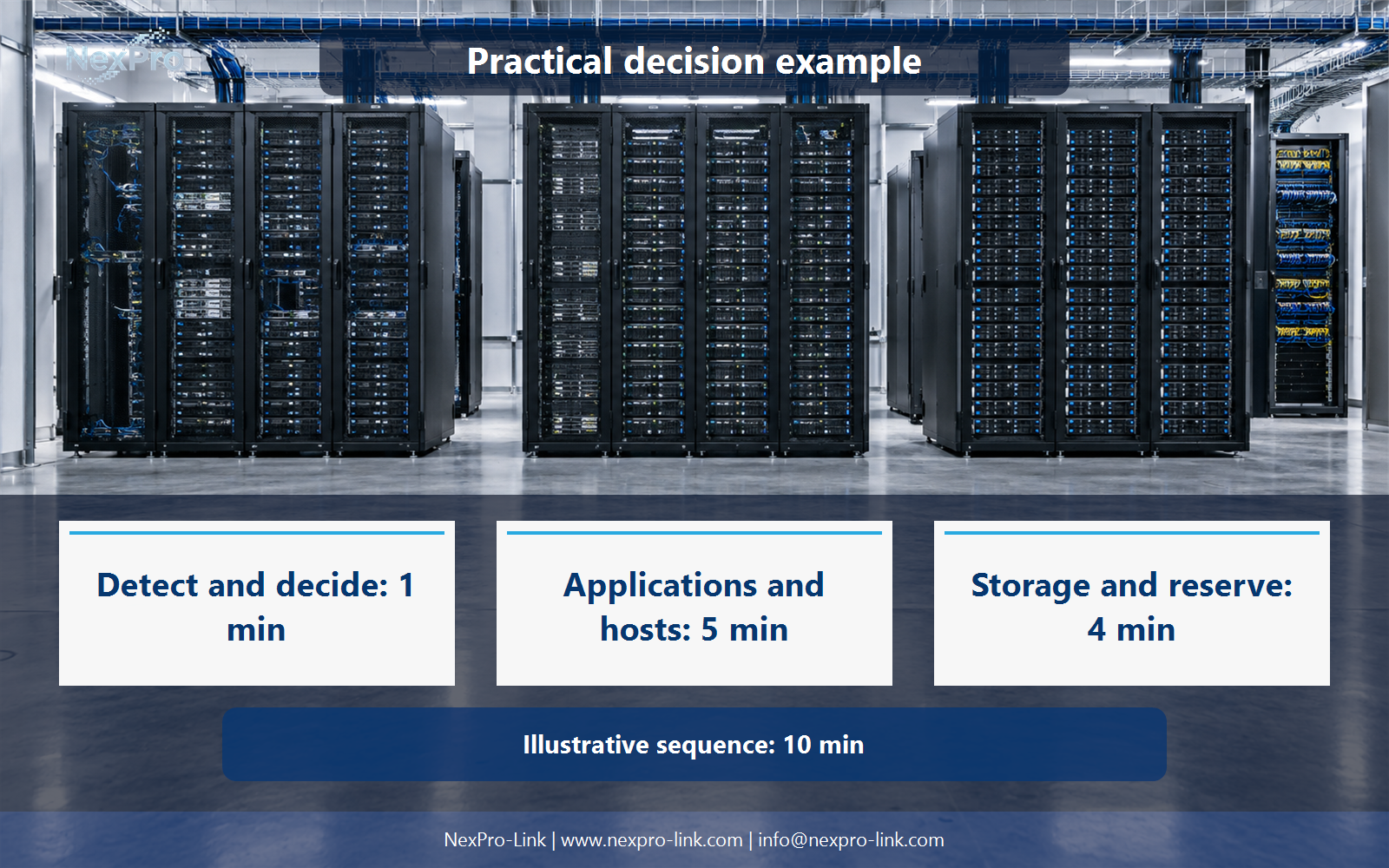
Lay out the steps as a non-overlapping sequence, then add a reserve. The illustrative timeline below assumes the HIS application, database, and storage stop one after another, while identity and the management network stay up until the last confirmation.
The serial total is 1 + 3 + 2 + 2 + 2 = 10 minutes. These are teaching durations, not measured results. In a real project, some steps run in parallel, so the planner must not add durations that overlap. For a 600 W load, the energy to deliver is 600 W times 10 minutes divided by 60, or 100 Wh. That figure is an illustrative sizing input, not a battery-selection result or a tested runtime.
The management path belongs inside the timeline. If the switch that carries the shutdown command loses power first, the careful sequence never runs.
- Confirm the answer to: How should shutdown timing be planned?
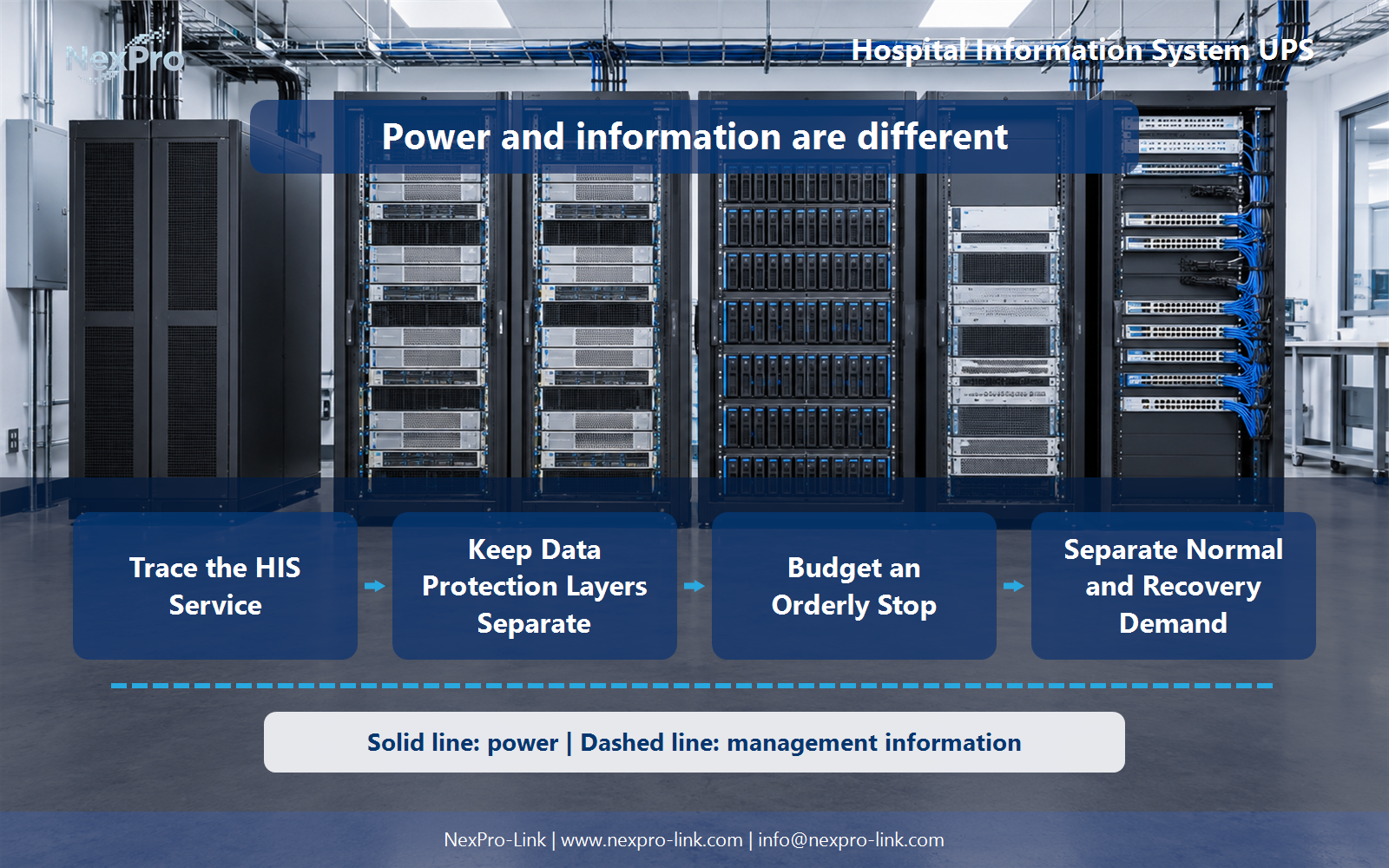
- Draw electrical power as a solid path and management information as a separate dashed path.
- Keep external services and specialist approvals outside the UPS equipment claim.
Section 04
Separate Normal and Recovery Demand
Restart is not the reverse of shutdown. Servers draw more while booting, services ramp up as they start, and a database or storage array may synchronize for a long time after power returns. Idle or averaged operating readings will miss those peaks.
Record demand by state, not by one steady number.
Two states can matter even when only one is sized. A UPS that holds the stop load comfortably may still be undersized if everything restarts at once, unless the recovery plan staggers the sequence. The permitted start order is part of the demand definition.
Section 05
Confirm Service Readiness
Restoration is not the same as power returning. Servers can be up while the database is still catching up, and login can be available while a clinician still cannot open a record.
The IT team should report restoration only after the required dependency and application checks pass, and the responsible team confirms access and data readiness. Clinical workflow decisions stay with the clinical team; the electrical equipment status is a separate fact.
The last row closes the loop. It ties the power event back to the workflow the plan was protecting.
Section 06
Prepare the HIS Power Brief
Once the dependency chain, timeline, and demand states are clear, they become a brief that a supplier can act on. NexPro-Link needs five things: the architecture, the rack loads, the power-path arrangement, the shutdown or bridge objective, and the integration points.
Integration deserves extra care. A UPS management card is a hardware and firmware interface. It does not prove that a given HIS version supports graceful shutdown. That support has to be confirmed against the actual platform interfaces and versions.
Assume a HIS application, a database, and shared storage stop in sequence, while identity and the management network stay up until the final confirmation. The plan protects the workflow described in the service map, not every hospital function.
For the equipment discussion, NexPro-Link can use the NX-UP-RM-001 rack-mounted online series as a starting reference. One listed configuration, the C2KR(S), is rated 2,000 VA and 1,800 W with internal VRLA batteries. These are published catalog values, not a final selection for this scenario and not a runtime promise for a particular load.
Engineering references
These sources support the general planning principles. Always use the selected product's current datasheet and applicable project standards for final design.