

Plan hospital CCTV system design with practical guidance on map public and sensitive areas and calculate retention and resilience. NexPro-Link project guide.
Section 01
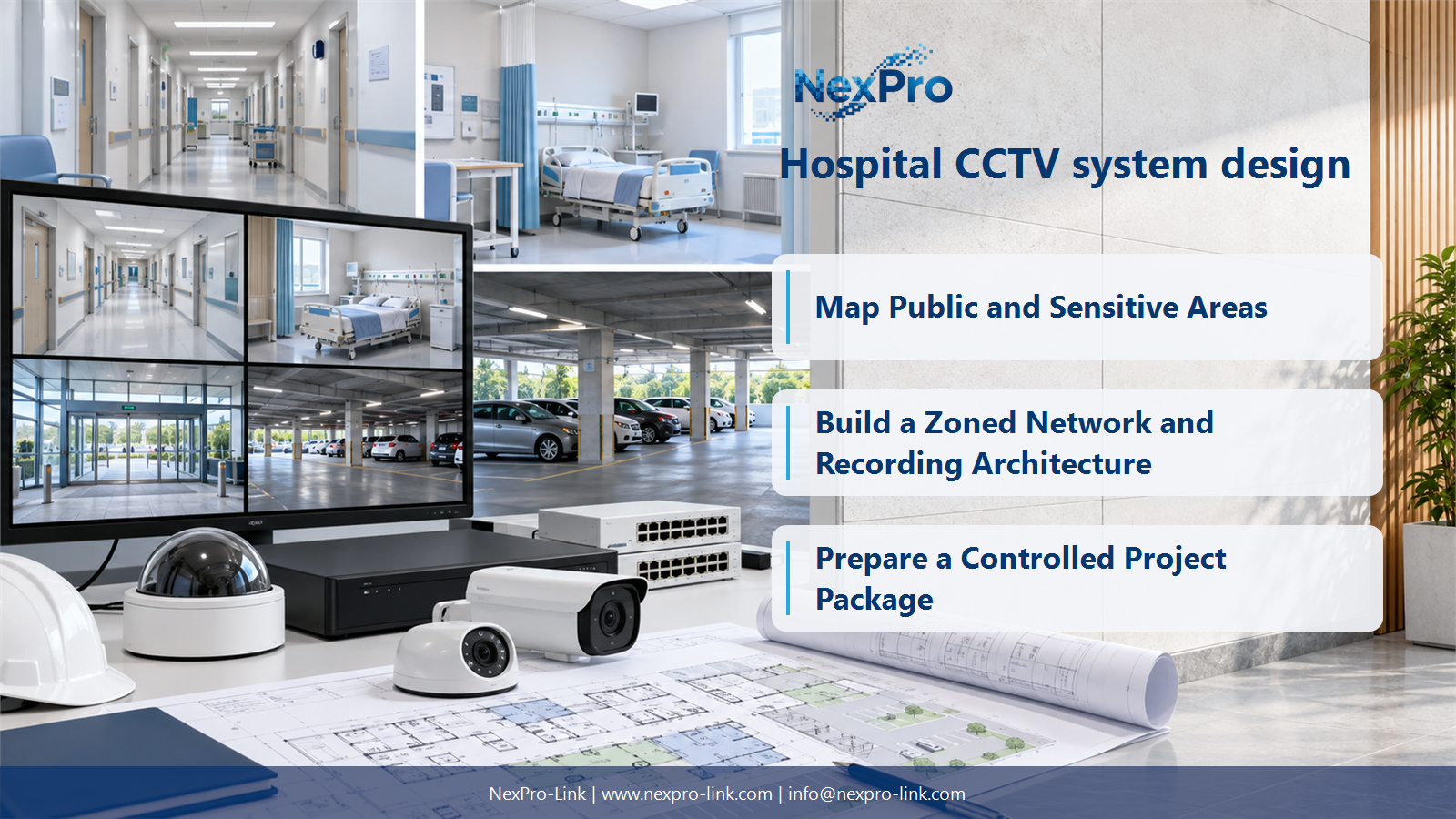
Map Public and Sensitive Areas
Separate public circulation, controlled access, parking and sensitive care areas by purpose and privacy implications. Define what each view is intended to support. A hospital-wide camera count should not imply unrestricted monitoring of patient treatment or private spaces.
Turn the answer into a working record using Area, Purpose, Sensitivity, View boundary, Owner.
| Decision area | Buyer question | Required output |
|---|---|---|
| Map Public and Sensitive Areas | Where should hospital CCTV planning begin? | Separate public circulation, controlled access, parking and sensitive care areas by purpose and privacy implications. |
| Select Corridor and Entrance Views | Is corridor mode suitable for every hospital camera? | It can improve framing for narrow vertical spaces when supported by the camera and client, but entrances and lobbies may need different views. |
| Build a Zoned Network and Recording Architecture | Does a 128-camera hospital need one 128-channel NVR? | Not necessarily. |
Section 02
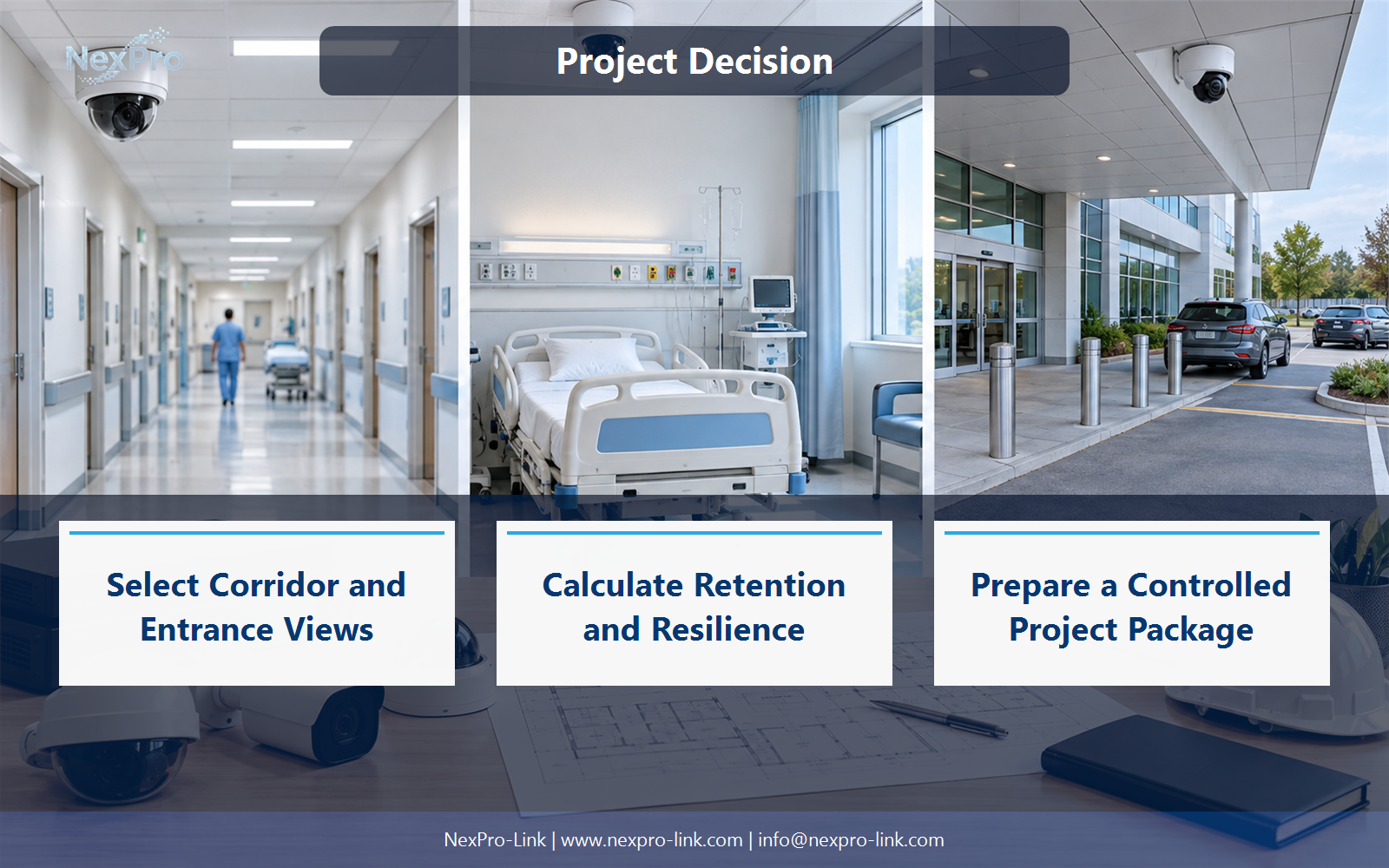
Select Corridor and Entrance Views
It can improve framing for narrow vertical spaces when supported by the camera and client, but entrances and lobbies may need different views. Check the actual camera output and recorded orientation. Rotation does not automatically double useful coverage or guarantee an unchanged bitrate.
Use Location, Aspect, Required detail, Lens, Supported mode to compare options on the same basis. Keep product capability, project assumption and operating responsibility in separate columns.
Section 03
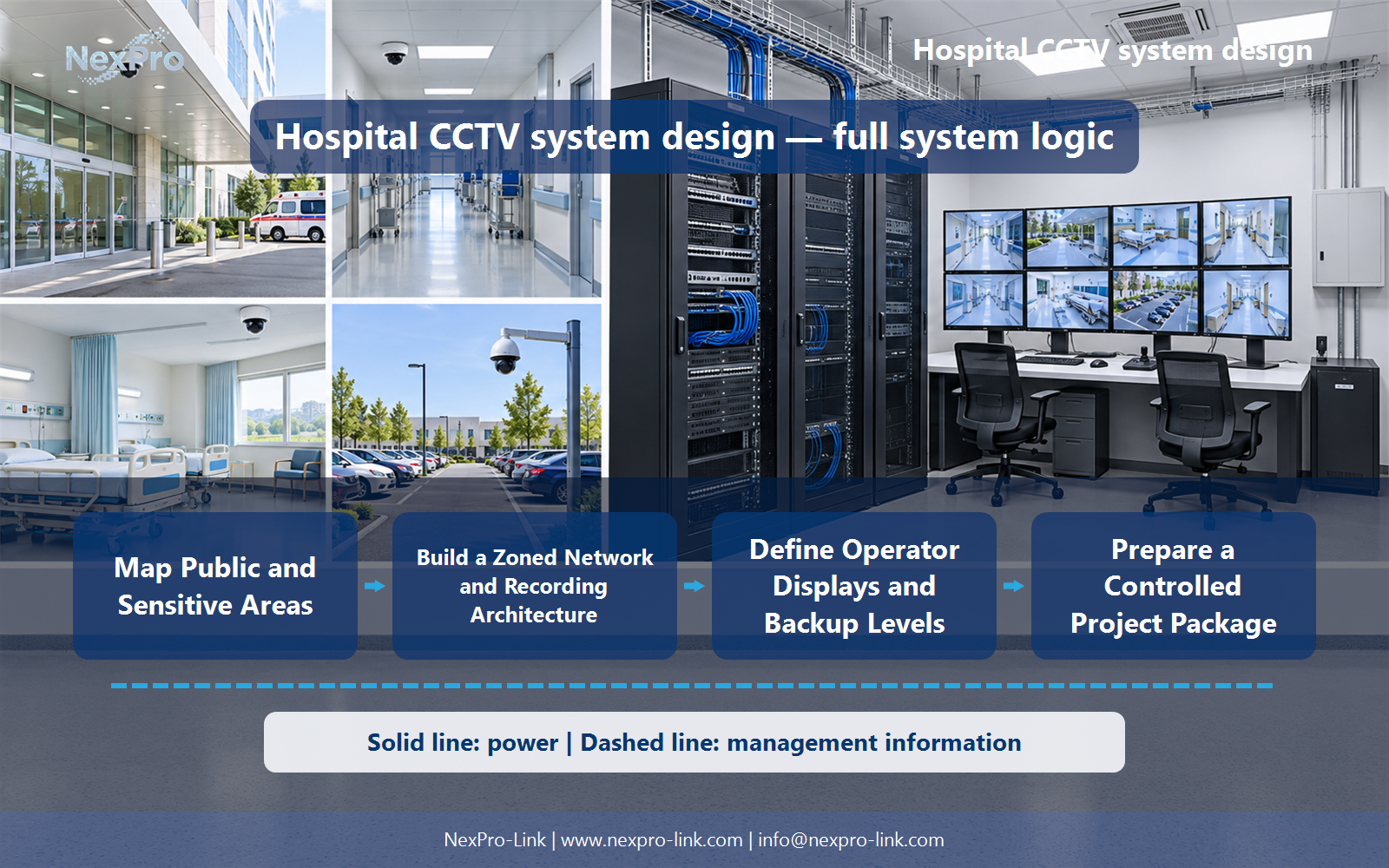
Build a Zoned Network and Recording Architecture
Not necessarily. Use supported recorder nodes or a recording-server design that matches distribution, workload and recovery needs. A made-up channel-specific SKU is not a substitute for architecture. Map each clinical or building zone to its approved network and recording destination.
The project output should make Zone, Cameras, Recorder node, Network policy, Uplink traceable from input to acceptance.
- Confirm the answer to: Does a 128-camera hospital need one 128-channel NVR?
- Record the project fields: Zone / Cameras / Recorder node / Network policy / Uplink.
- Keep product capability, project assumptions and site responsibility in separate records.
Section 04
Calculate Retention and Resilience
No. They can be project choices, but the owner and applicable requirements determine the actual retention and service objectives. Calculate the workload and select a supported storage configuration. Neither a hospital label nor a drive-bay count establishes those features automatically.
Record Group, Retention input, Required TB, Storage mode, Recovery before selecting a product family. That makes later substitutions possible without silently changing the operational requirement.
Section 05
Define Operator Displays and Backup Levels
The power architecture should follow the site's electrical design and required service, not a blanket duplication rule. Identify essential camera paths, recording and displays. Supported dual-feed or transfer arrangements must be designed appropriately; two UPS outputs must not simply be joined together.
Review Essential service, Feed arrangement, Protected devices, Duration with the party that will operate or maintain the system.
Section 06
Prepare a Controlled Project Package
Explain camera purposes, privacy boundaries, recording allocations, network interfaces, display workflows and backup scope. Include cabling and local installation responsibilities. NexPro-Link can support equipment and document coordination without claiming to approve clinical privacy policy or the hospital's electrical safety design.
Use Zone, Equipment, Data access, Power, Cable, Scope as the handoff between design and procurement.
Engineering references
These sources support the general planning principles. Always use the selected product's current datasheet and applicable project standards for final design.


