

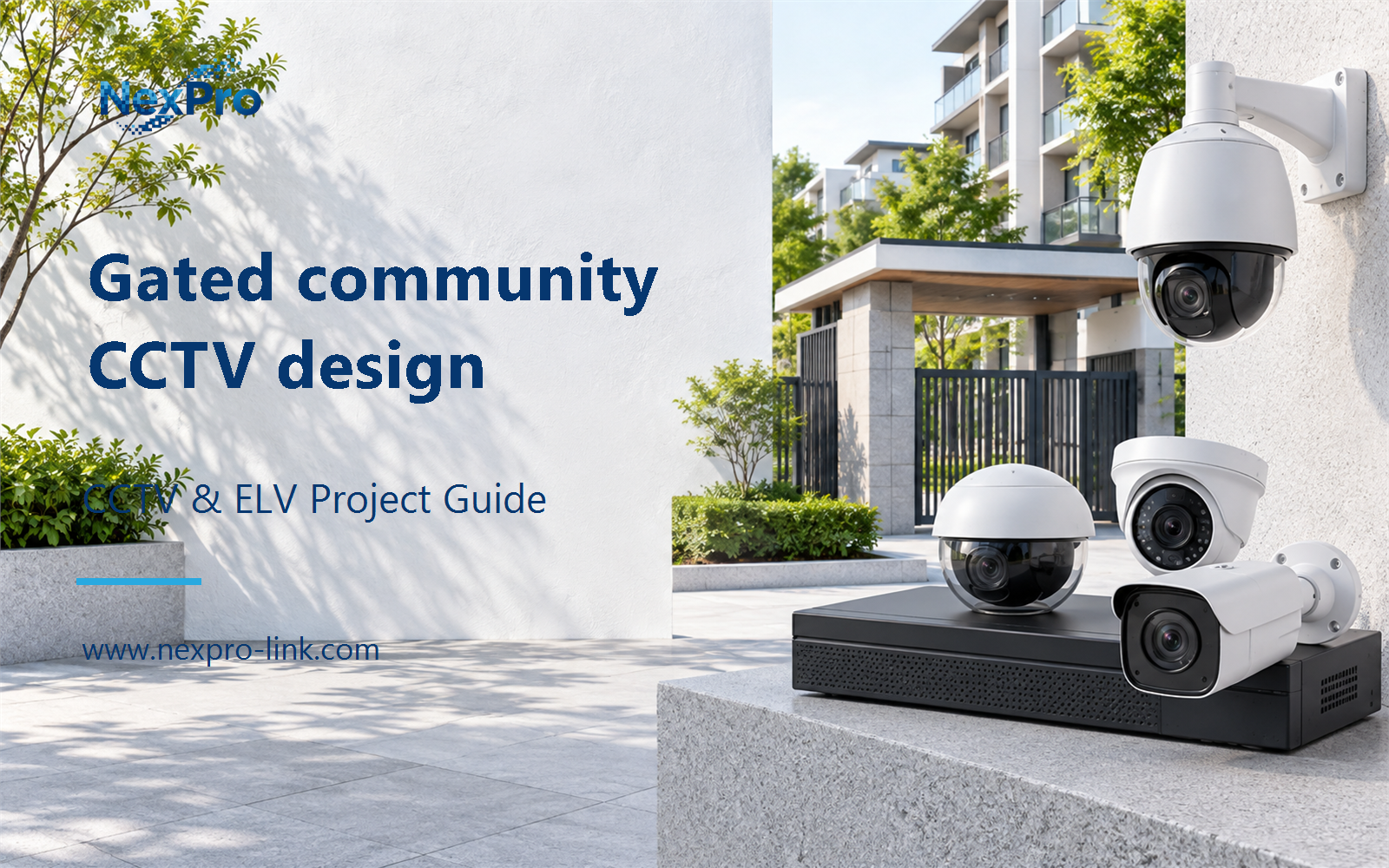
Plan gated community CCTV design with practical guidance on define common-area monitoring boundaries and plan retention and resident requests. NexPro-Link project guide.
Section 01
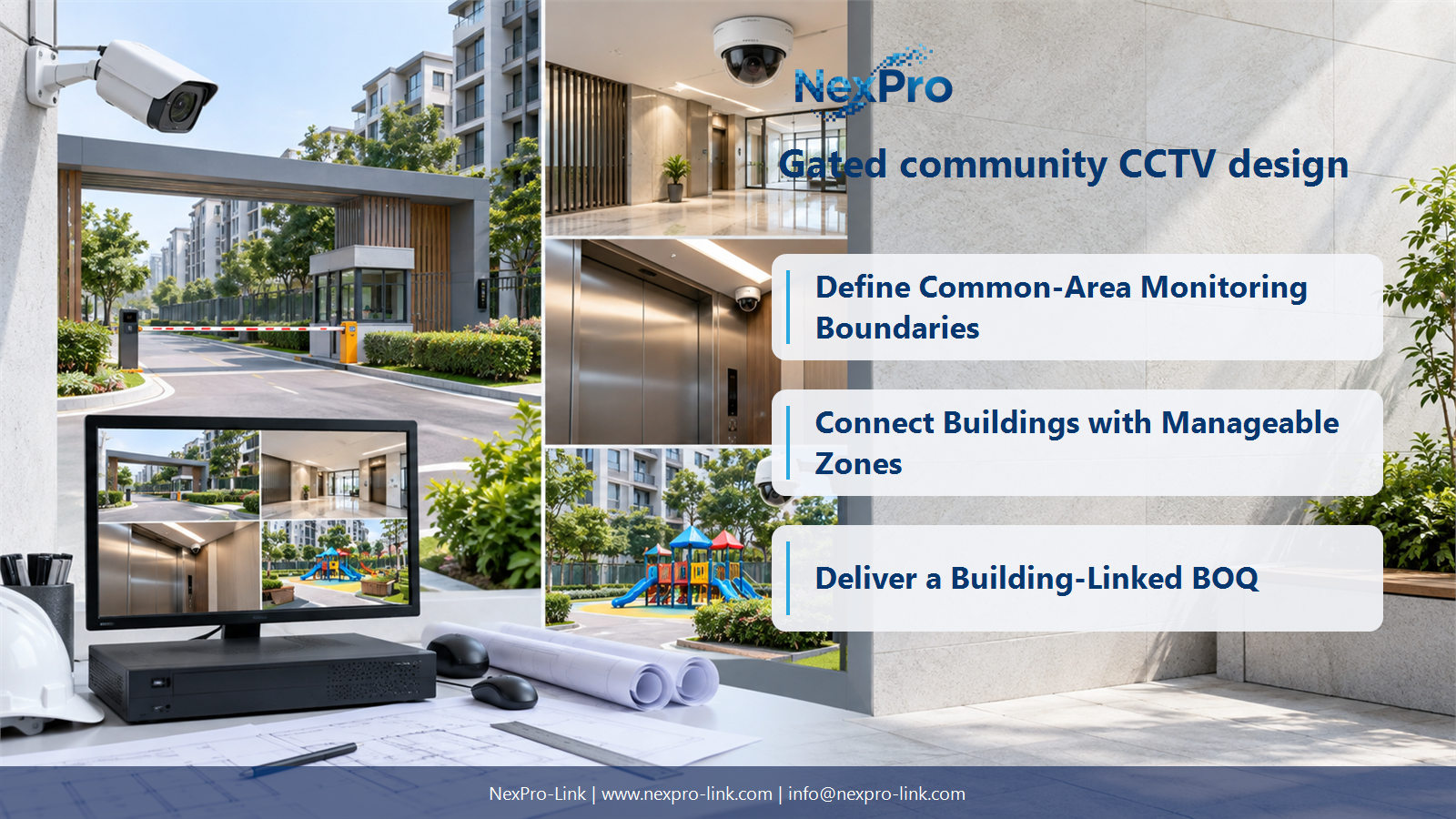
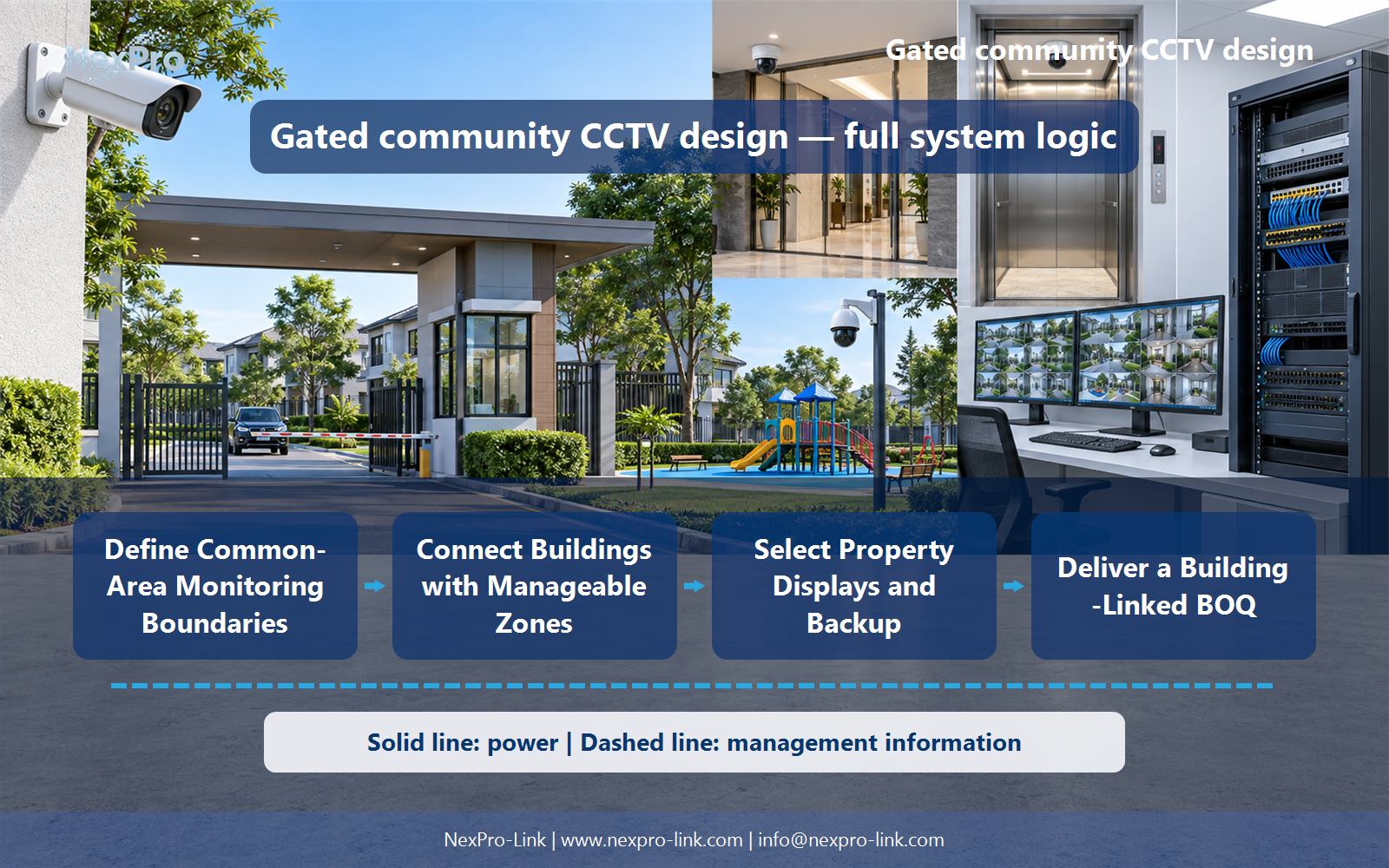
Define Common-Area Monitoring Boundaries
It should not assume that common-area security permits views into private homes or unrestricted monitoring of residents. Define the authorized purposes and camera boundaries first. Public circulation, entrances and perimeter tasks need different framing from private living spaces.
Turn the answer into a working record using Area, Purpose, Private boundary, View, Owner.
| Decision area | Buyer question | Required output |
|---|---|---|
| Define Common-Area Monitoring Boundaries | What should a residential CCTV plan avoid assuming? | It should not assume that common-area security permits views into private homes or unrestricted monitoring of residents. |
| Choose Camera Roles by Location | Can one camera type serve every community location? | Not reliably without considering mounting, lighting and the viewing task. |
| Connect Buildings with Manageable Zones | How should community buildings share CCTV infrastructure? | Group local cameras around supported cable routes and define backbone and recording destinations by building or service zone. |
Section 02
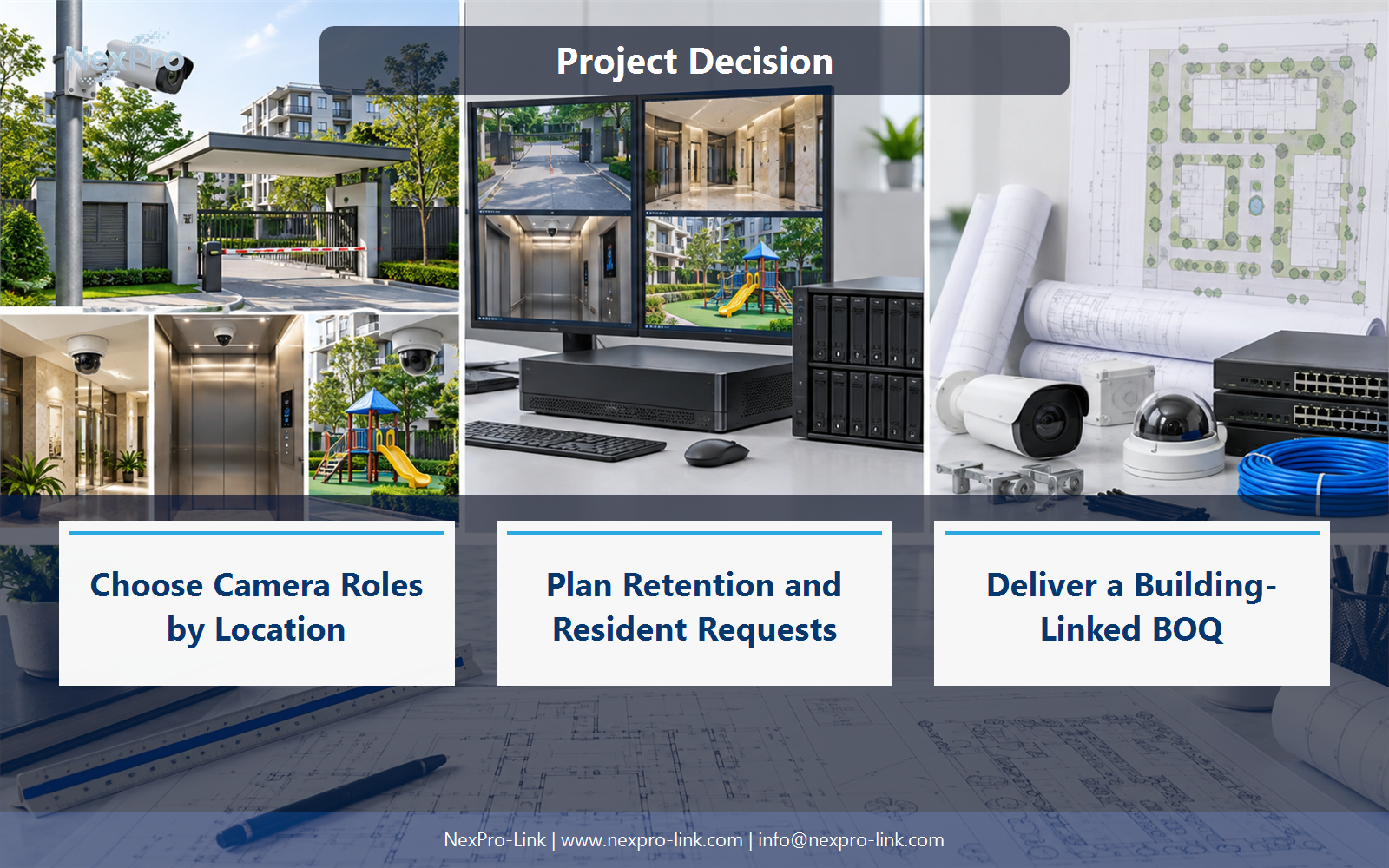
Choose Camera Roles by Location
Not reliably without considering mounting, lighting and the viewing task. Entrance detail, perimeter overview and lift interiors face different conditions. The supplied varifocal camera families can illustrate ordinary locations, while elevator or other specialist roles need their own suitable arrangement.
Use Location, Task, Camera role, Lens, Environment to compare options on the same basis. Keep product capability, project assumption and operating responsibility in separate columns.
Section 03
Connect Buildings with Manageable Zones
Group local cameras around supported cable routes and define backbone and recording destinations by building or service zone. Calculate PoE and local power separately. Shared fiber can connect buildings without making every camera part of one unsegmented access domain.
The project output should make Building, Cameras, PoE, Backbone, Network zone traceable from input to acceptance.
- Confirm the answer to: How should community buildings share CCTV infrastructure?
- Record the project fields: Building / Cameras / PoE / Backbone / Network zone.
- Keep product capability, project assumptions and site responsibility in separate records.
Section 04
Plan Retention and Resident Requests
The responsible organization should define the permitted retention and authorized retrieval process under applicable requirements. A 30-day example is only a planning input. Residents' requests should follow that process rather than result in unrestricted live or archive access for everyone.
Record Purpose, Period, Request owner, Export, Review before selecting a product family. That makes later substitutions possible without silently changing the operational requirement.
Section 05
Select Property Displays and Backup
Define the essential camera groups and operator display, then protect their complete capture-to-recording path. A large wall is not automatically necessary. Remote building switches and elevator-related equipment may have different power arrangements that must be coordinated explicitly.
Review Essential view, Local switch, Recorder, Display, Backup with the party that will operate or maintain the system.
Section 06
Deliver a Building-Linked BOQ
Include camera roles, network zones, recording, storage, displays, UPS and cable routes with mounting and installation interfaces. Identify elevator equipment separately. NexPro-Link can support the equipment package without claiming control over residents' access rights or the lift contractor's installation responsibilities.
Use Building, Location, Item, Interface, Quantity, Owner as the handoff between design and procurement.
Engineering references
These sources support the general planning principles. Always use the selected product's current datasheet and applicable project standards for final design.


