Keep the special compliance direction: a dedicated supply, batteries and panel requirements cannot be replaced by a desktop UPS.
Section 01
Identify the Dedicated System Supply
Keep the special compliance direction: a dedicated supply, batteries and panel requirements cannot be replaced by a desktop UPS.
The question most projects start with is whether a desktop or rack UPS can power the fire alarm control panel. The answer begins with the panel's own specification. A fire alarm panel is delivered as part of an approved system. Its standby supply follows the system's stated requirements, which name the supply type, the batteries and the supervision of both. A general UPS is selected from an IT load schedule and a chosen runtime. Those are two different selection bases.
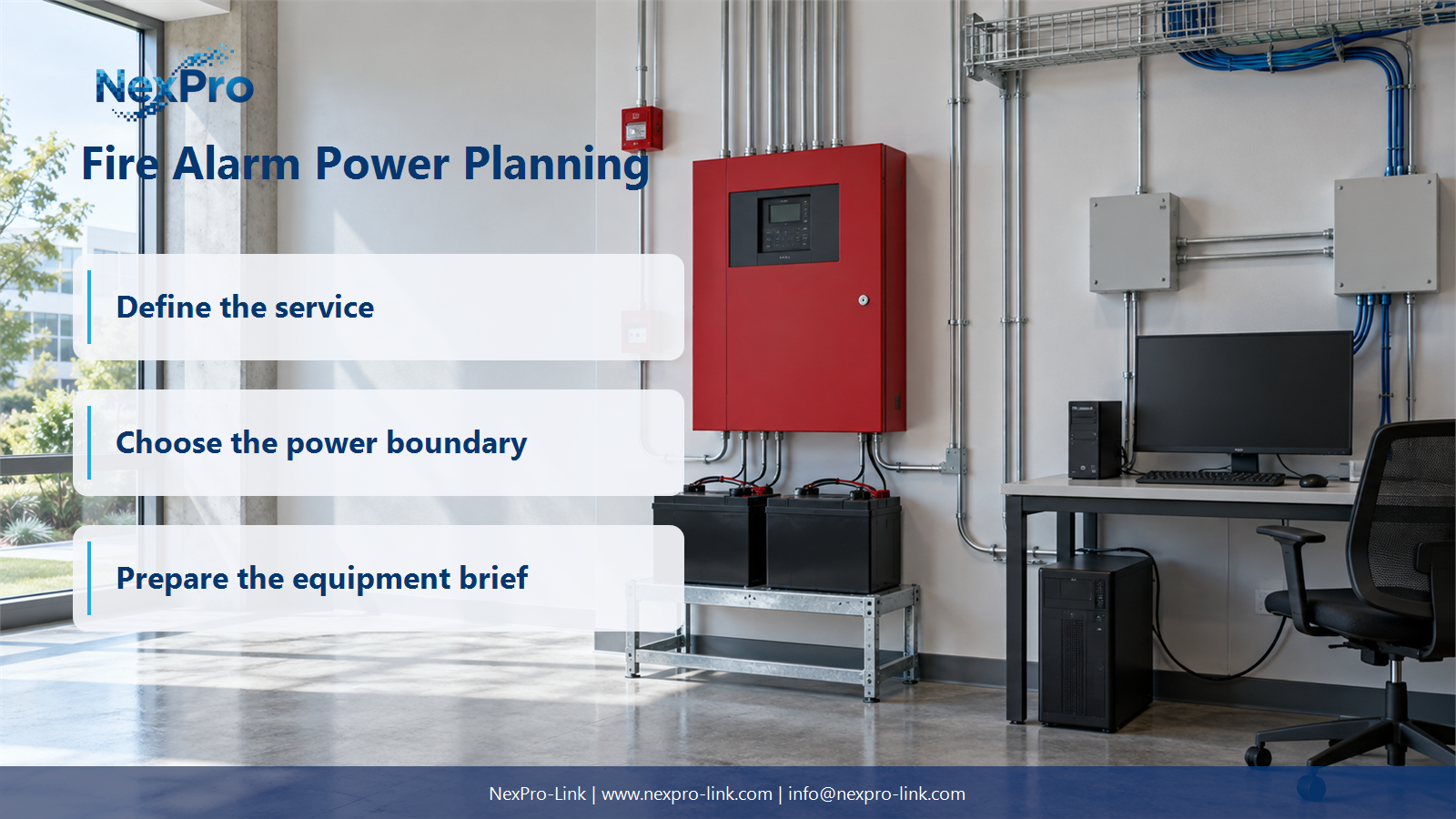
The first job is to record what belongs to the dedicated supply. This boundary table uses the scenario in this guide, where a monitoring workstation gets its own UPS while the panel stays on its approved supply.
Once the table is filled, the substitution question answers itself. The panel line names a dedicated supply that the project has already specified. The general IT line names equipment that a UPS can serve. The two only look alike when someone treats voltage as the only requirement.
| Decision area | Project question | Required output |
|---|---|---|
| Identify the Dedicated System Supply | Can a desktop UPS replace the fire alarm panel's specified backup supply? | Boundary table: panel / specified supply / batteries / general IT |
| Separate Auxiliary IT | Which related equipment may be discussed as ordinary IT? | Scope map: alarm system / auxiliary workstation / network / interfaces |
| Use the Specified Load States | How should panel backup requirements be handled? | Input table: specified states / equipment / method / responsible designer |
Section 02
Separate Auxiliary IT
A monitoring workstation, a graphic annunciation PC or a network switch that only displays and forwards alarm information can be treated as ordinary IT. These devices have their own power needs. They do not carry the life safety function of the panel, so a general UPS is a normal way to protect them.
Keeping the scopes apart matters for two reasons. A UPS on the workstation proves nothing about the panel. Backup for the workstation does not extend to the complete fire alarm system. And when the two scopes sit together in one drawing or one bill of quantities, the panel supply starts to look like an optional add-on. It is not.
The interface line deserves attention. The workstation may read panel status over a communication link, but that link is management information, not a power path. Drawing it separately stops the IT UPS from being mistaken for the panel supply later in the project.
Section 03
Use the Specified Load States
Panel backup is not sized the way an office UPS is. An office UPS calculation takes a load total and a battery curve to estimate runtime. A fire alarm standby supply comes from the approved system's prescribed load states. These usually cover normal, alarm and standby conditions, plus the battery capacity needed to hold those states for the stated period. The responsible specialist works from that method.
Do not bring a general office UPS runtime formula into this part of the job. The inputs below keep the calculation with the people who own it.
When the panel spec already fixes the supply and battery set, the job is to record them and leave them unchanged. At an earlier design stage, the specialist produces those values, and the equipment discussion follows from them. Either way, the load state method stays inside the fire alarm scope.
- Confirm the answer to: How should panel backup requirements be handled?
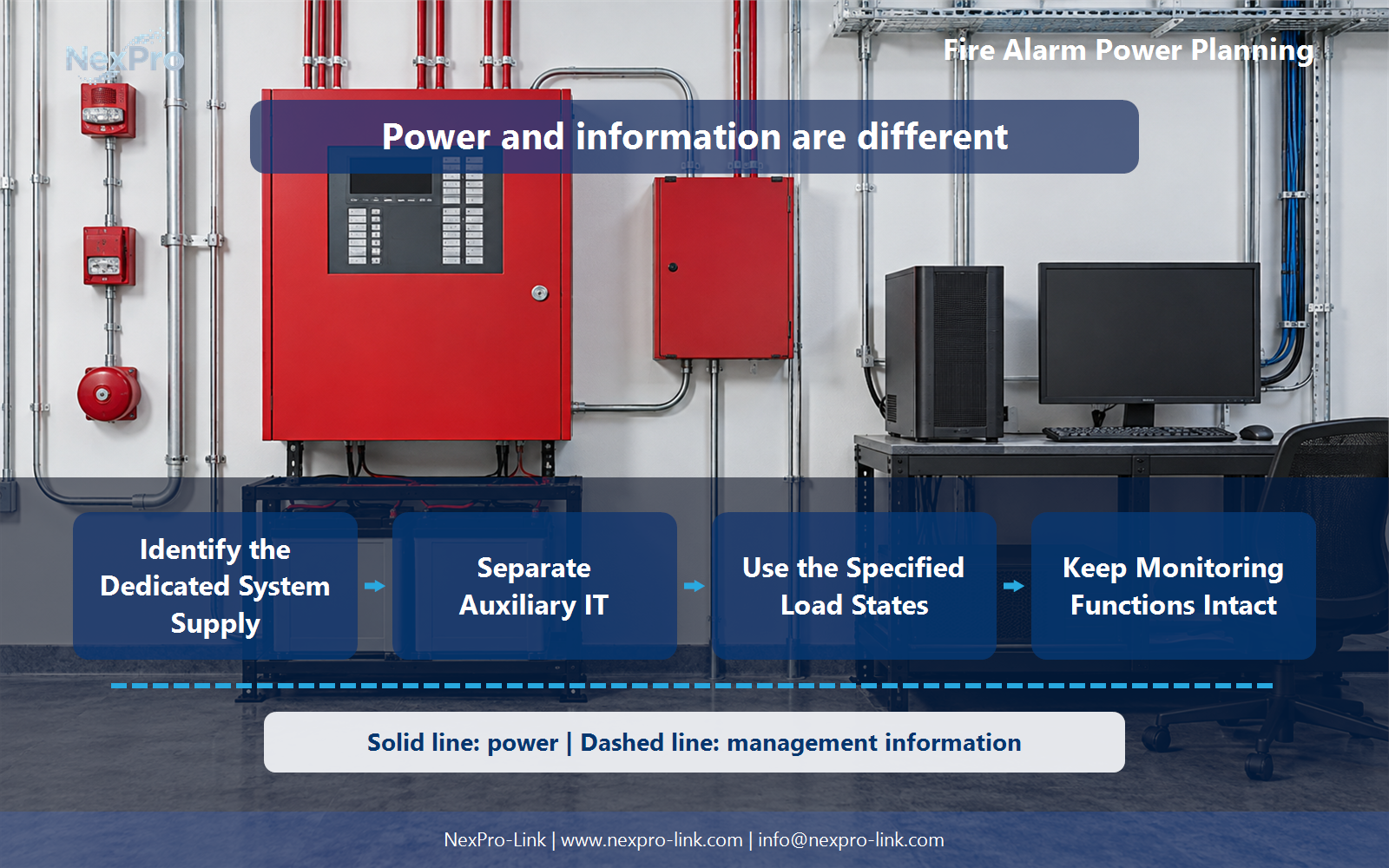
- Draw electrical power as a solid path and management information as a separate dashed path.
- Keep external services and specialist approvals outside the UPS equipment claim.
Section 04
Keep Monitoring Functions Intact
A fire alarm supply is supervised. The panel watches its own supply and batteries and reports a fault to the panel display and to any connected monitoring station. A replacement supply is not equivalent just because it delivers the right voltage. It also has to preserve the supervision and fault paths the approved design depends on.
The point is to document these functions, not to redraw them. Any change to the panel power architecture belongs to the responsible specialist and the approval process. The supplier discussion covers equipment and interfaces, not unapproved changes to how the alarm system detects its own faults.
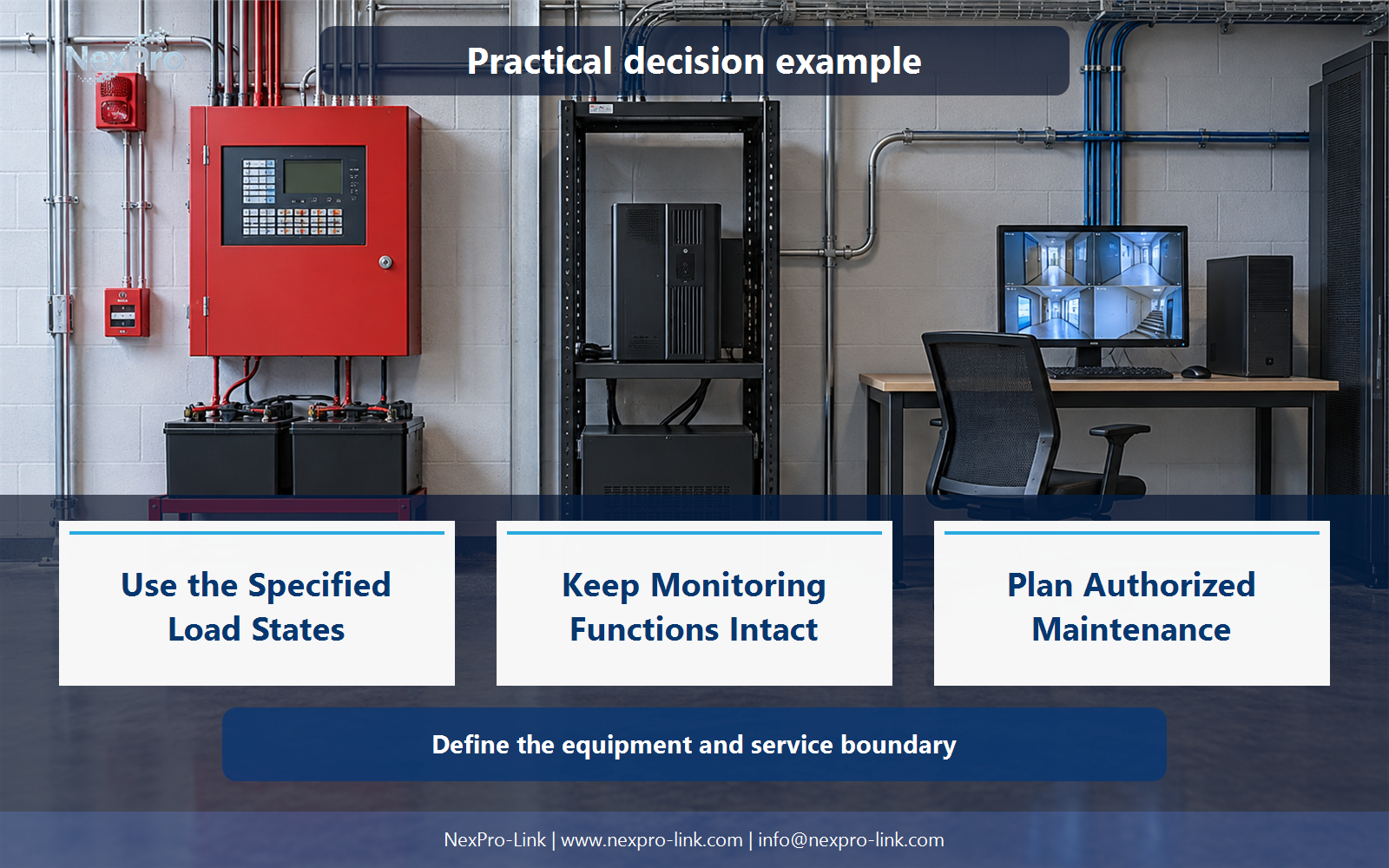
Figure 2. fire-alarm-power-planning-why-a-general-ups-is-not-a-dedicated-supply-02.webp. The functional relationships behind fire alarm panel UPS dedicated power supply; power delivery and management information are shown separately.
Section 05
Plan Authorized Maintenance
Maintenance of the fire alarm standby supply follows the approved system's procedure. It is not a general UPS battery swap. The responsible fire alarm specialist defines the scope, records the system status before work, arranges any alternatives needed while the supply is isolated and confirms fault-free supervised operation afterward.
A generic checklist is not an authorized intervention procedure. The plan records who acts and how the system returns to a supervised state. That keeps maintenance separate from the office UPS service routine, which has a different owner and a different set of acceptance checks.
Section 06
Write a Boundaried Supplier Request
When the decision is ready for equipment, the request to NexPro-Link should state two separate things. The dedicated fire alarm scope follows the approved specification. The auxiliary IT scope is where a general UPS can be selected. Separate lines let the supplier discuss the applicable boundary instead of guessing which scope a line item belongs to.
Share the approved fire-alarm system power specification and the exact auxiliary-equipment boundary with NexPro-Link to discuss the UPS equipment, interfaces and supply scope for your project.
Engineering references
These sources support the general planning principles. Always use the selected product's current datasheet and applicable project standards for final design.