For a later replacement camera, compare the approved artwork with the successor's actual usable marking area and identity-label locations. Obtain a new model-specific sample when those change.
Section 01
Approve the marking area on the selected housing
For a later replacement camera, compare the approved artwork with the successor's actual usable marking area and identity-label locations. Obtain a new model-specific sample when those change. Preserve the earlier drawing as history. Repeat artwork authorization does not establish that a different housing accepts the same placement or finish.
Factory project cameras with laser logos should be ordered against a model-specific marking drawing and an approved sample. Agree the authorised artwork, finished size, orientation and usable housing area before releasing the batch. Keep the company mark separate from the model and serial identification needed for commissioning and service. NexPro-Link can discuss laser-logo work on selected equipment; the actual housing surface and sample determine the agreed scope.
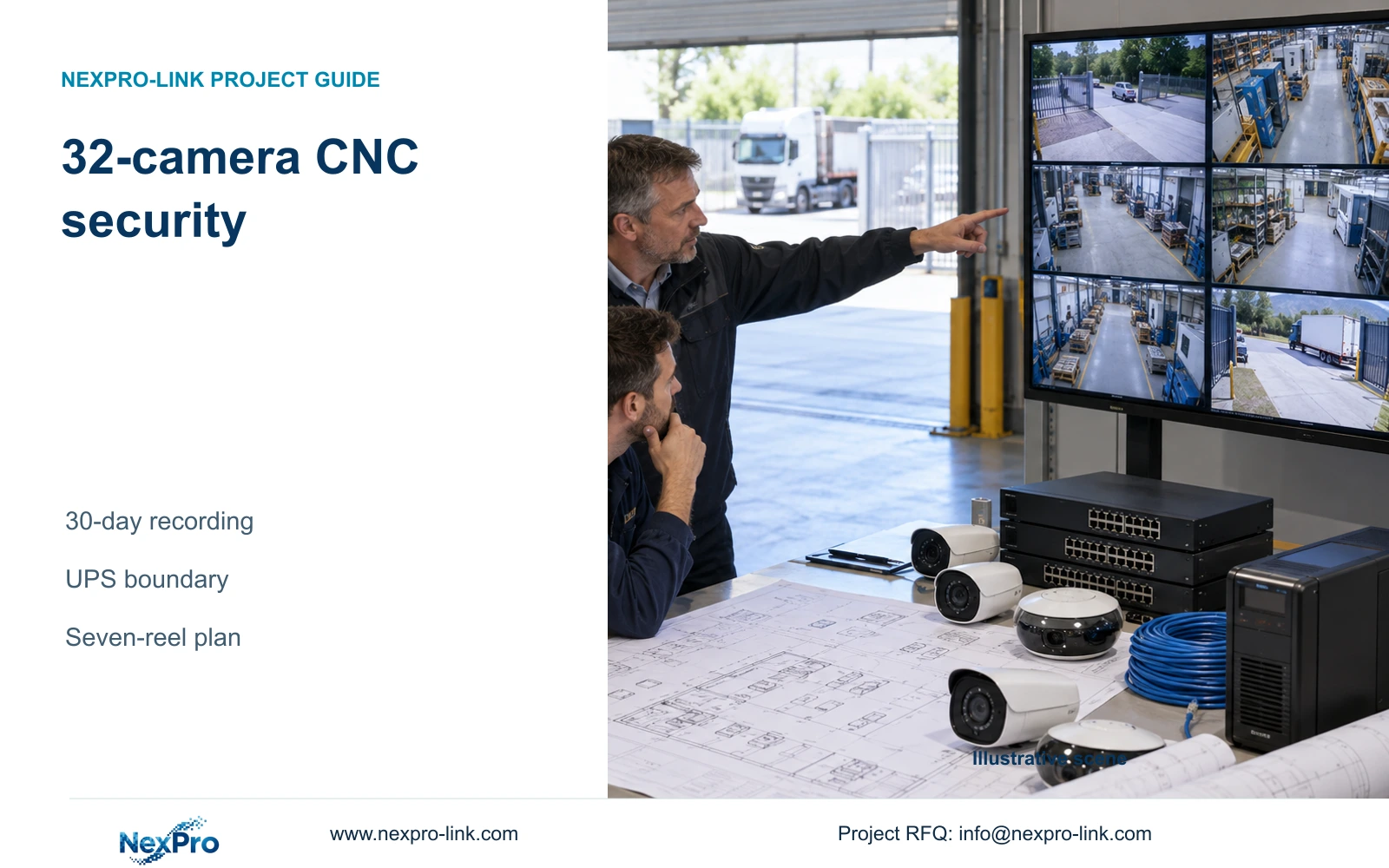
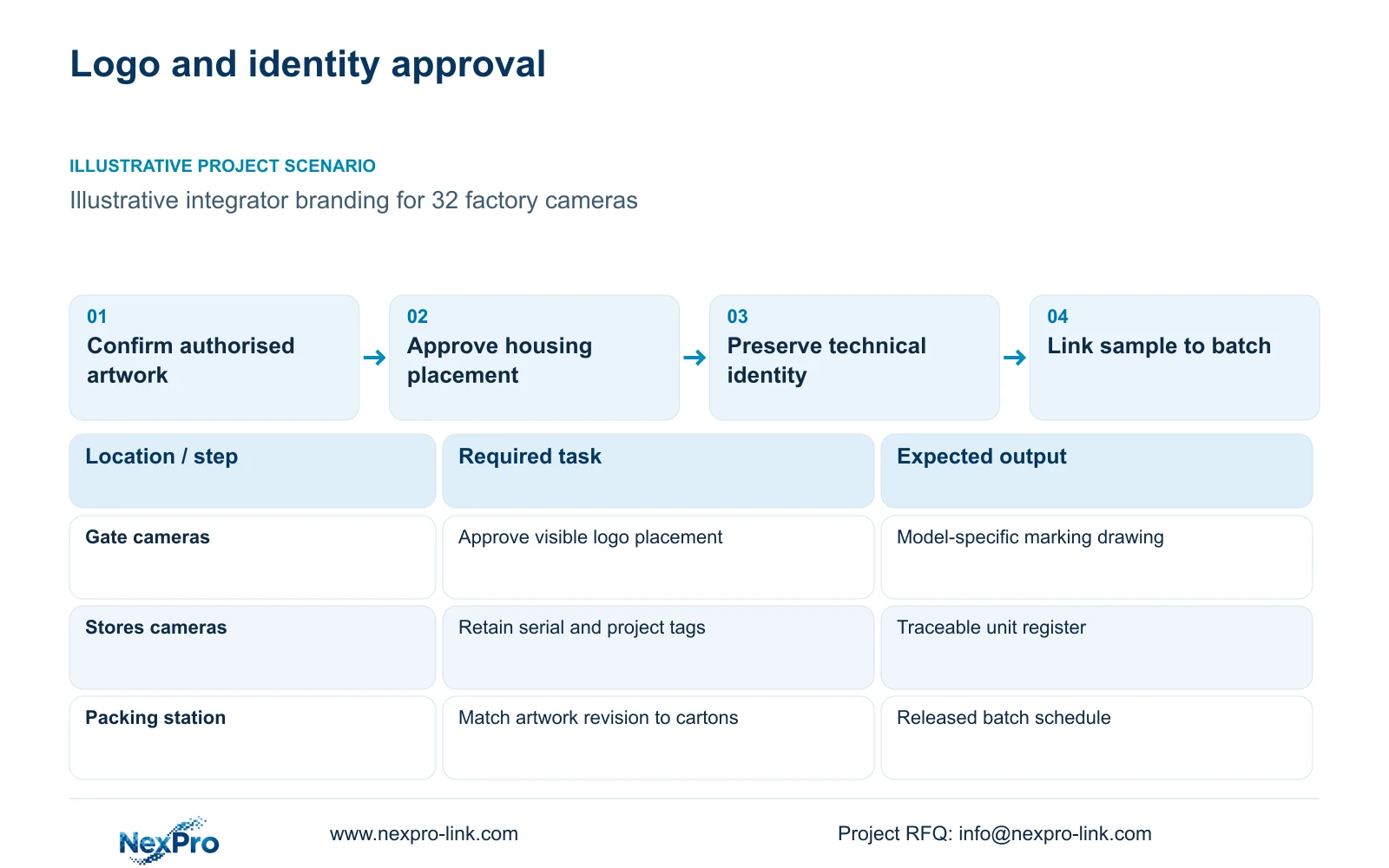
Illustrative project scenario: An overseas integrator wants its own logo on the factory's installed CCTV equipment. Use CASE01's hypothetical 32-camera CNC factory as the equipment background, with ordinary security views at gates, stores, transfer routes and dispatch. Assume the integrator wants a visible camera mark and matching carton labels. Those additions are planning choices, not evidence of a delivered branded project.
The buyer should supply an editable vector logo and identify who can approve its use. The supplier should return a placement drawing showing dimensions and the retained identification area. A logo approved on one camera housing does not approve a different dome, bracket or recorder panel. Record those surfaces separately so the quotation does not conceal extra preparation.
Section 02
Keep the branded name linked to the technical model
A contractor's sales name can sit alongside the manufacturer's technical model in the asset schedule. The schedule should connect project tag, actual model, serial number, artwork revision and intended location. Preserve the original technical identity on the equipment and in support records. If destination-specific identification requirements are unclear, obtain confirmation before artwork approval rather than removing information to make the logo larger.
For example, NexPro-BL2812M55-5MP-DIC-AI belongs to the supplied 5MP family, with a listed 2880x1620 output and a 2.8-12mm motorized lens. Retain those source fields in the technical submission even if the integrator uses a shorter commercial name. Branding cannot justify rewriting the resolution, assigning an unsupported impact rating or presenting an ordinary security camera as machine-vision equipment.
Keep hardware marking, packaging and client software as separate records. A camera carrying the integrator's logo does not establish permission to rename Seetong or another third-party application. The owner needs an accurate software and support description, especially when the equipment label directs service requests to the integrator.
Section 03
Use the sample as a controlled batch reference
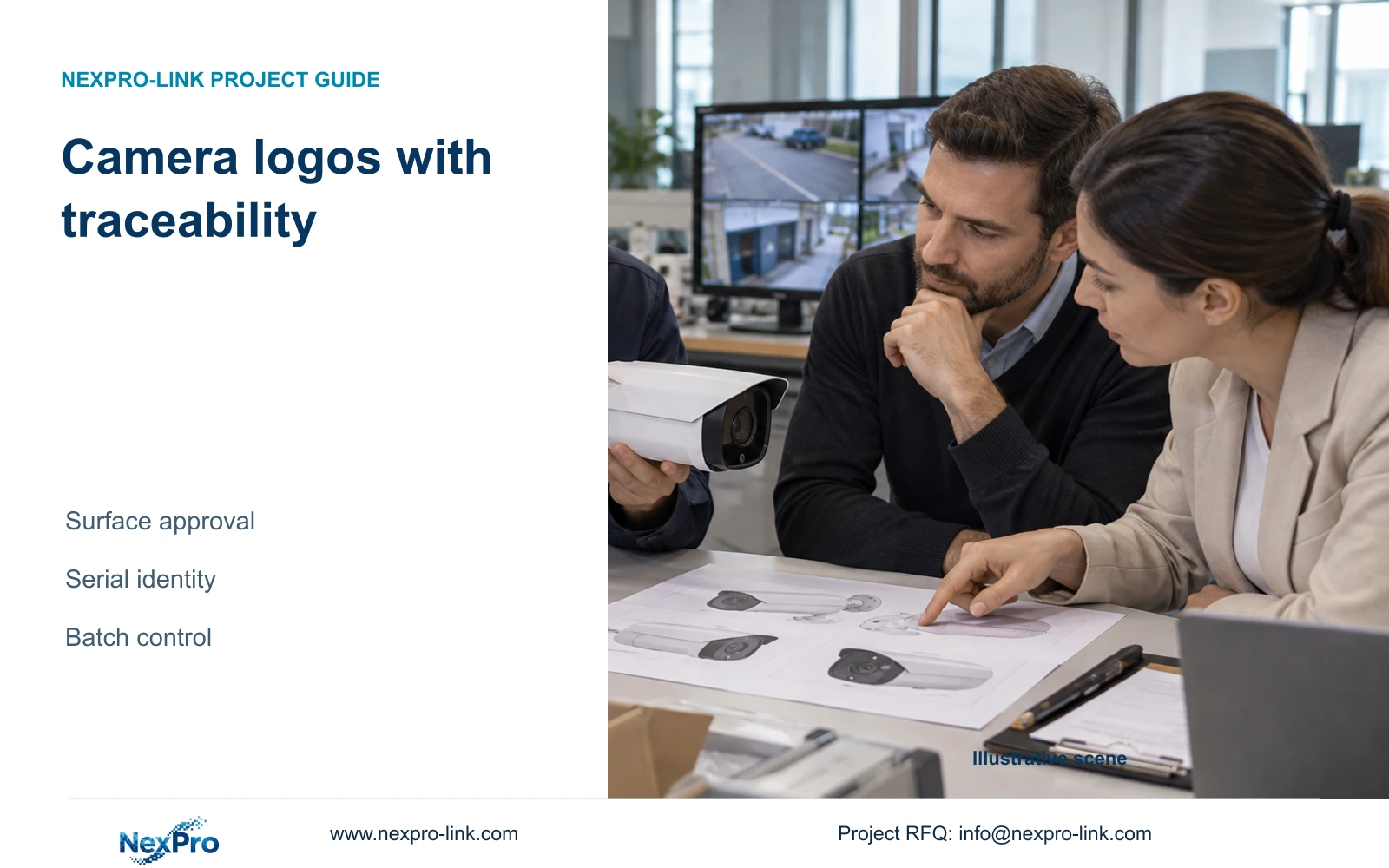
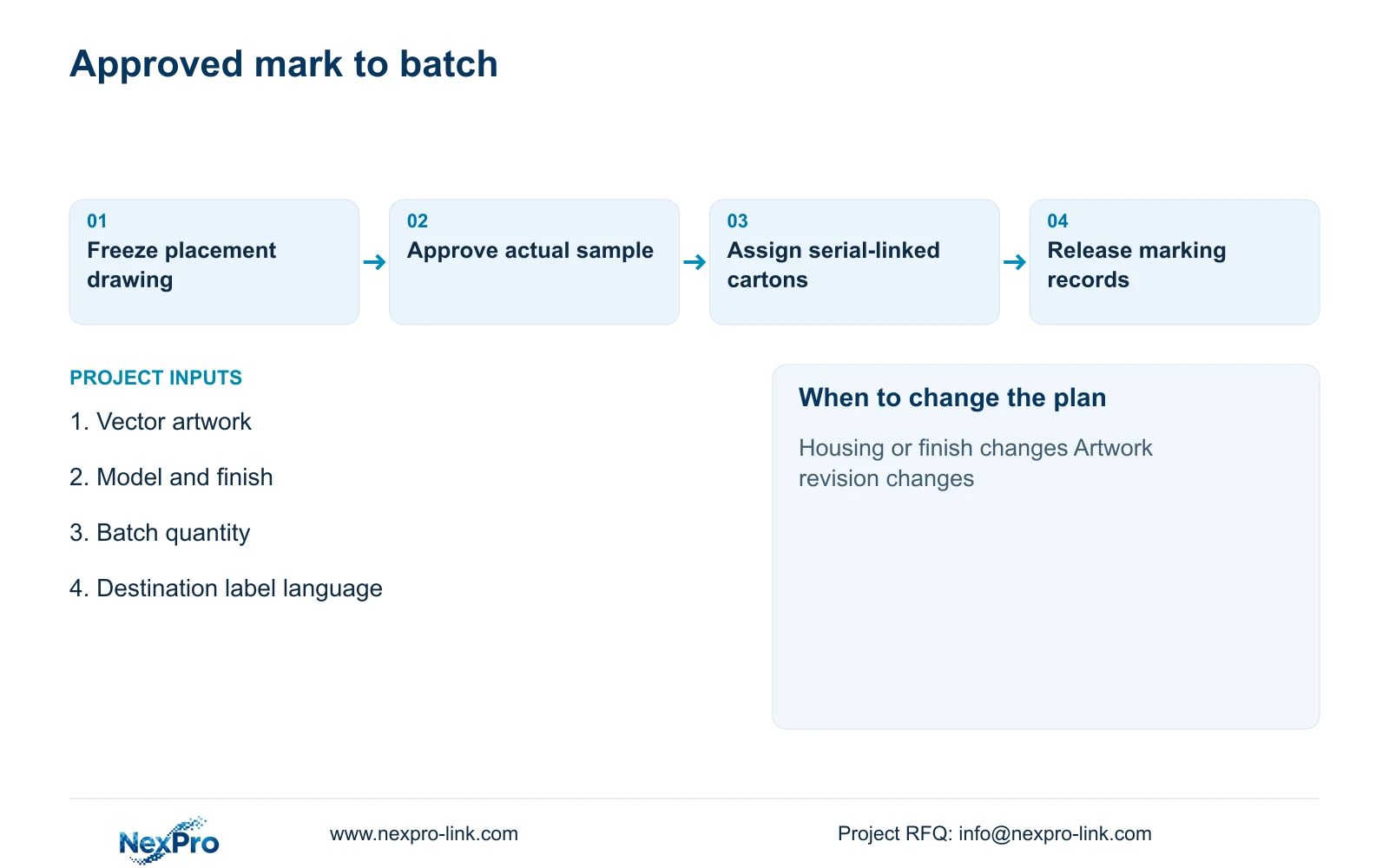
Approve a sample made on the intended model and finish, then retain photographs and the approved marking drawing together. The approval record should state what was accepted: placement, legibility, orientation and the visibility of retained labels. A photograph alone may hide the underside identification or fail to show the marking size, so include dimensional information and all relevant label views.
Give the artwork a revision identifier and connect it to the purchase order line. The integrator approves brand presentation; the engineer confirms that technical identity remains accurate; the supplier uses the accepted sample for production preparation. If a housing or finish changes, hold the affected line for a new marking review instead of treating the old sample as transferable.
For the 32-camera reference package, use the zone schedule to allocate finished units without confusing branding with camera configuration. Gate and dispatch units may share approved artwork while retaining distinct project tags. At packing, check the relationship between unit serials, carton contents and location allocation. This makes a misplaced camera recoverable through records rather than through visual guesses.
Section 04
Allocate setup costs without changing the approved scope
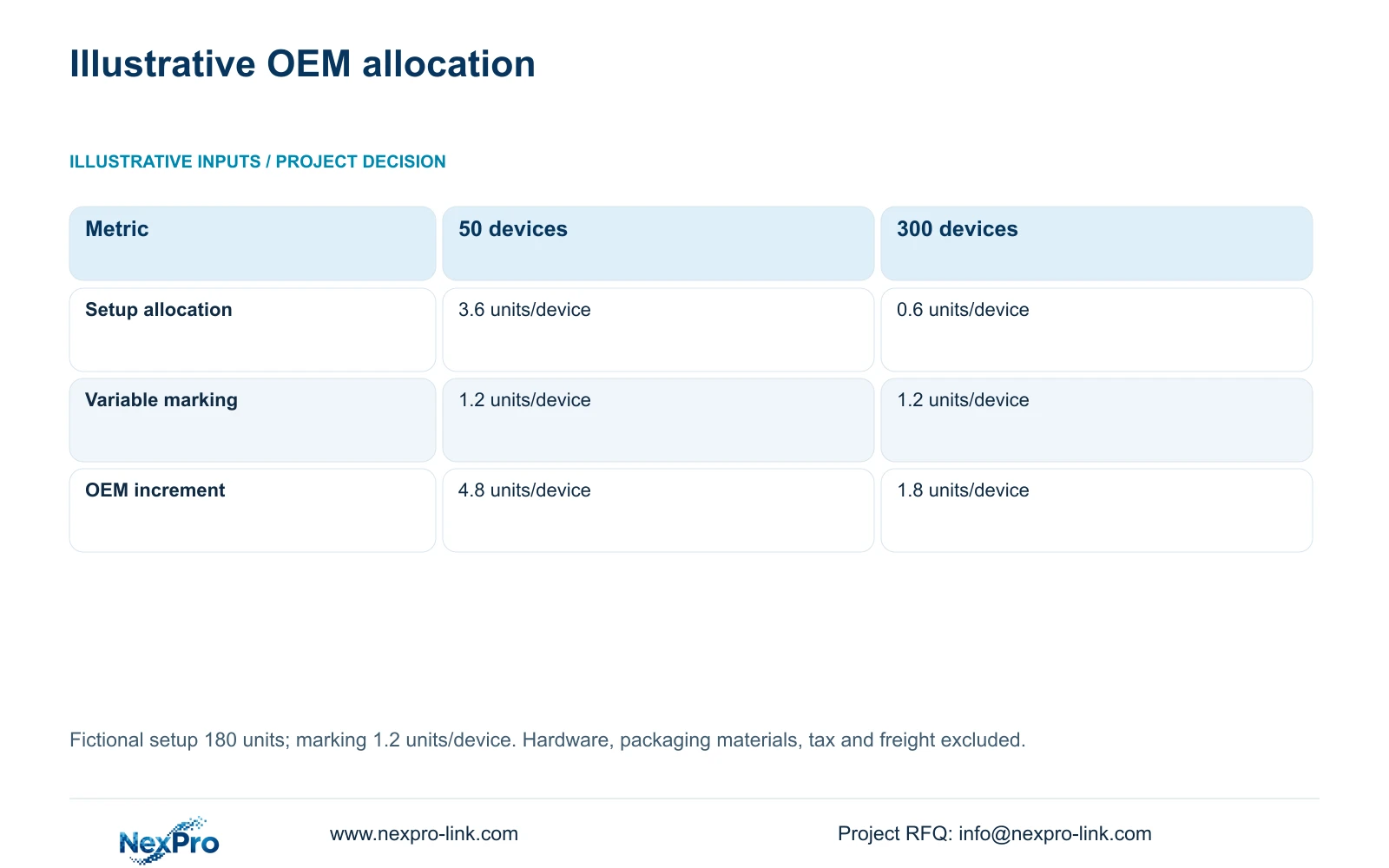
The supplied illustration uses fictional cost units: artwork and setup total 180 units, while variable marking is 1.2 units per device. The formula is OEM_unit_cost = setup_units / batch_qty + variable_units. For 50 devices, 180 / 50 + 1.2 = 4.8 units per device. For 300 devices, 180 / 300 + 1.2 = 1.8 units per device.
The decisive difference is the allocation of the same setup across more devices. Variable marking remains 1.2 units, and the approval requirements remain unchanged. This is neither NexPro-Link pricing nor a minimum-order promise. Hardware, packaging materials, tax and freight are excluded, and the calculation does not establish that different housings can share one setup.
Keep these 50-device and 300-device batches separate from CASE01's 32-camera project. A quantity surveyor can use the method to request separate setup and variable lines in a real quotation, but should not increase the project quantity solely to reproduce the lower allocation. Repeat quantities, artwork stability and usable surfaces need their own purchasing justification.
| Metric | 50-device batch | 300-device batch |
|---|---|---|
| Batch quantity | 50 devices | 300 devices |
| Setup allocation | 3.6 units/device | 0.6 units/device |
| Variable marking | 1.2 units/device | 1.2 units/device |
| OEM increment | 4.8 units/device | 1.8 units/device |
Section 05
Choose permanent branding only where it earns its place
For a stable private-label programme, use the approved laser mark with preserved technical identification and a serial-linked batch register. This gives the integrator a visible equipment identity while leaving the owner able to identify the actual unit. Price artwork preparation, samples, marking and packing as distinct deliverables so the branded option can be compared with neutral equipment on equal technical terms.
Use neutral equipment with project labels when the brand decision is unresolved, quantities are provisional or an approved surface is unavailable. Carton identification can still support installation allocation. This option avoids committing permanent artwork before the buyer knows which model or contractor identity will remain in service.
Change the recommendation when an owner-mandated brand or support arrangement prohibits the proposed presentation. Preserve any required platform, environmental scope or integration rather than replacing it to obtain a logo. Compare another supplier's proposal using the same camera tasks, retained identity and sample obligations; a branded appearance provides no evidence of better image performance or lower lifecycle cost.
Section 06
Release a marking and packing schedule the site can use
The release package should contain the approved artwork revision, model-specific placement drawings, sample approval and a packing schedule. State the packaging languages and distinguish an individual product box from an outer project carton. The latter should identify the assigned building or zone without covering the equipment's technical labels.
NexPro-Link's OEM/ODM scope includes logo, label, manual, barcode and packaging options. Its BOQ support can help align the selected models and technical documents with the order. For this project, the useful combined output is a versioned OEM and packing scope that shows exactly which camera lines receive marking and which identification remains unchanged.
Before shipment, reconcile accepted quantities with serial records and carton allocation. Record any unapproved substitution or artwork change as an open condition. The local installer should retain the mapping when units move between locations during commissioning. Later replacement orders can then reference the actual model and approved artwork instead of relying on the contractor logo alone.
Section 07
Buyer questions
Can one logo approval cover bullet and dome cameras? The artwork file may be shared, but placement approval should cover each selected housing and finish. Different surfaces can require a different size or orientation, so identify which sample applies to each order line.
What should a replacement-camera request reference? Include the technical model, the failed unit's serial or project tag, and the approved artwork revision. Confirm the replacement housing before reusing the marking drawing, even when the commercial brand remains unchanged.
Does a laser-logo sample prove the original environmental rating remains unchanged? A visual sample establishes the agreed appearance, not a new environmental test. Obtain the supplier's confirmation of the proposed marking method and any effect on the selected product before releasing production.
Section 08
Define your camera marking scope
Send your authorised vector artwork, camera model and quantity schedule, preferred marking position, and packaging languages with destination to info@nexpro-link.com for a model-specific branding and traceability discussion.
Engineering references
These sources support the general planning principles. Always use the selected product's current datasheet and applicable project standards for final design.