Plan estimate CCTV camera count with practical guidance on count operational views rather than floor area and translate count ranges into system capacity. NexPro-Link project guide.
Section 01
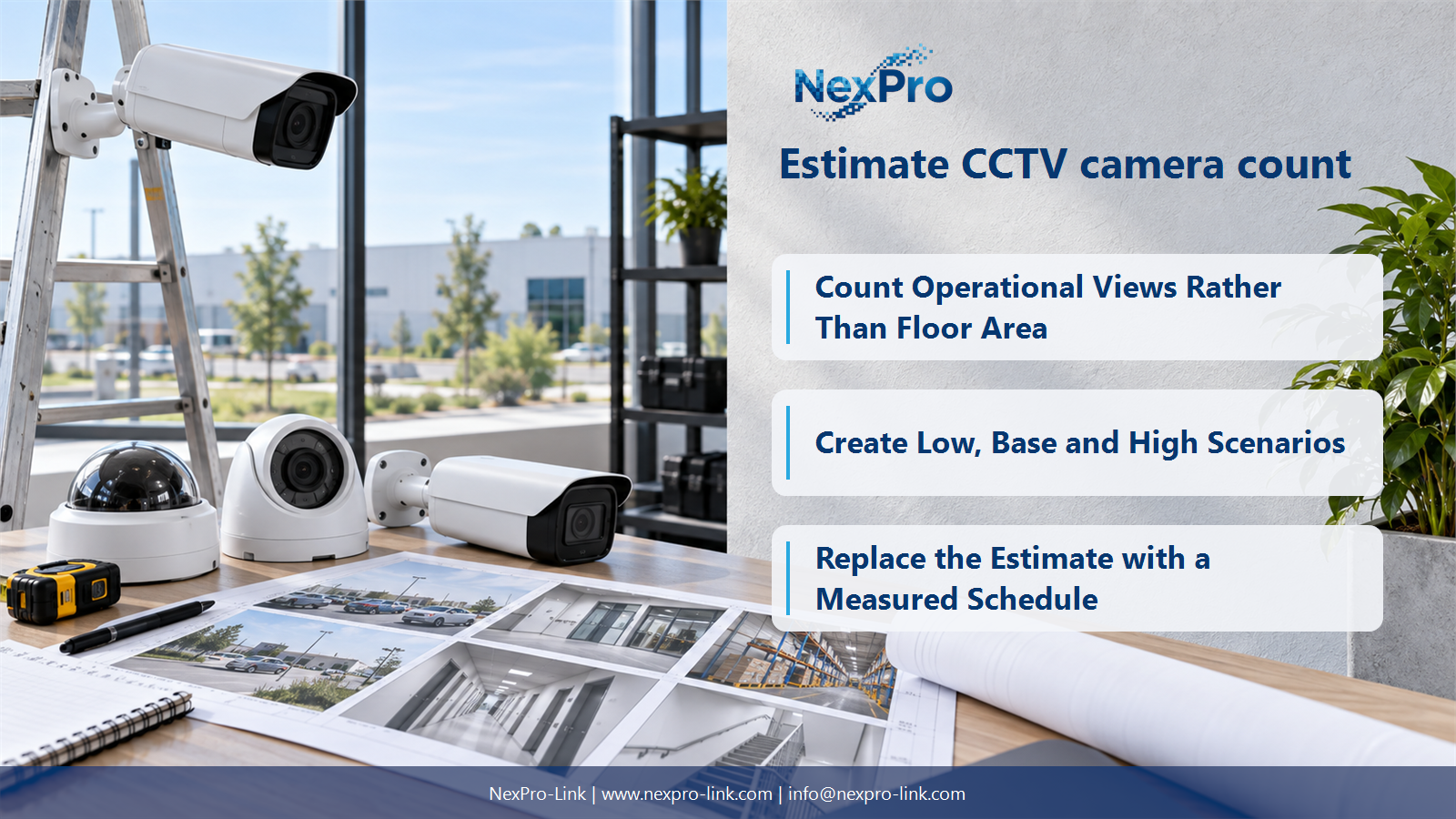
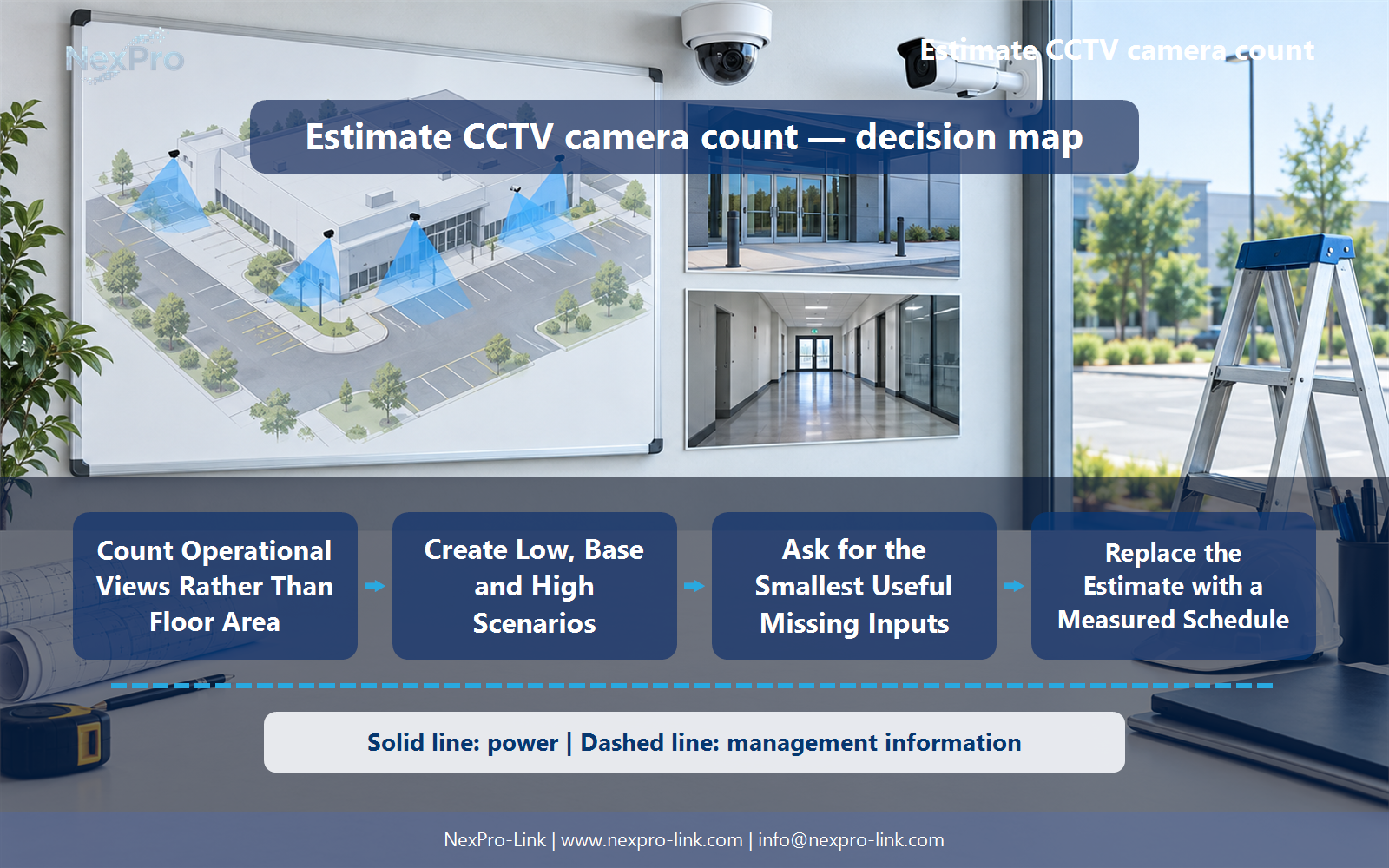
Count Operational Views Rather Than Floor Area
Area alone does not describe entrances, obstructions, target detail or the geometry of the views. Start with a list of operational tasks and known locations, then build a range of possible views. Area can provide context for budgeting, but it should not be turned into a universal cameras-per-square-metre rule.
Turn the answer into a working record using Zone, Known features, Viewing tasks, Quantity range.
| Decision area | Buyer question | Required output |
|---|---|---|
| Count Operational Views Rather Than Floor Area | Can camera quantity be estimated from building area alone? | Area alone does not describe entrances, obstructions, target detail or the geometry of the views. |
| Use Entrances and Circulation as Anchors | Which locations give the most useful early count? | Known entrances, vehicle gates, circulation junctions and defined high-value areas are useful anchors because they describe specific tasks. |
| Create Low, Base and High Scenarios | How should uncertainty be presented in an early camera estimate? | Use clearly explained scenarios rather than an unexplained accuracy percentage. |
Section 02
Use Entrances and Circulation as Anchors
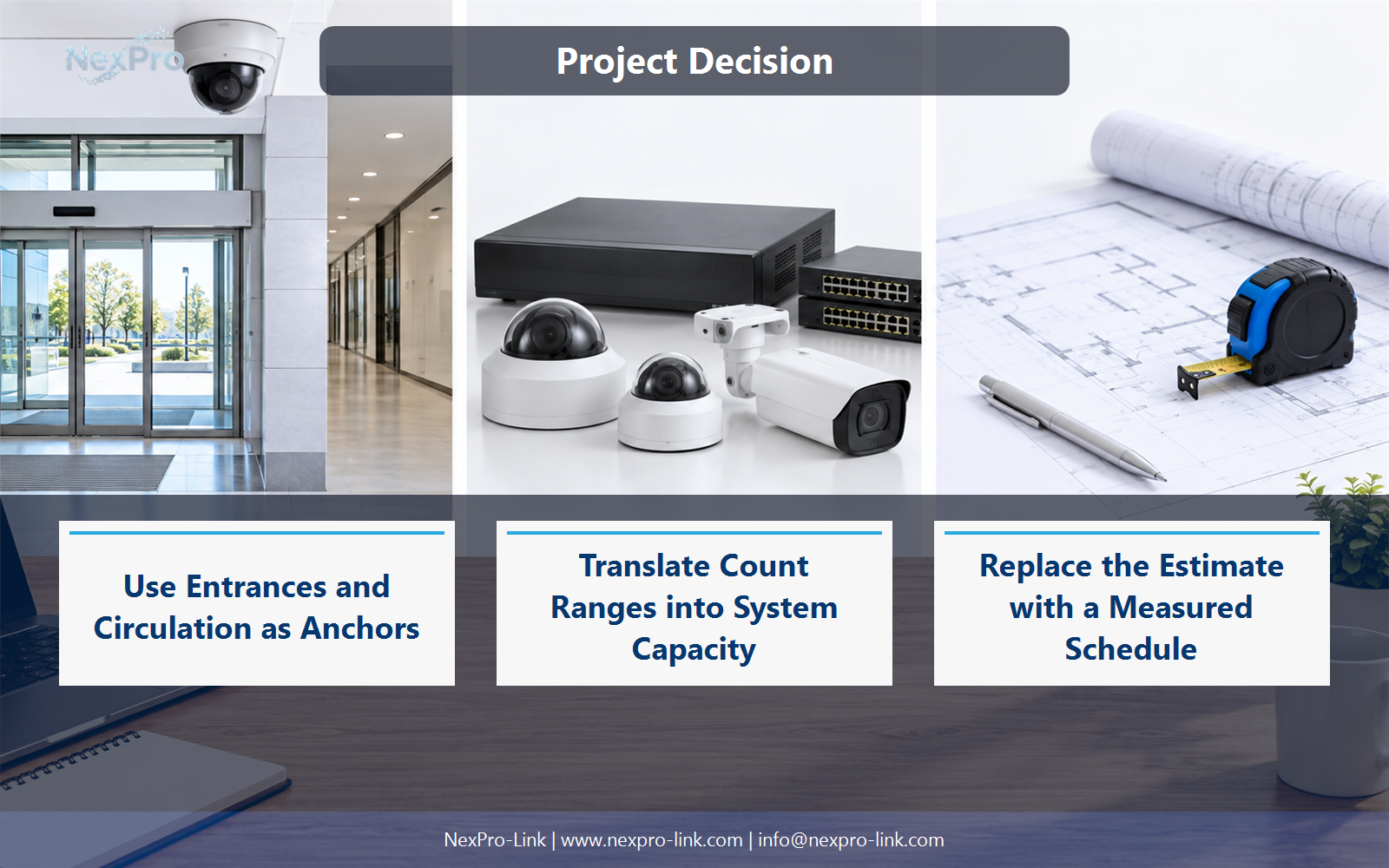
Known entrances, vehicle gates, circulation junctions and defined high-value areas are useful anchors because they describe specific tasks. Separate overview from identification and avoid counting the same view twice. Ask whether opposing directions or obstructions require additional views before assigning one camera to every named location.
Use Location, Direction, Task, One or multiple views to compare options on the same basis. Keep product capability, project assumption and operating responsibility in separate columns.
Section 03
Create Low, Base and High Scenarios
Use clearly explained scenarios rather than an unexplained accuracy percentage. Show which assumptions create the low, base and high counts, such as visibility around corners or the need for a separate identification view. A range becomes useful when the buyer can see which site information will narrow it.
The project output should make Scenario, Included tasks, Count, Assumption, Trigger traceable from input to acceptance.
- Confirm the answer to: How should uncertainty be presented in an early camera estimate?
- Record the project fields: Scenario / Included tasks / Count / Assumption / Trigger.
- Keep product capability, project assumptions and site responsibility in separate records.
Section 04
Translate Count Ranges into System Capacity
Compare them against the likely expansion and uncertainty range as well as the base count. Port availability, input throughput and disk capacity can force a different configuration before channel labels do. Show the system step changes at each scenario so the budget includes the cost of moving to another equipment tier.
Record Count scenario, PoE ports, Recorder allocation, Storage input before selecting a product family. That makes later substitutions possible without silently changing the operational requirement.
Section 05
Ask for the Smallest Useful Missing Inputs
Ask for a simple sketch, entrance list, approximate dimensions, ceiling or mounting heights and representative day and night photographs where appropriate. These inputs often clarify the main uncertainty without requiring a complete drawing package. Avoid collecting unnecessary sensitive images, and keep any early camera positions labelled as conceptual.
Review Missing input, Decision affected, Practical way to provide it with the party that will operate or maintain the system.
Section 06
Replace the Estimate with a Measured Schedule
It becomes a design quantity after the view tasks are mapped to measured geometry and the selected imaging arrangement. Reconcile the revised positions with the original estimate and explain added or removed views. The important result is a traceable change in scope, not a claim that an early guess was exact.
Use Estimated view, Final position, Change reason, BOM effect as the handoff between design and procurement.
Engineering references
These sources support the general planning principles. Always use the selected product's current datasheet and applicable project standards for final design.