

Plan CCTV brief to BOM with practical guidance on separate outcomes from product requests and add system dependencies. NexPro-Link project guide.
Section 01
Separate Outcomes from Product Requests
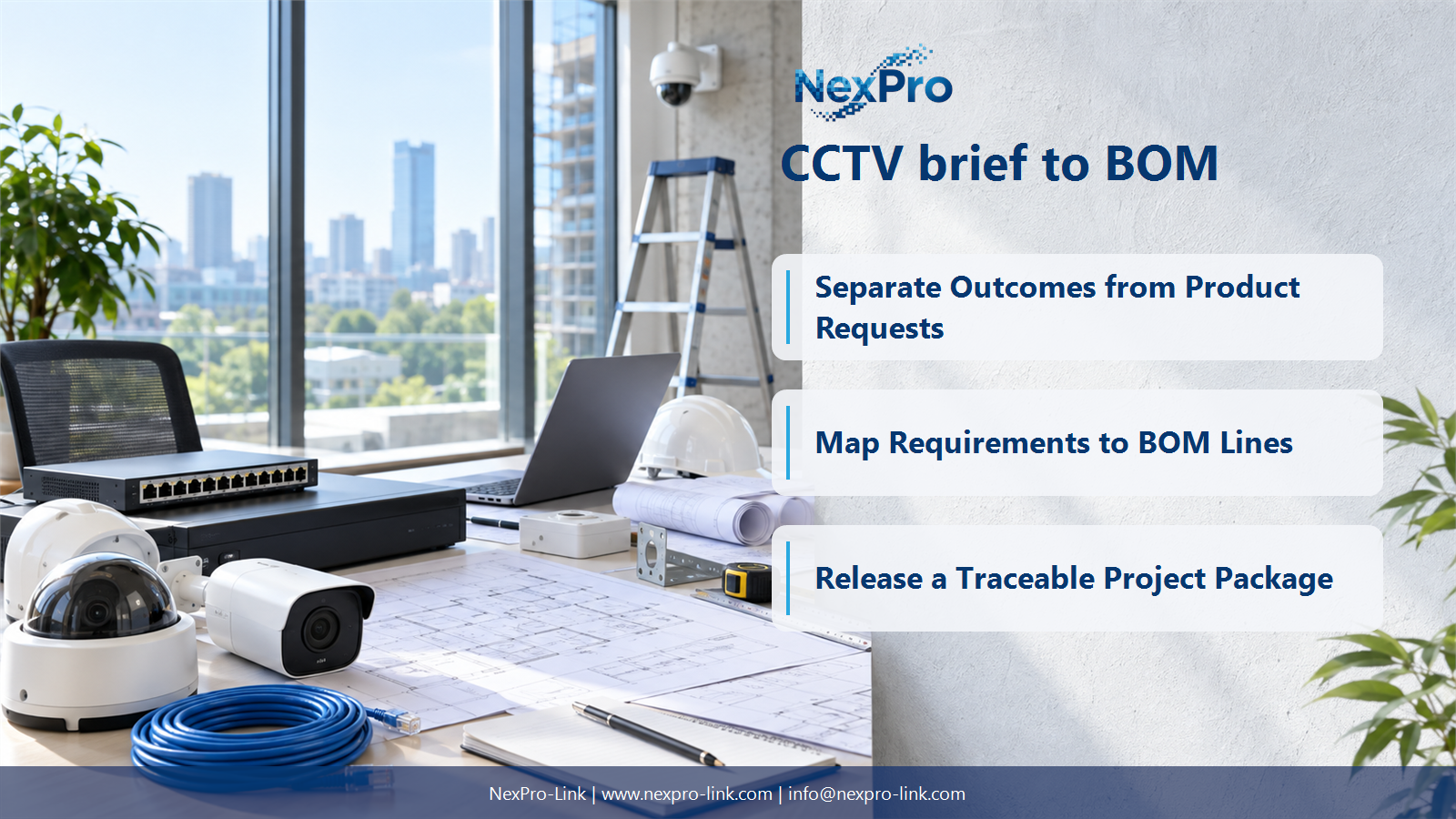
Separate the required outcome from any suggested product. A request to monitor a gate may mean scene overview, plate capture or access verification, and those tasks can require different views. Record the operational intent alongside the source paragraph so a product substitution can be assessed against the same purpose.
Turn the answer into a working record using Brief reference, Outcome, Suggested item, Interpretation.
| Decision area | Buyer question | Required output |
|---|---|---|
| Separate Outcomes from Product Requests | What is the first step in converting a brief into a BOM? | Separate the required outcome from any suggested product. |
| Convert Site Descriptions into View Tasks | How many cameras are needed for a 500-metre perimeter? | Length alone is insufficient. |
| Map Requirements to BOM Lines | How should a tender BOQ relate to the equipment BOM? | Preserve the buyer's BOQ references and map each line to one or more equipment items. |
Section 02
Convert Site Descriptions into View Tasks
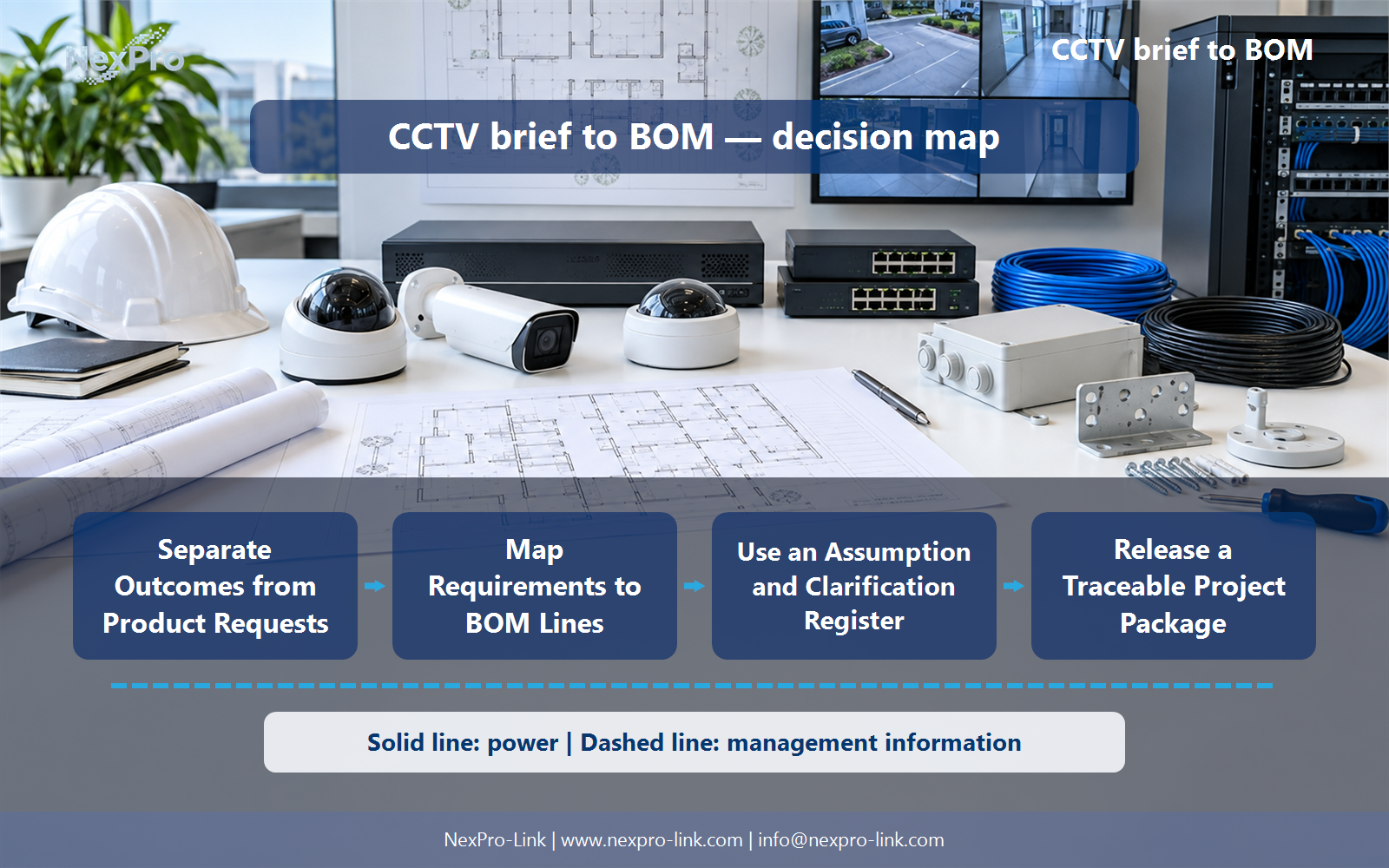
Length alone is insufficient. Corners, obstructions, mounting positions, target detail and overlap all influence the number of views. Break the fence into observable segments and add gate and blind-spot tasks separately. An early quantity can be a budget scenario, but it should not be presented as a final coverage calculation.
Use Segment, Target task, Obstruction, Proposed view, Quantity basis to compare options on the same basis. Keep product capability, project assumption and operating responsibility in separate columns.
Section 03
Map Requirements to BOM Lines
Preserve the buyer's BOQ references and map each line to one or more equipment items. Shared infrastructure should appear once with clear allocation, not be duplicated under every camera. Keep units and quantity bases visible, particularly where the buyer's line combines supply, installation and commissioning into one description.
The project output should make BOQ reference, BOM item, Quantity, Unit, Shared allocation traceable from input to acceptance.
- Confirm the answer to: How should a tender BOQ relate to the equipment BOM?
- Record the project fields: BOQ reference / BOM item / Quantity / Unit / Shared allocation.
- Keep product capability, project assumptions and site responsibility in separate records.
Section 04
Add System Dependencies
Consider recording channels, disk capacity, powered ports, upstream links, mounting, cabling, monitoring and backup power. Software and integration interfaces may also be required. Add dependencies because they enable a stated function, not because every project should contain every accessory; the rationale should be visible beside the quantity.
Record Function, Dependent item, Quantity driver, Required or optional before selecting a product family. That makes later substitutions possible without silently changing the operational requirement.
Section 05
Use an Assumption and Clarification Register
State a bounded assumption for each unresolved input and show which quantity or price it affects. Keep technical questions separate from commercial exclusions. A useful preliminary quotation explains how it changes when the client confirms the missing information, rather than hiding uncertainty inside an all-inclusive lump sum.
Review Missing input, Working assumption, Affected line, Change trigger with the party that will operate or maintain the system.
Section 06
Release a Traceable Project Package
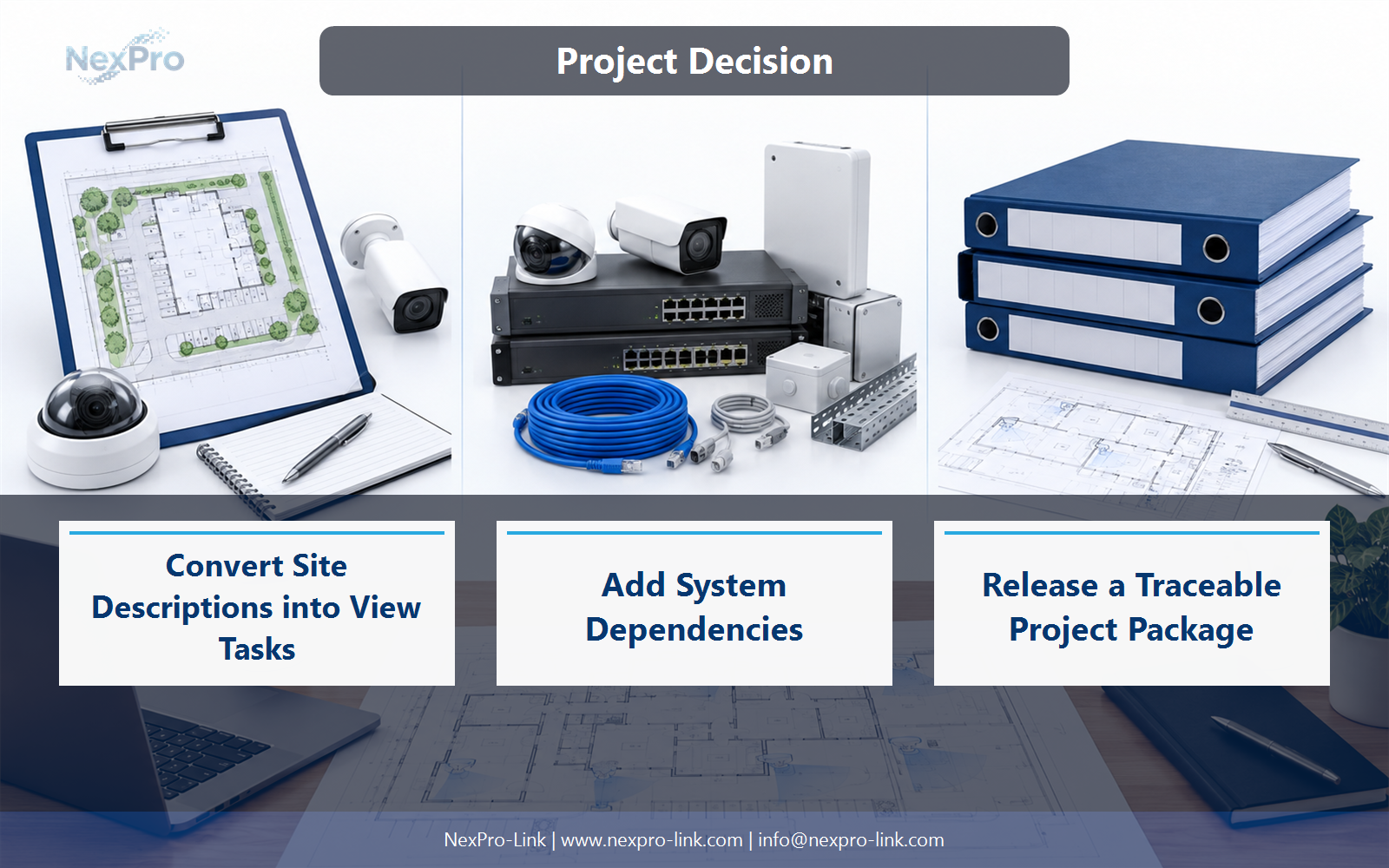
Include the interpreted requirement, a camera or zone schedule, a simple topology and the storage and power assumptions behind the quantities. Attach the specific clarification list that remains open. NexPro-Link can use that package to discuss suitable equipment without replacing the designer's responsibility for site geometry or final acceptance.
Use Requirement, Design output, BOM line, Responsible party as the handoff between design and procurement.
Engineering references
These sources support the general planning principles. Always use the selected product's current datasheet and applicable project standards for final design.


