

Plan CCTV system design workflow with practical guidance on step 1 — define the operational requirement and step 6 — define the operator display workflow. NexPro-Link project guide.
Section 01
Step 1 — Define the Operational Requirement
Define what each view must show, who will use the footage, and how quickly an incident must be found. A camera count is an output of those decisions, not the starting assumption. Record the target area, viewing task, operating hours and constraints so later equipment choices can be traced back to a clear purpose.
Turn the answer into a working record using Zone, Viewing task, Target, Operating hours, Design output.
| Decision area | Buyer question | Required output |
|---|---|---|
| Step 1 — Define the Operational Requirement | What should be decided before choosing cameras? | Define what each view must show, who will use the footage, and how quickly an incident must be found. |
| Steps 2–3 — Translate Views into Imaging and Network Inputs | How do image settings become network requirements? | Choose framing, resolution and frame rate together, then assign a clearly stated average and peak stream rate. |
| Steps 4–5 — Size Retention and Recording Capacity | Should storage or the NVR be selected first? | Calculate the recording requirement before committing to a recorder chassis, then iterate both choices together. |
Section 02
Steps 2–3 — Translate Views into Imaging and Network Inputs
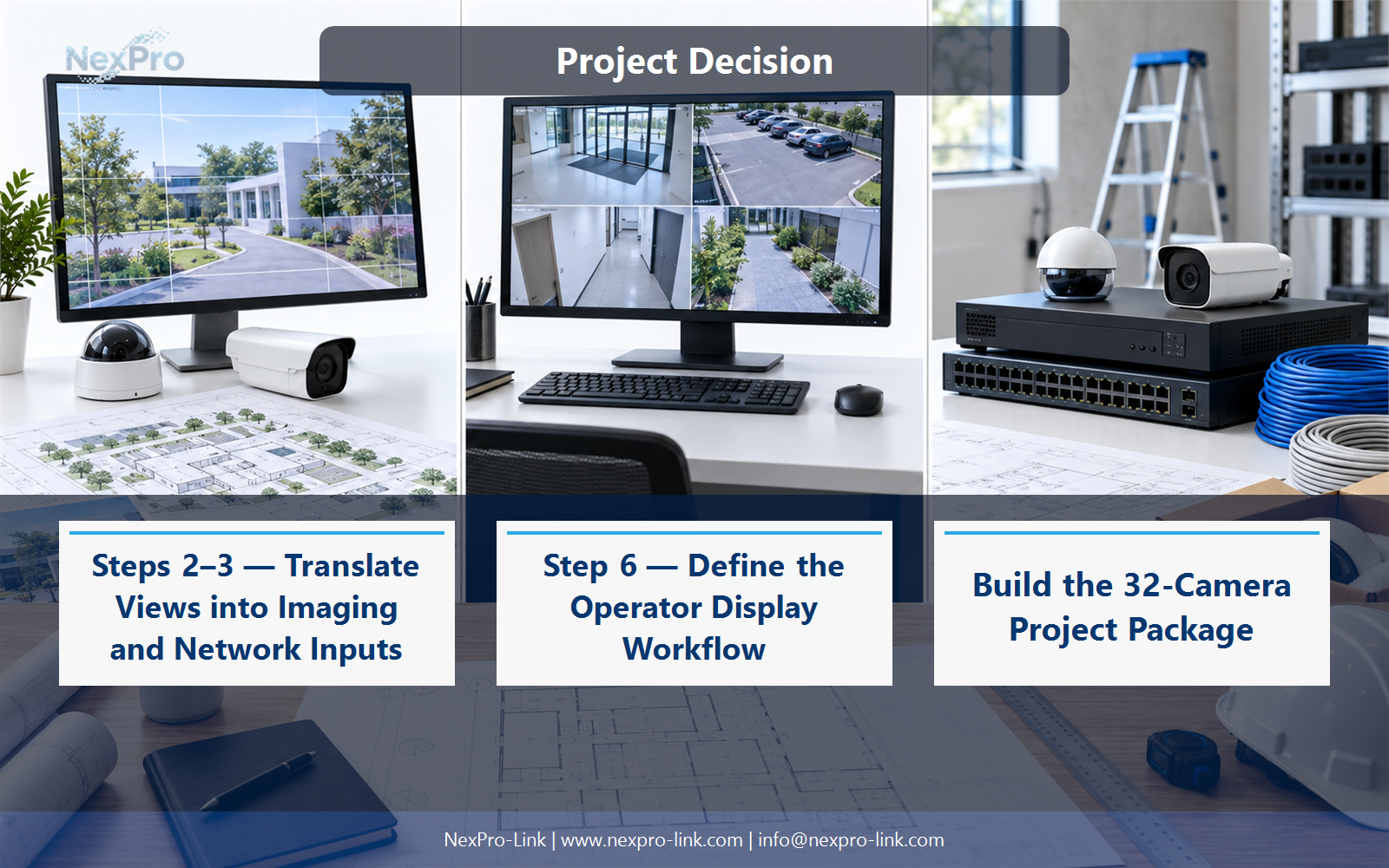
Choose framing, resolution and frame rate together, then assign a clearly stated average and peak stream rate. Map the traffic to the switch and recorder that actually carry it. A higher pixel count does not supply its own bitrate figure, and camera power must be listed separately from network traffic.
Use Camera ID, Lens, Resolution, FPS, Average Mbps, Peak Mbps, Peak W to compare options on the same basis. Keep product capability, project assumption and operating responsibility in separate columns.
Section 03
Steps 4–5 — Size Retention and Recording Capacity
Calculate the recording requirement before committing to a recorder chassis, then iterate both choices together. Channel count, incoming bandwidth, drive bays and supported drive configurations are separate limits. The right recorder is one that can sustain the specified workload and retain the required footage, not merely one with enough numbered channels.
The project output should make Stream group, Retention, Required TB, Recorder limit, Allocation traceable from input to acceptance.
- Confirm the answer to: Should storage or the NVR be selected first?
- Record the project fields: Stream group / Retention / Required TB / Recorder limit / Allocation.
- Keep product capability, project assumptions and site responsibility in separate records.
Section 04
Step 6 — Define the Operator Display Workflow
No. A local monitor or workstation may support a small operation adequately. A video wall becomes useful when operators need shared situational awareness or simultaneous views. Specify the normal layout, alarm layout, source resolution and control method before selecting panels, LED pitch or decoding hardware.
Record Operator task, Concurrent windows, Display type, Decoder role before selecting a product family. That makes later substitutions possible without silently changing the operational requirement.
Section 05
Step 7 — Protect the Complete Recording Path
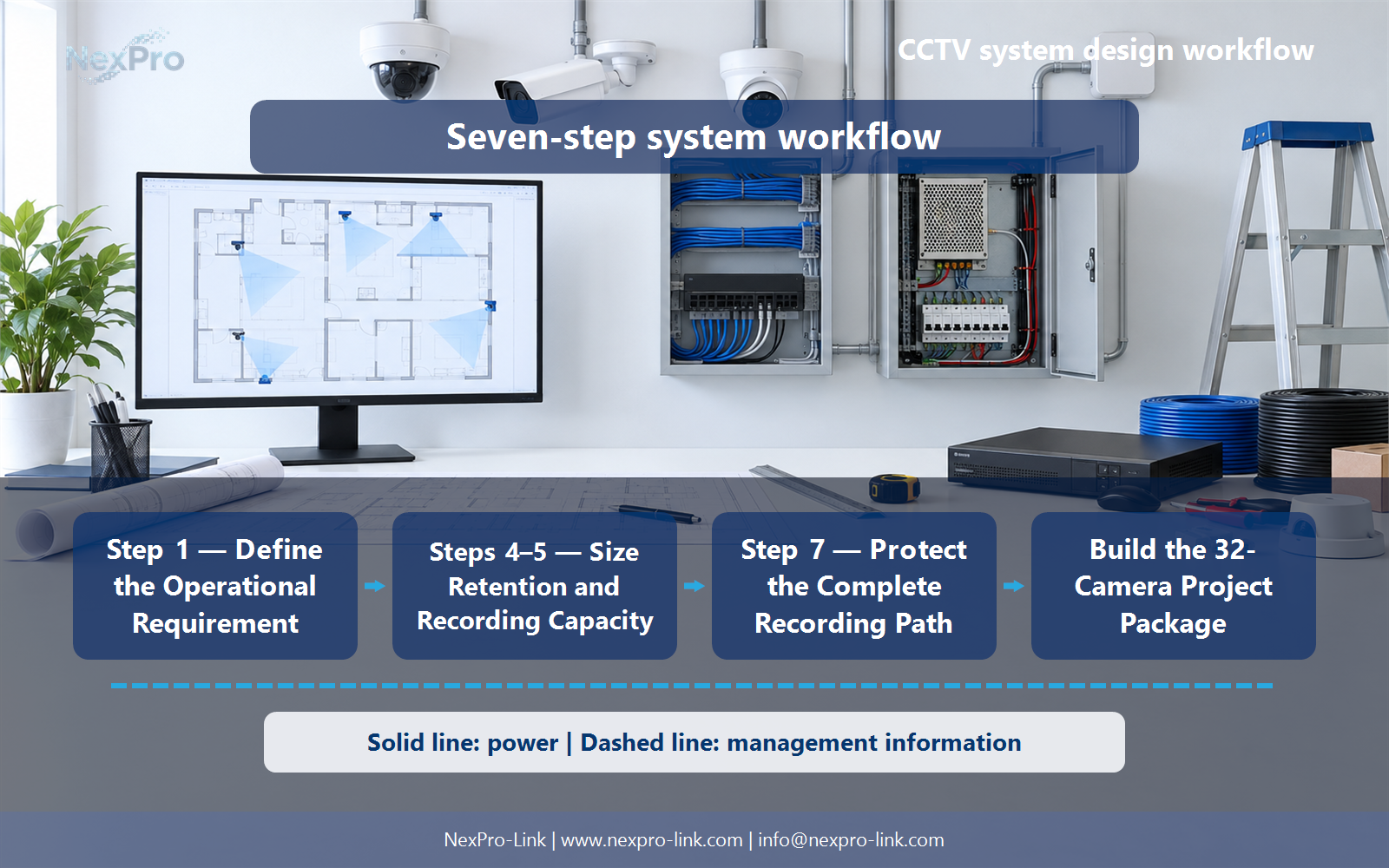
Protect every device required for the agreed outage service, including cameras through their powered switches, recorders and essential network equipment. Decide separately whether displays must remain on. A backed-up recorder cannot record a camera that has lost its switch, and a large UPS rating alone does not establish backup duration.
Review Service, Devices in path, AC load, Runtime target, UPS zone with the party that will operate or maintain the system.
Section 06
Build the 32-Camera Project Package
Provide a zone-based camera schedule, a network diagram, a storage estimate, a power schedule and a quantity-linked equipment list. Identify optional items and site work separately. These documents allow the buyer to compare an equipment package on a common basis and give NexPro-Link specific inputs for model matching rather than a vague request for a camera kit.
Use BOQ line, Design reference, Quantity, Unit, Supply scope as the handoff between design and procurement.
Engineering references
These sources support the general planning principles. Always use the selected product's current datasheet and applicable project standards for final design.


