

Plan data center CCTV design with practical guidance on define physical and customer boundaries and design recording networks and retention. NexPro-Link project guide.
Section 01
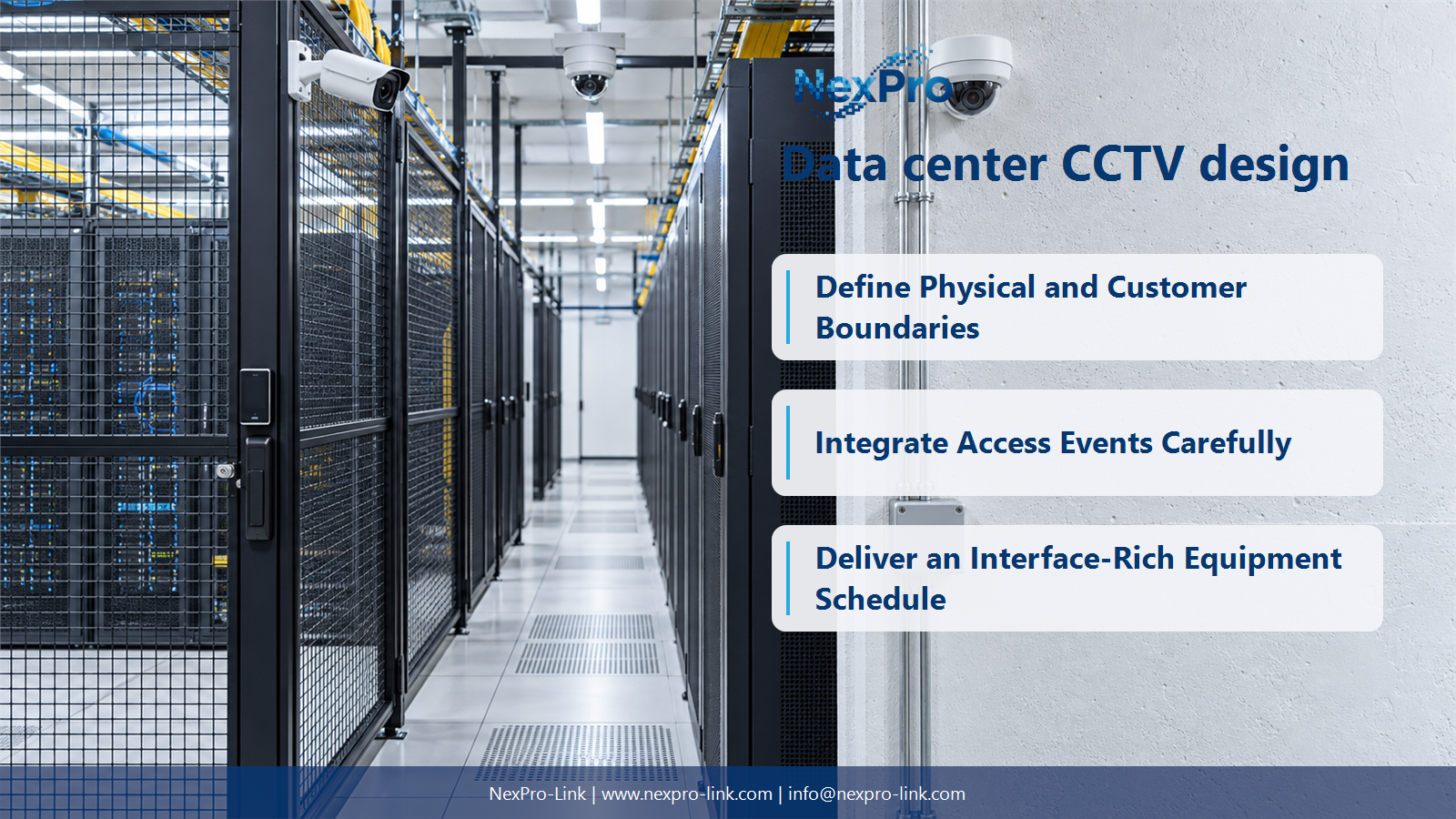
Define Physical and Customer Boundaries
Separate circulation, controlled entrances, customer cages and technical areas by purpose and access rights. A shared facility does not justify universal visibility into every customer's space. Define the required detail and who may use each view before selecting camera quantities.
Turn the answer into a working record using Zone, Customer boundary, Purpose, Authorized operator.
| Decision area | Buyer question | Required output |
|---|---|---|
| Define Physical and Customer Boundaries | How should data-center CCTV zones be organized? | Separate circulation, controlled entrances, customer cages and technical areas by purpose and access rights. |
| Choose Views for Aisles and Equipment | Is corridor format always available for aisle cameras? | It must be supported by the chosen camera and recording or client arrangement. |
| Integrate Access Events Carefully | Does a door event prove who appears in the video? | It provides an event reference, not necessarily a complete identity conclusion about every visible person. |
Section 02
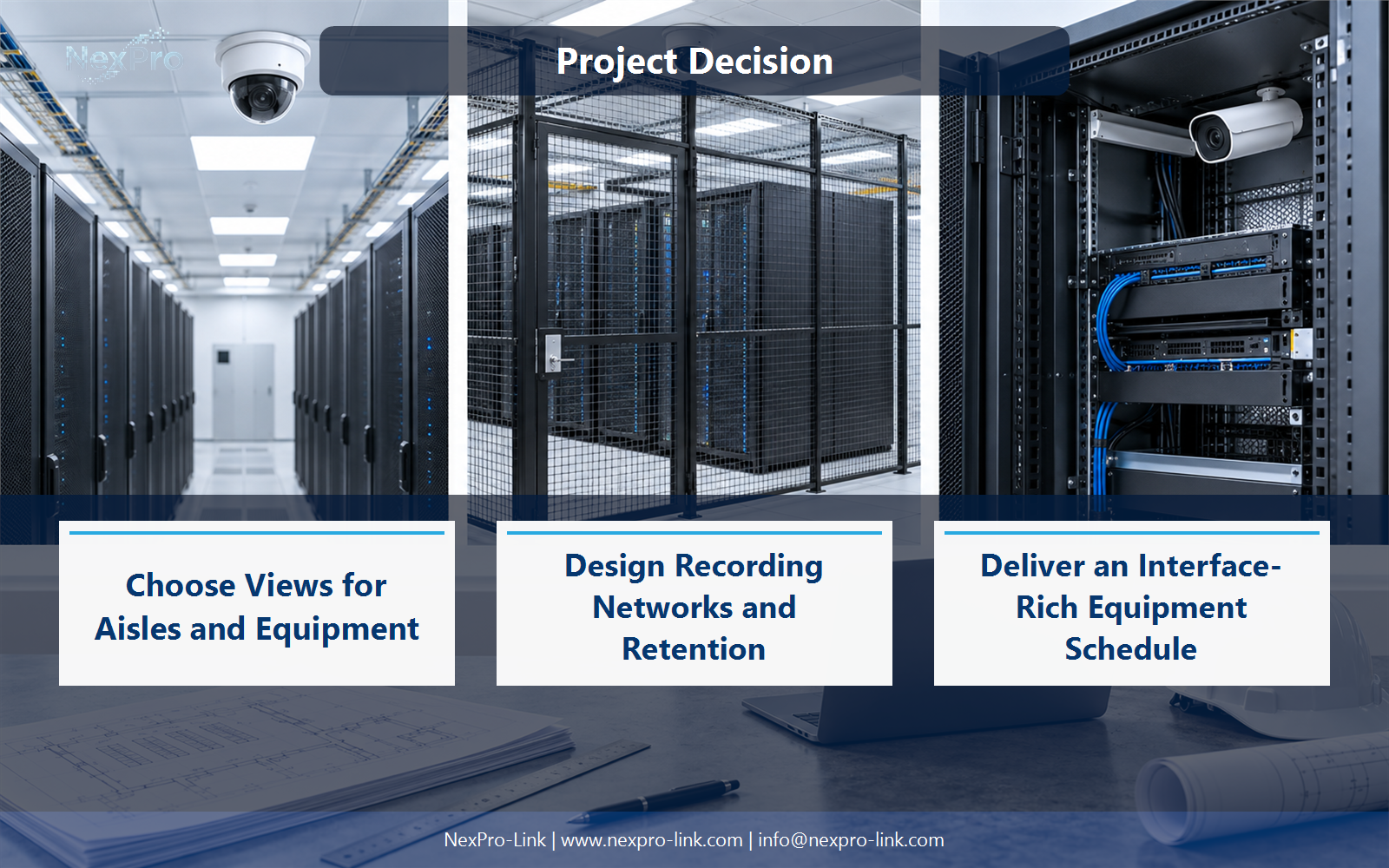
Choose Views for Aisles and Equipment
It must be supported by the chosen camera and recording or client arrangement. A suitable portrait view can improve framing of a narrow aisle, but it does not automatically double useful coverage. Lens, installation height and actual rack obstructions still matter.
Use Aisle, Orientation, Lens, Obstruction, Supported output to compare options on the same basis. Keep product capability, project assumption and operating responsibility in separate columns.
Section 03
Integrate Access Events Carefully
It provides an event reference, not necessarily a complete identity conclusion about every visible person. Specify how access records and video are aligned and reviewed. The integration requires supported interfaces and permissions, not merely shared timestamps on unrelated systems.
The project output should make Door event, Camera, Time alignment, Review, Interface traceable from input to acceptance.
- Confirm the answer to: Does a door event prove who appears in the video?
- Record the project fields: Door event / Camera / Time alignment / Review / Interface.
- Keep product capability, project assumptions and site responsibility in separate records.
Section 04
Design Recording Networks and Retention
Define a supported and controlled architecture with the responsible IT team rather than assuming unrestricted sharing. Recording, management and operator flows can have different requirements. Calculate retention from the actual policy and streams, and preserve the relevant failure and access boundaries.
Record Network zone, Flow, Recorder, Retention, Control before selecting a product family. That makes later substitutions possible without silently changing the operational requirement.
Section 05
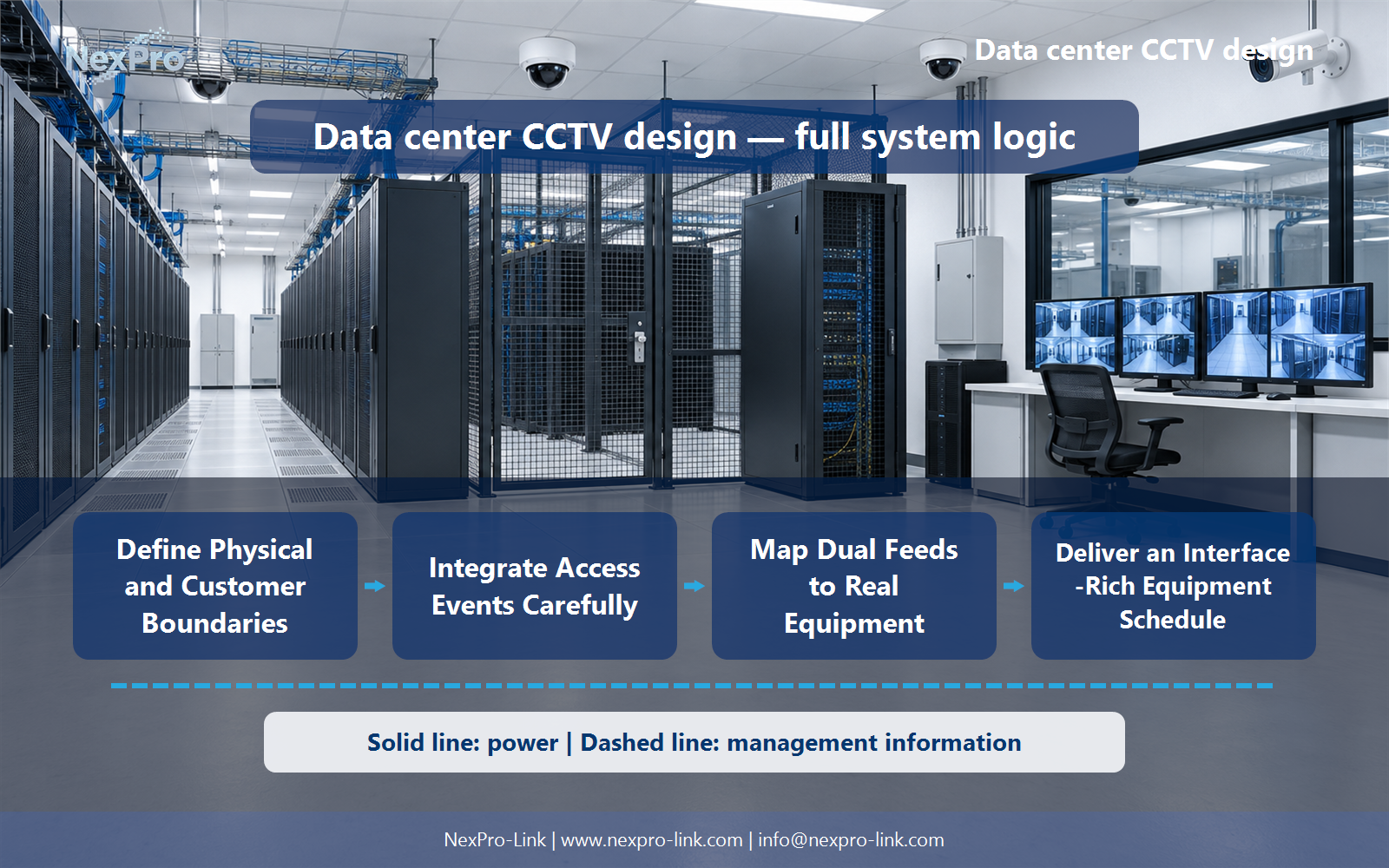
Map Dual Feeds to Real Equipment
Not without a supported supply or transfer arrangement designed for that equipment. Trace common points from camera to recorder and distinguish power resilience from network or storage resilience. Never assume dual cables or two UPS symbols establish continuous service.
Review Device, Inputs, Transfer, Shared dependency, Recovery with the party that will operate or maintain the system.
Section 06
Deliver an Interface-Rich Equipment Schedule
Connect views to access events, network zones, recording, storage, workstations, power and cable routes. Identify customer and facility responsibilities and the specific supported functions. NexPro-Link equipment references should illustrate roles without claiming universal data-center compliance or failover capability.
Use Zone, Equipment, Access interface, Power, Cable, Owner as the handoff between design and procurement.
Engineering references
These sources support the general planning principles. Always use the selected product's current datasheet and applicable project standards for final design.


