

Plan corporate command center CCTV with practical guidance on define the command-center workflow and select the wall for the room. NexPro-Link project guide.
Section 01
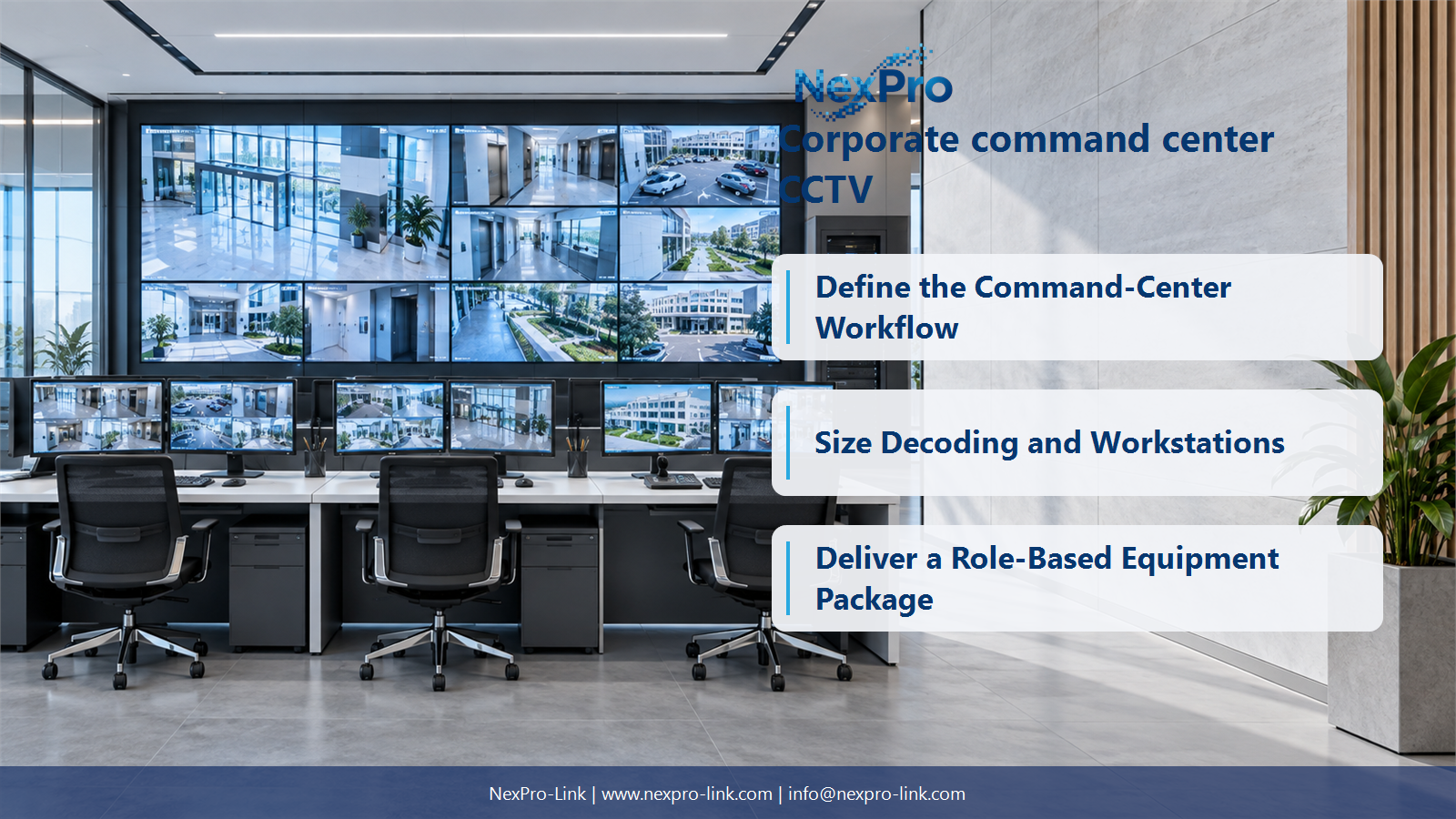
Define the Command-Center Workflow
Map routine monitoring, event triage, investigation and escalation to operator actions. Identify which sites and systems contribute information. The workflow determines source access, layouts and workstation needs more reliably than starting with a wall size or a list of impressive equipment.
Turn the answer into a working record using Task, Source, Operator, Action, Escalation.
| Decision area | Buyer question | Required output |
|---|---|---|
| Define the Command-Center Workflow | What should a corporate command center be designed around? | Map routine monitoring, event triage, investigation and escalation to operator actions. |
| Inventory Sources and Integrations | Does every connected system need to appear on the video wall? | No. |
| Size Decoding and Workstations | What determines the processing capacity of the center? | Concurrent streams, codec, resolution, frame rate, layout changes and investigations determine the workload. |
Section 02
Inventory Sources and Integrations
No. Some information belongs on individual workstations or an event interface rather than a permanent wall window. Classify live video, playback, dashboards and physical inputs. Define the actual integration and permissions instead of assuming all platforms share one unrestricted interface.
Use Source, Format, Interface, User, Display destination to compare options on the same basis. Keep product capability, project assumption and operating responsibility in separate columns.
Section 03
Size Decoding and Workstations
Concurrent streams, codec, resolution, frame rate, layout changes and investigations determine the workload. Separate network decoding from desktop display outputs and physical wall inputs. A powerful-looking workstation or a controller output count does not establish every required processing function.
The project output should make Workload, Decoder, Client, Output, Concurrent demand traceable from input to acceptance.
- Confirm the answer to: What determines the processing capacity of the center?
- Record the project fields: Workload / Decoder / Client / Output / Concurrent demand.
- Keep product capability, project assumptions and site responsibility in separate records.
Section 04
Select the Wall for the Room
No. Compare physical size, viewing positions, source detail and layouts before choosing pitch or display technology. A suitable LCD or another LED pitch may serve the task. State the design conditions rather than treating one premium-sounding pitch as mandatory.
Record Display option, Canvas, Distance, Window detail, Access before selecting a product family. That makes later substitutions possible without silently changing the operational requirement.
Section 05
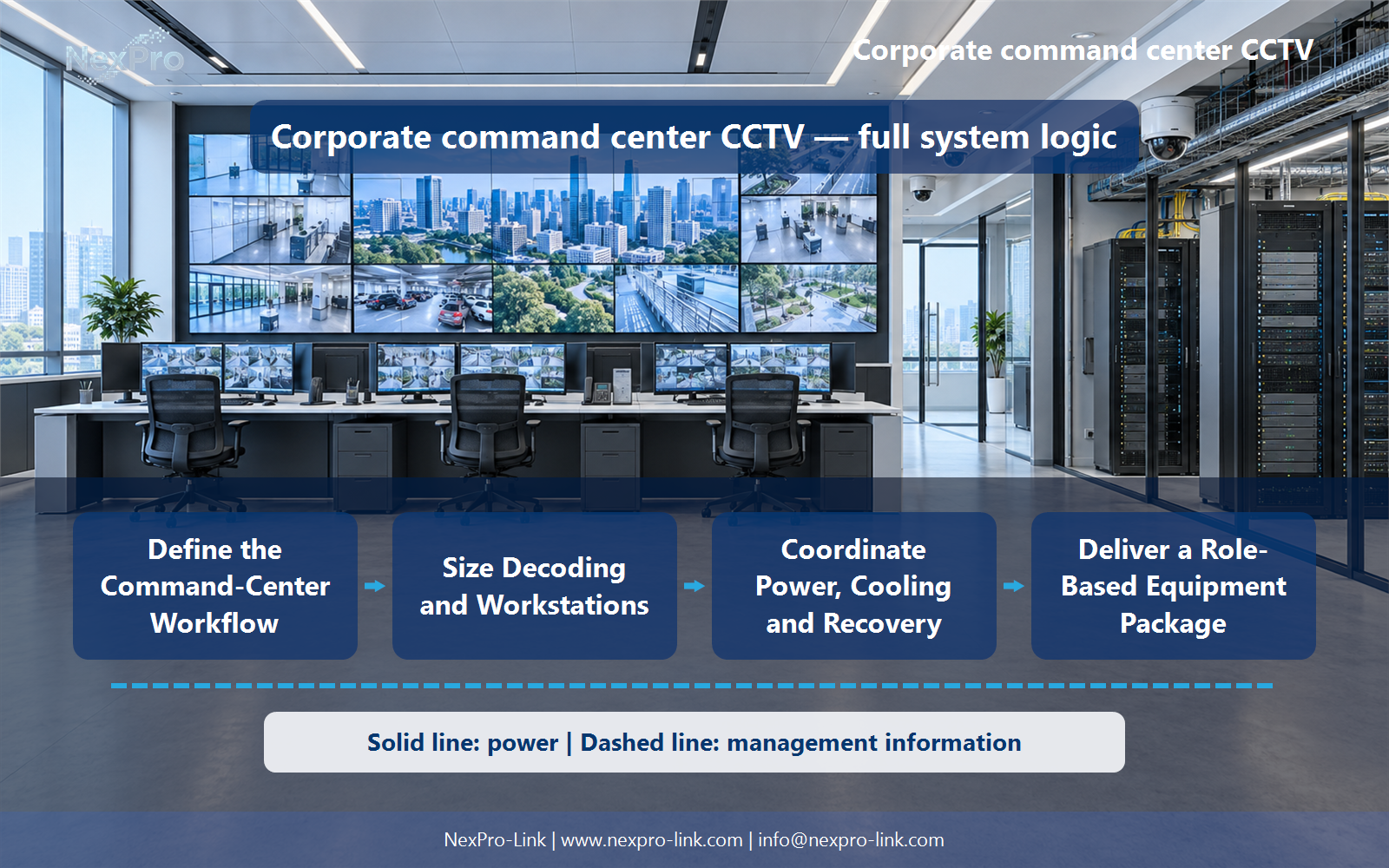
Coordinate Power, Cooling and Recovery
Identify essential processing, networking, recording and operator displays, then coordinate their power and heat with the responsible room designers. Use supported redundant arrangements where required. A large wall, two UPS units and precision cooling labels do not by themselves define a resilient command center.
Review Service, Power path, Heat, Recovery, Owner with the party that will operate or maintain the system.
Section 06
Deliver a Role-Based Equipment Package
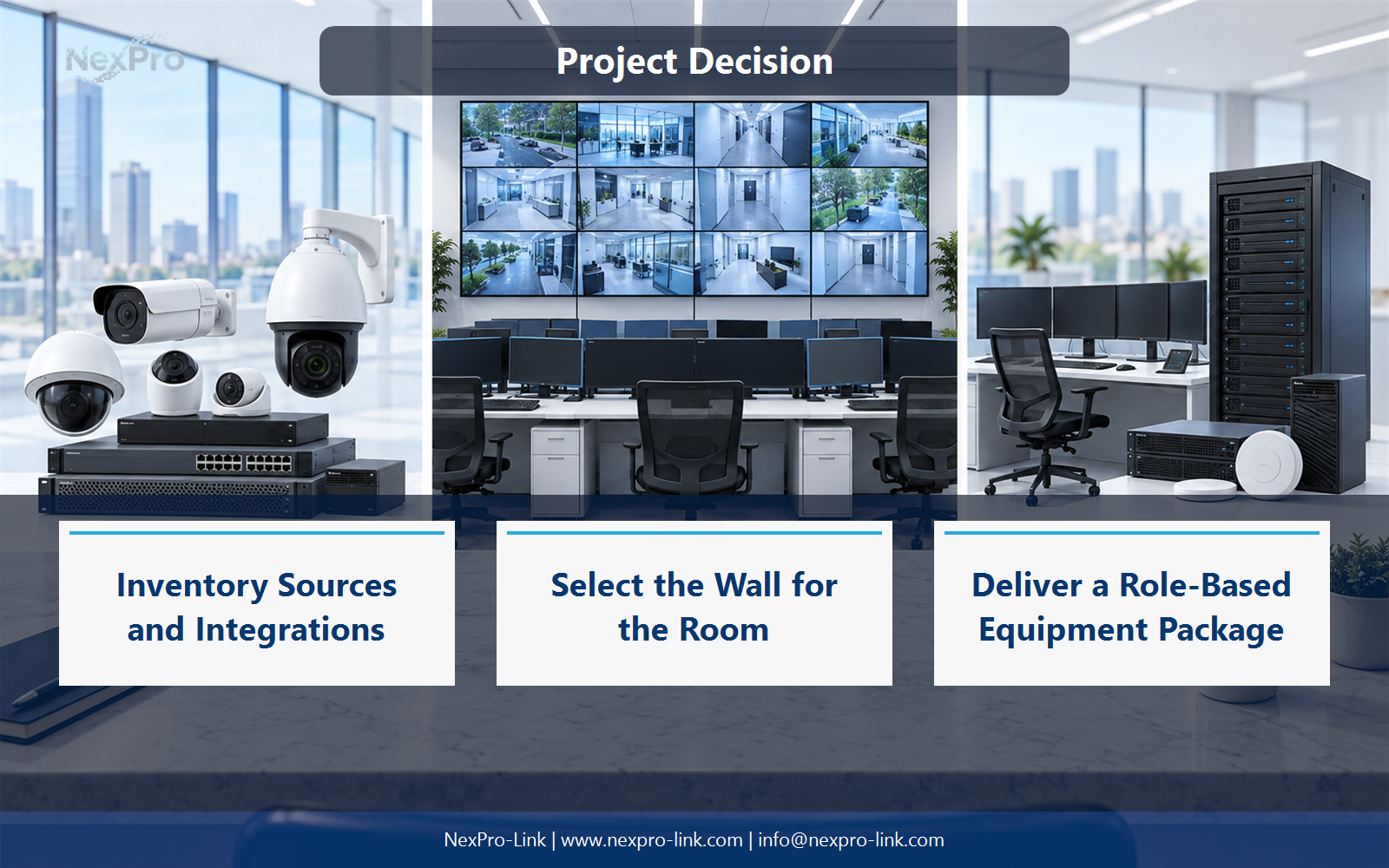
Show source interfaces, decoder and controller roles, workstation needs, displays, recording, network, backup and cable interfaces. Identify optional integration and site services separately. The package should explain how operators use the equipment, not claim every corporate platform is already interoperable.
Use Role, Device or specification, Quantity, Interface, Scope as the handoff between design and procurement.
Engineering references
These sources support the general planning principles. Always use the selected product's current datasheet and applicable project standards for final design.


