

Plan complete CCTV bill of materials with practical guidance on define the bill of materials boundary and include network and cable terminations. NexPro-Link project guide.
Section 01
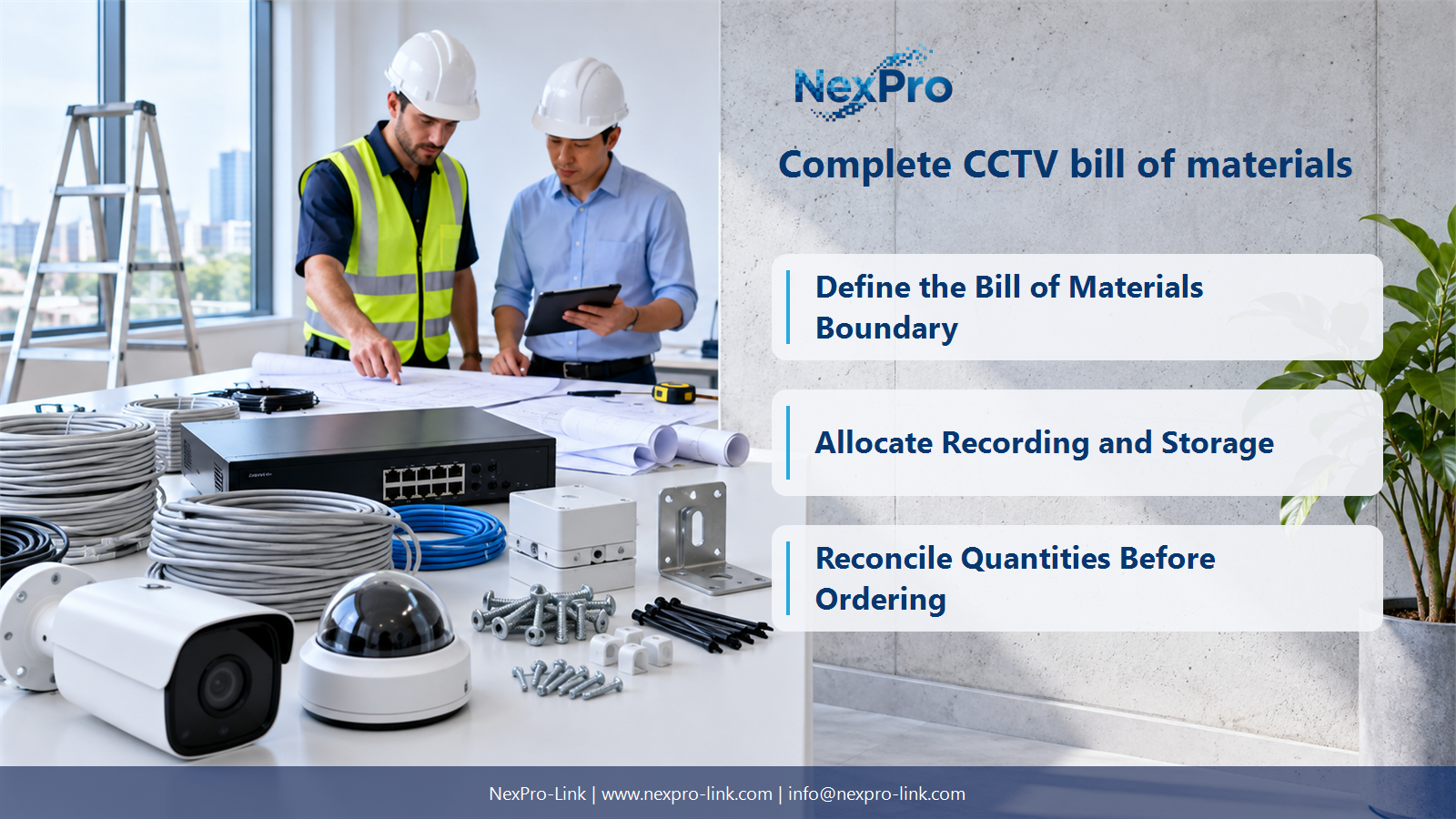
Define the Bill of Materials Boundary
Include the equipment and physical items needed to deliver the defined surveillance functions, plus clearly identified software and service dependencies. Installation labour is often priced in a separate work schedule, but its boundary must still be stated. A BOM is complete relative to an agreed scope, not relative to the longest possible product list.
Turn the answer into a working record using Supply group, Function, Included scope, Excluded work.
| Decision area | Buyer question | Required output |
|---|---|---|
| Define the Bill of Materials Boundary | What belongs in a complete CCTV BOM? | Include the equipment and physical items needed to deliver the defined surveillance functions, plus clearly identified software and service dependencies. |
| Count Cameras and Mounting Hardware | Why should mounts and junction accessories have their own lines? | Housing type alone does not establish how a camera attaches to a wall, pole or ceiling. |
| Allocate Recording and Storage | Should hard drives be included in the NVR line? | Either structure can work if the scope is unmistakable. |
Section 02
Count Cameras and Mounting Hardware
Housing type alone does not establish how a camera attaches to a wall, pole or ceiling. Count the mounting interface, fasteners and cable termination arrangement for each location. Separate optional appearance choices from items needed for safe, weather-appropriate installation so the buyer can see the consequence of removing an accessory.
Use Camera tag, Mounting surface, Mount, Termination, Quantity to compare options on the same basis. Keep product capability, project assumption and operating responsibility in separate columns.
Section 03
Allocate Recording and Storage
Either structure can work if the scope is unmistakable. State the recorder model, drive quantity, drive capacity and usable-capacity assumption whether bundled or itemized. An empty recorder and a populated recorder are not equivalent quotations. Include export or archive requirements separately from the main recording capacity.
The project output should make Recorder, Drive count, Capacity, Usable basis, Archive scope traceable from input to acceptance.
- Confirm the answer to: Should hard drives be included in the NVR line?
- Record the project fields: Recorder / Drive count / Capacity / Usable basis / Archive scope.
- Keep product capability, project assumptions and site responsibility in separate records.
Section 04
Include Network and Cable Terminations
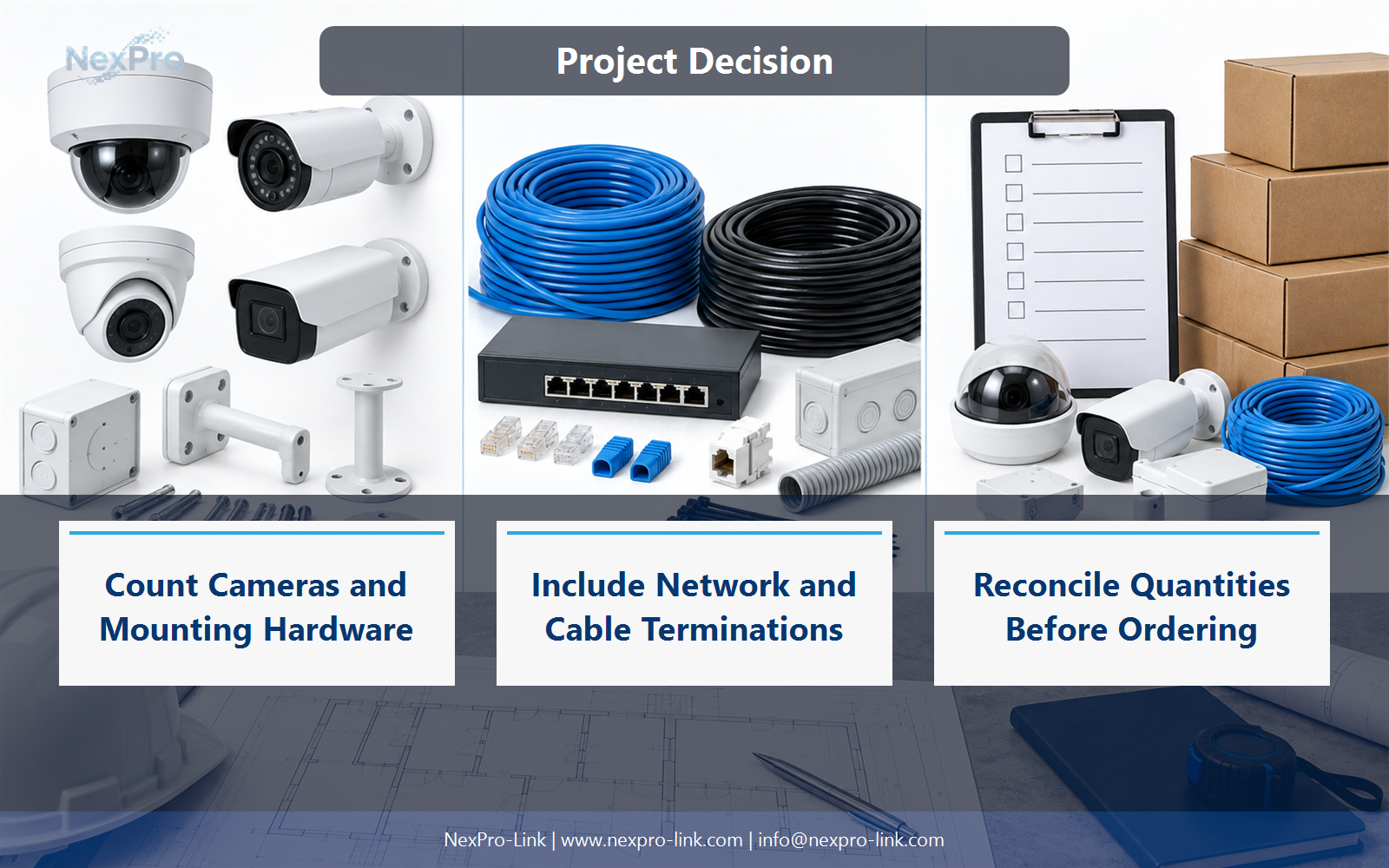
Derive the count from the actual channel design: permanent cable, patch-panel termination, outlet or direct connection, patch leads and equipment ports. Do not assume every installation uses identical endpoints. Add uplink connections and equipment-room patching separately; they support multiple camera points but are easy to omit from a per-camera list.
Record Link type, Endpoint A, Endpoint B, Patches, Quantity rule before selecting a product family. That makes later substitutions possible without silently changing the operational requirement.
Section 05
Complete Display, Power and Rack Scope
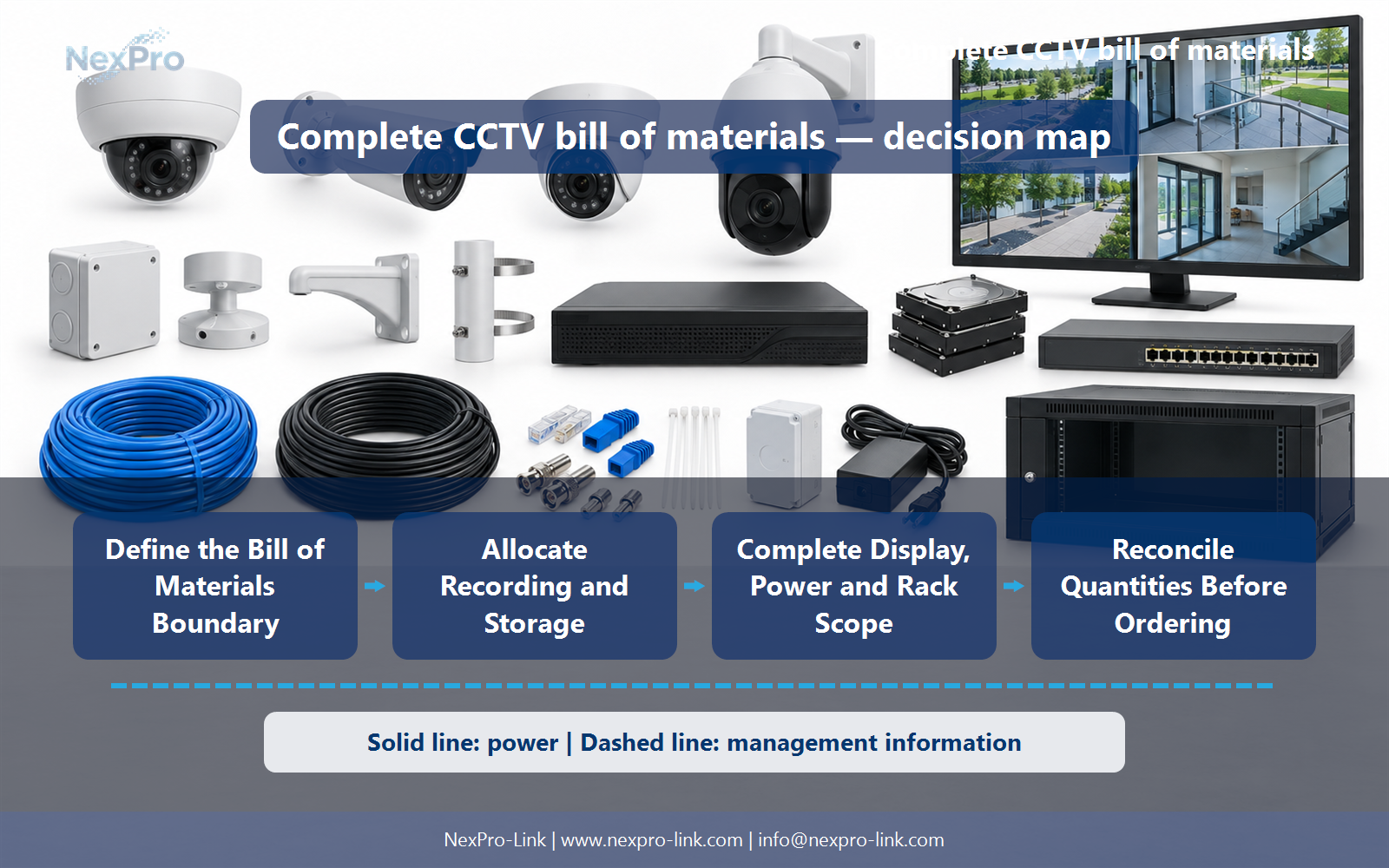
Consider decoding or client hardware, display mounting, rack depth, shelves, PDUs, UPS connections and the required battery arrangement. These items determine whether the equipment can be installed and operated as proposed. Keep large display walls optional when the operating task does not require them rather than making them a default kit component.
Review Subsystem, Main unit, Dependency, Space, Power input with the party that will operate or maintain the system.
Section 06
Reconcile Quantities Before Ordering
Reconcile linked quantities: camera points against powered ports, recorder allocations against channels, drives against bays, and cable runs against termination counts. Then check shared and spare items separately. These cross-checks reveal mismatches that a simple total-item count misses and help NexPro-Link prepare a consistently scoped equipment package.
Use Design quantity, Related quantity, Difference, Resolution as the handoff between design and procurement.
Engineering references
These sources support the general planning principles. Always use the selected product's current datasheet and applicable project standards for final design.


