

Plan cold storage CCTV design with practical guidance on define temperature and operating cycles and place recorders and network nodes appropriately. NexPro-Link project guide.
Section 01
Define Temperature and Operating Cycles
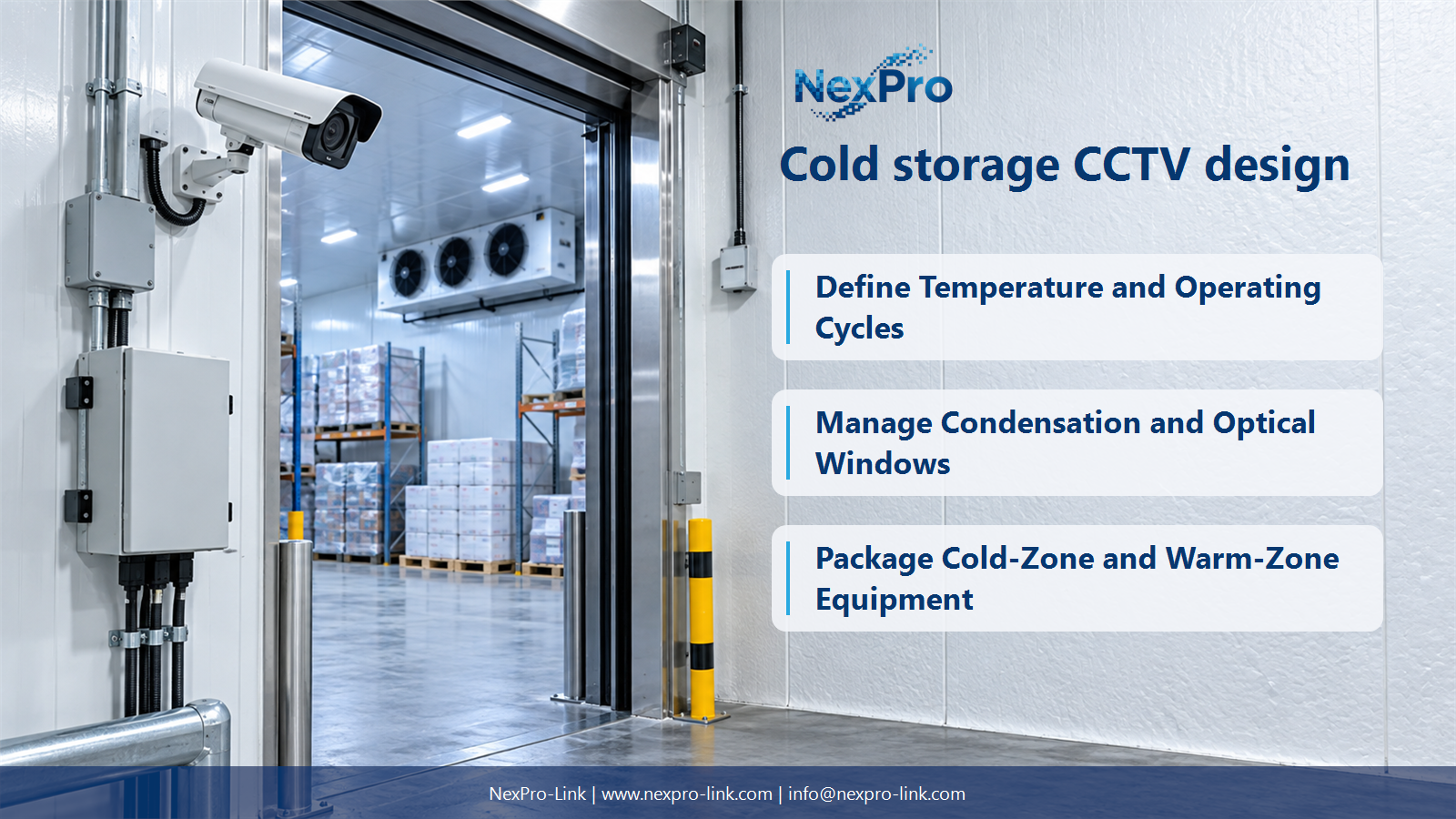
Record minimum and maximum temperatures at the equipment, cold-start conditions, door cycles and defrost or washdown exposure. A steady low-temperature figure alone may miss the most demanding transitions. Camera, connectors, cable and field network equipment can face different conditions.
Turn the answer into a working record using Location, Minimum, Startup, Defrost, Moisture.
| Decision area | Buyer question | Required output |
|---|---|---|
| Define Temperature and Operating Cycles | What cold-store conditions must be specified? | Record minimum and maximum temperatures at the equipment, cold-start conditions, door cycles and defrost or washdown exposure. |
| Select Equipment for the Actual Range | Can a −20°C-rated camera be specified for a −30°C room? | Not on that rating alone. |
| Manage Condensation and Optical Windows | Why can a camera fog when moving between temperature zones? | Temperature changes and moisture can affect the optical window and enclosure conditions. |
Section 02
Select Equipment for the Actual Range
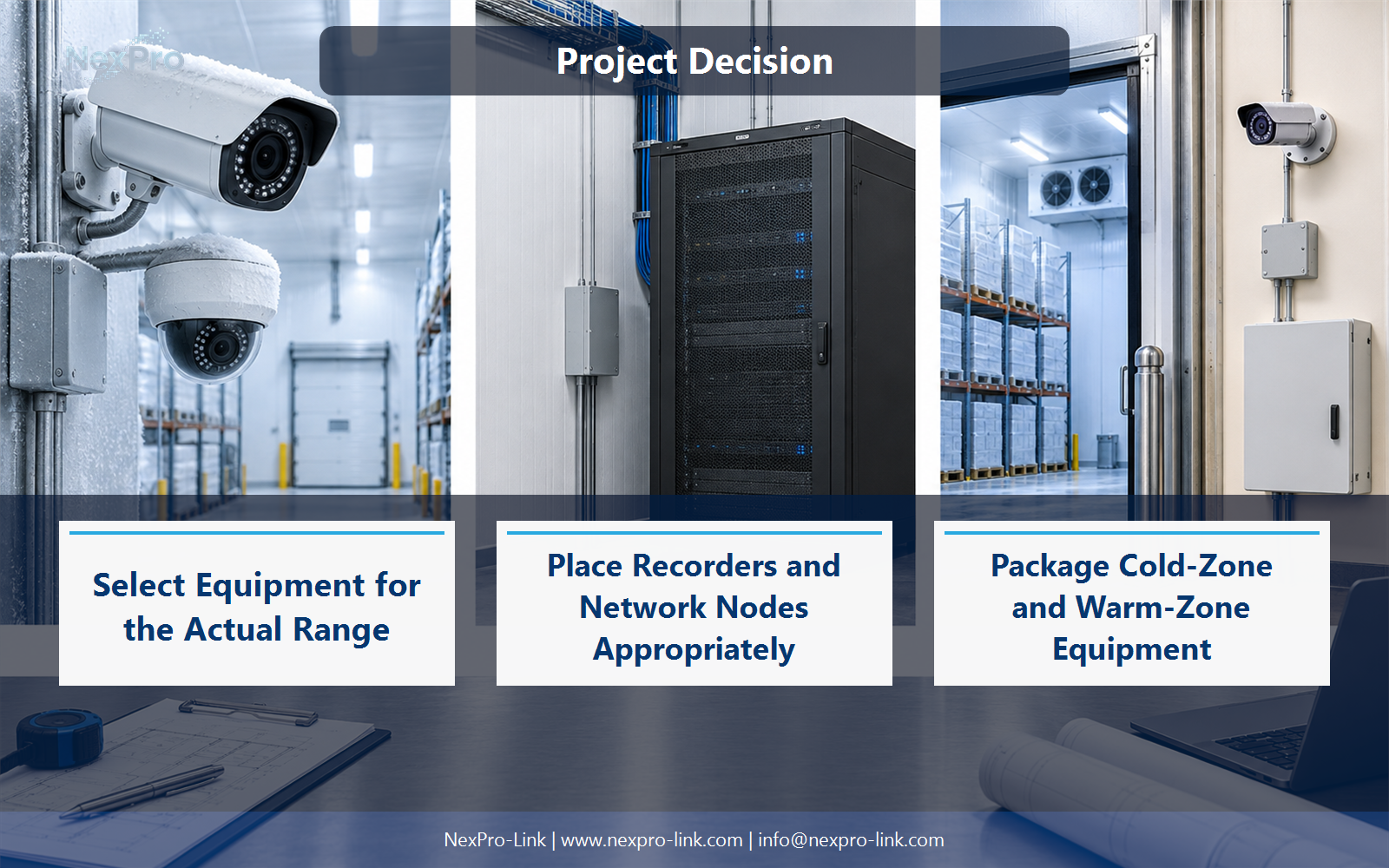
Not on that rating alone. Use a device or complete supported environmental arrangement suitable for the actual conditions. Do not extend the supplied varifocal camera's stated limit by assumption or describe a generic housing as automatically making it suitable for a colder room.
Use Device, Stated range, Room condition, Required arrangement to compare options on the same basis. Keep product capability, project assumption and operating responsibility in separate columns.
Section 03
Manage Condensation and Optical Windows
Temperature changes and moisture can affect the optical window and enclosure conditions. Address the complete installation, including transitions, sealing and any supported heating strategy. A clear picture during a dry initial test does not prove useful performance through door and defrost cycles.
The project output should make Transition, Moisture, Window condition, Supported mitigation traceable from input to acceptance.
- Confirm the answer to: Why can a camera fog when moving between temperature zones?
- Record the project fields: Transition / Moisture / Window condition / Supported mitigation.
- Keep product capability, project assumptions and site responsibility in separate records.
Section 04
Place Recorders and Network Nodes Appropriately
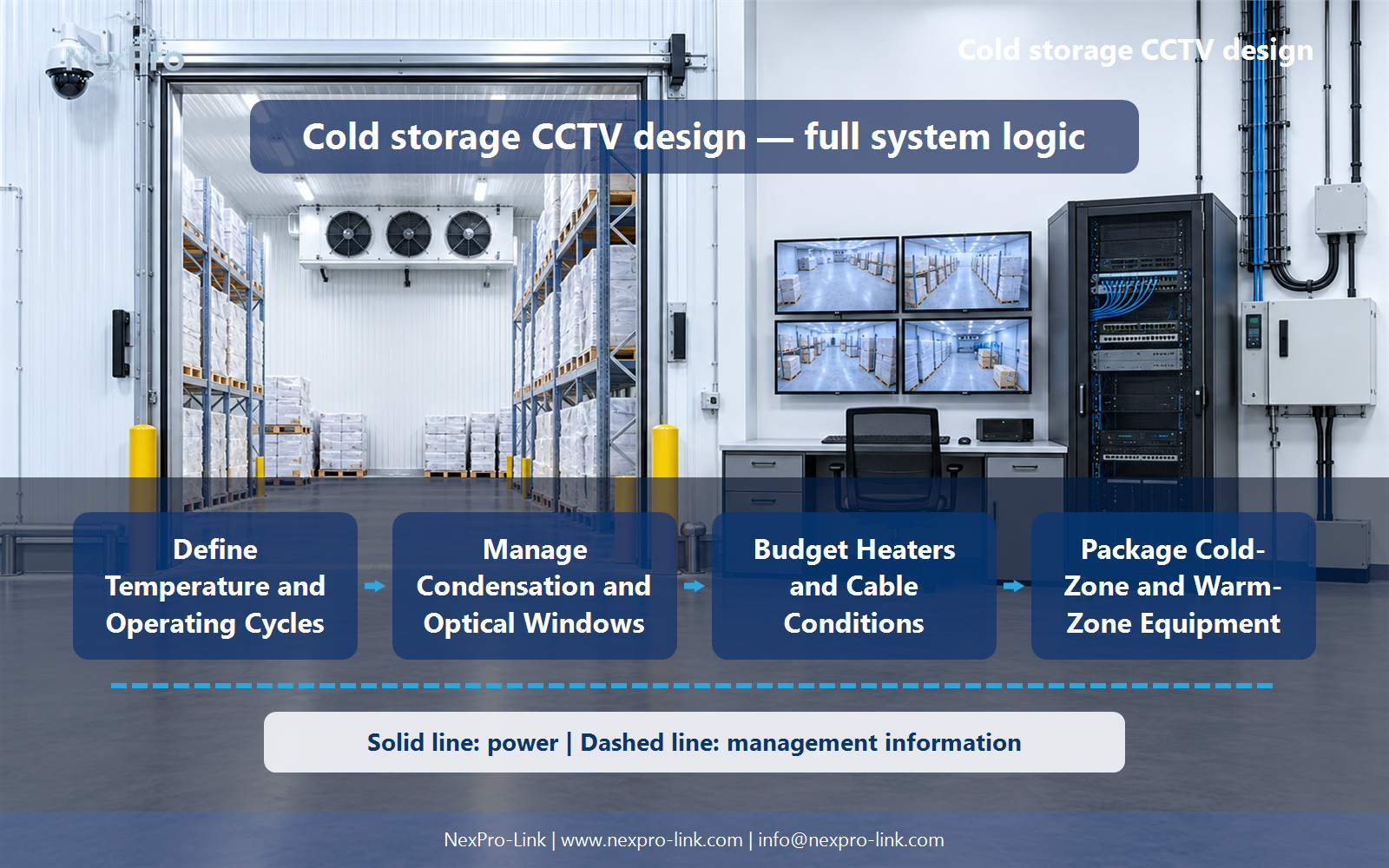
A suitable controlled equipment room is often a more appropriate location when the network design permits it. Field devices still need their own environmental suitability. Use supported local links and backbone arrangements rather than assuming one low-temperature camera specification covers every connected device.
Record Device, Location, Environment, Link, Supply before selecting a product family. That makes later substitutions possible without silently changing the operational requirement.
Section 05
Budget Heaters and Cable Conditions
Heating may add continuous, cycling or startup demand and may use a separate supply rather than camera PoE. Identify the supported power path and worst relevant condition. Cable and connector suitability at low temperature also needs attention; normal indoor cable assumptions should not be carried over silently.
Review Camera, Heater, Supply method, Peak, Cable condition with the party that will operate or maintain the system.
Section 06
Package Cold-Zone and Warm-Zone Equipment
Separate cold-zone cameras and accessories from warm-room recorders, storage, displays and power equipment. Show every boundary crossing, local switch and backup dependency. This lets procurement compare complete environmental arrangements and identify which equipment actually operates in the cold zone.
Use Zone, Equipment, Boundary, Power, Cable, Scope as the handoff between design and procurement.
Engineering references
These sources support the general planning principles. Always use the selected product's current datasheet and applicable project standards for final design.


