

Plan chain store CCTV rollout with practical guidance on define store types and standard tasks and pilot representative stores. NexPro-Link project guide.
Section 01
Define Store Types and Standard Tasks
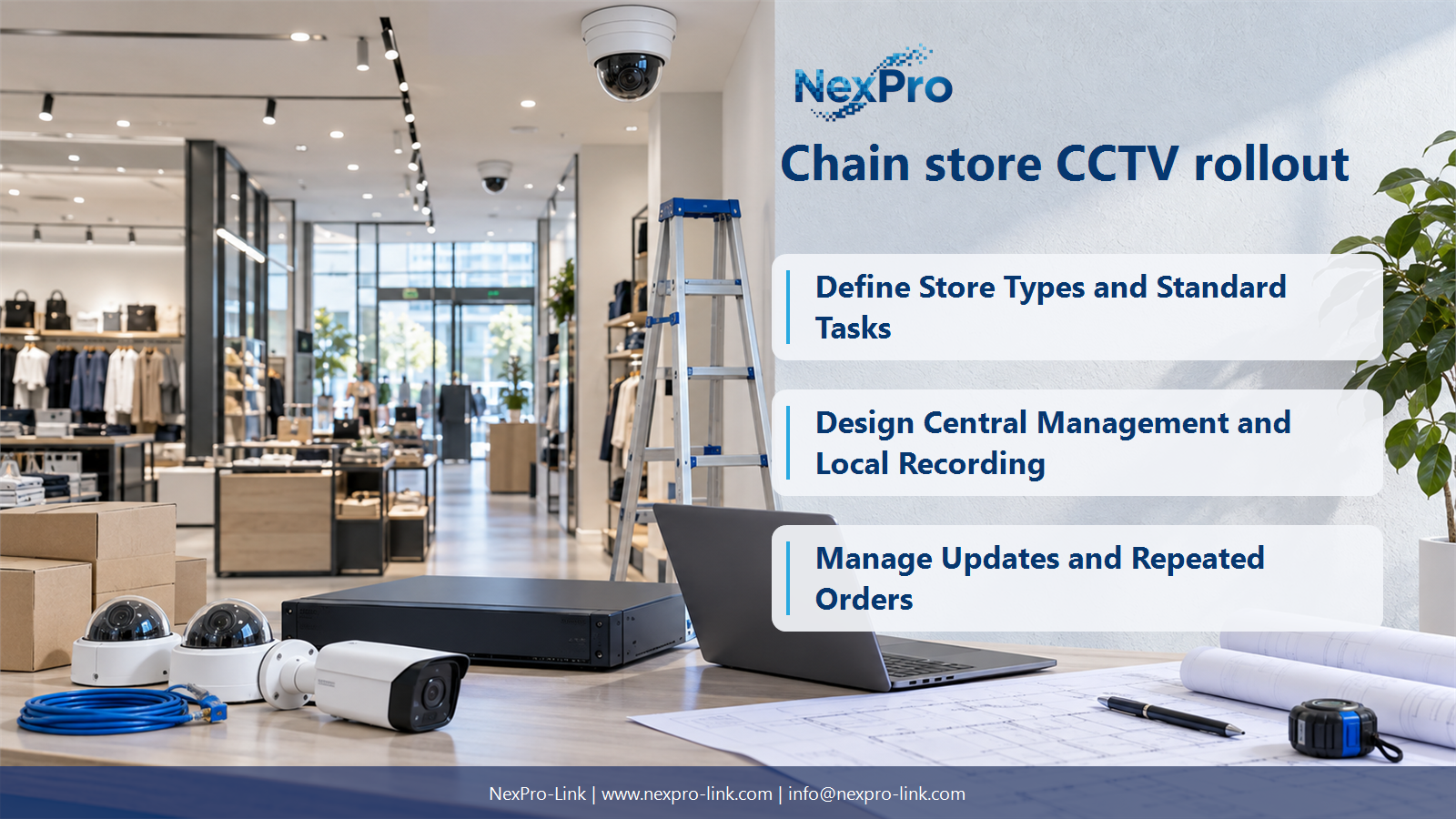
Standardize recurring viewing tasks, supported equipment families, labels and operating settings, then define store types for genuine layout differences. A common BOM should not erase different entrances, checkout counts or cable routes. Keep standard scope and approved exceptions visible.
Turn the answer into a working record using Store type, Standard views, Equipment baseline, Exceptions.
| Decision area | Buyer question | Required output |
|---|---|---|
| Define Store Types and Standard Tasks | What should be standardized across a chain rollout? | Standardize recurring viewing tasks, supported equipment families, labels and operating settings, then define store types for genuine layout differences. |
| Freeze a Supported Configuration Baseline | Why should model and firmware versions be linked? | They define the tested functional combination delivered across stores. |
| Design Central Management and Local Recording | Must a chain use cloud VMS? | No. |
Section 02
Freeze a Supported Configuration Baseline
They define the tested functional combination delivered across stores. Record hardware identity, firmware and configuration together, and handle changes explicitly. A model name alone cannot prove that every batch behaves identically after component or software revisions.
Use Model, Hardware, Firmware, Template, Batch to compare options on the same basis. Keep product capability, project assumption and operating responsibility in separate columns.
Section 03
Design Central Management and Local Recording
No. Choose the management architecture from access, service and IT requirements. Local recording may coexist with central management through a supported platform. Define site outages, licence needs and ownership instead of assuming cloud service, remote upgrades or unlimited storage are automatically included.
The project output should make Local role, Central role, WAN, Licence, Ownership traceable from input to acceptance.
- Confirm the answer to: Must a chain use cloud VMS?
- Record the project fields: Local role / Central role / WAN / Licence / Ownership.
- Keep product capability, project assumptions and site responsibility in separate records.
Section 04
Pilot Representative Stores
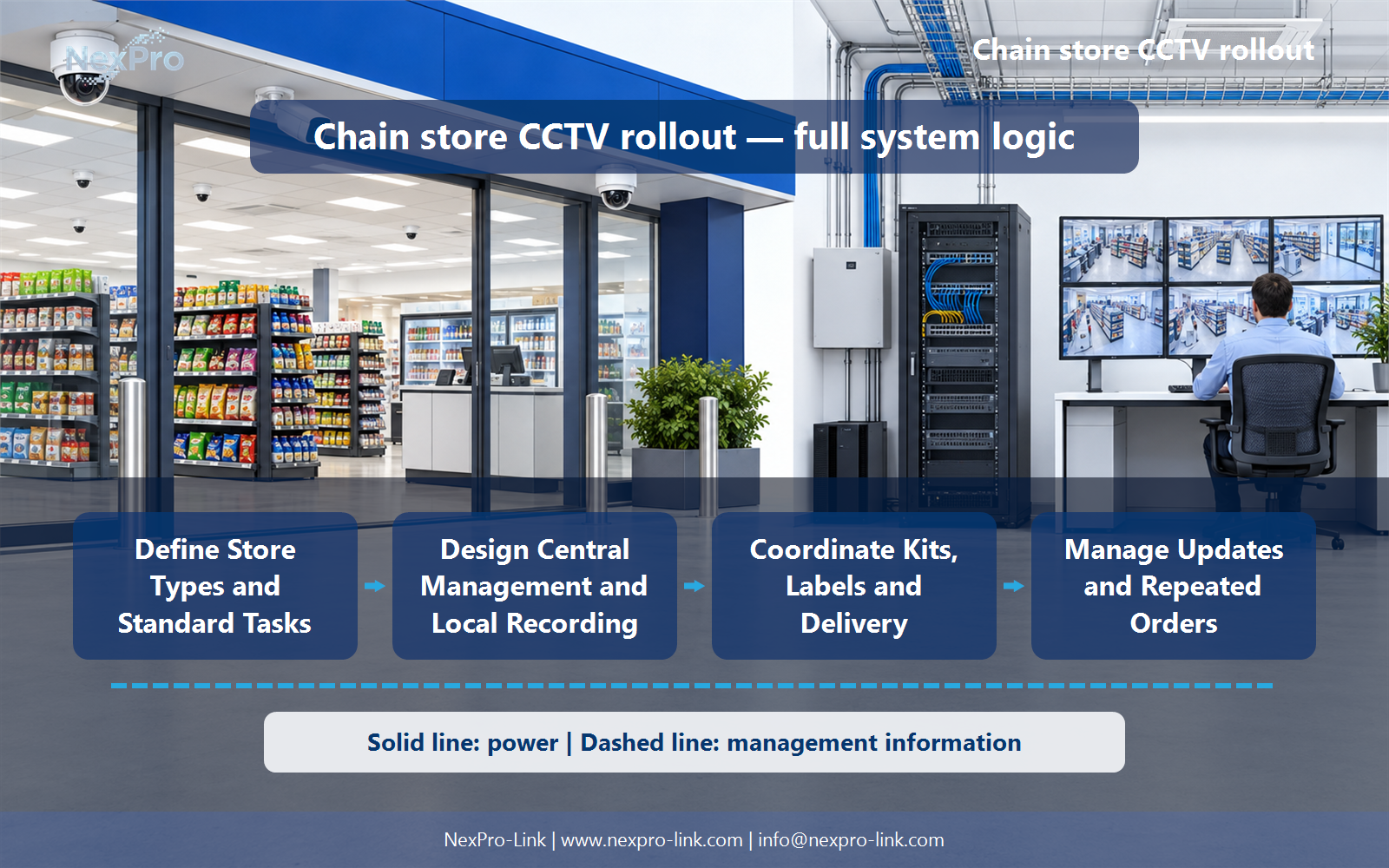
Use stores that represent important layout, network and operating differences. Verify camera views, recording, retrieval, remote permissions and recovery. A pilot should reveal exceptions that affect the rollout rather than only demonstrate one easily connected camera.
Record Pilot, Store type, View test, Remote test, Change before selecting a product family. That makes later substitutions possible without silently changing the operational requirement.
Section 05
Coordinate Kits, Labels and Delivery
Package equipment and labels by store and position, with the correct accessories, power and patching scope. Keep cable requirements tied to actual routes. A kit saves effort when its contents and exceptions are clear, not when every installation is forced to fit the same unqualified box.
Review Store, Kit line, Position, Quantity, Accessory, Label with the party that will operate or maintain the system.
Section 06
Manage Updates and Repeated Orders
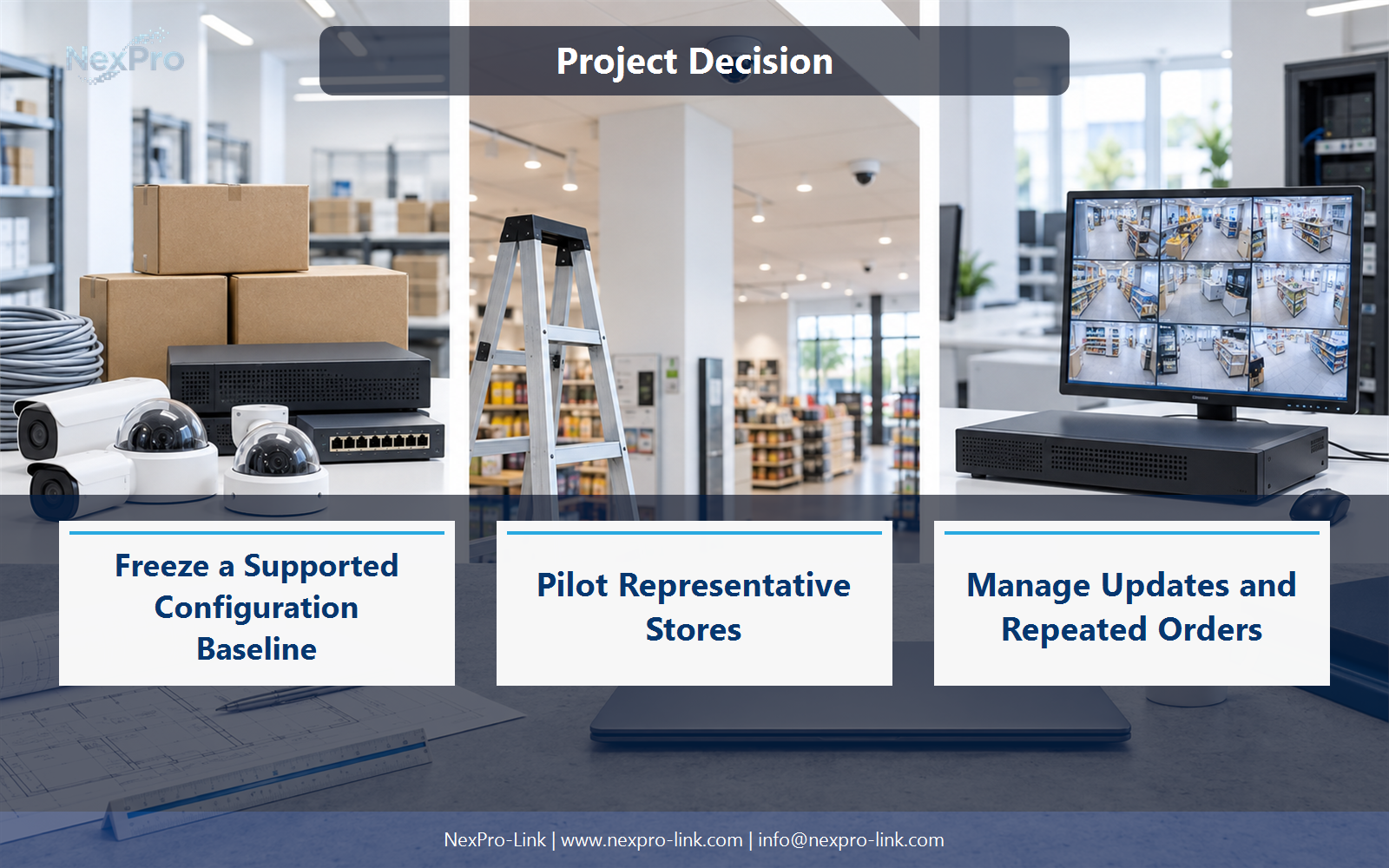
Reference the accepted baseline, track substitutions and stage software changes through supported processes. Review operator feedback and recurring faults before scaling further. NexPro-Link's long-term supply role should be described through clear configuration and communication practices, not a promise that models never change.
Use Baseline, Change, Affected stores, Approval, Release as the handoff between design and procurement.
Engineering references
These sources support the general planning principles. Always use the selected product's current datasheet and applicable project standards for final design.


