


Plan CCTV quotation comparison with practical guidance on match each line to the requested function and read delivery and commercial boundaries. NexPro-Link project guide.
Section 01
Match Each Line to the Requested Function
Match every quoted line to the requested function, quantity and specification. Preserve the original BOQ reference where available. A similar product title can hide differences in lens, recording capacity or included functions, so compare the exact model and configuration rather than only the description headline.
Turn the answer into a working record using BOQ reference, Quoted model, Configuration, Quantity, Difference.
| Decision area | Buyer question | Required output |
|---|---|---|
| Match Each Line to the Requested Function | What should be checked first in a CCTV quotation? | Match every quoted line to the requested function, quantity and specification. |
| Check Accessories and Storage Scope | What does a recorder line often leave unclear? | It may not state whether disks, rack fittings, licences or required accessories are included. |
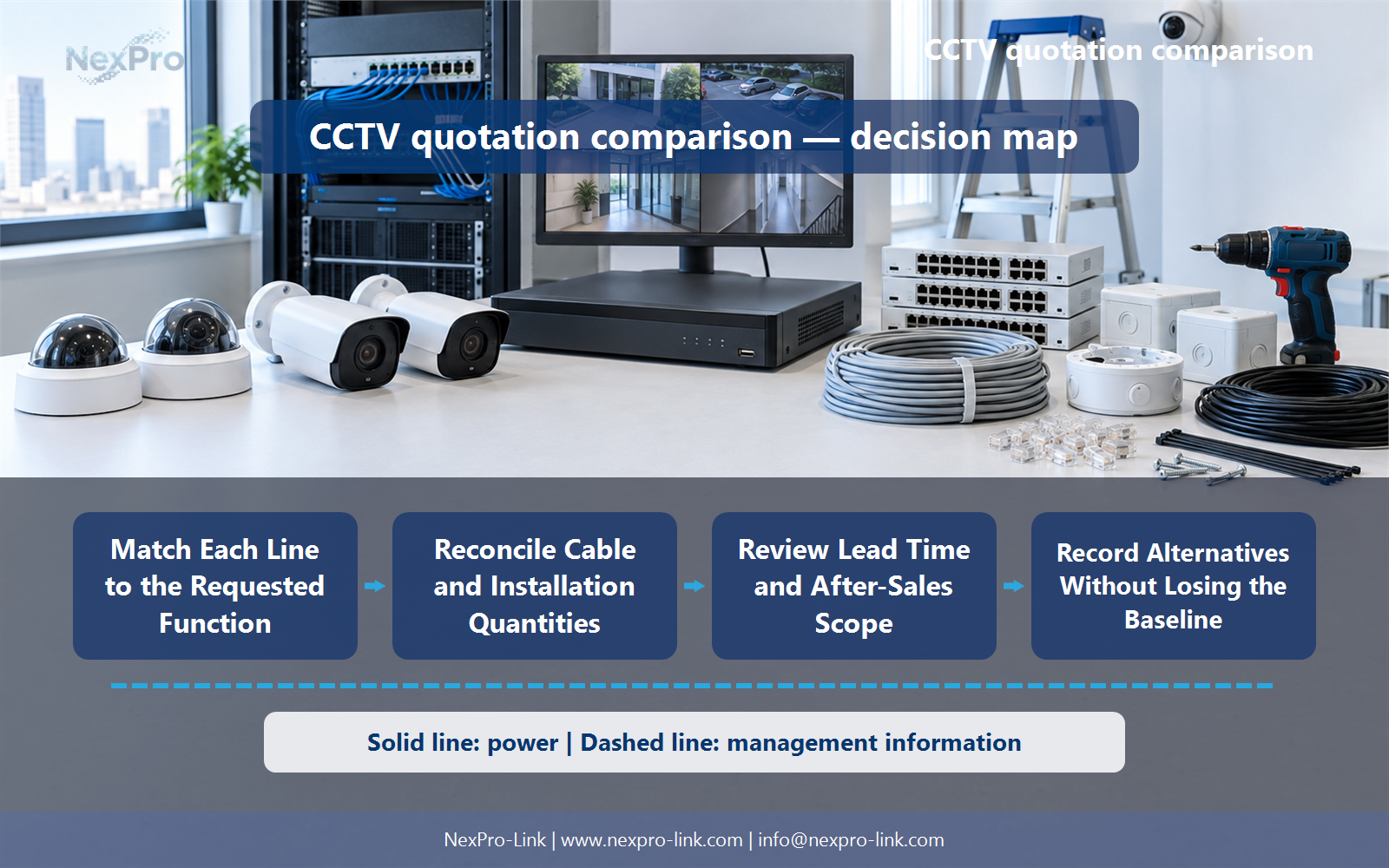
| Reconcile Cable and Installation Quantities | How should cabling be compared between quotations? | Compare category and construction, measured length, patching, terminations and installation responsibility using consistent units. |
Section 02
Check Accessories and Storage Scope
It may not state whether disks, rack fittings, licences or required accessories are included. Ask for the supported storage configuration and usable capacity basis. A quotation for an empty recorder should not be compared directly with a complete configured recording package.
Use Device, Included accessory, Drive configuration, Optional item to compare options on the same basis. Keep product capability, project assumption and operating responsibility in separate columns.
Section 03
Reconcile Cable and Installation Quantities
Compare category and construction, measured length, patching, terminations and installation responsibility using consistent units. A line for one box differs from a line for installed metres. Check route assumptions and whether the supplier is providing material, finished links or site labor.
The project output should make Item, Unit, Quantity, Material or installed, Route basis traceable from input to acceptance.
- Confirm the answer to: How should cabling be compared between quotations?
- Record the project fields: Item / Unit / Quantity / Material or installed / Route basis.
- Keep product capability, project assumptions and site responsibility in separate records.
Section 04
Read Delivery and Commercial Boundaries
They determine which transport, handling and other responsibilities the stated price covers under the actual agreement. Confirm the named delivery basis and destination, packaging and included charges. Do not assume every quotation includes local duties, installation or final-site delivery simply because it states a total.
Record Delivery basis, Named location, Included charges, Exclusions before selecting a product family. That makes later substitutions possible without silently changing the operational requirement.
Section 05
Review Lead Time and After-Sales Scope
Identify the start condition, relevant approval or payment milestones and what completion means, such as dispatch readiness rather than site arrival. Read warranty, support and replacement terms separately. A general promise of fast delivery or full support is not a precise project commitment.
Review Item, Start trigger, Milestone, Duration, Support scope with the party that will operate or maintain the system.
Section 06
Record Alternatives Without Losing the Baseline
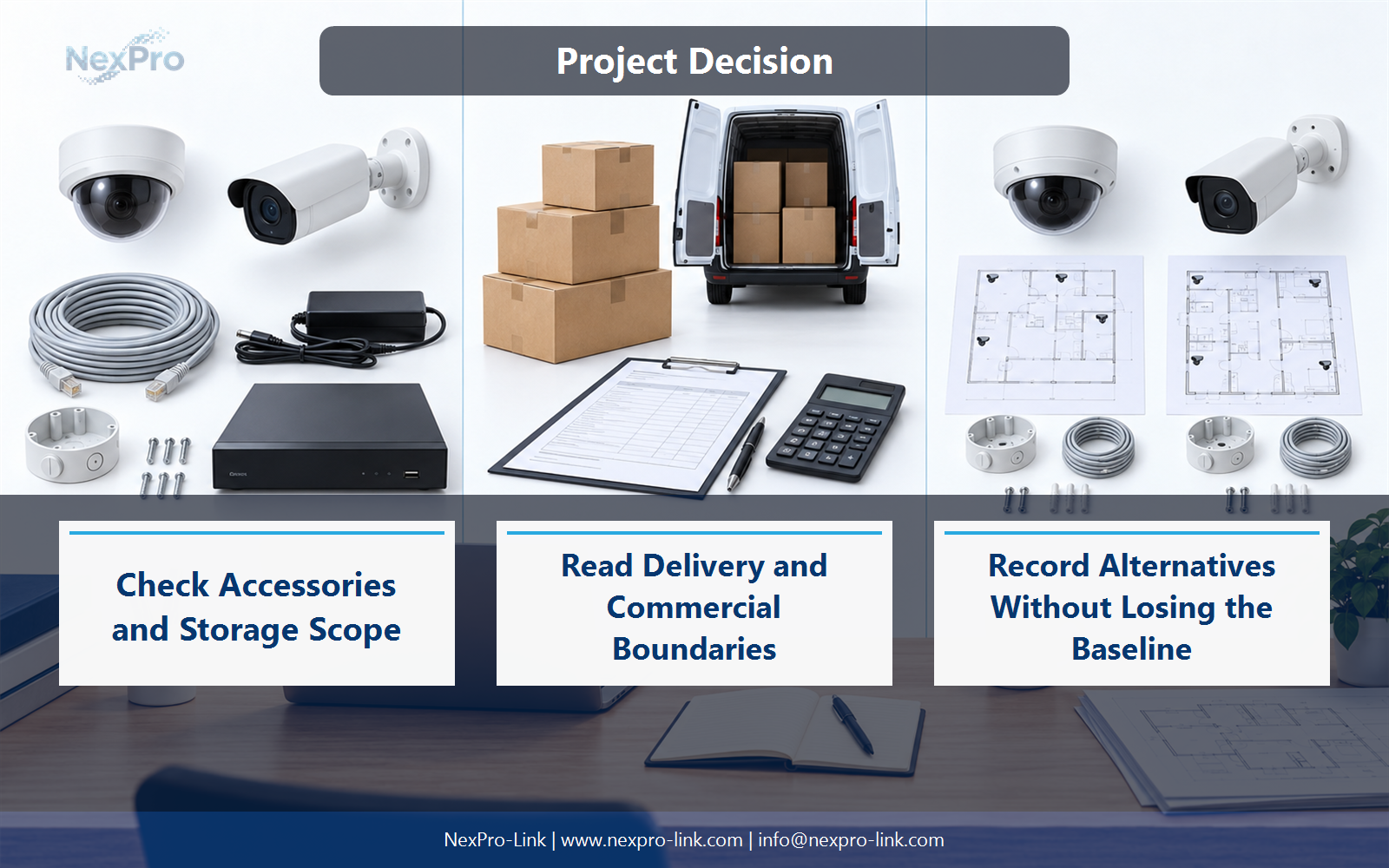
Keep the original requirement and show the proposed model's relevant differences, accessories and commercial impact. Do not treat an alternative as approved simply because it appears in a revised quotation. The buyer should be able to accept or clarify the changed scope line by line.
Use Original, Proposed, Technical difference, Price scope, Decision as the handoff between design and procurement.
Engineering references
These sources support the general planning principles. Always use the selected product's current datasheet and applicable project standards for final design.


