

Plan CCTV preventive maintenance with practical guidance on set maintenance frequency by service risk and review cabinets, power and backup. NexPro-Link project guide.
Section 01
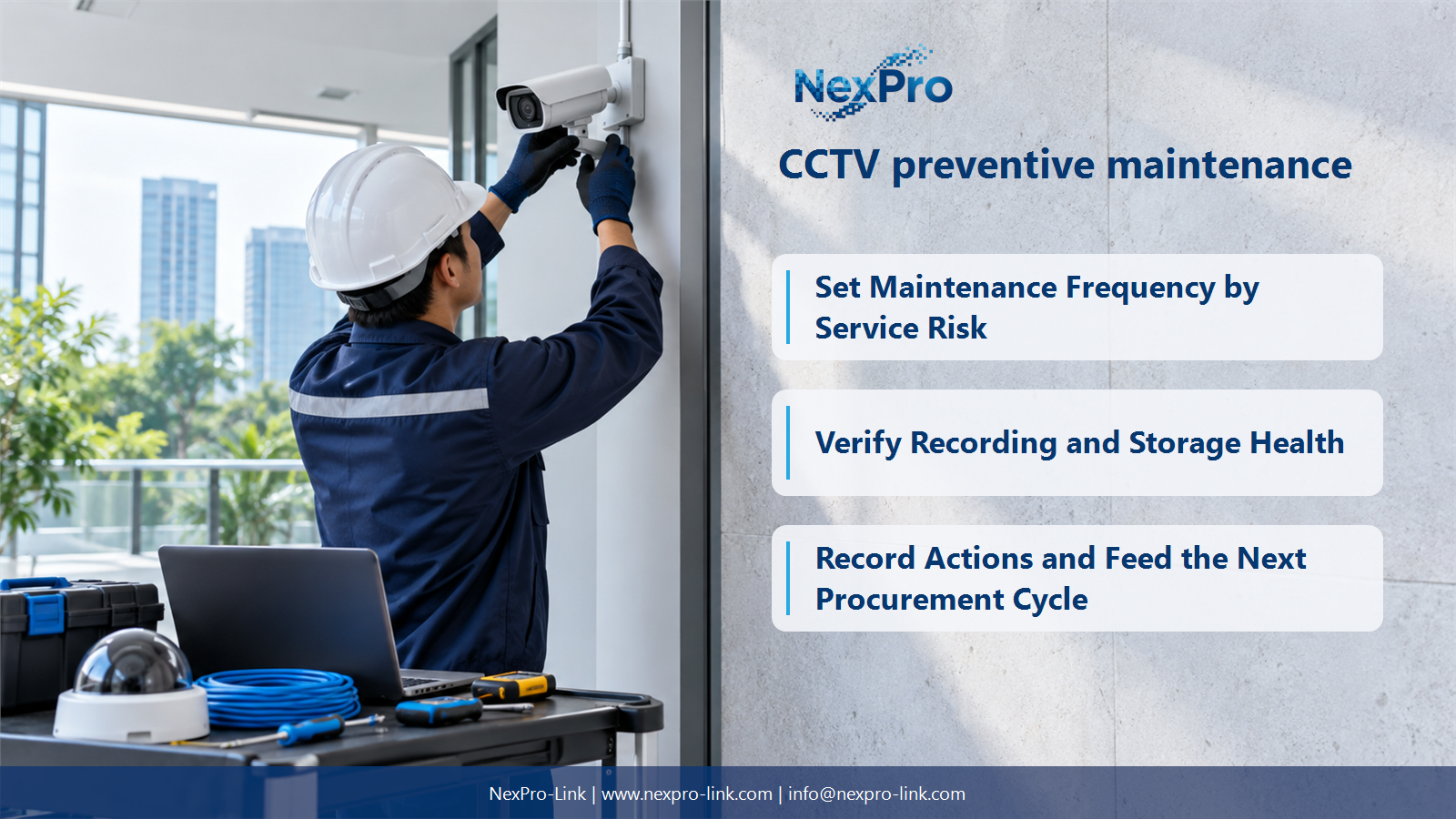
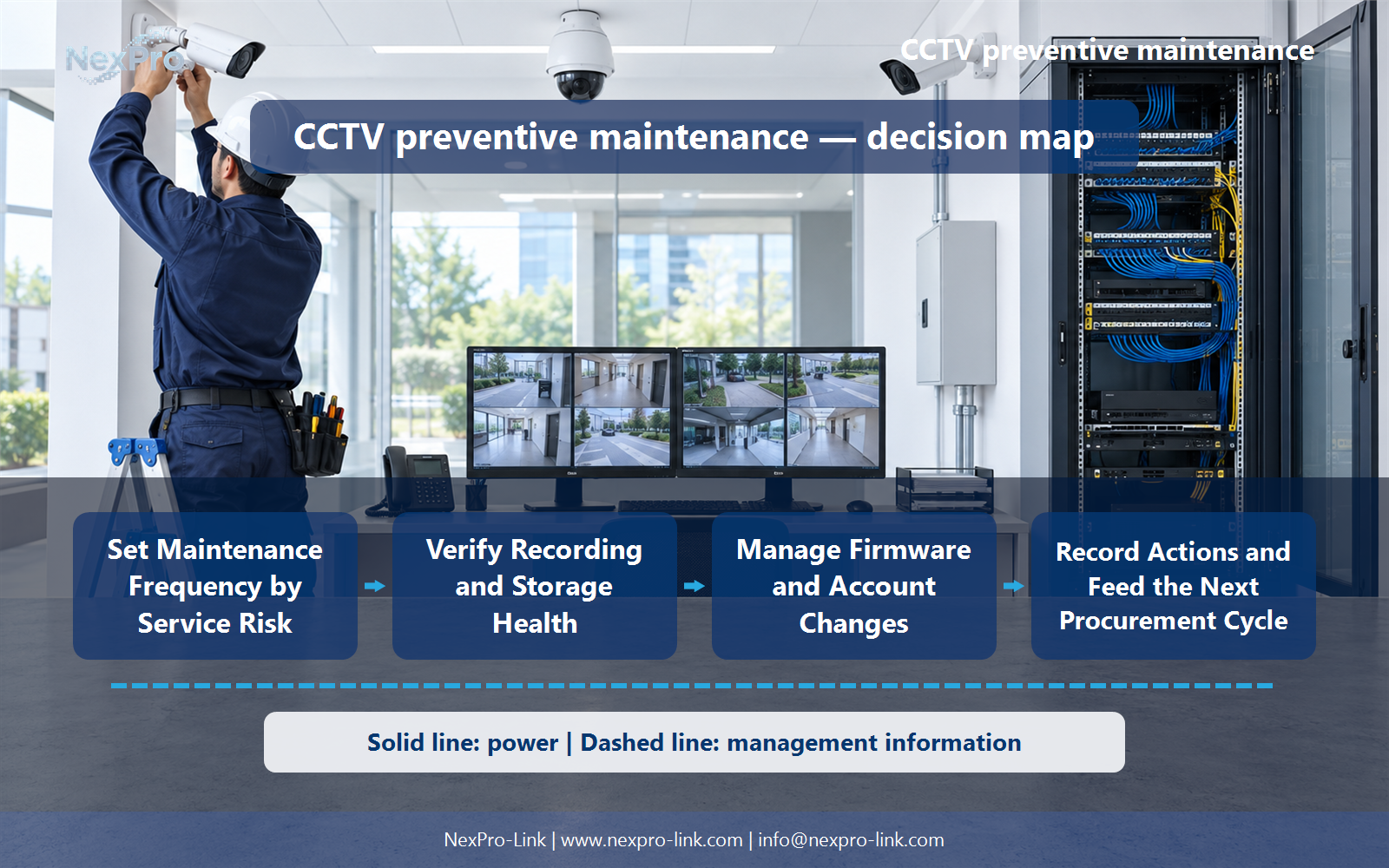
Set Maintenance Frequency by Service Risk
Quarterly checks can be a planning example, but frequency should reflect criticality, environment, operating history and applicable guidance. Some conditions need more frequent attention. A schedule reduces unmanaged risk; it cannot guarantee that every sudden device or power failure will be prevented.
Turn the answer into a working record using Asset group, Risk, Environment, Frequency, Owner.
| Decision area | Buyer question | Required output |
|---|---|---|
| Set Maintenance Frequency by Service Risk | Must every CCTV system be maintained quarterly? | Quarterly checks can be a planning example, but frequency should reflect criticality, environment, operating history and applicable guidance. |
| Check Image Quality and View Changes | What should camera maintenance inspect besides connectivity? | Check framing, focus, cleanliness, obstruction and relevant day and night image conditions. |
| Verify Recording and Storage Health | How should stored footage be checked during maintenance? | Confirm recent and appropriately older recordings can be located, played and exported, and review capacity and relevant storage alerts. |
Section 02
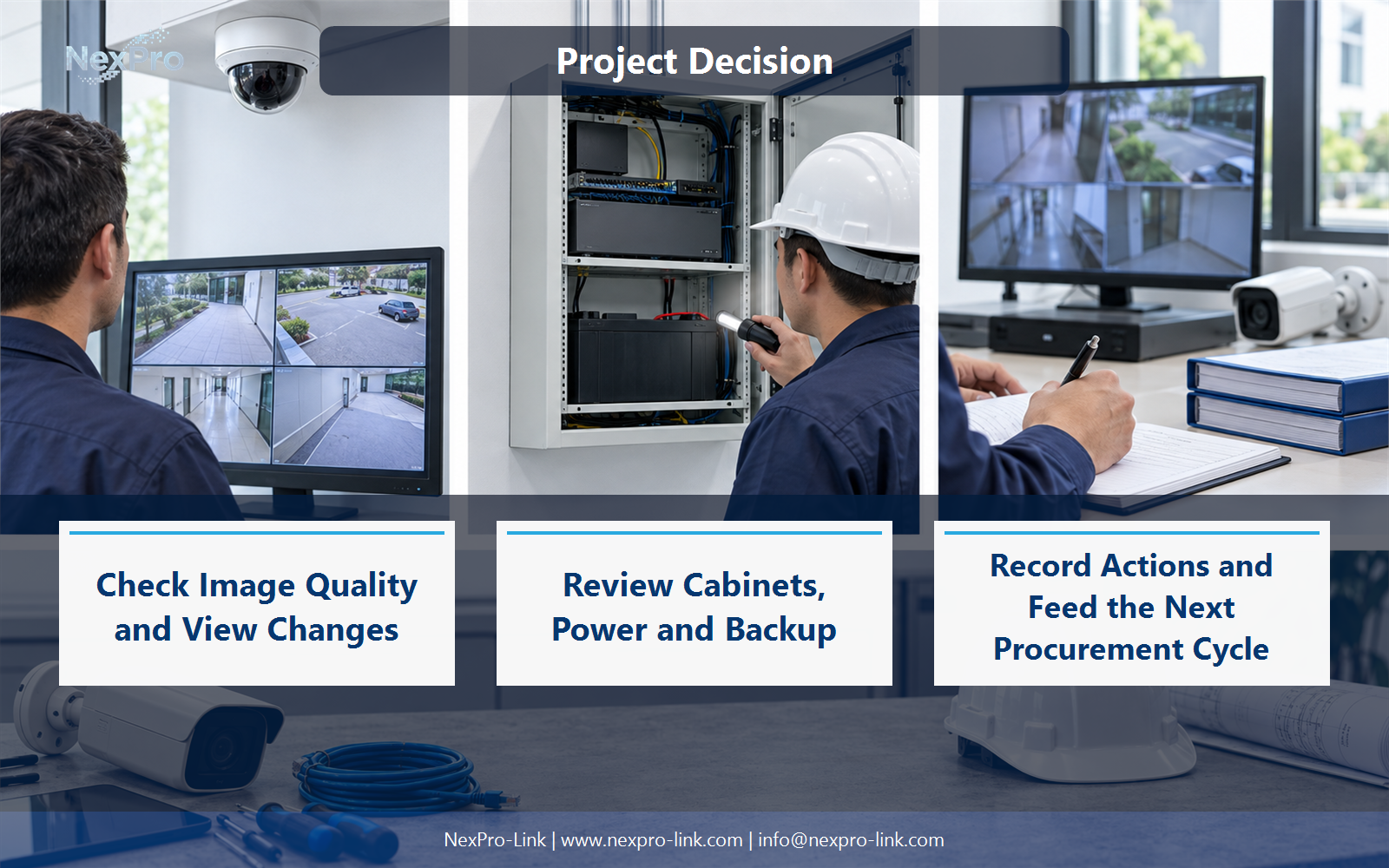
Check Image Quality and View Changes
Check framing, focus, cleanliness, obstruction and relevant day and night image conditions. Construction, vegetation or accidental movement can make an online camera unsuitable for its task. Compare with the installed viewing baseline and use safe, appropriate cleaning methods for the actual equipment.
Use Camera, View change, Image issue, Action, Baseline to compare options on the same basis. Keep product capability, project assumption and operating responsibility in separate columns.
Section 03
Verify Recording and Storage Health
Confirm recent and appropriately older recordings can be located, played and exported, and review capacity and relevant storage alerts. Drive status alone does not establish successful recording. Investigate unexplained gaps or shrinking retention rather than accepting a green dashboard as the whole result.
The project output should make Group, Oldest footage, Latest footage, Gap, Storage alert traceable from input to acceptance.
- Confirm the answer to: How should stored footage be checked during maintenance?
- Record the project fields: Group / Oldest footage / Latest footage / Gap / Storage alert.
- Keep product capability, project assumptions and site responsibility in separate records.
Section 04
Review Cabinets, Power and Backup
Review suitable environmental conditions, visible installation issues and reported power or battery status through the approved maintenance process. Ensure required loads remain on the intended power path. Battery service and electrical work should follow the responsible qualified procedures, not improvised checks from a blog.
Record Cabinet, Heat, Power path, UPS alert, Required action before selecting a product family. That makes later substitutions possible without silently changing the operational requirement.
Section 05
Manage Firmware and Account Changes
No. Review relevant notices and supported update paths, then use the appropriate controlled process for the service requirement. Check account ownership and remove unnecessary access according to policy. Maintenance should not introduce uncontrolled version changes or preserve an installer's shared credentials indefinitely.
Review Version, Relevant change, Access review, Planned action with the party that will operate or maintain the system.
Section 06
Record Actions and Feed the Next Procurement Cycle
Record recurring faults, configuration changes, spare usage and approaching capacity constraints. Those observations inform replacement and expansion decisions. Share relevant model, configuration and spare-usage information with NexPro-Link when discussing replacements or repeat supply. Preventive maintenance can reduce avoidable problems, but it cannot guarantee that equipment will never fail.
Use Issue, Asset, Action, Spare used, Capacity need, Follow-up as the handoff between design and procurement.
Engineering references
These sources support the general planning principles. Always use the selected product's current datasheet and applicable project standards for final design.


