

Plan CCTV PoE switch selection with practical guidance on count usable camera ports and interpret switching capacity and forwarding. NexPro-Link project guide.
Section 01
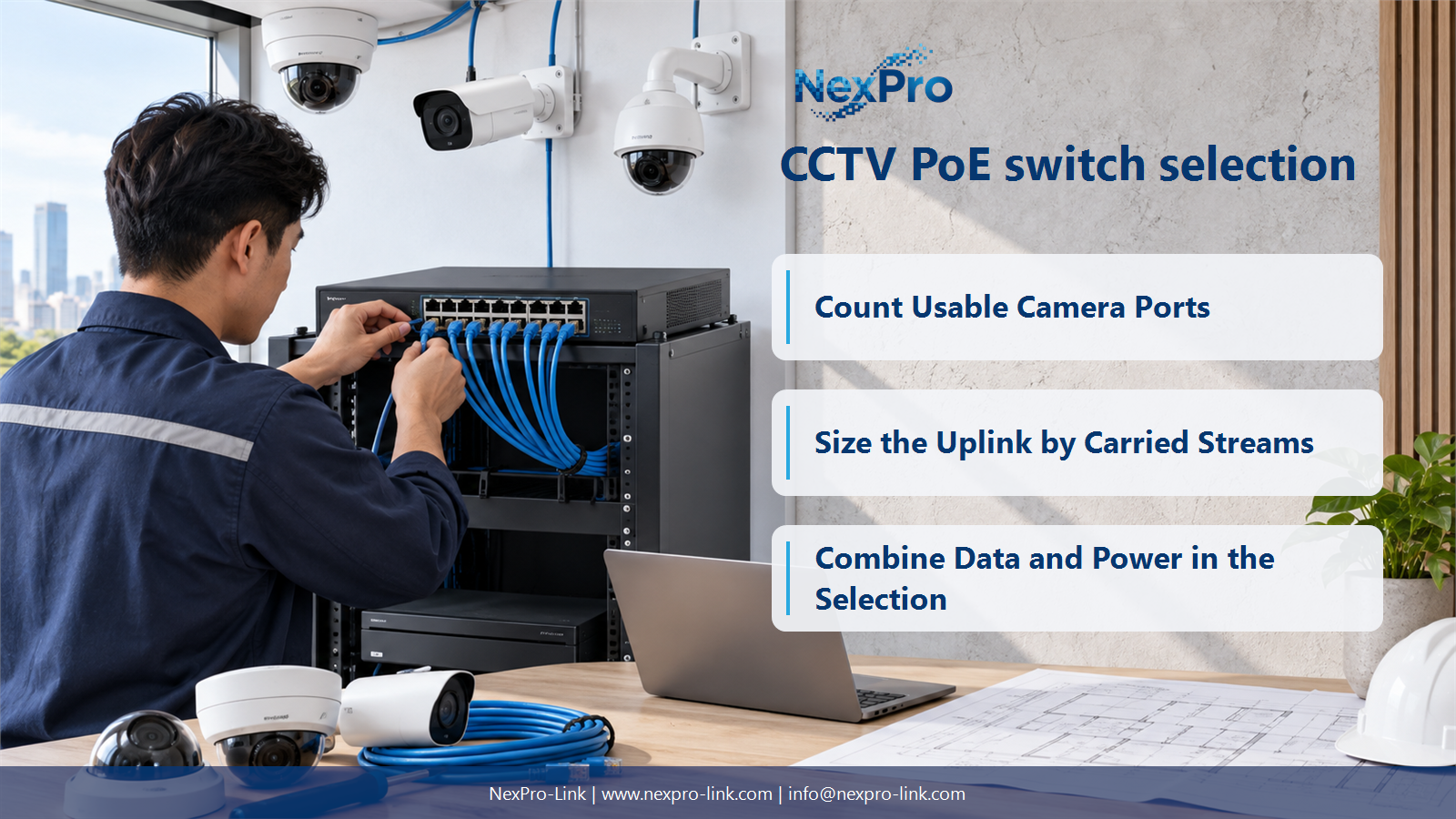
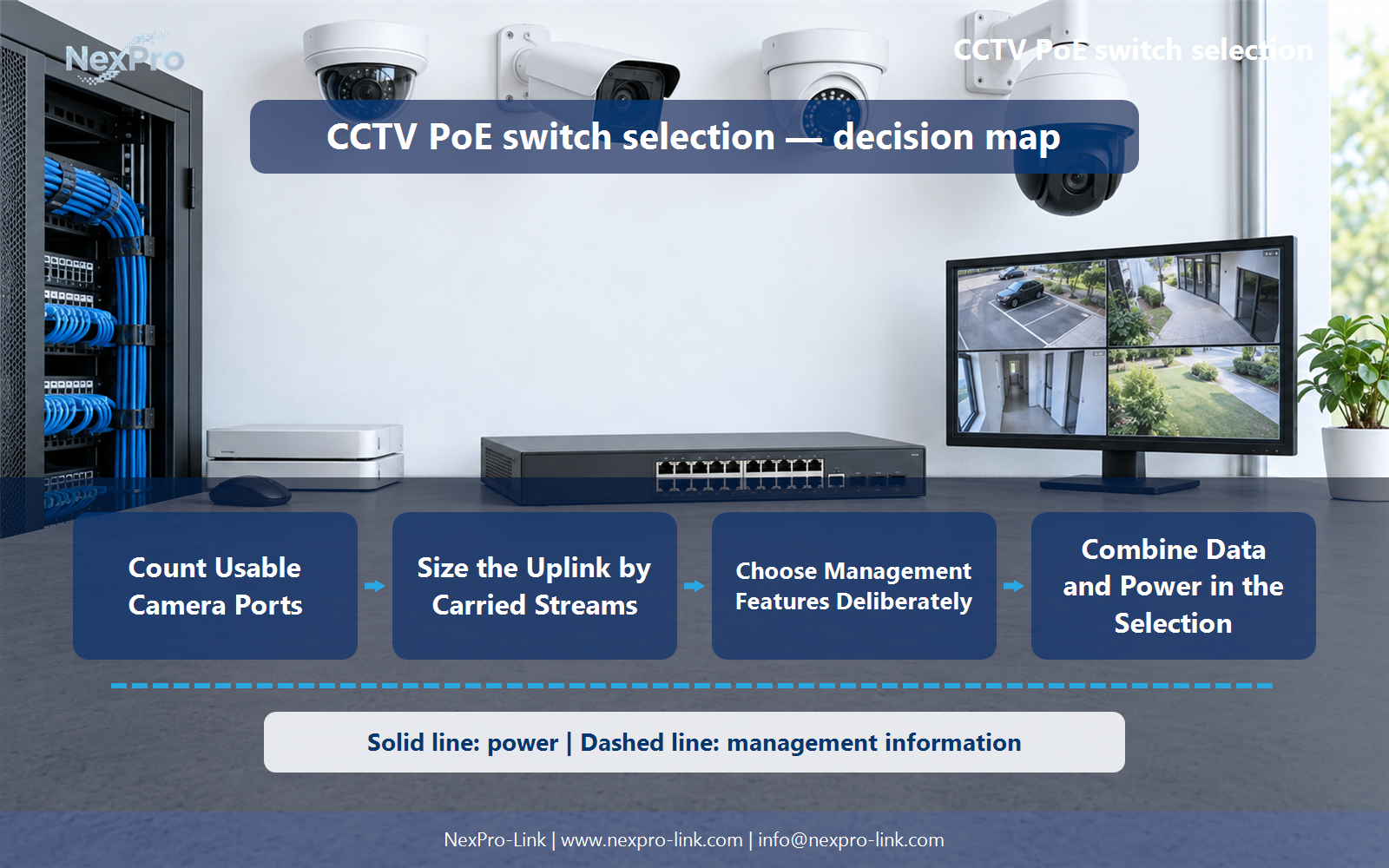
Count Usable Camera Ports
Not necessarily. Some ports are dedicated or unpowered uplinks. Read the port layout and count powered camera connections separately. Reserve the required uplinks and realistic expansion space before matching the switch to the camera quantity.
Turn the answer into a working record using Total ports, Powered ports, Uplinks, Reserved ports.
| Decision area | Buyer question | Required output |
|---|---|---|
| Count Usable Camera Ports | Does a 26-port switch have 26 PoE camera ports? | Not necessarily. |
| Check Per-Port Traffic | Does every 4K camera need a gigabit access port? | Not solely because it is 4K. |
| Size the Uplink by Carried Streams | How is a CCTV switch uplink sized? | Add the traffic that actually crosses the uplink, including recording and relevant viewing or playback paths. |
Section 02
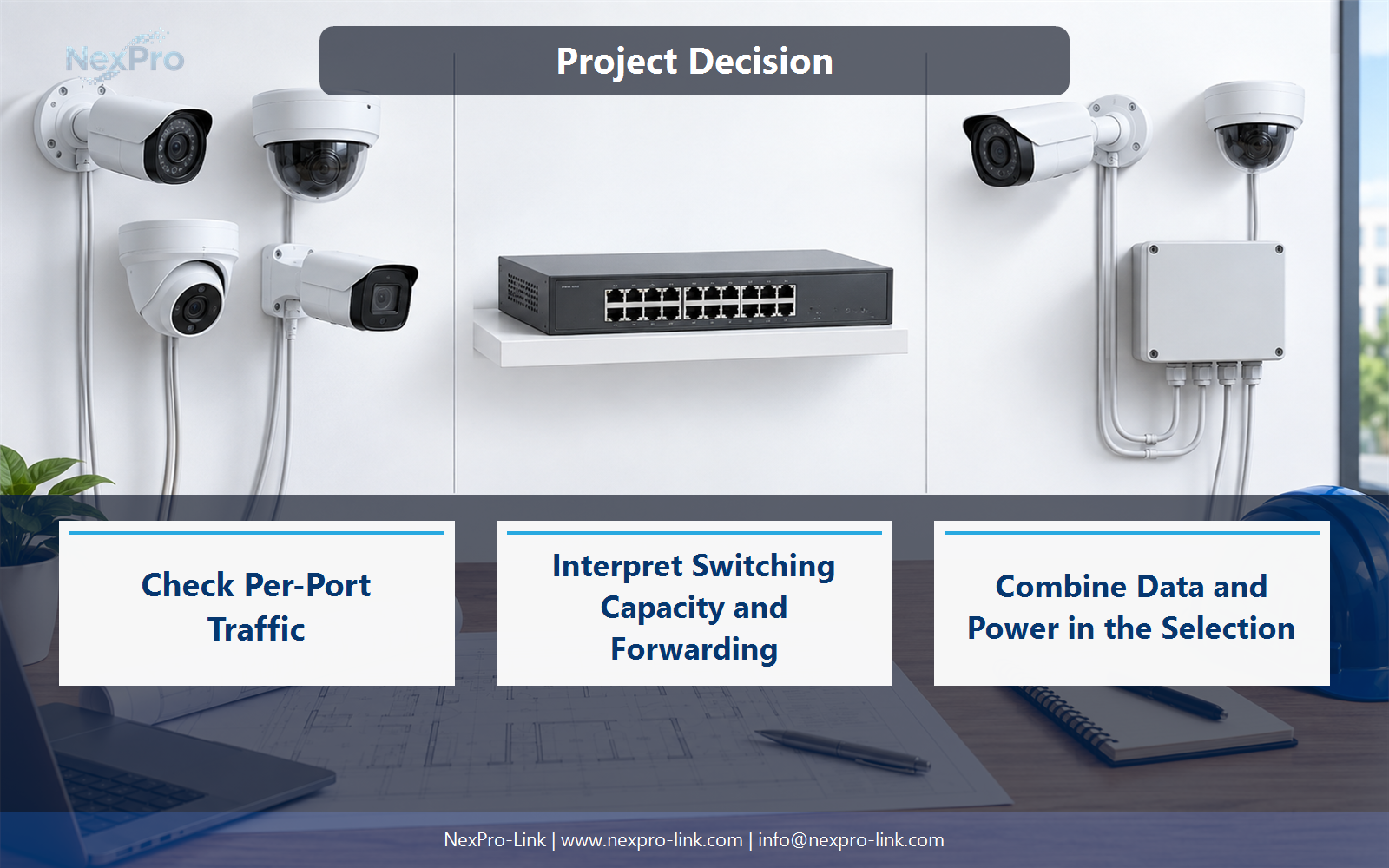
Check Per-Port Traffic
Not solely because it is 4K. Compare the actual streams and required functions with the camera interface and access-link capacity. Gigabit may be useful for other reasons, but resolution does not itself define Ethernet throughput. The aggregate uplink can become limiting first.
Use Camera interface, Streams, Peak Mbps, Port speed to compare options on the same basis. Keep product capability, project assumption and operating responsibility in separate columns.
Section 03
Size the Uplink by Carried Streams
Add the traffic that actually crosses the uplink, including recording and relevant viewing or playback paths. Do not add traffic that remains local to the switch. Compare peak and representative loads, and account for protocol overhead and an explicitly chosen operating margin.
The project output should make Flow, Destination, Crosses uplink, Mbps, Margin traceable from input to acceptance.
- Confirm the answer to: How is a CCTV switch uplink sized?
- Record the project fields: Flow / Destination / Crosses uplink / Mbps / Margin.
- Keep product capability, project assumptions and site responsibility in separate records.
Section 04
Interpret Switching Capacity and Forwarding
It describes a stated switching-capacity measure, often counting full-duplex port rates, but it does not replace workload analysis. Packet-forwarding figures use particular packet assumptions. Read both with the port layout and avoid treating a large headline number as proof that any uplink arrangement will work.
Record Port rates, Full-duplex convention, Switching capacity, Forwarding context before selecting a product family. That makes later substitutions possible without silently changing the operational requirement.
Section 05
Choose Management Features Deliberately
Management is useful when the project needs VLANs, traffic control, monitoring, remote port actions or supported resilience functions. Select the required features explicitly. Do not assume a switch is managed simply because it has many ports or a particular model suffix.
Review Required feature, Operational use, Supported interface, Owner with the party that will operate or maintain the system.
Section 06
Combine Data and Power in the Selection
Include powered-port count, port type, uplinks, required management functions and total PoE allocation. Add environmental and mounting conditions. NexPro-Link switch model examples can illustrate naming, but the project budget must use actual supported power and feature information, not values inferred from a model code.
Use Model, Ports, Uplink, PoE budget, Management, Environment as the handoff between design and procurement.
Engineering references
These sources support the general planning principles. Always use the selected product's current datasheet and applicable project standards for final design.


