

Plan CCTV design review checklist with practical guidance on checks 1–3 — coverage, imaging and streams and checks 10–12 — rack, backup and protection. NexPro-Link project guide.
Section 01
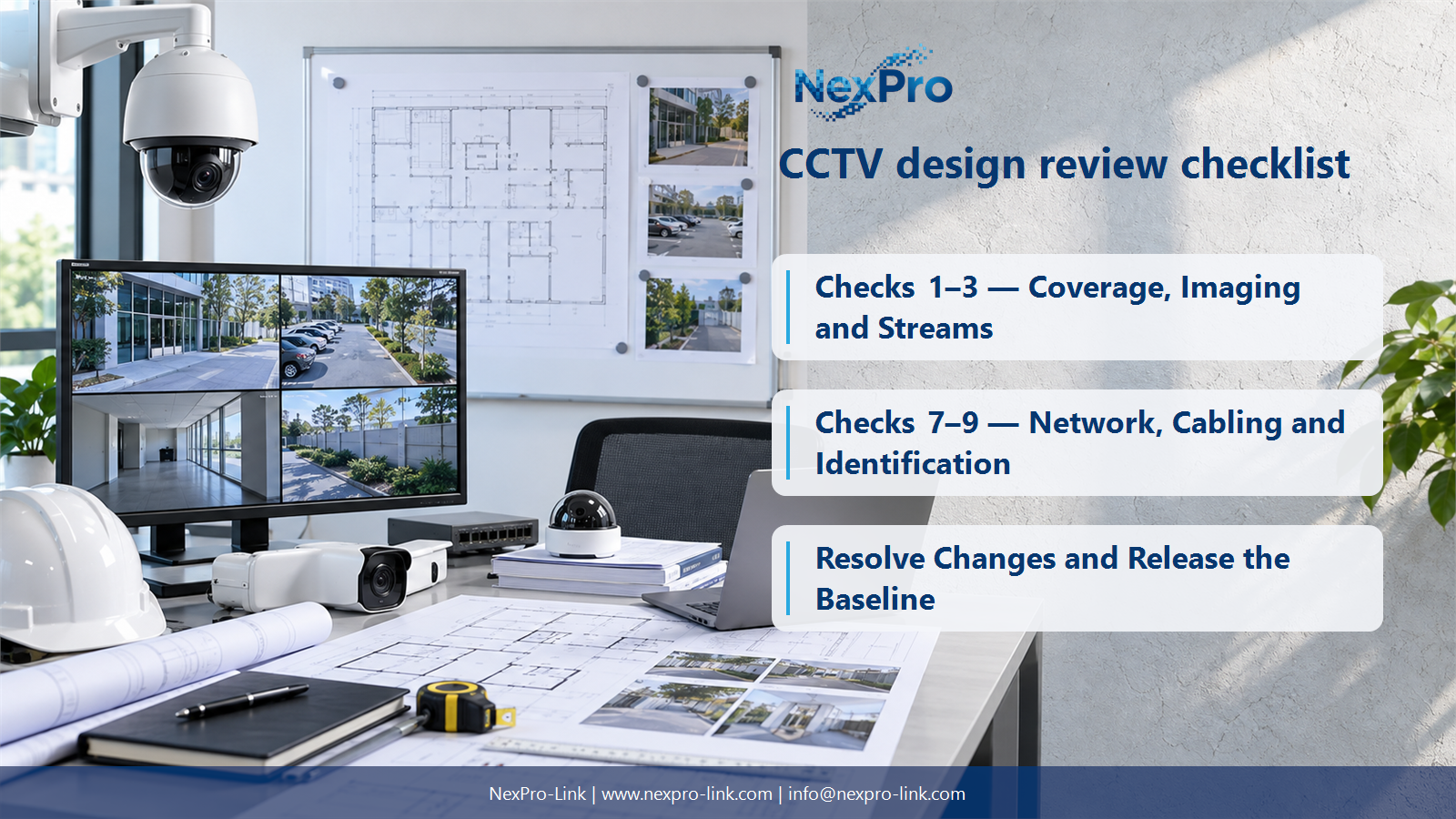
Checks 1–3 — Coverage, Imaging and Streams
Freeze the required views, imaging profiles and stream assumptions that determine the equipment package. A location dot without a viewing task is incomplete, and a resolution label without bitrate assumptions cannot size the recording path. Show how those decisions appear in the camera schedule so changes can be evaluated consistently.
Turn the answer into a working record using Check, Camera schedule field, Decision, Change effect.
| Decision area | Buyer question | Required output |
|---|---|---|
| Checks 1–3 — Coverage, Imaging and Streams | Which image-related decisions should be frozen before procurement? | Freeze the required views, imaging profiles and stream assumptions that determine the equipment package. |
| Checks 4–6 — Recording, Storage and PoE | What capacity mismatches should a design review catch? | Compare camera allocation against recording limits, required retained data against usable storage, and endpoint demand against powered ports and total power. |
| Checks 7–9 — Network, Cabling and Identification | Why should cable and address information be reviewed together? | A camera must be traceable from its physical location through its cable, switch port and logical address. |
Section 02
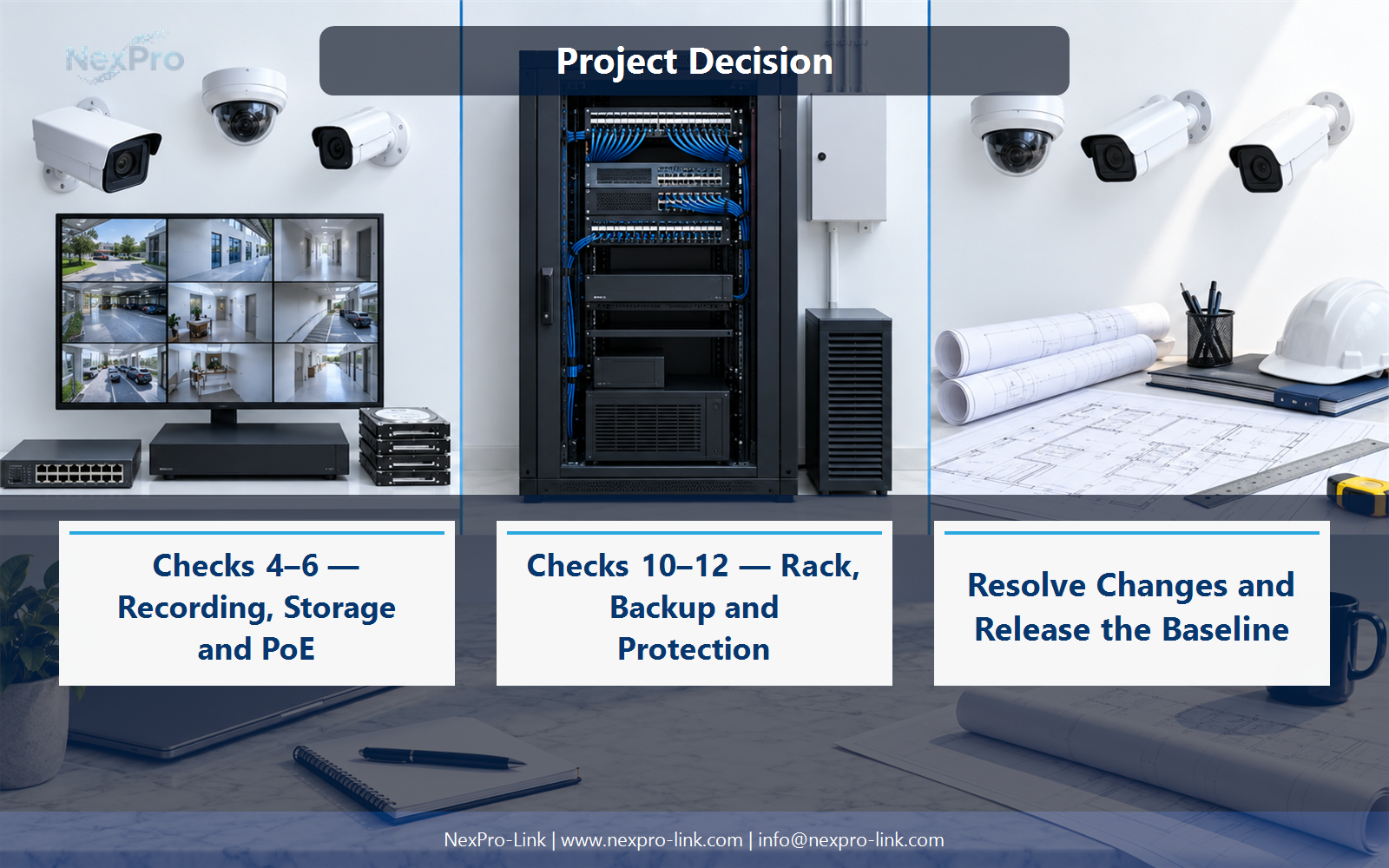
Checks 4–6 — Recording, Storage and PoE
Compare camera allocation against recording limits, required retained data against usable storage, and endpoint demand against powered ports and total power. These are different constraints. Spare channel numbers do not compensate for insufficient disk capacity, and a large switch power rating does not add missing physical camera ports.
Use Required quantity, Available quantity, Capacity basis, Resolution to compare options on the same basis. Keep product capability, project assumption and operating responsibility in separate columns.
Section 03
Checks 7–9 — Network, Cabling and Identification
A camera must be traceable from its physical location through its cable, switch port and logical address. Review the intended link path and labels together so installation and troubleshooting refer to the same asset. Also ensure uplinks and inter-zone access support the required streams rather than merely matching a diagram's appearance.
The project output should make Camera ID, Cable ID, Switch port, Address, Uplink traceable from input to acceptance.
- Confirm the answer to: Why should cable and address information be reviewed together?
- Record the project fields: Camera ID / Cable ID / Switch port / Address / Uplink.
- Keep product capability, project assumptions and site responsibility in separate records.
Section 04
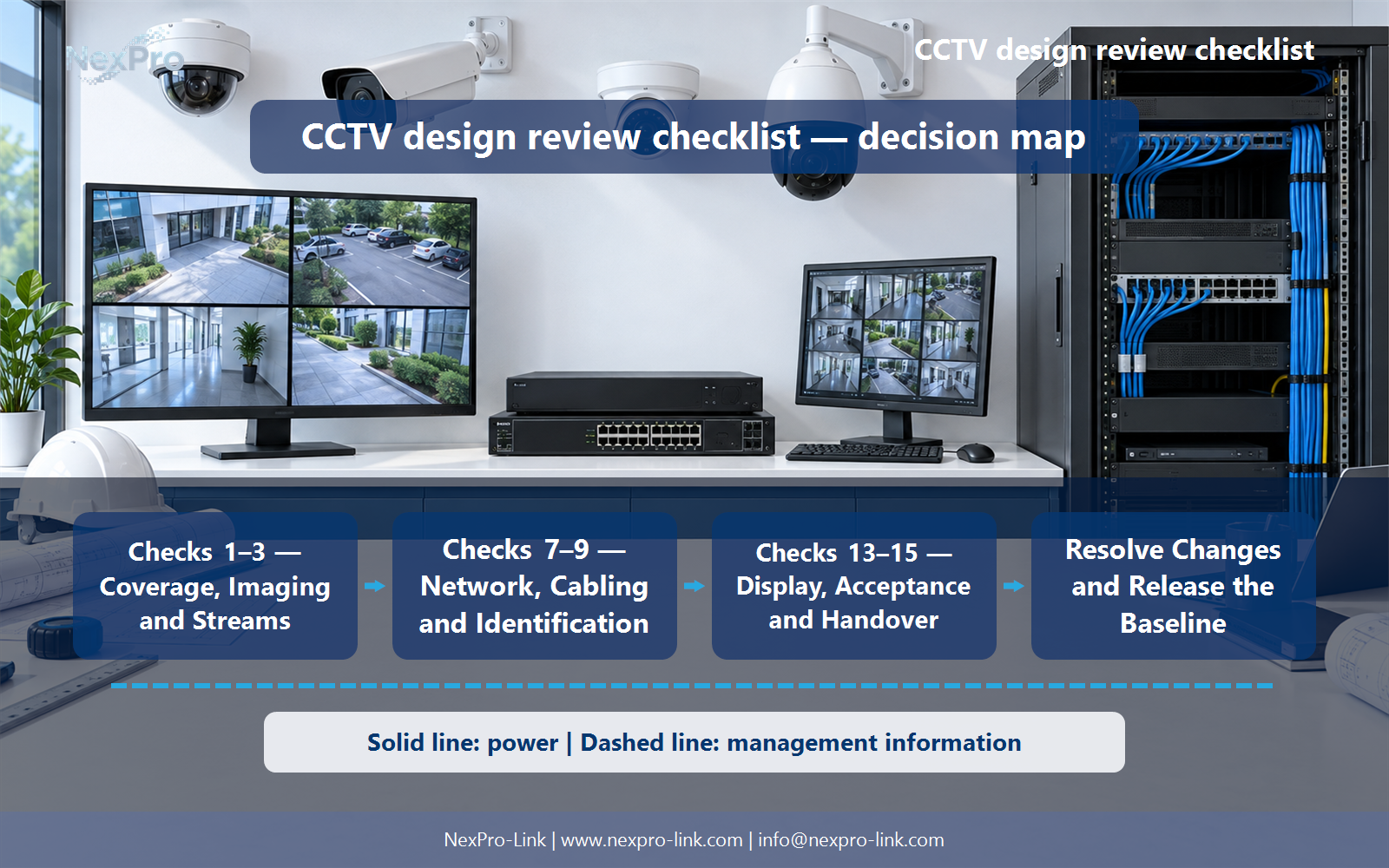
Checks 10–12 — Rack, Backup and Protection
Insufficient mounting depth, inaccessible cable routing, missing power distribution and an undefined backup load can stop otherwise compatible equipment from being installed. Protective earthing and surge arrangements belong to the site electrical design. Record these dependencies before equipment release rather than treating them as unspecified work for the installer.
Record Infrastructure, Required interface, Available space or load, Owner before selecting a product family. That makes later substitutions possible without silently changing the operational requirement.
Section 05
Checks 13–15 — Display, Acceptance and Handover
Agree them before ordering because simultaneous viewing, retrieval, export and outage behavior can change hardware and software choices. Include the operator training and handover documents required to run the system. Acceptance should demonstrate the intended tasks; a successful live picture from one camera is not evidence that the whole design is complete.
Review Operator task, Acceptance method, Required document, Training owner with the party that will operate or maintain the system.
Section 06
Resolve Changes and Release the Baseline
It authorizes the defined design baseline and stated procurement scope, not every later substitution or site change. Keep open items visible with owners and describe which changes require a new capacity check. NexPro-Link can use the released schedules for model matching, while project approval remains with the responsible buyer and design team.
Use Change, Affected decision, Responsible approver, Updated output as the handoff between design and procurement.
Engineering references
These sources support the general planning principles. Always use the selected product's current datasheet and applicable project standards for final design.


