

Plan CCTV corridor format 9:16 with practical guidance on match aspect ratio to the scene and check recorder and client behavior. NexPro-Link project guide.
Section 01
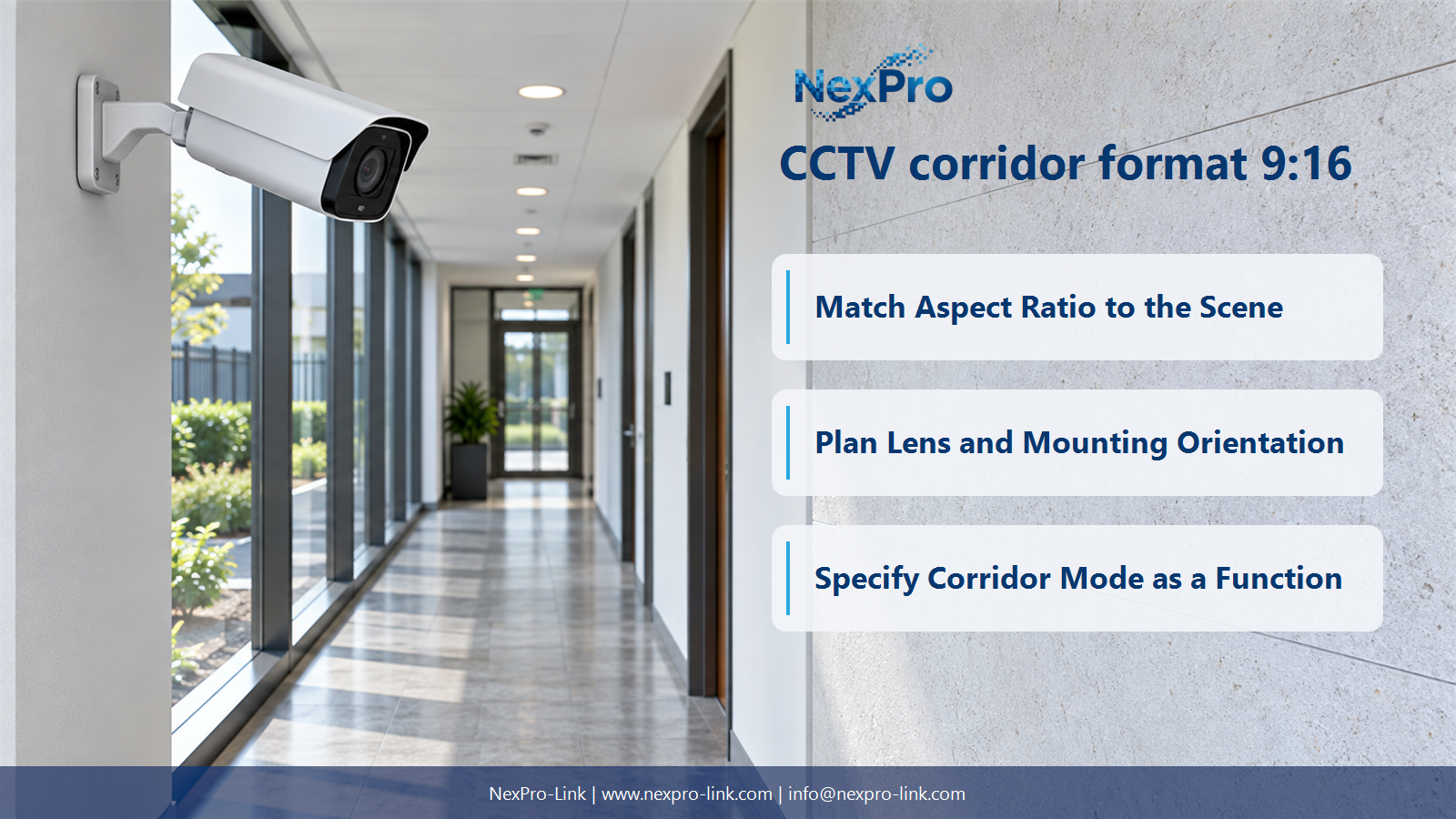
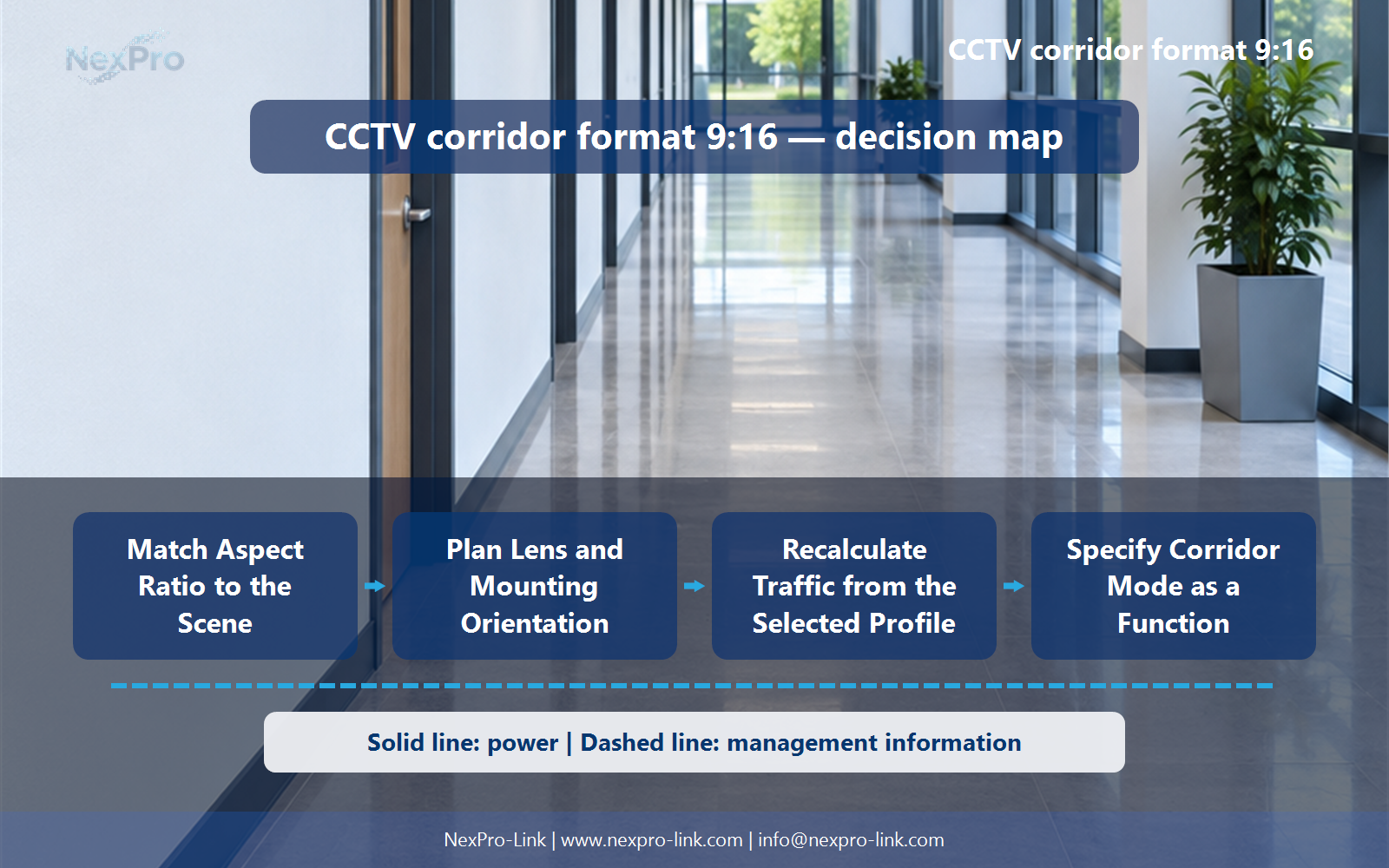
Match Aspect Ratio to the Scene
A portrait-oriented view can allocate more of the image to the corridor's length instead of adjacent walls, depending on the lens and mounting geometry. The benefit is scene-specific. Compare the actual useful target area before claiming improved coverage; rotating the frame does not automatically double effective detail or reduce the required camera count.
Turn the answer into a working record using Format, Useful scene area, Target scale, Wasted area.
| Decision area | Buyer question | Required output |
|---|---|---|
| Match Aspect Ratio to the Scene | Why use a portrait format in a narrow corridor? | A portrait-oriented view can allocate more of the image to the corridor's length instead of adjacent walls, depending on the lens and mounting geometry. |
| Distinguish Rotation from Cropping | Is a cropped portrait view the same as corridor mode? | Not necessarily. |
| Plan Lens and Mounting Orientation | Can corridor format be enabled without changing installation? | Sometimes, but the camera and mounting arrangement must support the required optical orientation and useful view. |
Section 02
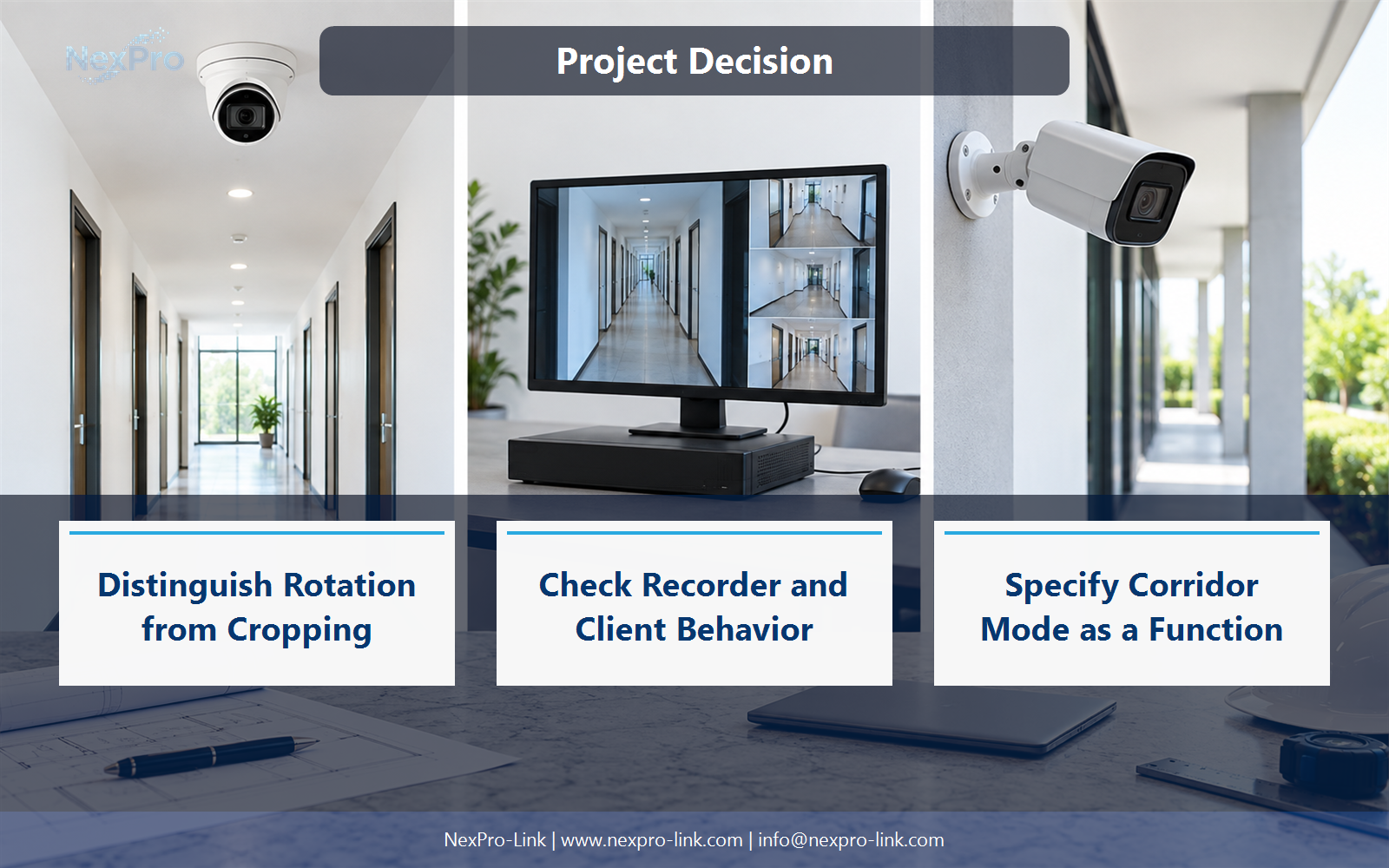
Distinguish Rotation from Cropping
Not necessarily. Rotation can preserve the pixel count while changing orientation, whereas cropping may discard image area. The camera's supported mode and output resolution determine the result. Identify whether the device rotates, crops or rescales the image before calculating detail and recording requirements.
Use Method, Output dimensions, Pixels retained, Framing effect to compare options on the same basis. Keep product capability, project assumption and operating responsibility in separate columns.
Section 03
Plan Lens and Mounting Orientation
Sometimes, but the camera and mounting arrangement must support the required optical orientation and useful view. Check whether the lens module can be positioned appropriately and whether the resulting image covers the target path. A software rotation cannot move the camera around an obstruction or correct an unsuitable mounting position.
The project output should make Mount, Optical orientation, Software rotation, Target path traceable from input to acceptance.
- Confirm the answer to: Can corridor format be enabled without changing installation?
- Record the project fields: Mount / Optical orientation / Software rotation / Target path.
- Keep product capability, project assumptions and site responsibility in separate records.
Section 04
Check Recorder and Client Behavior
Check recording, live layout, playback, export and supported analytics with the chosen output dimensions. A stream that appears correctly in the camera browser may be letterboxed, cropped or unsupported elsewhere. Test the full workflow, including the operator display arrangement, rather than treating live preview as the only compatibility condition.
Record Workflow, Aspect handling, Full frame, Event support before selecting a product family. That makes later substitutions possible without silently changing the operational requirement.
Section 05
Recalculate Traffic from the Selected Profile
It can be similar when pixel count and encoding conditions remain comparable, but it is not guaranteed. Scene content, rate control, rotation implementation and recording settings can affect bitrate. Use the actual selected profile or a stated planning assumption instead of claiming that orientation always leaves storage unchanged.
Review Mode, Pixels, FPS, Bitrate, Storage basis with the party that will operate or maintain the system.
Section 06
Specify Corridor Mode as a Function
State the required output orientation, resolution, recording and export behavior, and the applicable camera positions. Do not infer the function from dome housing or an unrelated AI feature. NexPro-Link can discuss a suitable model against that requirement, while the supplied varifocal series should only be credited with functions actually listed for it.
Use View ID, Required mode, Output, Recorder behavior as the handoff between design and procurement.
Engineering references
These sources support the general planning principles. Always use the selected product's current datasheet and applicable project standards for final design.


