

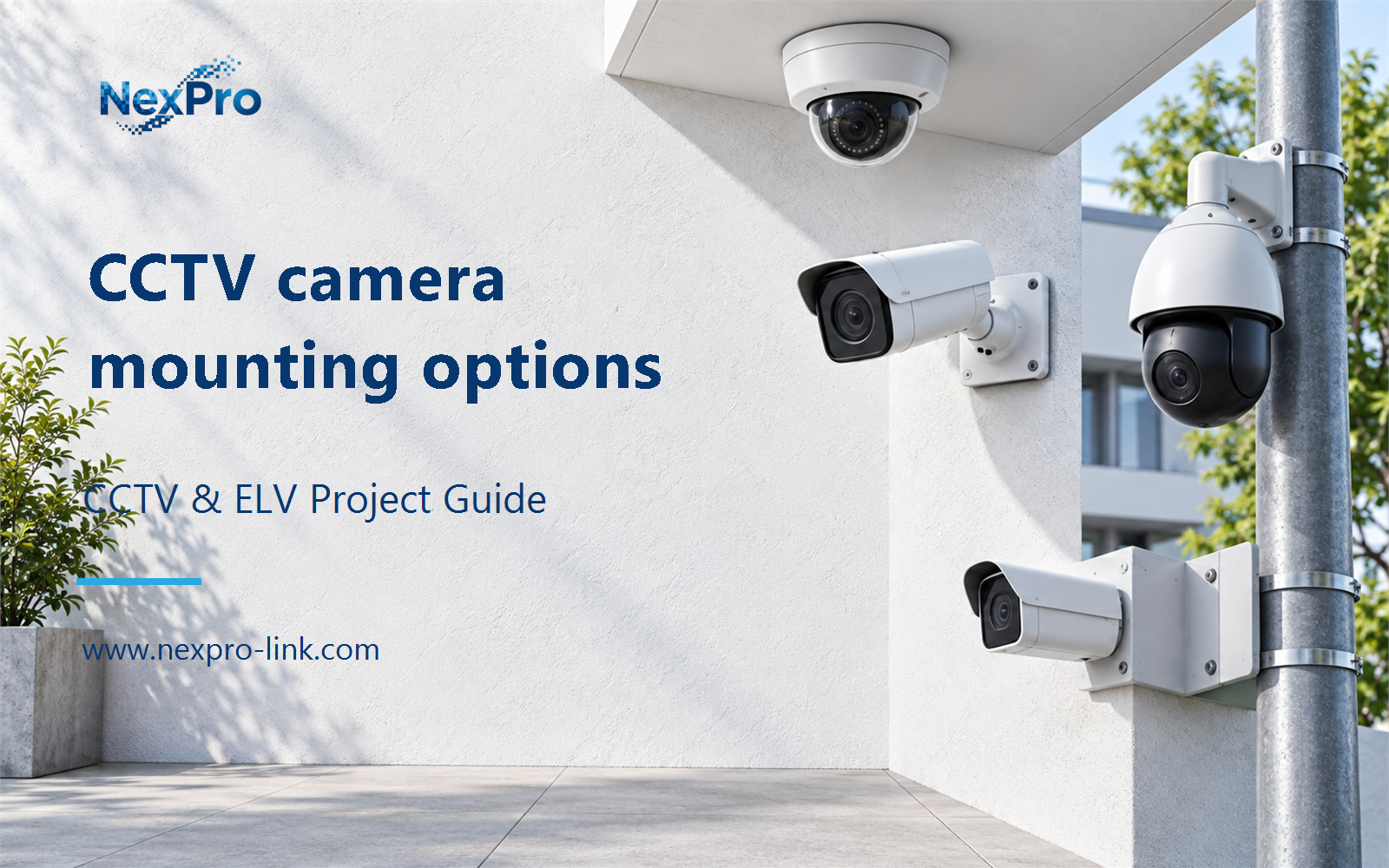
Plan CCTV camera mounting options with practical guidance on start from the required view and consider vibration and long lenses. NexPro-Link project guide.
Section 01
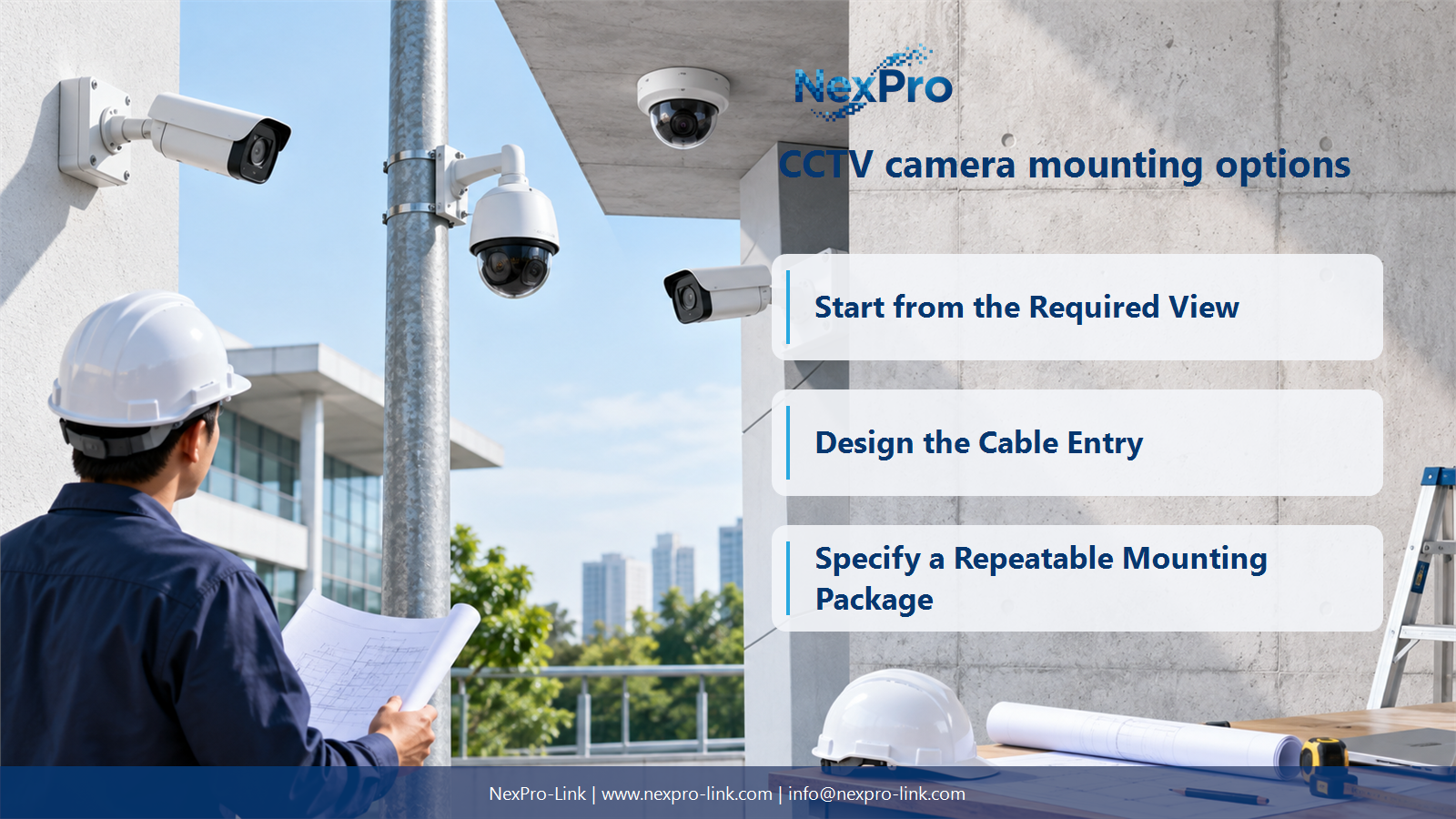
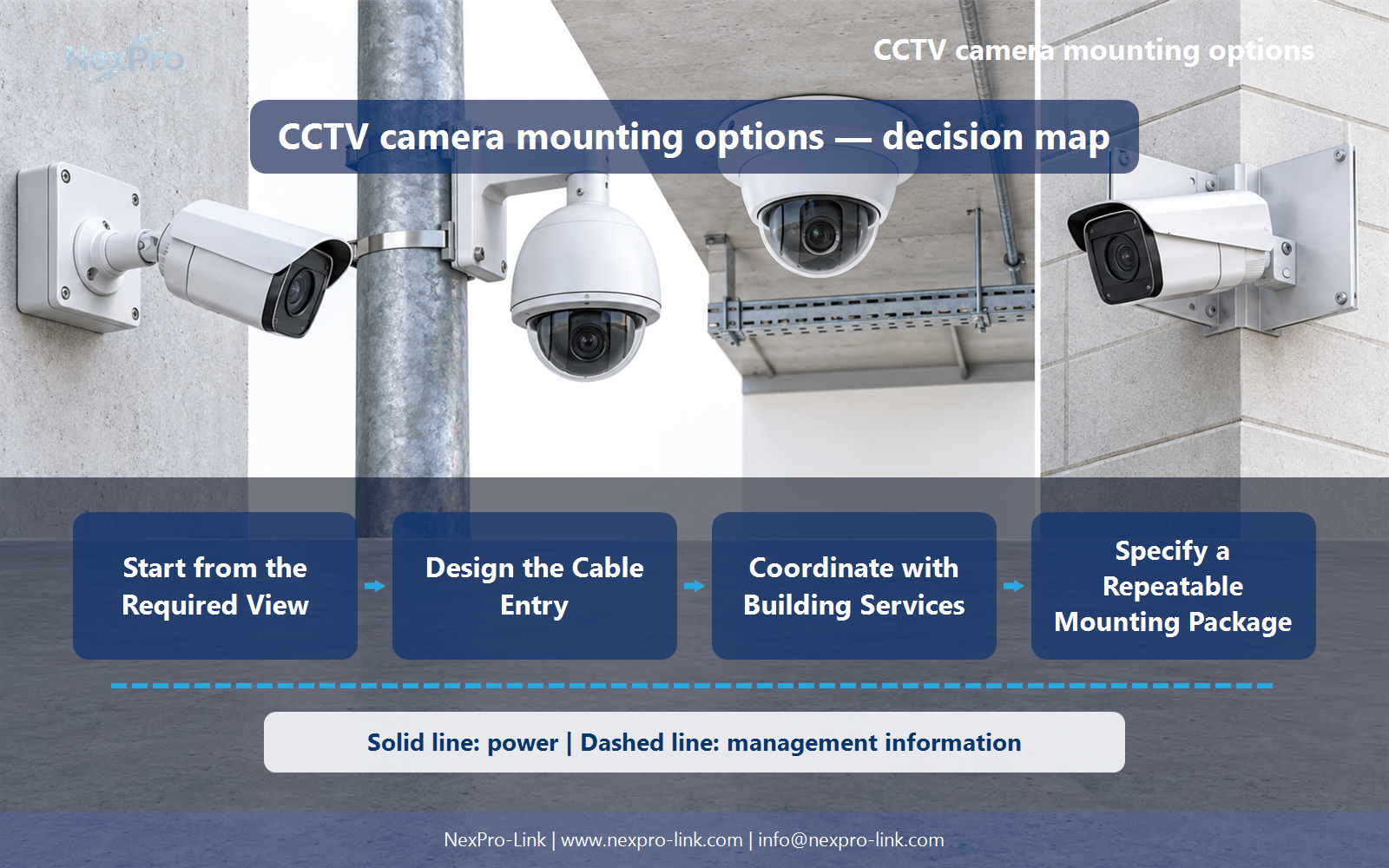
Start from the Required View
Position changes the view angle, target distance, obstruction and exposure to lighting or weather. Decide what the camera must see before choosing the easiest fixing point. A mechanically tidy installation can still fail its surveillance task if it looks too steeply down on a target or places glare inside the scene.
Turn the answer into a working record using Position, Target angle, Distance, Obstruction, Light.
| Decision area | Buyer question | Required output |
|---|---|---|
| Start from the Required View | How does mounting position change CCTV performance? | Position changes the view angle, target distance, obstruction and exposure to lighting or weather. |
| Match the Support and Bracket | Is camera weight enough to select a mounting bracket? | No. |
| Design the Cable Entry | What should be decided about the cable before mounting? | Decide the route, entry direction, strain relief and termination arrangement before fixing the camera. |
Section 02
Match the Support and Bracket
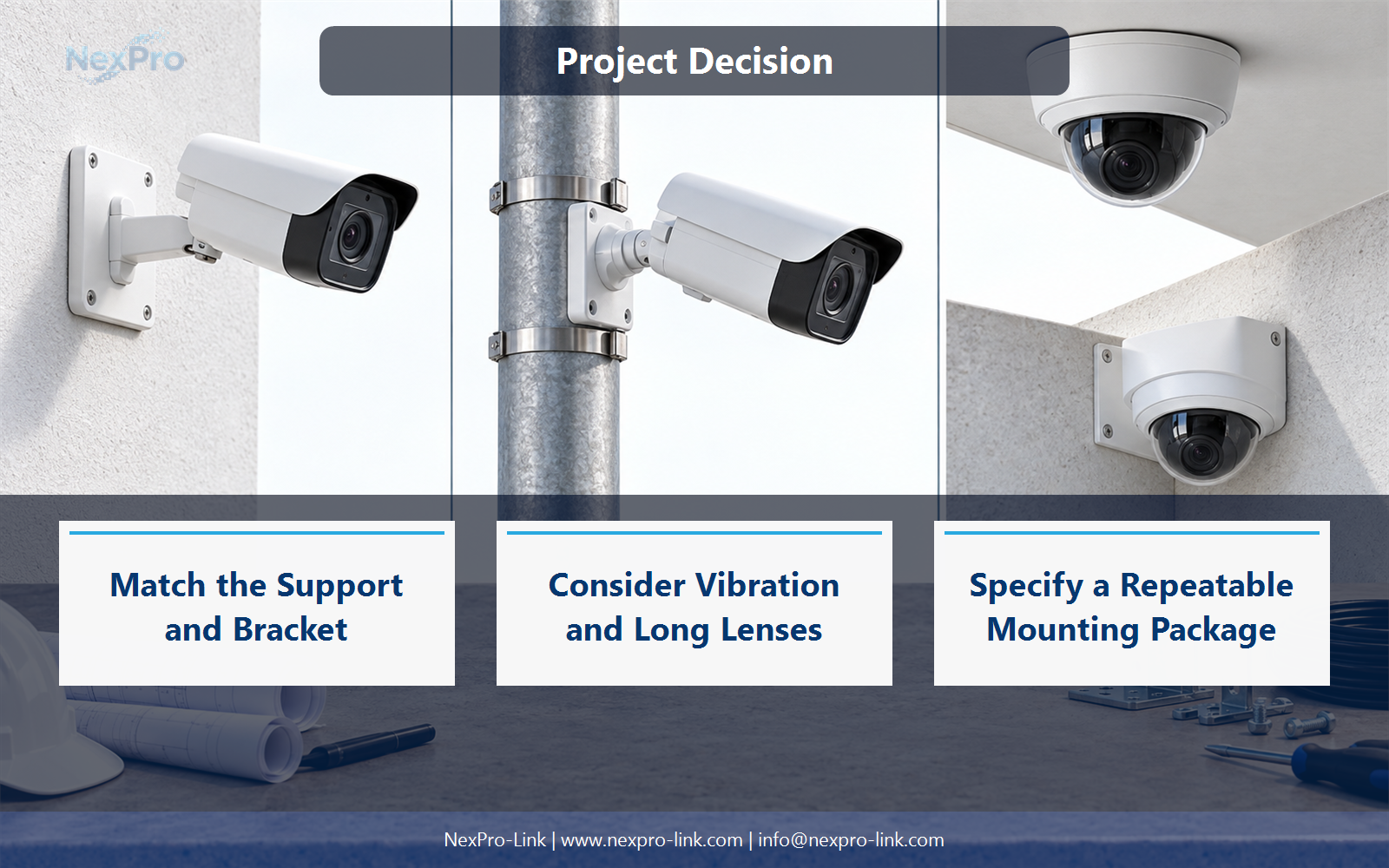
No. The support, bracket compatibility, wind or movement exposure and access requirements also matter. Use the specified mounting system and have structural fixing selected for the actual substrate by the responsible installer or engineer. Do not publish one fastener size as suitable for concrete, cladding, poles and suspended ceilings alike.
Use Substrate, Bracket interface, Exposure, Fixing responsibility to compare options on the same basis. Keep product capability, project assumption and operating responsibility in separate columns.
Section 03
Design the Cable Entry
Decide the route, entry direction, strain relief and termination arrangement before fixing the camera. Protect the connection according to the product and site requirements, and keep service access practical. A sealed camera body does not protect an exposed connector or an unsuitable cable entry outside that body.
The project output should make Route, Entry, Termination, Strain relief, Service access traceable from input to acceptance.
- Confirm the answer to: What should be decided about the cable before mounting?
- Record the project fields: Route / Entry / Termination / Strain relief / Service access.
- Keep product capability, project assumptions and site responsibility in separate records.
Section 04
Consider Vibration and Long Lenses
A narrow field of view makes small directional changes more apparent in the image. Evaluate the pole, bracket and nearby vibration sources with the intended lens setting, not only the widest preview. This is particularly important where a PTZ or telephoto view must retain useful detail at distance.
Record Mount, Vibration source, Lens setting, Image effect before selecting a product family. That makes later substitutions possible without silently changing the operational requirement.
Section 05
Coordinate with Building Services
Coordinate the mounting position with ceilings, lighting, cable containment, fire stopping and the site's electrical protection design. Confirm access and who makes good the surface afterward. This prevents late changes that can alter camera angles, cable length or room finishes after the equipment package has already been ordered.
Review Interface, Trade, Required input, Timing, Responsibility with the party that will operate or maintain the system.
Section 06
Specify a Repeatable Mounting Package
Supply the exact camera model, mounting surface, desired view direction, environmental conditions and any dimensional constraints. Ask for the camera and accessory combination as a defined package. Keep the manufacturer's model codes intact and do not assume a generic bracket fits every bullet or dome housing in the same product family.
Use Camera model, Mount, Adapter, Cable entry, Installation note as the handoff between design and procurement.
Engineering references
These sources support the general planning principles. Always use the selected product's current datasheet and applicable project standards for final design.


