

Plan CCTV BOQ template with practical guidance on define the boq structure and references and specify displays, racks and cabling. NexPro-Link project guide.
Section 01
Define the BOQ Structure and References
Identify the item or function, quantity, unit, relevant specification and supply scope, with a reference to its design role where useful. Keep equipment and services distinguishable. A model-only list makes it difficult to see whether accessories, installation and configuration are included.
Turn the answer into a working record using Line ID, Description, Specification, Quantity, Unit, Scope.
| Decision area | Buyer question | Required output |
|---|---|---|
| Define the BOQ Structure and References | What should a CCTV BOQ line identify? | Identify the item or function, quantity, unit, relevant specification and supply scope, with a reference to its design role where useful. |
| Build the Core Recording Package | Which core devices belong in the equipment section? | Include the required camera roles, recorders or recording services, drives and supported licences or interfaces. |
| Add Network and Power Dependencies | What is commonly omitted from CCTV infrastructure lines? | Uplinks, optical endpoints, local power, PoE allocations, UPS accessories and appropriate mounting can be missed when a list starts with cameras alone. |
Section 02
Build the Core Recording Package
Include the required camera roles, recorders or recording services, drives and supported licences or interfaces. Keep physical disk capacity separate from usable recording capacity. Use exact known model strings and functional requirements where the model is not yet selected rather than inventing a catalogue code.
Use Camera group, Recorder, Disk, Licence, Design reference to compare options on the same basis. Keep product capability, project assumption and operating responsibility in separate columns.
Section 03
Add Network and Power Dependencies
Uplinks, optical endpoints, local power, PoE allocations, UPS accessories and appropriate mounting can be missed when a list starts with cameras alone. Connect these items to actual locations and supported interfaces. Avoid adding unnecessary devices simply to make the BOQ look comprehensive.
The project output should make Location, Switch, Uplink, Supply, Backup, Accessory traceable from input to acceptance.
- Confirm the answer to: What is commonly omitted from CCTV infrastructure lines?
- Record the project fields: Location / Switch / Uplink / Supply / Backup / Accessory.
- Keep product capability, project assumptions and site responsibility in separate records.
Section 04
Specify Displays, Racks and Cabling
Use the actual display workflow, rack arrangement and cable routes. Distinguish cable length, patch-lead pieces, panels, ports and mounting sets with clear units. A lump sum labelled CCTV accessories conceals whether the package can actually be installed as intended.
Record Item, Measurement basis, Quantity, Unit, Included fitting before selecting a product family. That makes later substitutions possible without silently changing the operational requirement.
Section 05
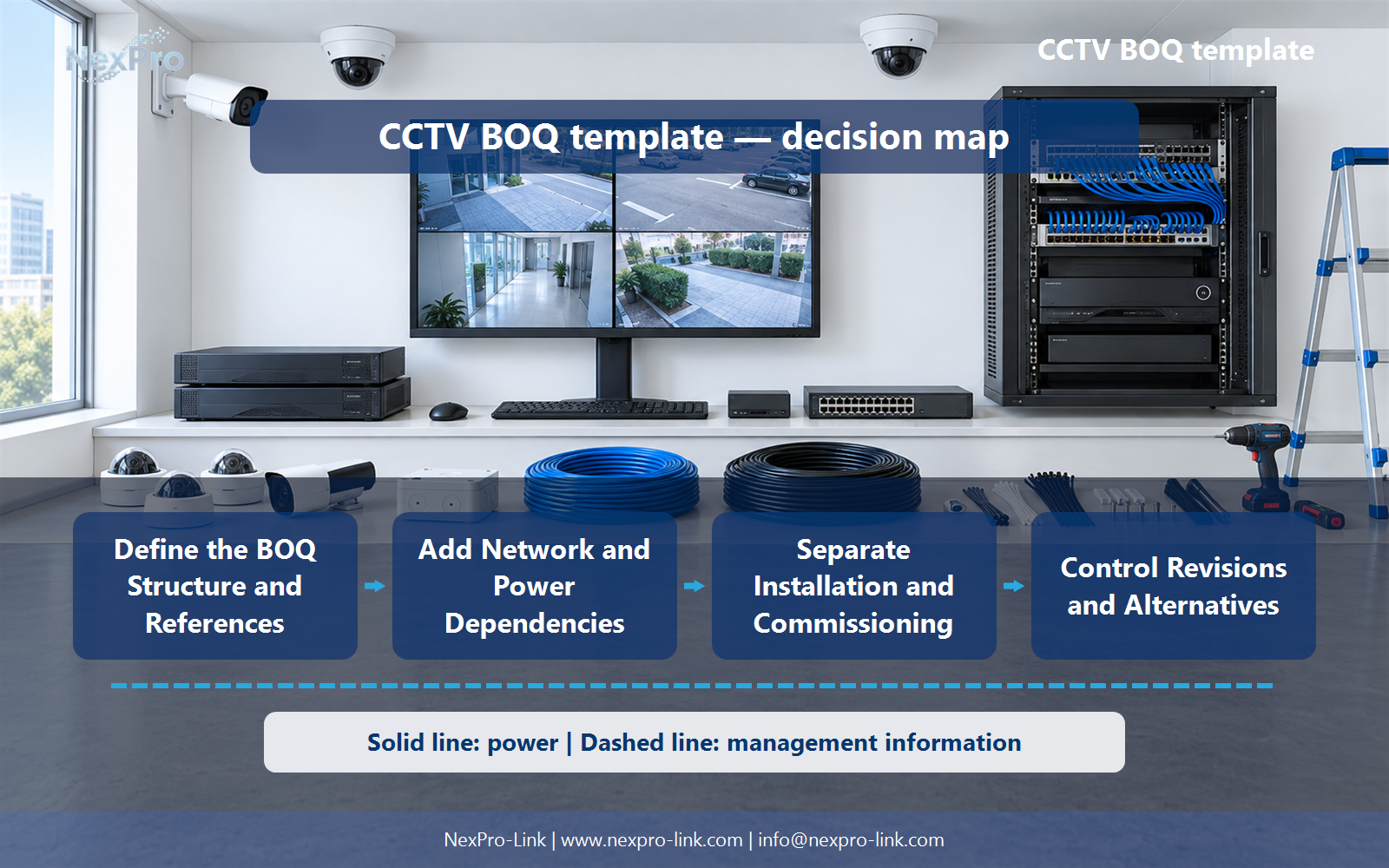
Separate Installation and Commissioning
It can be commercially bundled, but the included work should remain clear. State who installs, configures, tests and hands over each interface. Buyers need to compare equivalent responsibilities rather than assuming a lower equipment price covers the same on-site services.
Review Task, Included work, Exclusion, Responsible party with the party that will operate or maintain the system.
Section 06
Control Revisions and Alternatives
Keep the original requirement and line reference, then identify the proposed alternative and any functional or commercial difference. Update linked quantities and accessories when needed. A substitute model should not silently inherit every specification or approval status from the original line.
Use Original line, Alternative, Difference, Quantity effect, Status as the handoff between design and procurement.
Engineering references
These sources support the general planning principles. Always use the selected product's current datasheet and applicable project standards for final design.


