

Plan CCTV as built documentation with practical guidance on record the installed camera schedule and transfer accounts securely. NexPro-Link project guide.
Section 01
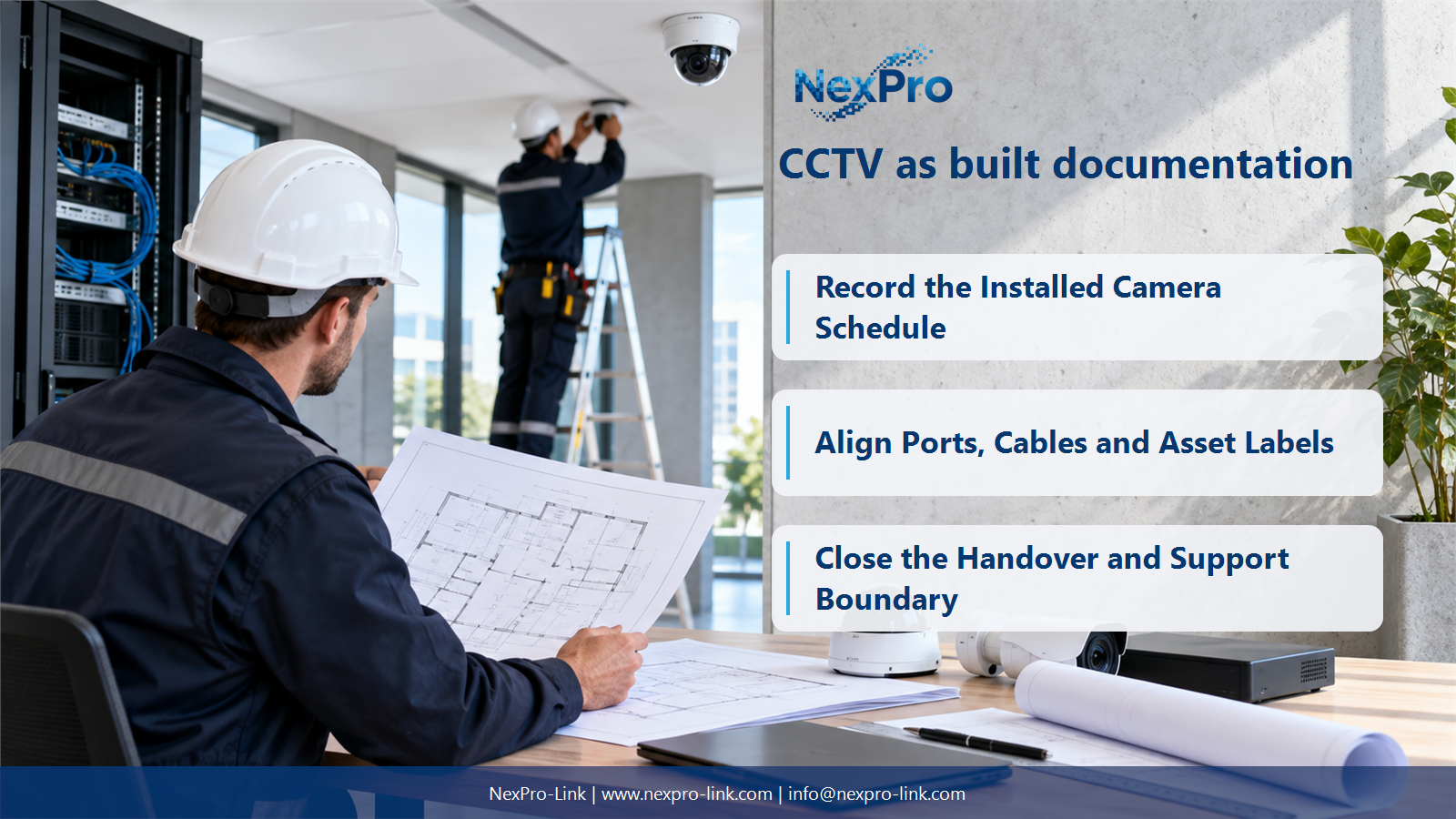
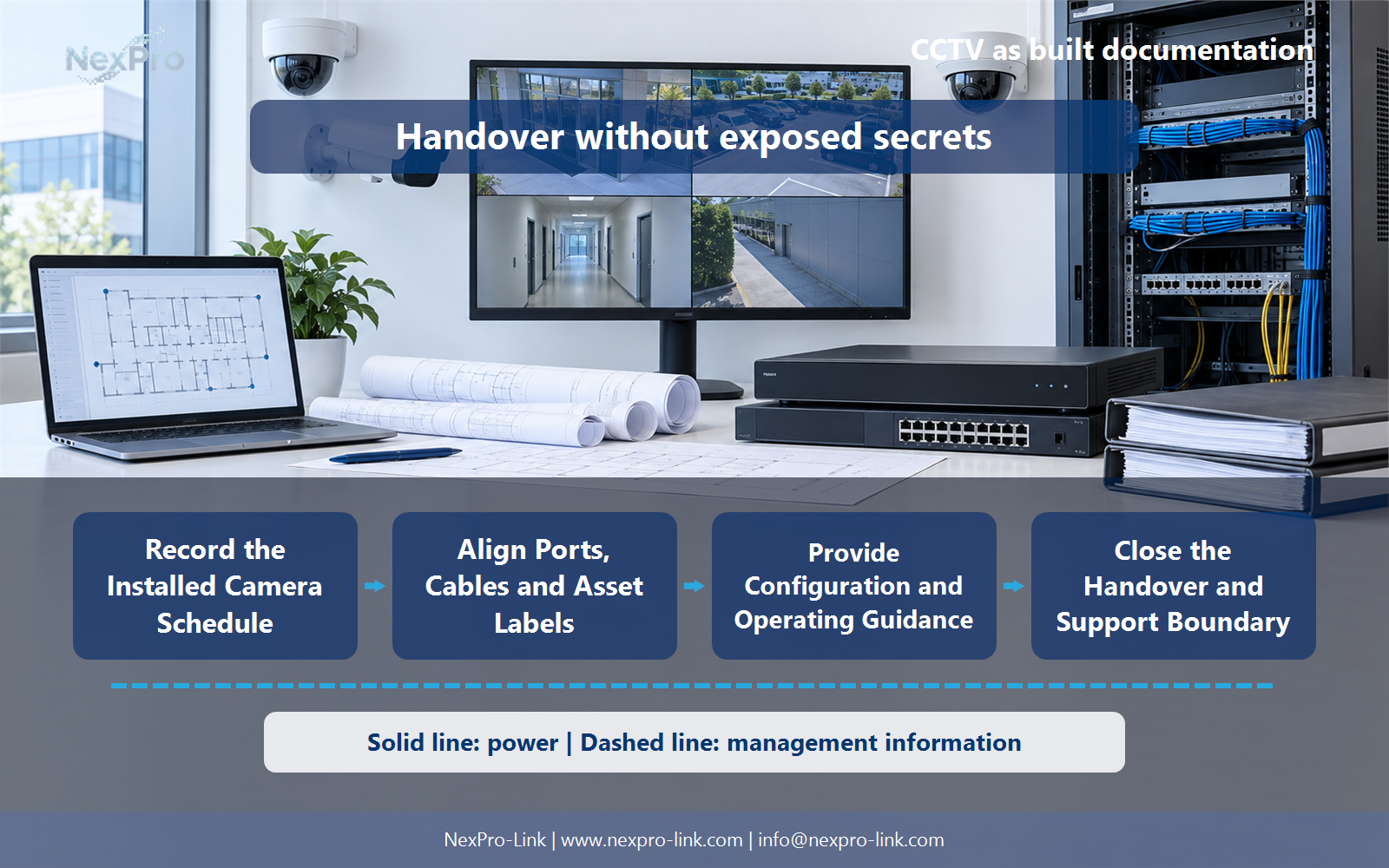
Record the Installed Camera Schedule
It reflects the actual installed locations, identifiers, models and roles, including approved changes from the design. Keep the schedule aligned with drawings and recording labels. A pre-installation list with unchanged quantities is not automatically an accurate description of the finished system.
Turn the answer into a working record using Camera ID, Installed position, Model, View task, Change.
| Decision area | Buyer question | Required output |
|---|---|---|
| Record the Installed Camera Schedule | What makes a camera schedule an as-built record? | It reflects the actual installed locations, identifiers, models and roles, including approved changes from the design. |
| Document Data and Power Paths | Which diagrams should be included at handover? | Provide understandable network and power-path diagrams that show how cameras reach recording and which devices are backed up. |
| Align Ports, Cables and Asset Labels | Why do port and cable schedules matter? | They connect the logical system to physical maintenance actions. |
Section 02
Document Data and Power Paths
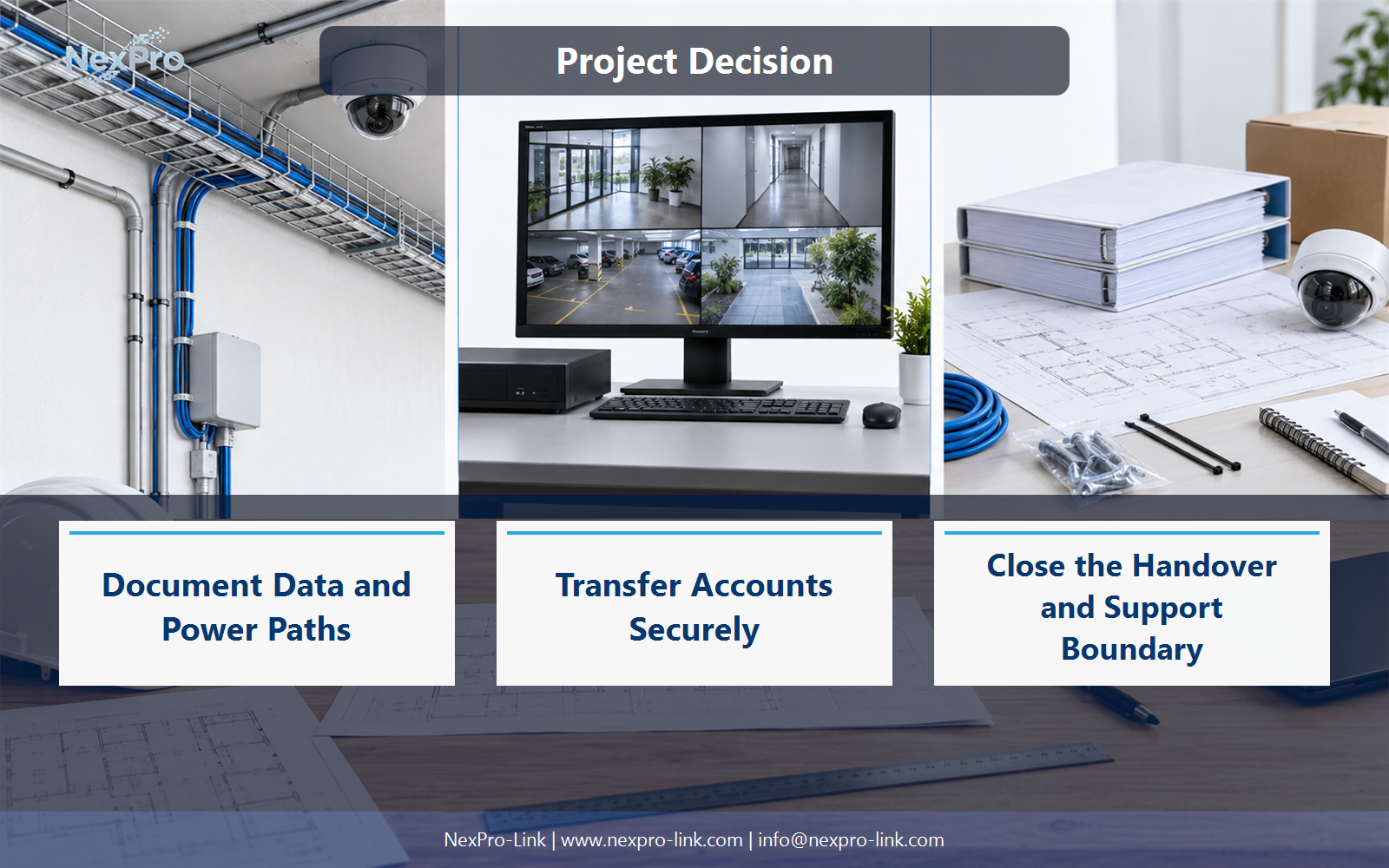
Provide understandable network and power-path diagrams that show how cameras reach recording and which devices are backed up. Include key field cabinets and interfaces. Keep data and electrical roles distinct so a technician can trace a fault without assuming one central UPS protects everything.
Use Camera, Switch, Recorder, Storage, Power zone to compare options on the same basis. Keep product capability, project assumption and operating responsibility in separate columns.
Section 03
Align Ports, Cables and Asset Labels
They connect the logical system to physical maintenance actions. Map camera identifiers, patch ports, switch ports and cable-test references consistently. Without that mapping, a minor replacement can require unnecessary tracing or disrupt another camera when an unlabelled lead is moved.
The project output should make Cable, Patch, Switch, Camera, Test reference traceable from input to acceptance.
- Confirm the answer to: Why do port and cable schedules matter?
- Record the project fields: Cable / Patch / Switch / Camera / Test reference.
- Keep product capability, project assumptions and site responsibility in separate records.
Section 04
Transfer Accounts Securely
No. Use a separate controlled credential-transfer process appropriate to the client, and establish account ownership and recovery. The general documentation can explain roles and procedures without publishing secrets. Remove unnecessary installer access according to the agreed handover arrangement.
Record Role, Account owner, Secure transfer, Recovery, Access removal before selecting a product family. That makes later substitutions possible without silently changing the operational requirement.
Section 05
Provide Configuration and Operating Guidance
Keep the installed firmware and configuration baseline, recording modes, retention assumptions and supported recovery steps. Provide concise instructions for live view, playback and export. Record compatibility constraints for backups rather than assuming every configuration file can restore every device version.
Review Device version, Configuration, User task, Recovery, Owner with the party that will operate or maintain the system.
Section 06
Close the Handover and Support Boundary
Identify supplied equipment, local installation responsibilities, relevant support contacts and unresolved exceptions, with the actual agreed terms. Record the equipment and documentation support agreed with NexPro-Link separately from local installation or on-site service responsibilities.
Use Document, Recipient, Support scope, Open item, Next action as the handoff between design and procurement.
Engineering references
These sources support the general planning principles. Always use the selected product's current datasheet and applicable project standards for final design.


