When a family model or document is superseded, mark its eligibility for new orders separately from support for existing installations. Preserve the old site's exact baseline and qualify the proposed successor by role.
Section 01
Approve repeatable equipment roles with defined limits
When a family model or document is superseded, mark its eligibility for new orders separately from support for existing installations. Preserve the old site's exact baseline and qualify the proposed successor by role. A newer register should not retrospectively rename installed equipment or imply that its accepted function has changed.
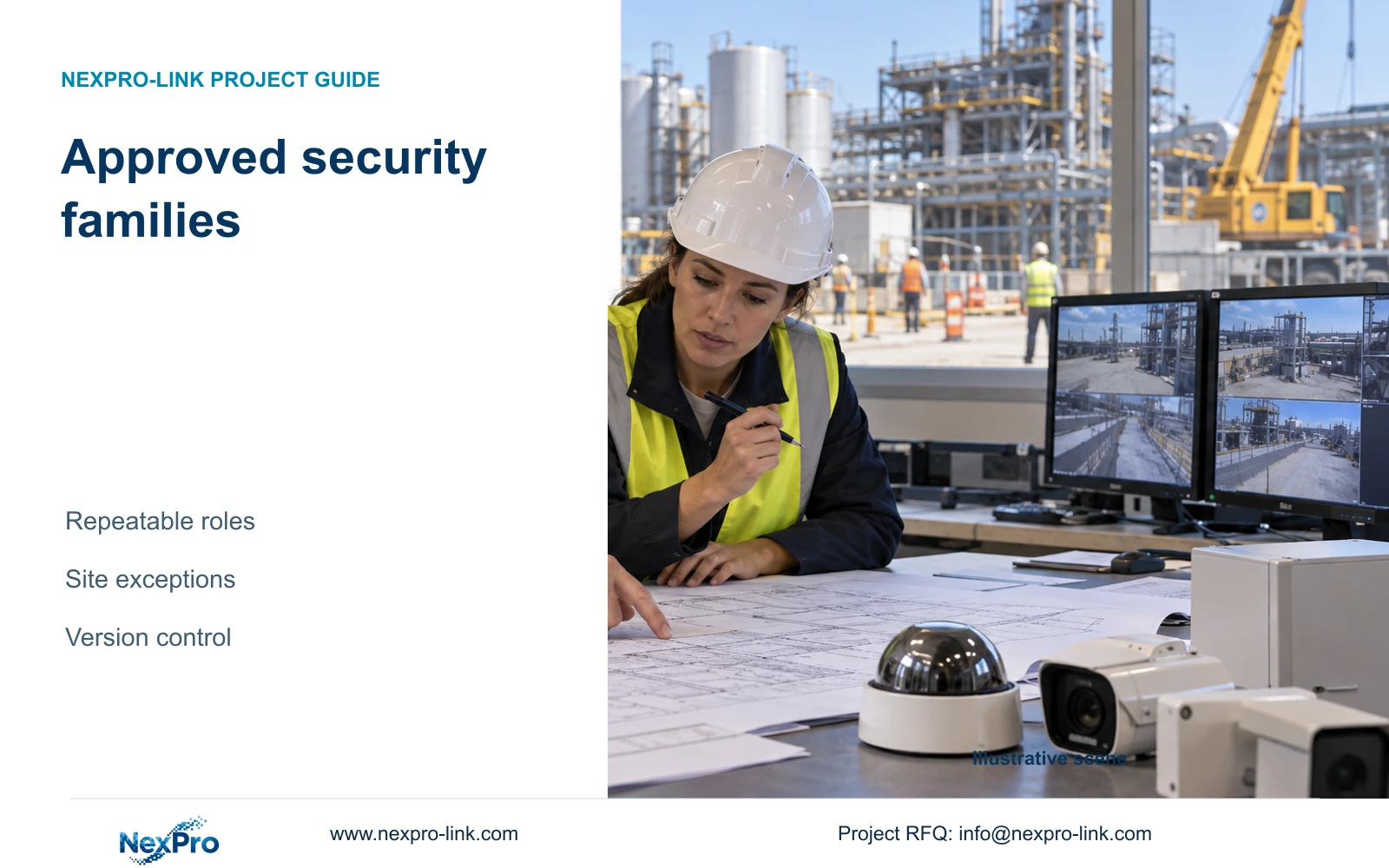
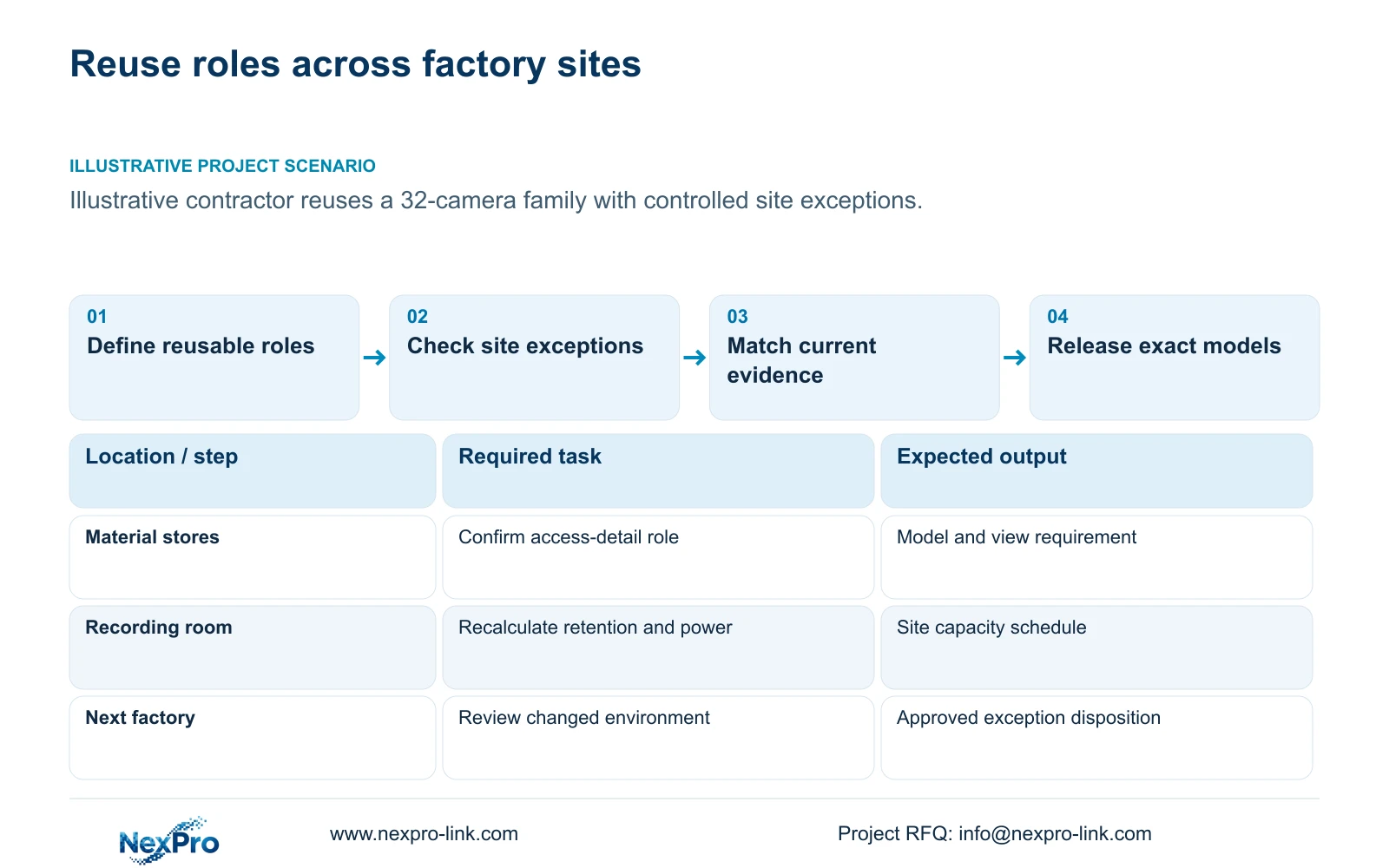
An approved factory security family should standardise equipment roles, exact model identities and permitted options while requiring site-specific engineering checks. Use it to reuse a supported selection and its documents. Each new factory still needs confirmation of viewing geometry, environment, recording capacity and power distribution before equipment is released.
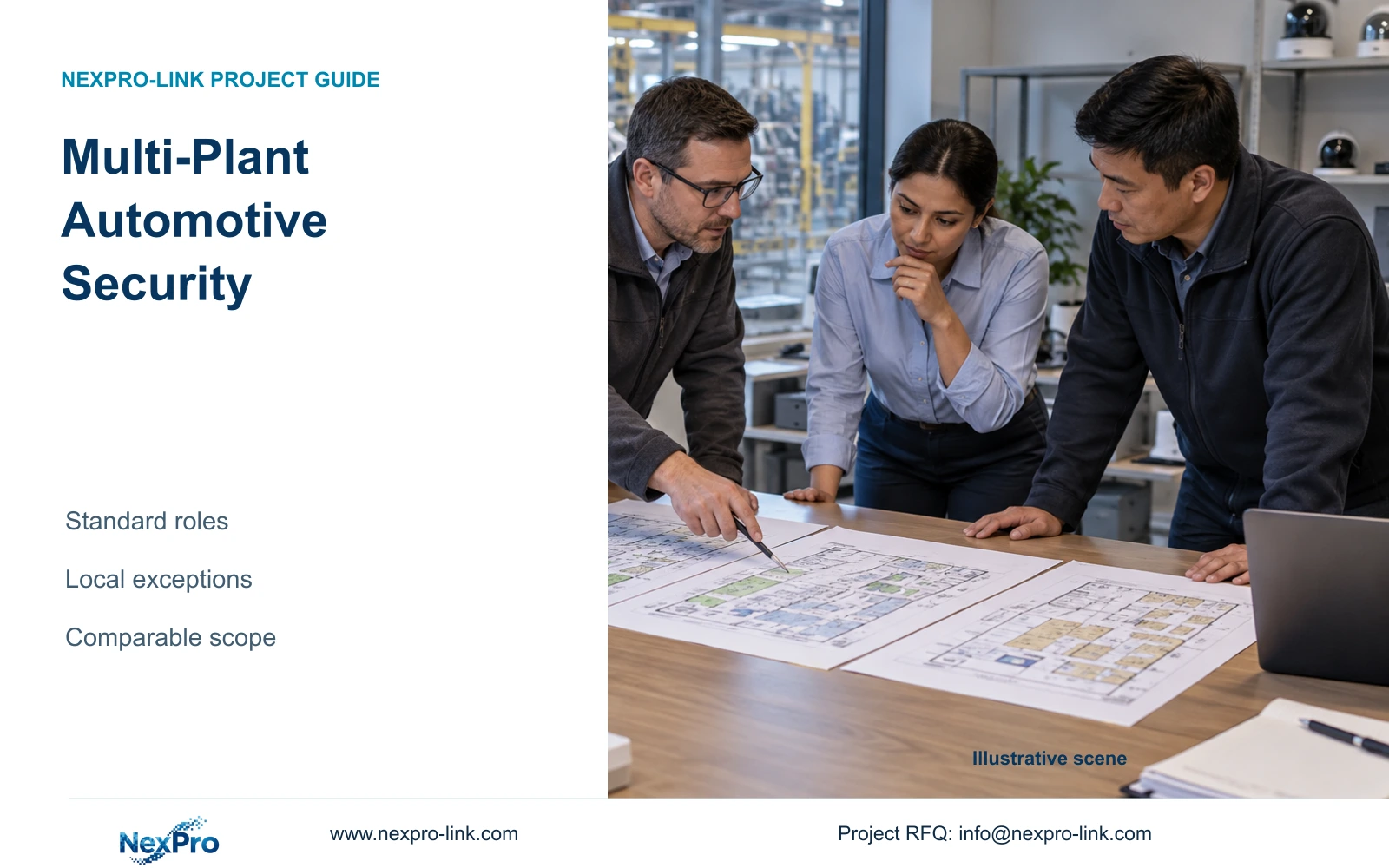
Illustrative project scenario: A contractor wants to reuse an approved equipment family across repeated industrial projects. Assume its starting reference is CASE01's hypothetical 32-camera CNC factory, covering gates, stores, permitted machine-hall transfers, common routes, dispatch and equipment-room approaches. The contractor wants consistent procurement records while allowing different mounting positions and infrastructure at subsequent sites.
Define roles such as ordinary-area overview, store-access detail and local recording. Associate each role with an exact model, accepted configuration and evidence reference. Preserve BOQ identifiers and units when mapping the family into a new tender. Supplier registration, brand acceptance, equipment approval and project acceptance should each retain their own status; one approval does not establish the others.
Section 02
Route site exceptions to a specific decision
Begin each site review with the conditions that can disqualify a family member. A longer observation distance may require a different view or lens setting; a mounting obstruction may require another position. Temperature, cleaning exposure and classified areas need their own suitability review. Avoid carrying an ordinary security camera into a specialist location merely because its purchasing code is familiar.
For an ordinary-area camera role, the supplied NexPro-BL2812M55-5MP-DIC-AI specification lists a 5MP family, 2880x1620 main output, 25fps@5MP and a 2.8–12mm motorized lens. Retain those fields exactly in the family record. They provide a selection reference without establishing recognition distance, maximum power or a tested view at the next factory.
Give each exception a disposition: adjust within the accepted configuration, select an approved alternative, or obtain a new technical review. The engineer records the affected location and reason; the cost team identifies changed accessories and services. Where a tender mandates a brand or interface, keep that requirement visible rather than treating the internal family list as permission to substitute.
Section 03
Keep the family register tied to current evidence
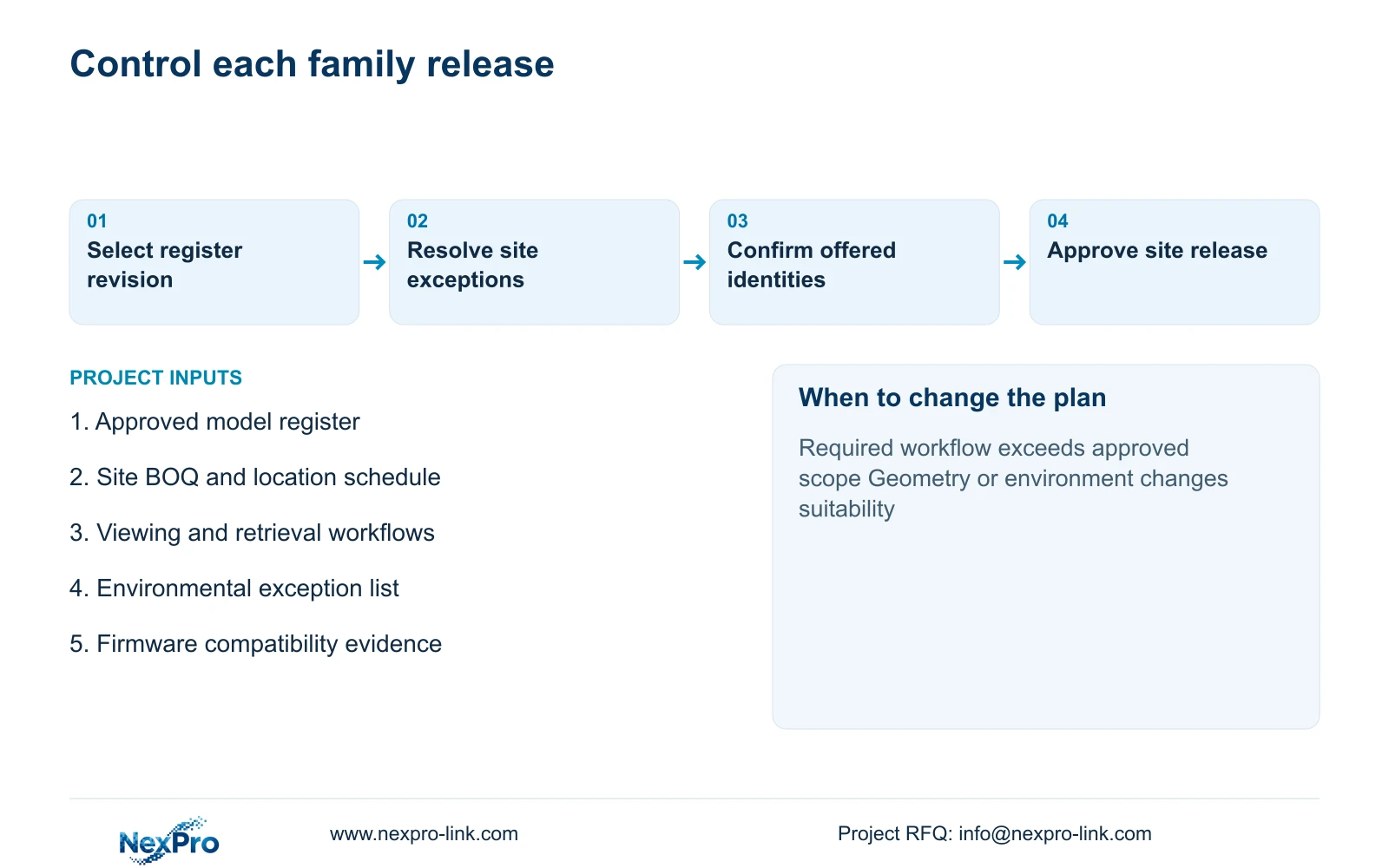
Maintain a controlled register containing the full model designation, relevant hardware and firmware identity, source specification revision and approval scope. List accepted accessories and configuration options separately. A generic product-series description is insufficient when a later shipment could differ in connectors, software behaviour or required setup.
The procurement coordinator should attach the applicable register revision to each project order. The supplier confirms the offered identity, and the engineer checks deviations against the project requirement. If an item is unavailable, issue a substitution entry showing the changed fields and affected interfaces. Do not overwrite the previous selection and lose the reason it was accepted.
For mixed-device workflows, keep compatibility evidence linked to the exact device, client and firmware combination. ONVIF Profiles provides a framework for profile applicability, but basic video connectivity does not demonstrate event search, audio or export behaviour. A previous trial can inform the next project; it should retain its tested conditions so buyers can identify what needs checking again.
Section 04
Separate the recording core from justified integration
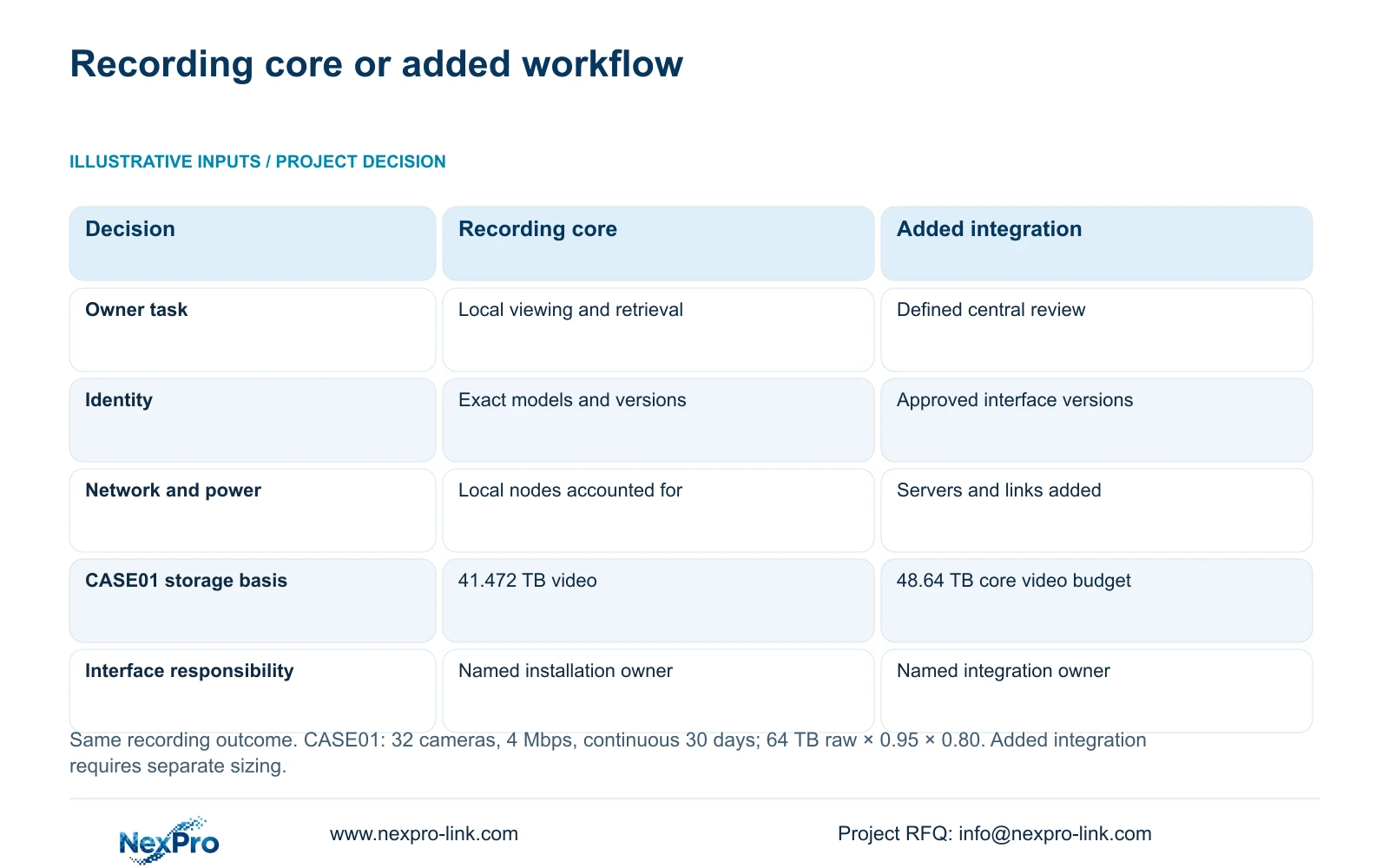
Use a complete local-recording package as the default family deployment when the owner needs authorised viewing, retrieval and export at one factory. Account for cameras, switches, recorder, disks, links and protected power across every required node. Add management or integration only when a defined operating task requires it, with its own equipment and responsibility schedule.
The comparison holds the recording outcome constant. Its decisive difference is ownership of the additional workflow. Central review or event-linked retrieval introduces an interface that somebody must configure, support and accept. Assign every item as supplied, retained, installer-provided or optional, and identify one responsible party for each interface. A blank inclusion field means unresolved scope, not zero cost or incompatibility.
CASE01 illustrates the minimum infrastructure calculation: 32 × 4 Mbps gives 128 Mbps payload, and video_TB = 0.0108 × 32 × 4 × 30 gives 41.472 TB. Its four 16 TB drives yield a 48.64 TB video budget using 64 × 0.95 × 0.80. These illustrative values fit that case, but added management servers or changed retention require fresh capacity and power calculations. In the supporting diagram, the storage row places the 41.472 TB demand beside the 48.64 TB core video budget. Those are different measures for the same recording design, not a storage change caused by integration.
| Decision | Local-recording core | Additional integration |
|---|---|---|
| Recording outcome | Agreed views and retention | Same views and retention |
| Hardware identity | Exact models and project tags | Core plus approved interface equipment |
| Network and power | Required local nodes included | Added servers and links included |
| Software and access | Viewing, retrieval and export roles | Defined central or event-linked workflow |
| Responsibility | Supplier equipment; installer site works | Named integration owner and acceptance task |
Section 05
Reuse the selection and recalculate the deployment
Recommend a family with a stable recording core and controlled options, rather than an identical fixed kit for every plant. CASE01's NexPro-NVR4449-4K reference offers 49 channels, 320 Mbps input and four SATA bays up to 18 TB each. Recheck all relevant constraints when transferring that recorder role to another project. Channel count does not prove decoding capacity or disk fault tolerance.
Power needs the same discipline. CASE01 assumes a 682.7407 W recording-first AC load; its 30-minute load-side energy is 682.7407 × 0.5 = 341.3704 Wh. That figure is an illustrative demand request, not proven UPS runtime. Different switches, storage or operator equipment change the load, and each protected circuit needs an appropriate verified battery configuration.
Allow site-specific mounting, cable construction and node placement without reopening unaffected model decisions. CASE01's 1,872 m of continuous cable and feasible seven-reel cutting plan cannot be copied to a different layout. Change the family recommendation when required environmental protection, mandatory platforms or unsupported workflows exceed its approved scope. Retain an exception record so the next project can distinguish an approved option from a one-site concession.
Section 06
Turn the register into a site-specific release schedule
For procurement, issue a site schedule that maps each BOQ line to a family role, exact offered model and inclusion status. Keep retained infrastructure visible because its condition can affect the new equipment. Identify installer-provided routes and electrical works explicitly, and show optional management items outside the base recording total.
NexPro-Link can discuss model matching, technical submittals and coordinated factory equipment supply within its published project scope. For repeat orders, request confirmation against the controlled family revision and a concise deviation list. Project-labelled packing can help relate shipped equipment to location schedules, but packaging identity should remain separate from technical acceptance.
Close the release with the checks still owned by the site team: final views, installation conditions, infrastructure readiness and operating acceptance. Agree how substitutions will be reviewed before shipment. This gives procurement a repeatable purchasing structure while leaving the engineer enough freedom to resolve genuine site differences. It also prevents additional software or local services from being assumed merely because equipment arrives through one supplier.
Section 07
Buyer questions
Can two approved models share one purchasing role? Yes, if the register identifies each model and the conditions for choosing it. The order should still name the selected model. An open choice at shipment creates uncertainty over accessories, configuration and acceptance evidence.
Should a firmware update remove a model from the family? Review the affected functions first. Record the new version and repeat relevant workflow checks before releasing it for projects that rely on those functions. Avoid assuming either complete equivalence or complete incompatibility from the version change alone.
Can a private-label carton serve as the equipment identity? Use branding alongside a traceable technical identity. Preserve the exact model, serial record and project location reference in the delivery documents so replacement and support decisions do not depend on carton artwork.
Section 08
Develop a controlled repeat-project family
Send your approved model register, one representative site BOQ, the required viewing and retrieval workflows, and known site exceptions to info@nexpro-link.com to discuss a controlled equipment family and site-specific quotation.
Engineering references
These sources support the general planning principles. Always use the selected product's current datasheet and applicable project standards for final design.