Plan security controls and the shutdown path together; a VLAN alone does not complete the protection. Plan the project from the management interfaces, authorized access paths and shutdown dependencies.
Section 01
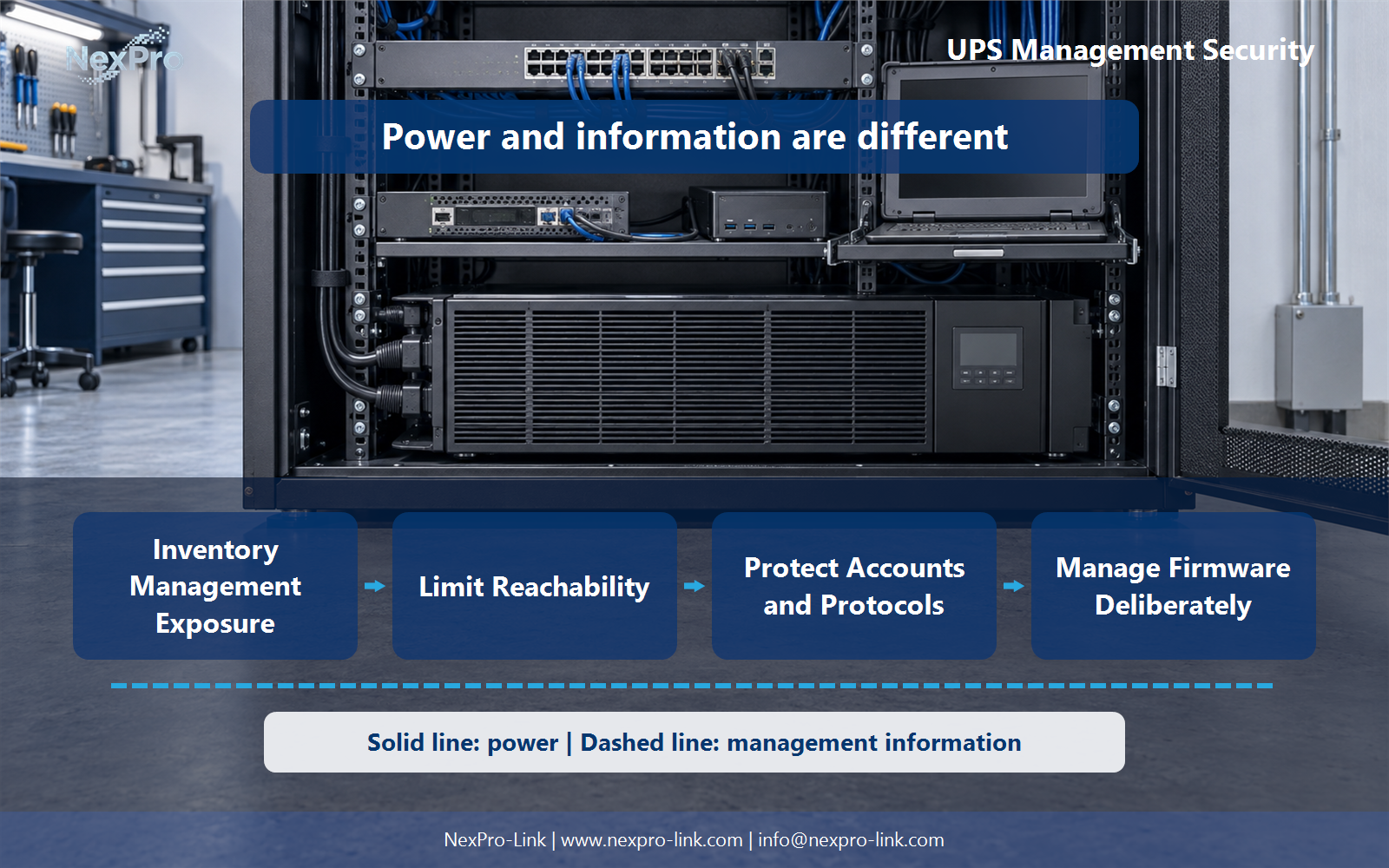
Inventory Management Exposure
Plan security controls and the shutdown path together; a VLAN alone does not complete the protection.
Before a team can reduce exposure, it needs a complete list of what is exposed. A UPS management plane commonly includes several separate interfaces. A web interface on the management card, SNMP for polling and traps, a local serial or USB console for first setup and recovery, a relay or dry-contact output for building management, and a shutdown agent installed on each protected host. Not every unit ships with all of these, and the same model can arrive with different cards or firmware options.
The inventory records each interface, who uses it, and whether the supported shutdown workflow needs it. That last column does the real work. It separates configuration traffic from the command channel that must survive a power failure.
Teams that lock down every management service without checking this table can remove the exact command channel a safe shutdown depends on. Inventory first, then restrict.
| Decision area | Project question | Required output |
|---|---|---|
| Inventory Management Exposure | Which UPS interfaces should be inventoried? | Inventory: interface / purpose / users / path / necessity |
| Limit Reachability | Should the UPS management interface be directly reachable from the internet? | Access map: source / destination / purpose / approved path |
| Protect Accounts and Protocols | What should an account and protocol baseline cover? | Baseline table: accounts / protocols / privileges / unused access |
Section 02
Limit Reachability
Should the management interface be directly reachable from the internet? In most designs the answer is no. The management plane belongs behind a controlled administrative path. That path can be a management VLAN, a VPN, or a jump host, whichever the organization already runs. Monitoring and shutdown do not require a public IP on the card.
The access map states each allowed source, destination, and purpose. It also states the one path that is approved for each purpose.
Restricting access should remove the public path while preserving the supported function. A common failure is to block all traffic to the card and then discover, during an outage, that the shutdown agent can no longer reach it. Keep the shutdown path inside the protected subnet and the management path inside the administrative VLAN. Do not publish real network addresses in the article or in RFQ attachments. Use private addressing.
Section 03
Protect Accounts and Protocols
The account and protocol baseline covers three things: who owns each account, which authentication the device supports, and which unused access can be removed. Replace default credentials. Assign a named owner for each account. Prefer SNMP v3 with authentication and privacy over community strings, and prefer HTTPS over plain HTTP where the platform supports it. Disable unused protocols and ports when the card exposes them.
A VLAN limits who can reach the card. Account and protocol controls limit what a reachable user can do. Firmware management and logging cover the remaining failure modes. Each layer handles a different problem, so a single setting does not secure the whole power management system.
- Confirm the answer to: What should an account and protocol baseline cover?
- Draw electrical power as a solid path and management information as a separate dashed path.
- Keep external services and specialist approvals outside the UPS equipment claim.
Section 04
Manage Firmware Deliberately
Firmware updates follow the manufacturer's supported process. Before applying a release, check its compatibility with the monitoring platform and the shutdown agent. Plan an authorized window and a recovery path. Test one unit first, confirm the shutdown agent reconnects, then schedule the rest. The newest release is a candidate for testing, and a rollout to every device at once skips the compatibility check.
[Figure 2: mechanism and dependency diagram, near sections 2 through 4]
Section 05
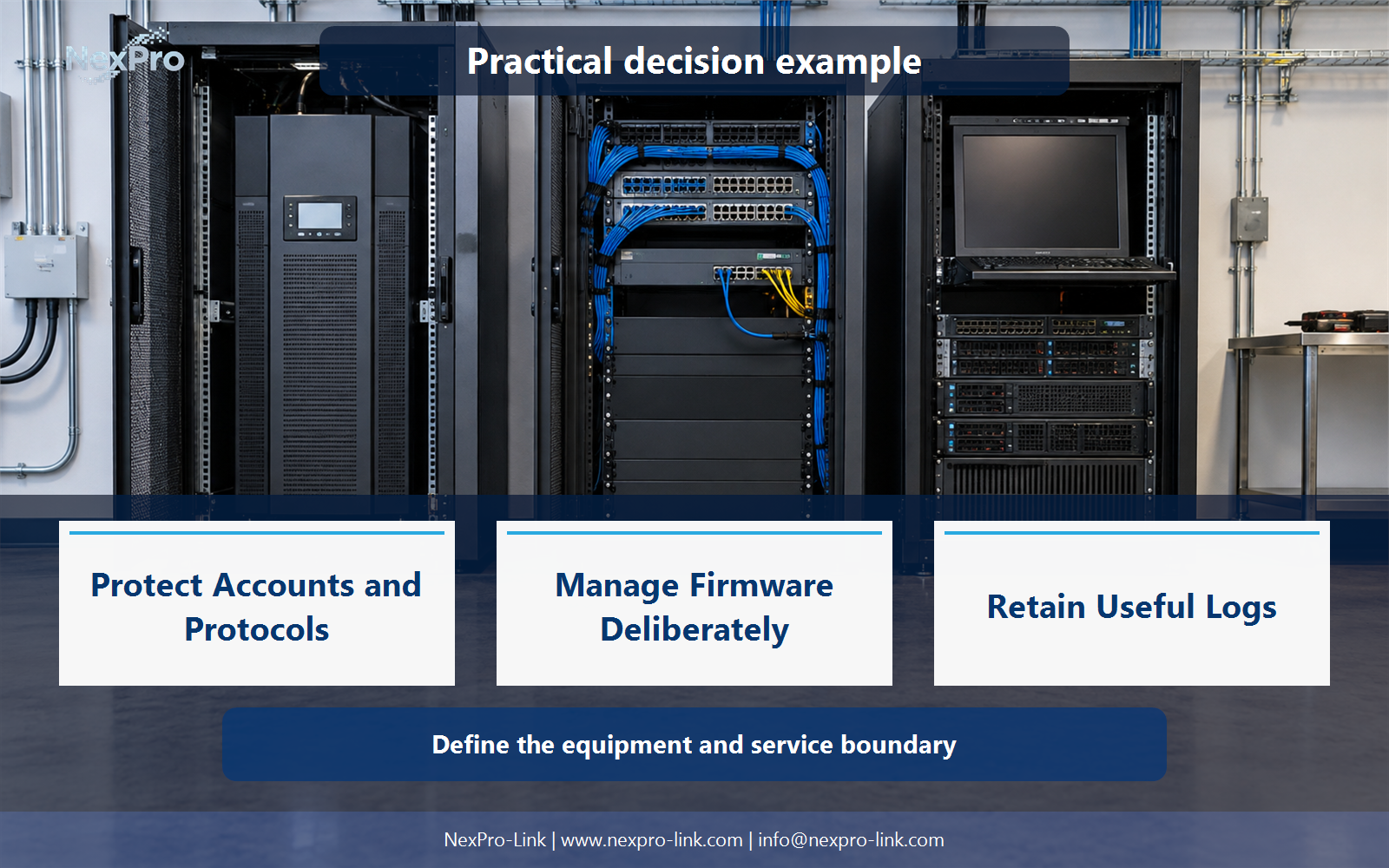
Retain Useful Logs
The log plan records access, configuration, and power events with timestamps and ownership. A UPS log shows when mains failed, when the battery ran, when a user logged in, and when a setting changed. It is one observation source. Host activity and network flow belong in separate records.
Send the UPS events to syslog or a SIEM where the platform allows it, and keep the retention basis tied to the organization's own policy.
Section 06
Specify Security Interfaces in the RFQ
When the requirement reaches NexPro-Link, list the management methods, access constraints, account model, logging, and shutdown integration. Do not infer every security feature from a network card label. State the interface set the project needs and let NexPro-Link confirm which supported options fit the defined configuration.
Engineering references
These sources support the general planning principles. Always use the selected product's current datasheet and applicable project standards for final design.