A desktop client and an enterprise management deployment should not be compared as if they were the same software purchase. Start with the user roles, sites, integrations and recovery tasks. A supported Seetong PC-client workflow may suit a bounded recording project, while a HikCentral or Dahua DSS deployment may be relevant when the specification requires broader, verified management functions.
Section 01
Define the Management Problem
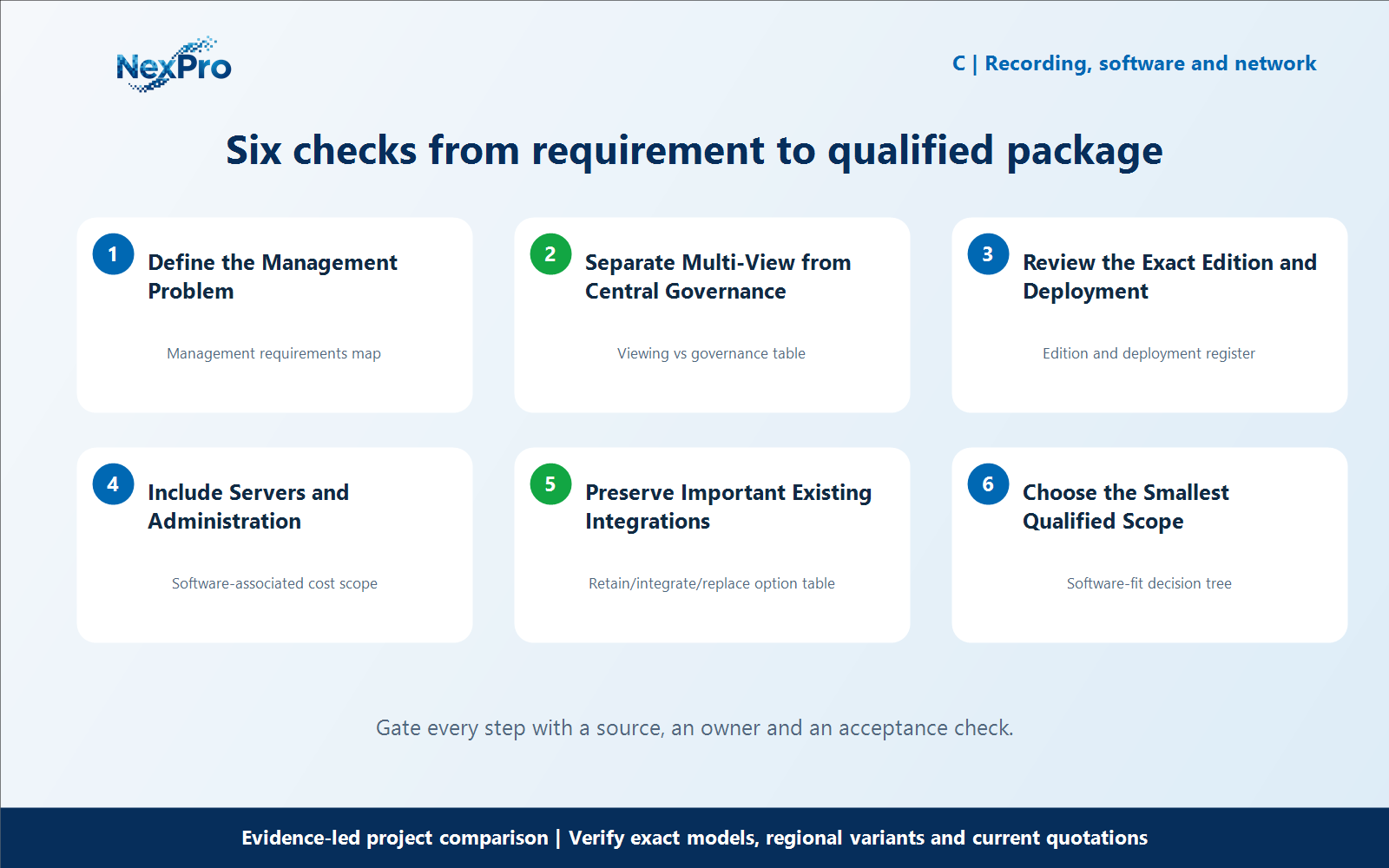
A desktop client and an enterprise management deployment should not be compared as if they were the same software purchase. Start with the user roles, sites, integrations and recovery tasks. A supported Seetong PC-client workflow may suit a bounded recording project, while a HikCentral or Dahua DSS deployment may be relevant when the specification requires broader, verified management functions. What question should determine the software category? Ask what staff must manage, not simply how many cameras appear in a grid. Sites, organizations, permissions, incident workflow and integrations can create requirements beyond basic viewing. Document these tasks before deciding whether a desktop client or a broader management deployment is appropriate.
For define the management problem, build a working record around Management requirements map. For Seetong PC client vs HikCentral, record the current project condition, candidate response, evidence source and unresolved boundary before comparing offers.
Review Management requirements map separately from the downstream workflow. This prevents one attractive specification from deciding the complete Seetong PC client vs HikCentral question without considering recording, installation, operation and support consequences.
Carry the Management requirements map record into the RFQ, BOQ review or pilot checklist. For Seetong PC client vs HikCentral, keep product capability, project assumptions and supplier responsibility beside the define the management problem decision; site measurements, network policy, installation safety and acceptance remain project inputs unless the signed scope says otherwise.
- Record management requirements map with a named source, owner or acceptance check; do not leave it as an unqualified brochure phrase.
Section 02
Separate Multi-View from Central Governance
Does displaying many cameras prove enterprise management capability? No. Multi-window viewing is a display task; centralized governance can involve different requirements for accounts, policies, events and system operation. Verify the requested functions in the actual software. Do not treat a maximum preview count as a substitute for the rest of the management specification.
For separate multi-view from central governance, build a working record around Viewing vs governance table. For Seetong PC client vs HikCentral, record the current project condition, candidate response, evidence source and unresolved boundary before comparing offers.
Review Viewing vs governance table separately from the downstream workflow. This prevents one attractive specification from deciding the complete Seetong PC client vs HikCentral question without considering recording, installation, operation and support consequences.
Carry the Viewing vs governance table record into the RFQ, BOQ review or pilot checklist. For Seetong PC client vs HikCentral, keep product capability, project assumptions and supplier responsibility beside the separate multi-view from central governance decision; site measurements, network policy, installation safety and acceptance remain project inputs unless the signed scope says otherwise.
- Record viewing vs governance table with a named source, owner or acceptance check; do not leave it as an unqualified brochure phrase.
Section 03
Review the Exact Edition and Deployment
Why must the software edition be specified? Features, supported devices and deployment requirements can depend on the edition and version. Obtain the applicable proposal and documentation for HikCentral, DSS or another selected platform. Do not compare a basic client with an undefined enterprise bundle and call the difference pure brand markup.
For review the exact edition and deployment, build a working record around Edition and deployment register. For Seetong PC client vs HikCentral, record the current project condition, candidate response, evidence source and unresolved boundary before comparing offers.
Review Edition and deployment register separately from the downstream workflow. This prevents one attractive specification from deciding the complete Seetong PC client vs HikCentral question without considering recording, installation, operation and support consequences.
Carry the Edition and deployment register record into the RFQ, BOQ review or pilot checklist. For Seetong PC client vs HikCentral, keep product capability, project assumptions and supplier responsibility beside the review the exact edition and deployment decision; site measurements, network policy, installation safety and acceptance remain project inputs unless the signed scope says otherwise.
- Record edition and deployment register with a named source, owner or acceptance check; do not leave it as an unqualified brochure phrase.
| Comparison factor | Object or condition | Evidence-led action | Do not infer |
|---|---|---|---|
| Local viewing | Defined site and operator tasks | Evaluate supported client | Not automatic enterprise equivalence |
| Multiple teams | Role and policy requirements | Check exact edition | Do not infer from camera count |
| Integration | Existing operational dependencies | Price transition effort | Avoid unnecessary replacement |
| Cost | Whole deployment | Include hardware and administration | No assumed universal license charges |
Section 04
Include Servers and Administration
What costs belong beyond a software line item? Include required servers, storage, administration, integration and training for the chosen deployment. Also account for work that remains in a simpler client-based arrangement. A complete comparison treats these as real scope differences rather than assuming one system has no operating effort.
For include servers and administration, build a working record around Software-associated cost scope. For Seetong PC client vs HikCentral, record the current project condition, candidate response, evidence source and unresolved boundary before comparing offers.
Review Software-associated cost scope separately from the downstream workflow. This prevents one attractive specification from deciding the complete Seetong PC client vs HikCentral question without considering recording, installation, operation and support consequences.
Carry the Software-associated cost scope record into the RFQ, BOQ review or pilot checklist. For Seetong PC client vs HikCentral, keep product capability, project assumptions and supplier responsibility beside the include servers and administration decision; site measurements, network policy, installation safety and acceptance remain project inputs unless the signed scope says otherwise.
- Record software-associated cost scope with a named source, owner or acceptance check; do not leave it as an unqualified brochure phrase.
Section 05
Preserve Important Existing Integrations
When can keeping the enterprise platform be economical? When it already supports required workflows that would be costly or risky to rebuild. Compare the transition and continuing operation, not only the next camera purchase. A Seetong-compatible subsystem may still be considered within a defined boundary, but extra platforms can introduce additional administration.
For preserve important existing integrations, build a working record around Retain, integrate, replace option table. For Seetong PC client vs HikCentral, record the current project condition, candidate response, evidence source and unresolved boundary before comparing offers.
Review Retain and integrate separately from replace option table. This prevents one attractive specification from deciding the complete Seetong PC client vs HikCentral question without considering recording, installation, operation and support consequences.
Carry the Retain/integrate/replace option table record into the RFQ, BOQ review or pilot checklist. For Seetong PC client vs HikCentral, keep product capability, project assumptions and supplier responsibility beside the preserve important existing integrations decision; site measurements, network policy, installation safety and acceptance remain project inputs unless the signed scope says otherwise.
- Record retain with a named source, owner or acceptance check; do not leave it as an unqualified brochure phrase.
- Verify integrate with a named source, owner or acceptance check; do not leave it as an unqualified brochure phrase.
- Compare replace option table with a named source, owner or acceptance check; do not leave it as an unqualified brochure phrase.
Section 06
Choose the Smallest Qualified Scope
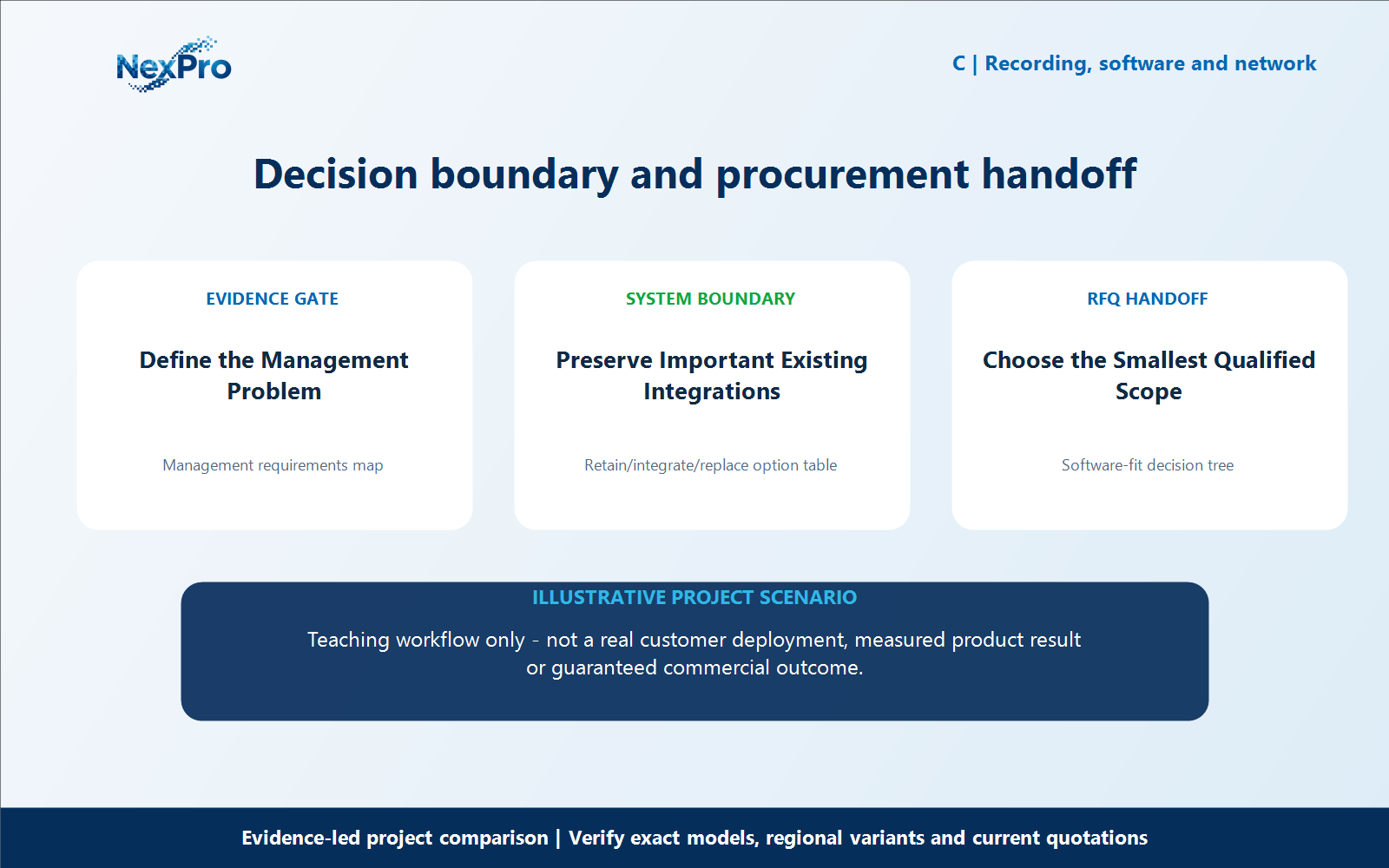
What is the value-focused conclusion? Select the simplest supported arrangement that satisfies the mandatory management tasks and can be maintained by the customer. A Seetong client-based option should be presented positively where it meets those needs. Do not remove required roles or integrations solely to produce a lower initial software total.
For choose the smallest qualified scope, build a working record around Software-fit decision tree. For Seetong PC client vs HikCentral, record the current project condition, candidate response, evidence source and unresolved boundary before comparing offers.
Review Software-fit decision tree separately from the downstream workflow. This prevents one attractive specification from deciding the complete Seetong PC client vs HikCentral question without considering recording, installation, operation and support consequences.
Carry the Software-fit decision tree record into the RFQ, BOQ review or pilot checklist. For Seetong PC client vs HikCentral, keep product capability, project assumptions and supplier responsibility beside the choose the smallest qualified scope decision; site measurements, network policy, installation safety and acceptance remain project inputs unless the signed scope says otherwise.
What should the buyer include in an RFQ for Seetong PC client vs HikCentral? Provide the camera schedule, required workflows, candidate equipment lists, mandatory brand or integration constraints, and the evidence still needed for choose the smallest qualified scope. Keep access credentials out of the inquiry. For Seetong PC client vs HikCentral, this defines the next comparison; it does not promise identical performance, fixed savings or automatic approval.
- Record software-fit decision tree with a named source, owner or acceptance check; do not leave it as an unqualified brochure phrase.
Engineering references
These sources support the general planning principles. Always use the selected product's current datasheet and applicable project standards for final design.