A microphone icon is not proof that a CCTV system can support a remote conversation. Compare the microphone, speaker, supported audio path and operator controls in each Seetong-compatible, Hikvision and Dahua package. The useful value is a working communication or warning task with clear operating limits, not the largest number of audio-related features in a catalog.
Section 01
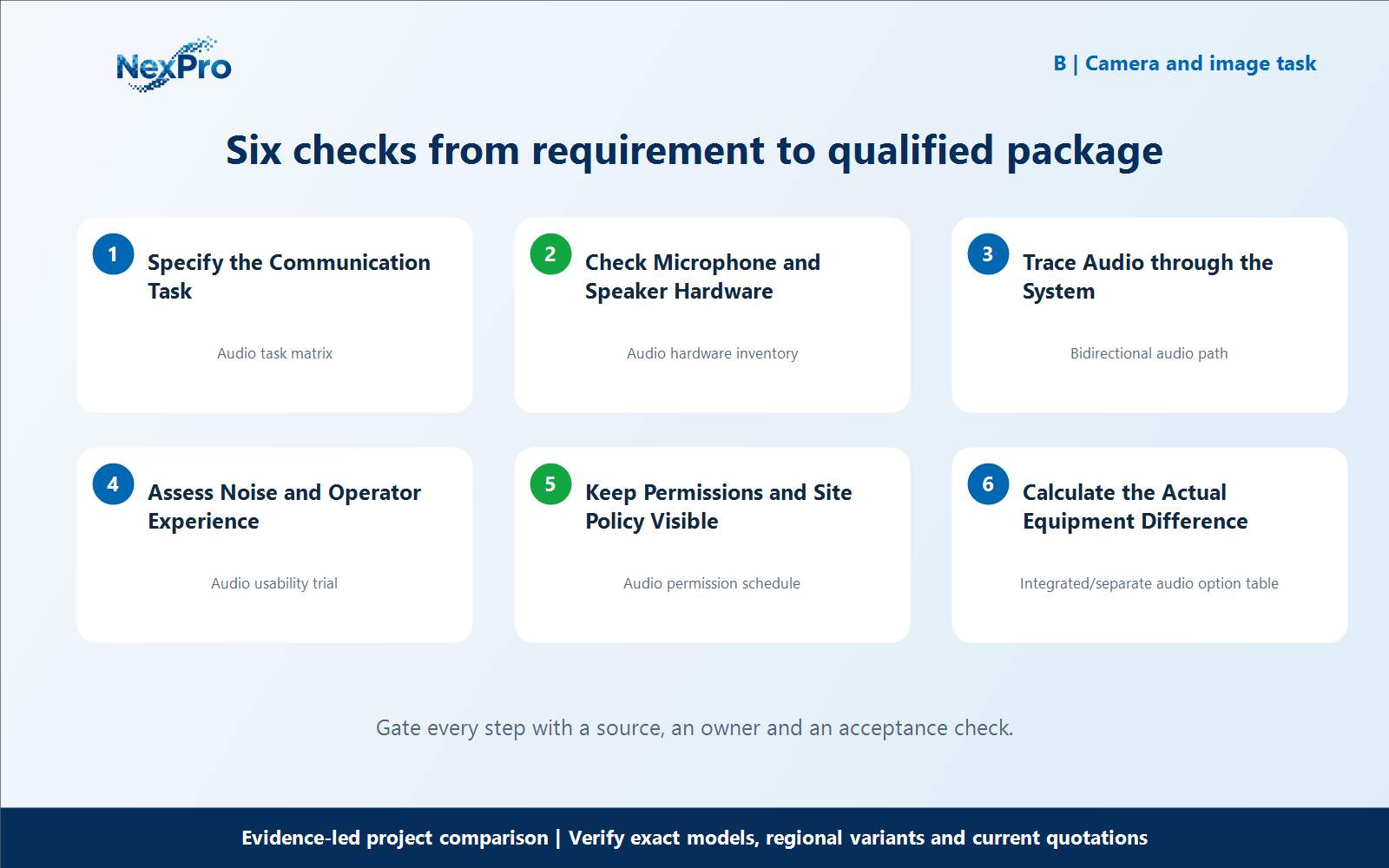
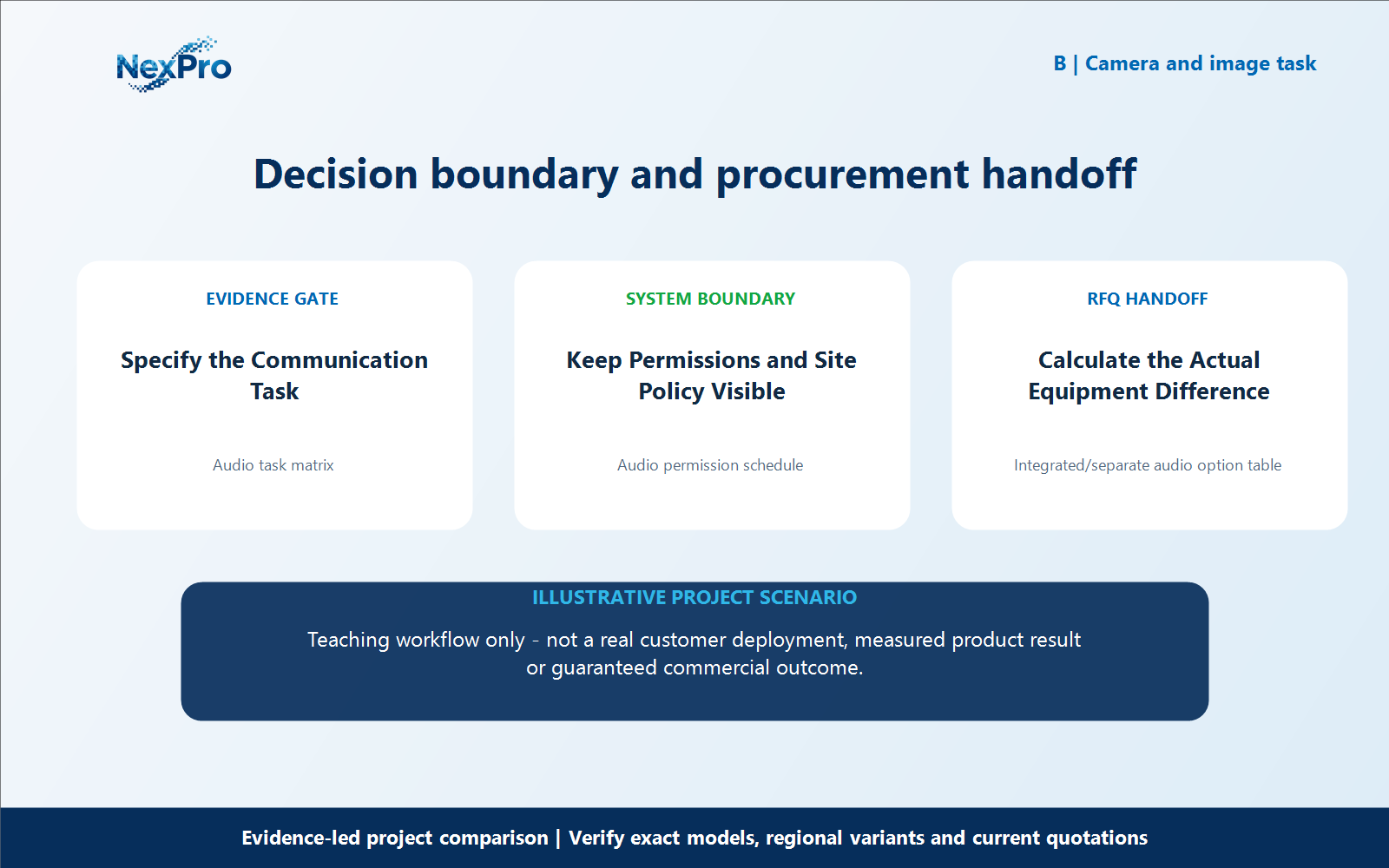
Specify the Communication Task
A microphone icon is not proof that a CCTV system can support a remote conversation. Compare the microphone, speaker, supported audio path and operator controls in each Seetong-compatible, Hikvision and Dahua package. The useful value is a working communication or warning task with clear operating limits, not the largest number of audio-related features in a catalog. What is the first question for an audio comparison? Decide whether the user needs recorded sound, live listening, a two-way conversation or a triggered warning. These are separate tasks with different hardware and software dependencies. Define the intended operator and location before selecting a camera based on a generic audio label.
For specify the communication task, build a working record around Audio task matrix. For Seetong Hikvision Dahua two way audio, record the current project condition, candidate response, evidence source and unresolved boundary before comparing offers.
Review Audio task matrix separately from the downstream workflow. This prevents one attractive specification from deciding the complete Seetong Hikvision Dahua two way audio question without considering recording, installation, operation and support consequences.
Carry the Audio task matrix record into the RFQ, BOQ review or pilot checklist. For Seetong Hikvision Dahua two way audio, keep product capability, project assumptions and supplier responsibility beside the specify the communication task decision; site measurements, network policy, installation safety and acceptance remain project inputs unless the signed scope says otherwise.
- Record audio task matrix with a named source, owner or acceptance check; do not leave it as an unqualified brochure phrase.
Section 02
Check Microphone and Speaker Hardware
Does a built-in microphone mean two-way audio is available? No. A microphone supports sound capture, while audible talk-back also needs a suitable output path and speaker arrangement. Read the exact variant’s hardware information. Do not copy the audio equipment of one suffix or housing variant into another model’s comparison row.
For check microphone and speaker hardware, build a working record around Audio hardware inventory. For Seetong Hikvision Dahua two way audio, record the current project condition, candidate response, evidence source and unresolved boundary before comparing offers.
Review Audio hardware inventory separately from the downstream workflow. This prevents one attractive specification from deciding the complete Seetong Hikvision Dahua two way audio question without considering recording, installation, operation and support consequences.
Carry the Audio hardware inventory record into the RFQ, BOQ review or pilot checklist. For Seetong Hikvision Dahua two way audio, keep product capability, project assumptions and supplier responsibility beside the check microphone and speaker hardware decision; site measurements, network policy, installation safety and acceptance remain project inputs unless the signed scope says otherwise.
- Record audio hardware inventory with a named source, owner or acceptance check; do not leave it as an unqualified brochure phrase.
Section 03
Trace Audio through the System
Why can talk-back work in one client but not another? The camera, recorder, integration method and client must support the required direction and operation. Test the proposed combination rather than relying on a general protocol claim. Record whether audio is accessed directly or through the recorder so the supported route is clear at handover.
For trace audio through the system, build a working record around Bidirectional audio path. For Seetong Hikvision Dahua two way audio, record the current project condition, candidate response, evidence source and unresolved boundary before comparing offers.
Review Bidirectional audio path separately from the downstream workflow. This prevents one attractive specification from deciding the complete Seetong Hikvision Dahua two way audio question without considering recording, installation, operation and support consequences.
Carry the Bidirectional audio path record into the RFQ, BOQ review or pilot checklist. For Seetong Hikvision Dahua two way audio, keep product capability, project assumptions and supplier responsibility beside the trace audio through the system decision; site measurements, network policy, installation safety and acceptance remain project inputs unless the signed scope says otherwise.
- Record bidirectional audio path with a named source, owner or acceptance check; do not leave it as an unqualified brochure phrase.
| Comparison factor | Object or condition | Evidence-led action | Do not infer |
|---|---|---|---|
| Listen | Microphone and stream | Confirm recording and permissions | No speaker inferred |
| Talk back | Input and output path | Test actual client route | Not guaranteed by ONVIF label |
| Warning | Trigger and playback behavior | Assess site intelligibility | Not a safety broadcast replacement |
| Value | Matched communication task | Compare complete alternative scope | No assumed accessory savings |
Section 04
Assess Noise and Operator Experience
How should intelligibility be evaluated? Try the conversation or announcement in representative noise and at the intended speaking distance. Check delay and the operating steps needed by staff. A successful quiet-room demonstration does not establish useful communication at a busy loading dock or beside machinery.
For assess noise and operator experience, build a working record around Audio usability trial. For Seetong Hikvision Dahua two way audio, record the current project condition, candidate response, evidence source and unresolved boundary before comparing offers.
Review Audio usability trial separately from the downstream workflow. This prevents one attractive specification from deciding the complete Seetong Hikvision Dahua two way audio question without considering recording, installation, operation and support consequences.
Carry the Audio usability trial record into the RFQ, BOQ review or pilot checklist. For Seetong Hikvision Dahua two way audio, keep product capability, project assumptions and supplier responsibility beside the assess noise and operator experience decision; site measurements, network policy, installation safety and acceptance remain project inputs unless the signed scope says otherwise.
- Record audio usability trial with a named source, owner or acceptance check; do not leave it as an unqualified brochure phrase.
Section 05
Keep Permissions and Site Policy Visible
Should every user be allowed to listen or speak? Use the permissions and site policy appropriate to the project, and confirm the controls supported by the selected platform. Sound recording can be more sensitive than video viewing. Do not enable it automatically as a selling point without the buyer’s operational and applicable policy requirements.
For keep permissions and site policy visible, build a working record around Audio permission schedule. For Seetong Hikvision Dahua two way audio, record the current project condition, candidate response, evidence source and unresolved boundary before comparing offers.
Review Audio permission schedule separately from the downstream workflow. This prevents one attractive specification from deciding the complete Seetong Hikvision Dahua two way audio question without considering recording, installation, operation and support consequences.
Carry the Audio permission schedule record into the RFQ, BOQ review or pilot checklist. For Seetong Hikvision Dahua two way audio, keep product capability, project assumptions and supplier responsibility beside the keep permissions and site policy visible decision; site measurements, network policy, installation safety and acceptance remain project inputs unless the signed scope says otherwise.
- Record audio permission schedule with a named source, owner or acceptance check; do not leave it as an unqualified brochure phrase.
Section 06
Calculate the Actual Equipment Difference
When can integrated audio improve package value? When it reliably satisfies an agreed task that would otherwise need separate equipment, without losing necessary controls or performance. Compare the real alternative scopes and any remaining accessories. Do not describe the camera as a universal replacement for an access intercom or a safety announcement system.
For calculate the actual equipment difference, build a working record around Integrated, separate audio option table. For Seetong Hikvision Dahua two way audio, record the current project condition, candidate response, evidence source and unresolved boundary before comparing offers.
Review Integrated and separate audio option table separately from the downstream workflow. This prevents one attractive specification from deciding the complete Seetong Hikvision Dahua two way audio question without considering recording, installation, operation and support consequences.
Carry the Integrated/separate audio option table record into the RFQ, BOQ review or pilot checklist. For Seetong Hikvision Dahua two way audio, keep product capability, project assumptions and supplier responsibility beside the calculate the actual equipment difference decision; site measurements, network policy, installation safety and acceptance remain project inputs unless the signed scope says otherwise.
What should the buyer include in an RFQ for Seetong Hikvision Dahua two way audio? Provide the camera schedule, required workflows, candidate equipment lists, mandatory brand or integration constraints, and the evidence still needed for calculate the actual equipment difference. Keep access credentials out of the inquiry. For Seetong Hikvision Dahua two way audio, this defines the next comparison; it does not promise identical performance, fixed savings or automatic approval.
- Record integrated with a named source, owner or acceptance check; do not leave it as an unqualified brochure phrase.
- Verify separate audio option table with a named source, owner or acceptance check; do not leave it as an unqualified brochure phrase.
Engineering references
These sources support the general planning principles. Always use the selected product's current datasheet and applicable project standards for final design.