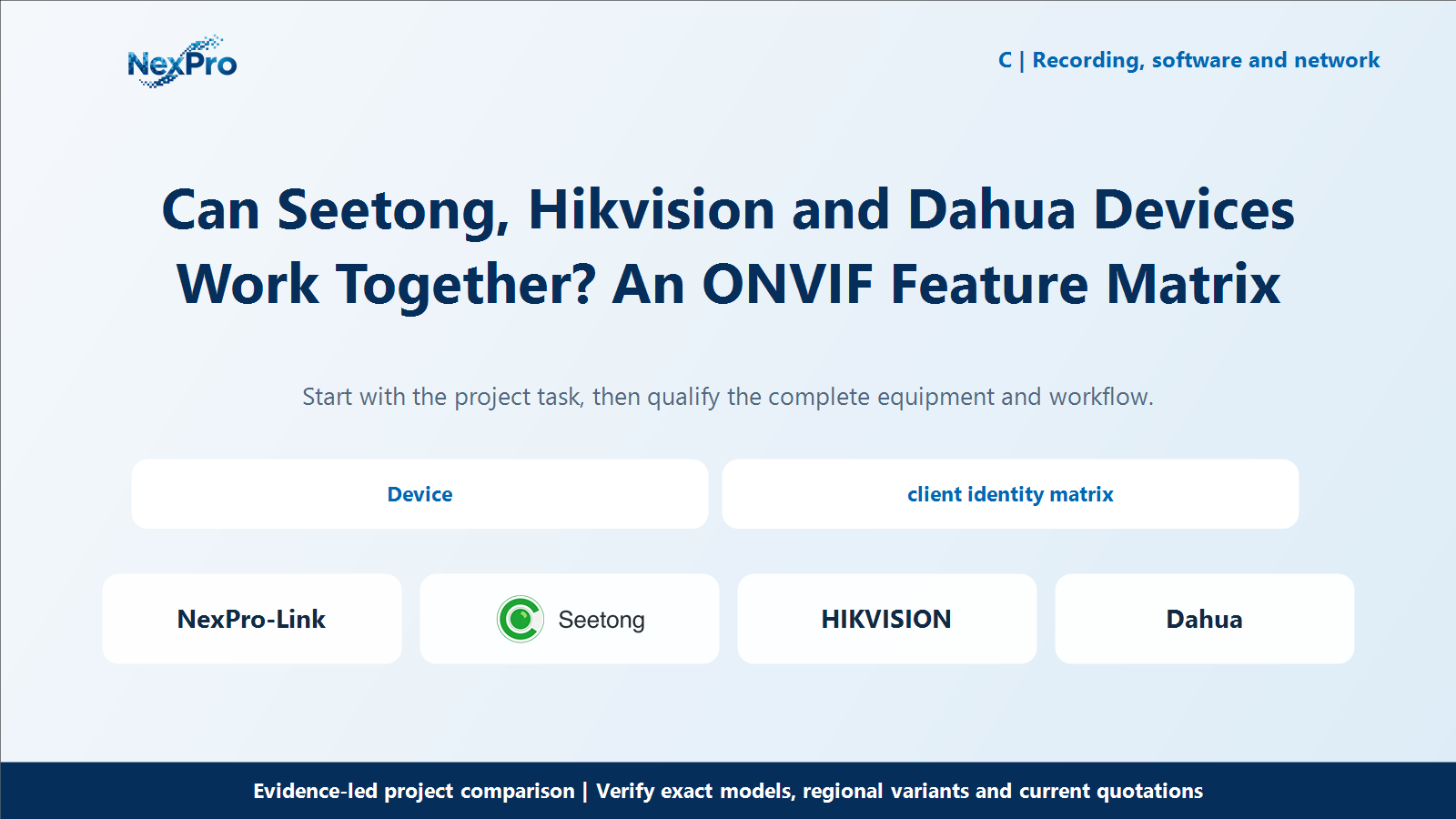
Mixing CCTV equipment can preserve useful hardware and reduce replacement scope, but compatibility is not a single yes-or-no box. For Seetong-compatible, Hikvision and Dahua devices, distinguish video recording from events, audio, PTZ and cloud enrollment. Build a feature matrix for the exact models and firmware before treating a mixed system as an economical alternative.
Section 01
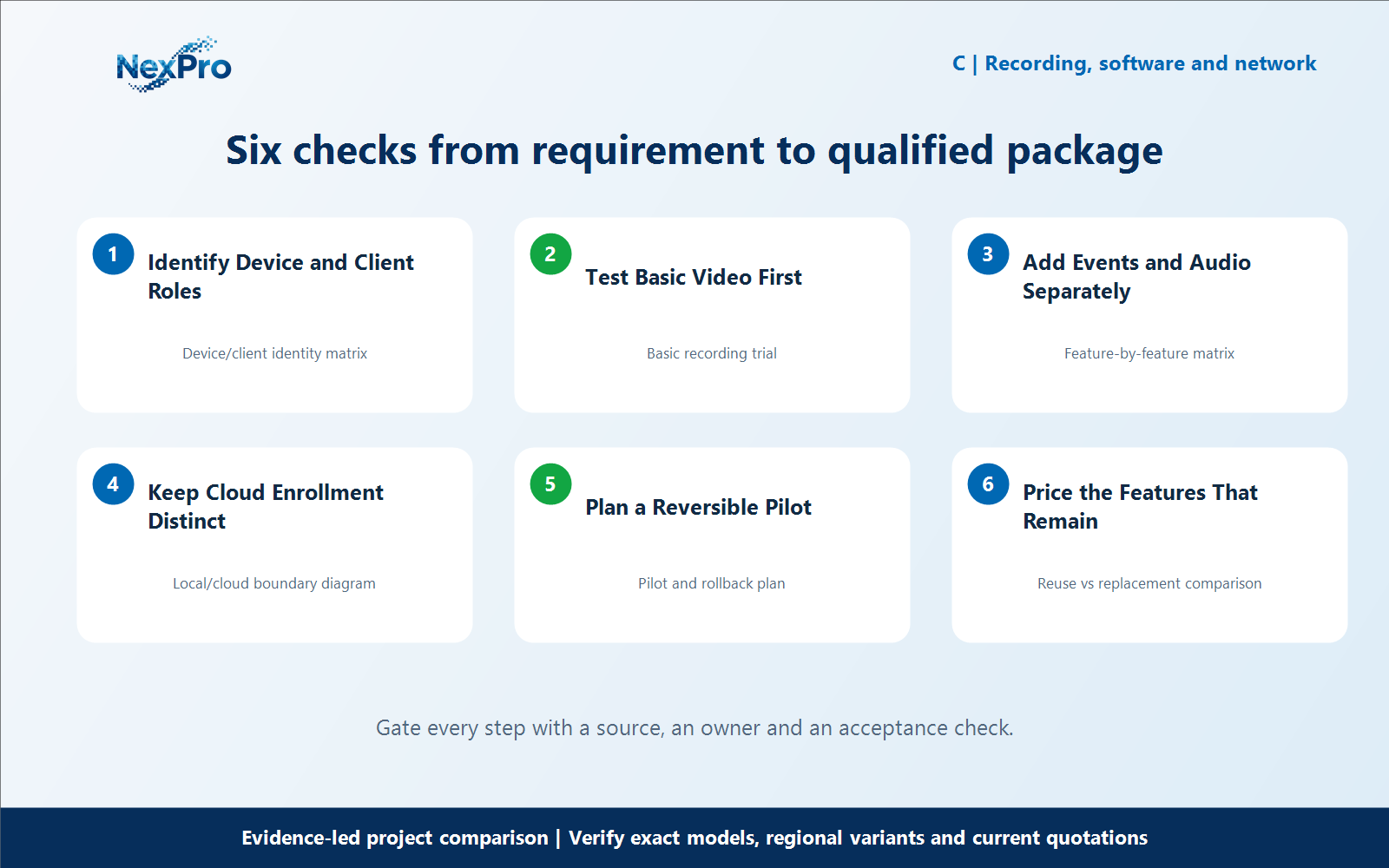
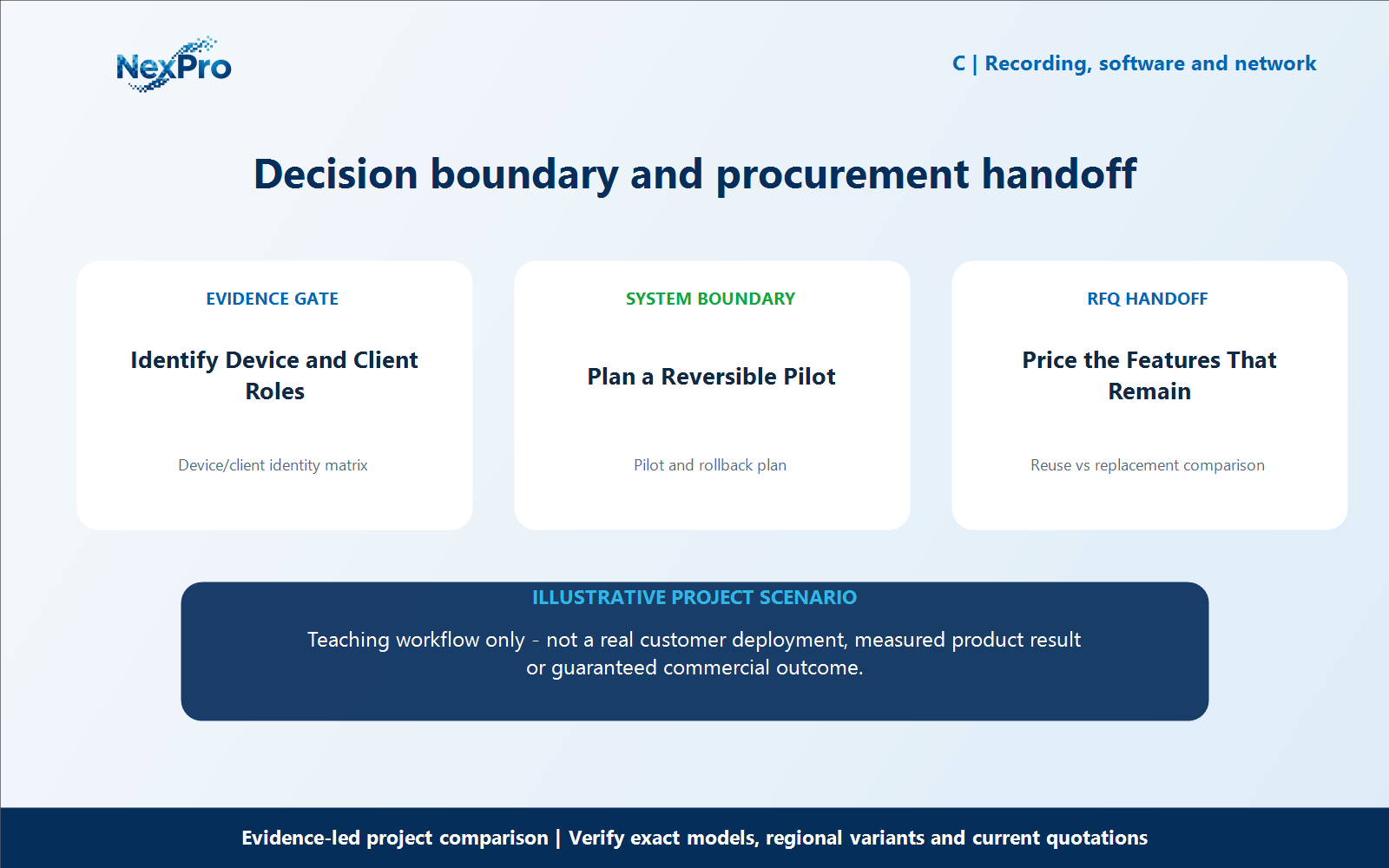
Identify Device and Client Roles
Mixing CCTV equipment can preserve useful hardware and reduce replacement scope, but compatibility is not a single yes-or-no box. For Seetong-compatible, Hikvision and Dahua devices, distinguish video recording from events, audio, PTZ and cloud enrollment. Build a feature matrix for the exact models and firmware before treating a mixed system as an economical alternative. What should be matched before testing ONVIF? Identify the exact device, client or recorder, firmware and relevant profile information. Check official product conformance where applicable. Membership or a general ONVIF claim is not the same as evidence for a particular device combination and the functions needed by the project.
For identify device and client roles, build a working record around Device, client identity matrix. For Seetong Hikvision Dahua ONVIF compatibility, record the current project condition, candidate response, evidence source and unresolved boundary before comparing offers.
Review Device and client identity matrix separately from the downstream workflow. This prevents one attractive specification from deciding the complete Seetong Hikvision Dahua ONVIF compatibility question without considering recording, installation, operation and support consequences.
Carry the Device/client identity matrix record into the RFQ, BOQ review or pilot checklist. For Seetong Hikvision Dahua ONVIF compatibility, keep product capability, project assumptions and supplier responsibility beside the identify device and client roles decision; site measurements, network policy, installation safety and acceptance remain project inputs unless the signed scope says otherwise.
- Record device with a named source, owner or acceptance check; do not leave it as an unqualified brochure phrase.
- Verify client identity matrix with a named source, owner or acceptance check; do not leave it as an unqualified brochure phrase.
Section 02
Test Basic Video First
What should the basic recording test establish? Confirm discovery or manual connection, authentication, the required stream and sustained recording in the intended mode. Then retrieve and export a sample. This establishes a basic workflow for the tested pair, not a guarantee that every camera or firmware in either brand will behave the same way.
For test basic video first, build a working record around Basic recording trial. For Seetong Hikvision Dahua ONVIF compatibility, record the current project condition, candidate response, evidence source and unresolved boundary before comparing offers.
Review Basic recording trial separately from the downstream workflow. This prevents one attractive specification from deciding the complete Seetong Hikvision Dahua ONVIF compatibility question without considering recording, installation, operation and support consequences.
Carry the Basic recording trial record into the RFQ, BOQ review or pilot checklist. For Seetong Hikvision Dahua ONVIF compatibility, keep product capability, project assumptions and supplier responsibility beside the test basic video first decision; site measurements, network policy, installation safety and acceptance remain project inputs unless the signed scope says otherwise.
- Record basic recording trial with a named source, owner or acceptance check; do not leave it as an unqualified brochure phrase.
Section 03
Add Events and Audio Separately
Does successful video prove that events and audio will work? No. Test each required capability through the intended route, including event detection, notification, playback linkage and talk-back where relevant. Record limitations explicitly. Features that work in a native combination may need different support when a third-party recorder or client is introduced.
For add events and audio separately, build a working record around Feature-by-feature matrix. For Seetong Hikvision Dahua ONVIF compatibility, record the current project condition, candidate response, evidence source and unresolved boundary before comparing offers.
Review Feature-by-feature matrix separately from the downstream workflow. This prevents one attractive specification from deciding the complete Seetong Hikvision Dahua ONVIF compatibility question without considering recording, installation, operation and support consequences.
Carry the Feature-by-feature matrix record into the RFQ, BOQ review or pilot checklist. For Seetong Hikvision Dahua ONVIF compatibility, keep product capability, project assumptions and supplier responsibility beside the add events and audio separately decision; site measurements, network policy, installation safety and acceptance remain project inputs unless the signed scope says otherwise.
- Record feature-by-feature matrix with a named source, owner or acceptance check; do not leave it as an unqualified brochure phrase.
| Comparison factor | Object or condition | Evidence-led action | Do not infer |
|---|---|---|---|
| Video | Test selected stream and recorder | Record exact firmware | Does not prove analytics |
| Audio/PTZ | Test intended controls | Document interface route | Not implied by live video |
| Cloud | Check enrollment separately | Use supported client path | ONVIF is not a cloud account |
| Reuse | Keep necessary functionality | Count integration and support | No automatic whole-brand compatibility |
Section 04
Keep Cloud Enrollment Distinct
Does ONVIF support let any camera join Seetong cloud services? Do not assume that. Local protocol interoperability and enrollment in a particular cloud or account ecosystem are separate matters. Verify the supported remote-access path for the actual package. A mixed camera may be recorded by an NVR without becoming an independently enrollable cloud device.
For keep cloud enrollment distinct, build a working record around Local, cloud boundary diagram. For Seetong Hikvision Dahua ONVIF compatibility, record the current project condition, candidate response, evidence source and unresolved boundary before comparing offers.
Review Local and cloud boundary diagram separately from the downstream workflow. This prevents one attractive specification from deciding the complete Seetong Hikvision Dahua ONVIF compatibility question without considering recording, installation, operation and support consequences.
Carry the Local/cloud boundary diagram record into the RFQ, BOQ review or pilot checklist. For Seetong Hikvision Dahua ONVIF compatibility, keep product capability, project assumptions and supplier responsibility beside the keep cloud enrollment distinct decision; site measurements, network policy, installation safety and acceptance remain project inputs unless the signed scope says otherwise.
- Record local with a named source, owner or acceptance check; do not leave it as an unqualified brochure phrase.
- Verify cloud boundary diagram with a named source, owner or acceptance check; do not leave it as an unqualified brochure phrase.
Section 05
Plan a Reversible Pilot
How should a mixed system be introduced? Test a limited, noncritical scope while preserving the existing recording path where required. Document credentials, settings and a rollback method. Expand only after the relevant functions are demonstrated, so any equipment reuse is a real project saving rather than an unverified compatibility assumption.
For plan a reversible pilot, build a working record around Pilot and rollback plan. For Seetong Hikvision Dahua ONVIF compatibility, record the current project condition, candidate response, evidence source and unresolved boundary before comparing offers.
Review Pilot and rollback plan separately from the downstream workflow. This prevents one attractive specification from deciding the complete Seetong Hikvision Dahua ONVIF compatibility question without considering recording, installation, operation and support consequences.
Carry the Pilot and rollback plan record into the RFQ, BOQ review or pilot checklist. For Seetong Hikvision Dahua ONVIF compatibility, keep product capability, project assumptions and supplier responsibility beside the plan a reversible pilot decision; site measurements, network policy, installation safety and acceptance remain project inputs unless the signed scope says otherwise.
- Record pilot and rollback plan with a named source, owner or acceptance check; do not leave it as an unqualified brochure phrase.
Section 06
Price the Features That Remain
When is mixed-brand reuse good value? When it preserves the required functions at lower complete transition cost than replacement. Include integration work, lost native features, maintenance and support ownership. NexPro-Link can evaluate a defined mixed scope, but the article should not promise universal compatibility or cost reduction for every existing estate.
For price the features that remain, build a working record around Reuse vs replacement comparison. For Seetong Hikvision Dahua ONVIF compatibility, record the current project condition, candidate response, evidence source and unresolved boundary before comparing offers.
Review Reuse vs replacement comparison separately from the downstream workflow. This prevents one attractive specification from deciding the complete Seetong Hikvision Dahua ONVIF compatibility question without considering recording, installation, operation and support consequences.
Carry the Reuse vs replacement comparison record into the RFQ, BOQ review or pilot checklist. For Seetong Hikvision Dahua ONVIF compatibility, keep product capability, project assumptions and supplier responsibility beside the price the features that remain decision; site measurements, network policy, installation safety and acceptance remain project inputs unless the signed scope says otherwise.
What should the buyer include in an RFQ for Seetong Hikvision Dahua ONVIF compatibility? Provide the camera schedule, required workflows, candidate equipment lists, mandatory brand or integration constraints, and the evidence still needed for price the features that remain. Keep access credentials out of the inquiry. For Seetong Hikvision Dahua ONVIF compatibility, this defines the next comparison; it does not promise identical performance, fixed savings or automatic approval.
- Record reuse vs replacement comparison with a named source, owner or acceptance check; do not leave it as an unqualified brochure phrase.
Engineering references
These sources support the general planning principles. Always use the selected product's current datasheet and applicable project standards for final design.