Handle the pulsed and specialist power needs of the main imaging equipment separately from workstations, networking and archive systems.
Section 01
Split the Imaging System
Handle the pulsed and specialist power needs of the main imaging equipment separately from workstations, networking and archive systems.
A scanner and its workstation do not belong in the same sizing exercise by default. The scanner draws power in ways the console never will. For a CT system that means the X-ray tube, high-voltage generator, gantry drives and table. For an MRI it means the magnet, gradient chain, RF chain and cooling. Each of those is governed by the imaging vendor's specification, which covers voltage, phase, fault current, inrush and any interface to the site supply. The console, the switch and the archive are governed by a different document: the support-IT load schedule.
A scope map makes the split concrete. The entries below follow the illustrative scenario used throughout this article, where a CT main unit is fed separately per the vendor's requirements while the console and image-upload network sit in their own support-IT budget.
The last row matters. Auxiliary loads such as room lighting, air handling or patient-area power often share the room with the scanner but are separate in both ownership and failure behavior. Keeping them out of the IT column prevents a lighting circuit from silently inflating the workstation load. Once the two columns are drawn, each can be specified with the right source of truth. The imaging vendor's document governs the scanner. The device list and operating objective govern everything else.
| Decision area | Project question | Required output |
|---|---|---|
| Split the Imaging System | Should a scanner and its workstation use the same UPS specification? | Scope map: scanner / console / network / archive / auxiliary |
| Use Actual Load Behavior | How should short high-load events be handled? | Profile table: state / demand / duration / source requirement |
| Protect Supporting Data Services | What can a general IT UPS discussion cover? | Data chain: console / network / archive / index / access |
Section 02
Use Actual Load Behavior
A CT scanner is not a steady load that can be dropped into a server-room calculator. It moves through states, and the states have very different durations. Standby is light and continuous. Patient positioning draws a modest, brief current. Exposure is a short, high pulse. After the scan there may be a cooldown or reconstruction period. The demand profile and its limits come from the imaging vendor, not from a universal multiplier.
A large kVA rating alone does not prove compatibility with this profile. The source has to accept the pulse shape, the inrush and any harmonic content, and it has to recover the way the vendor requires. The correct input is the vendor's stated profile. Guessing a peak multiplier is how a project ends up with a unit that is large on paper and wrong at the moment of exposure.
The support-IT side is simpler. The workstation, its monitors and the switch run near their nameplate input for long stretches. Their profile can be built from device inputs, which is exactly what the scenario calculation does later. Holding the two profiles apart keeps the scanner's pulse requirements from being averaged away, and keeps the IT load from being padded with a scanner-sized margin it does not need.
Section 03
Protect Supporting Data Services
A general IT UPS discussion can cover the console, the network path, the archive or PACS services and any index or access server, as long as their inputs are compatible. To see which of those are worth protecting, trace where a study goes. After acquisition, the console reconstructs or reviews the images. It then transfers them across the network to archive storage, which commits the study and updates its index for later retrieval. A power cut can interrupt any of those steps.
Putting a UPS on these devices supports an orderly recovery. If the power fails mid-transfer, the committed studies stay committed and the system can resume where it left off. That support is useful and bounded. It does not make the same unit suitable for the scanner, whose specialist supply remains a separate line. The data chain is an IT protection question. The scanner's source requirements are a medical-equipment question. They stay in different columns even when both appear in the same project.
- Confirm the answer to: What can a general IT UPS discussion cover?
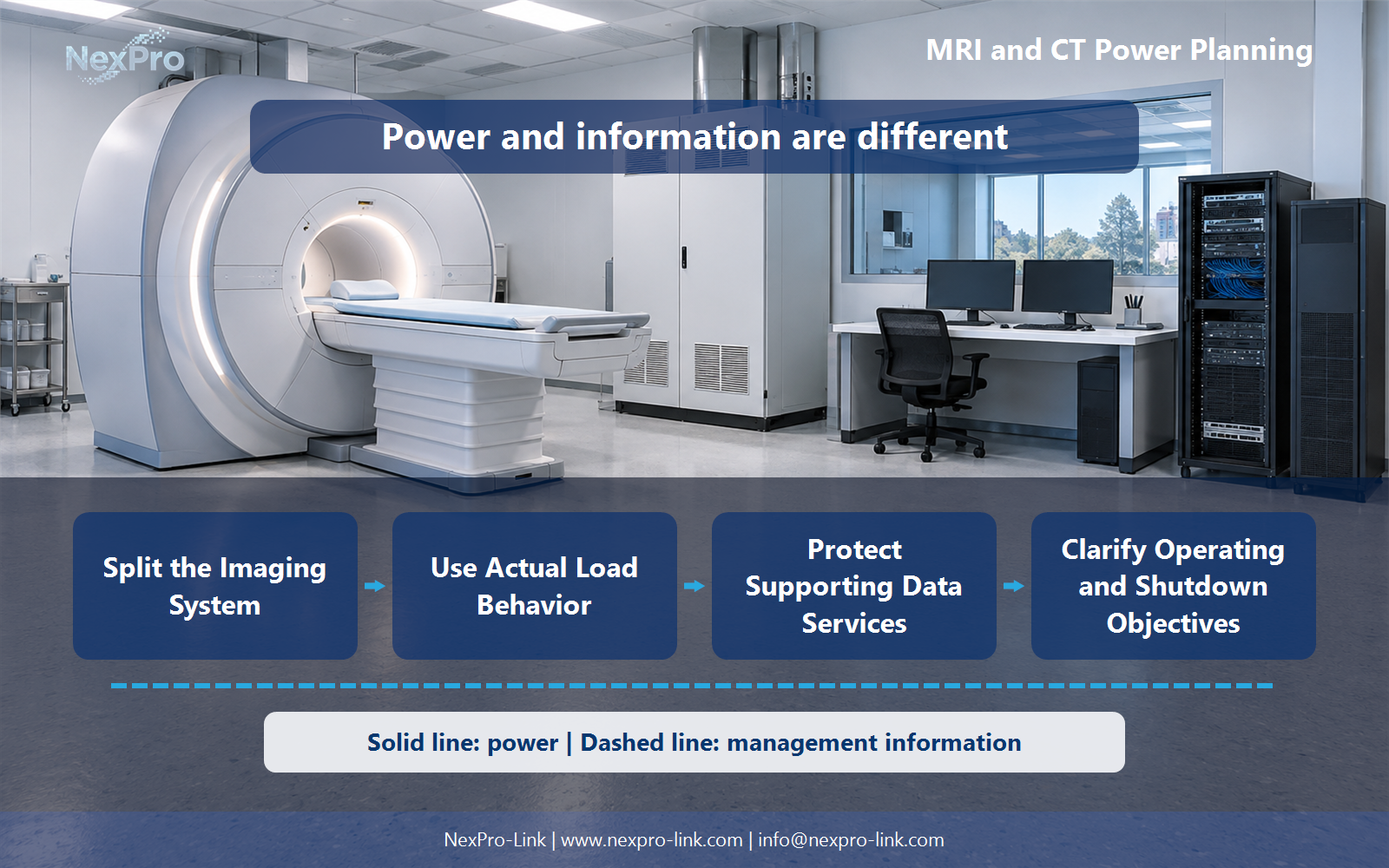
- Draw electrical power as a solid path and management information as a separate dashed path.
- Keep external services and specialist approvals outside the UPS equipment claim.
Section 04
Clarify Operating and Shutdown Objectives
Backup interval is a planning objective, and it should be written down per device. Decide what each included item must do when input power is lost. Some devices only need to finish a current operation and stop. Others need several minutes to flush and shut down. The scanner's own objective is set by the vendor and by clinical policy, and this article does not claim that every scan can continue through an outage.
The total support-IT window is the longest serial path, not the sum of every device. In this scenario the workstation saves in about two minutes and the archive finishes within eight, so a ten-minute objective leaves a small reserve. Recording device, allowed action, required time and owner keeps the equipment input and the intended service outcome aligned. Without that record, "ten minutes of backup" means something different to the vendor, the IT team and the clinical lead.
Section 05
Plan Installation Interfaces
The electrical boundary is only half of the fit. Record where the equipment sits, how it connects, what the environment allows and who can reach it for service. Near an imaging system an ordinary equipment cabinet can be the wrong choice. Magnetic field limits, cooling, floor load and clinical access all affect placement, and the responsible design should own those constraints.
The interface schedule is a procurement input, not a construction drawing. It tells a supplier which interfaces matter and which constraints stay with the specialist design. A cabinet that works in a server room should not be presumed suitable next to the gantry. Where the imaging-room constraints are strict, they stay with the responsible clinical-engineering design. They should not be silently absorbed into an equipment quotation.
Section 06
Prepare a Split RFQ
When the columns are drawn, the request for quotation should carry two documents: the imaging vendor's power requirements and the support-IT load schedule. They answer different questions and should stay separate. The specialist line carries the vendor's functional specification. The support-IT line carries the device list and the operating objective.
Keeping the lines separate does two things. It stops the vendor's pulse requirements from being diluted inside a workstation quote, and it stops a workstation UPS from being presented as scanner-compatible by association. NexPro-Link can discuss equipment for the agreed support-IT boundary once the load schedule is in hand. The specialist-equipment line stays a functional requirement until the vendor and the responsible design confirm the scope.
Engineering references
These sources support the general planning principles. Always use the selected product's current datasheet and applicable project standards for final design.