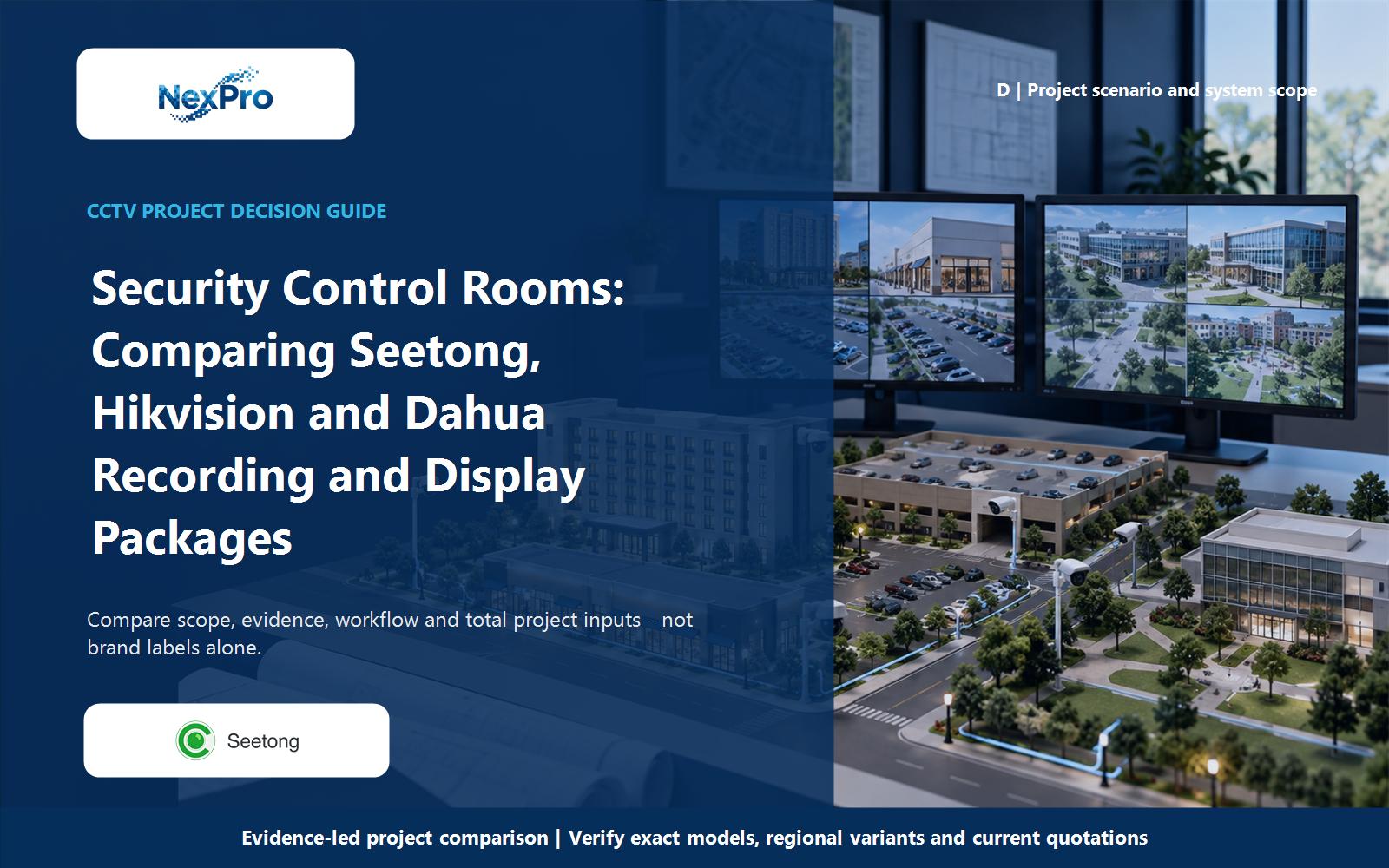
A security control room is not defined by the size of its screen. Compare the recording, decoding, display control and operator tasks separately in Seetong-compatible, Hikvision and Dahua proposals. A compact workstation or ordinary monitors may serve a bounded project, while larger walls and enterprise workflows need their own supported architecture and cost scope.
Section 01
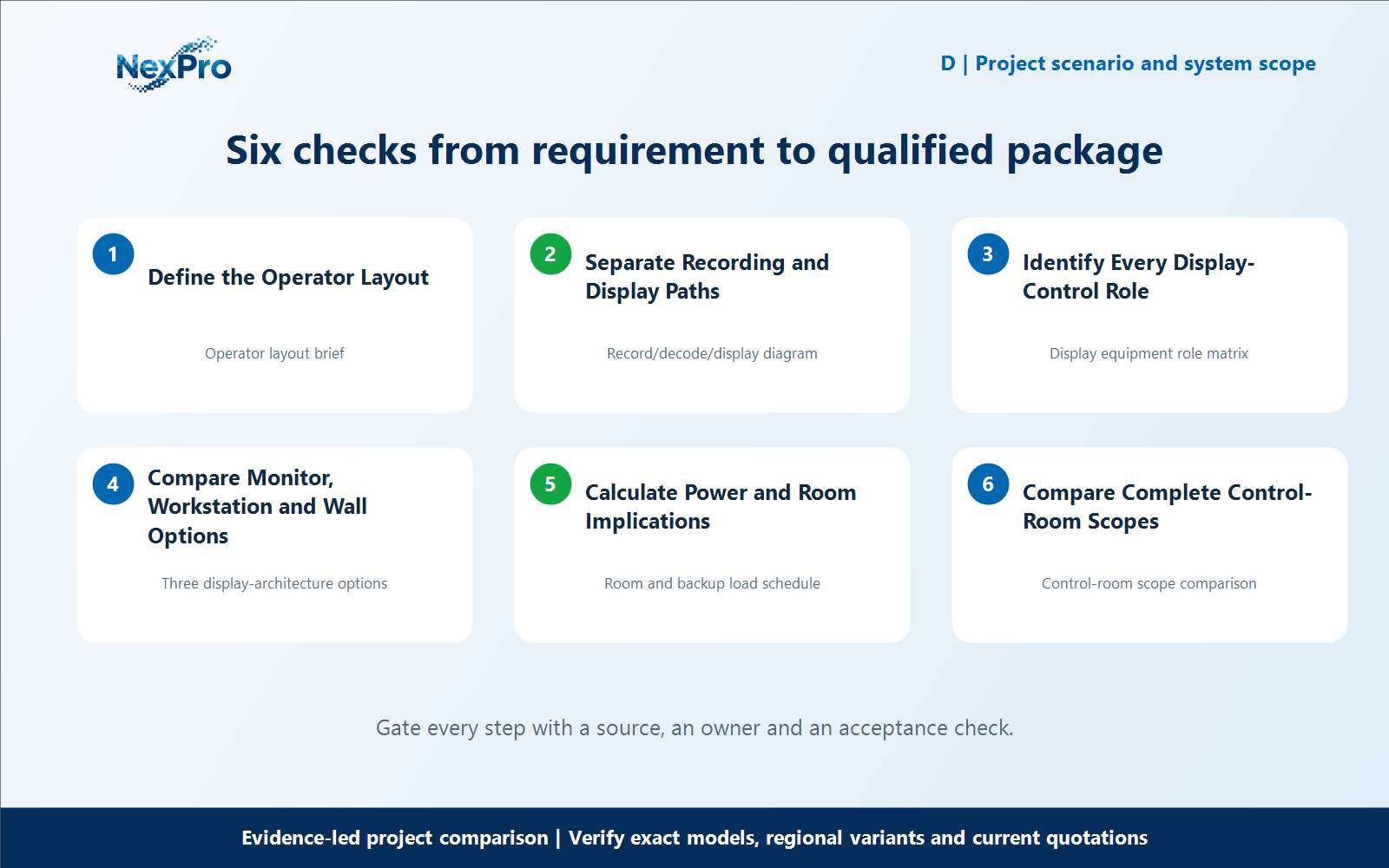
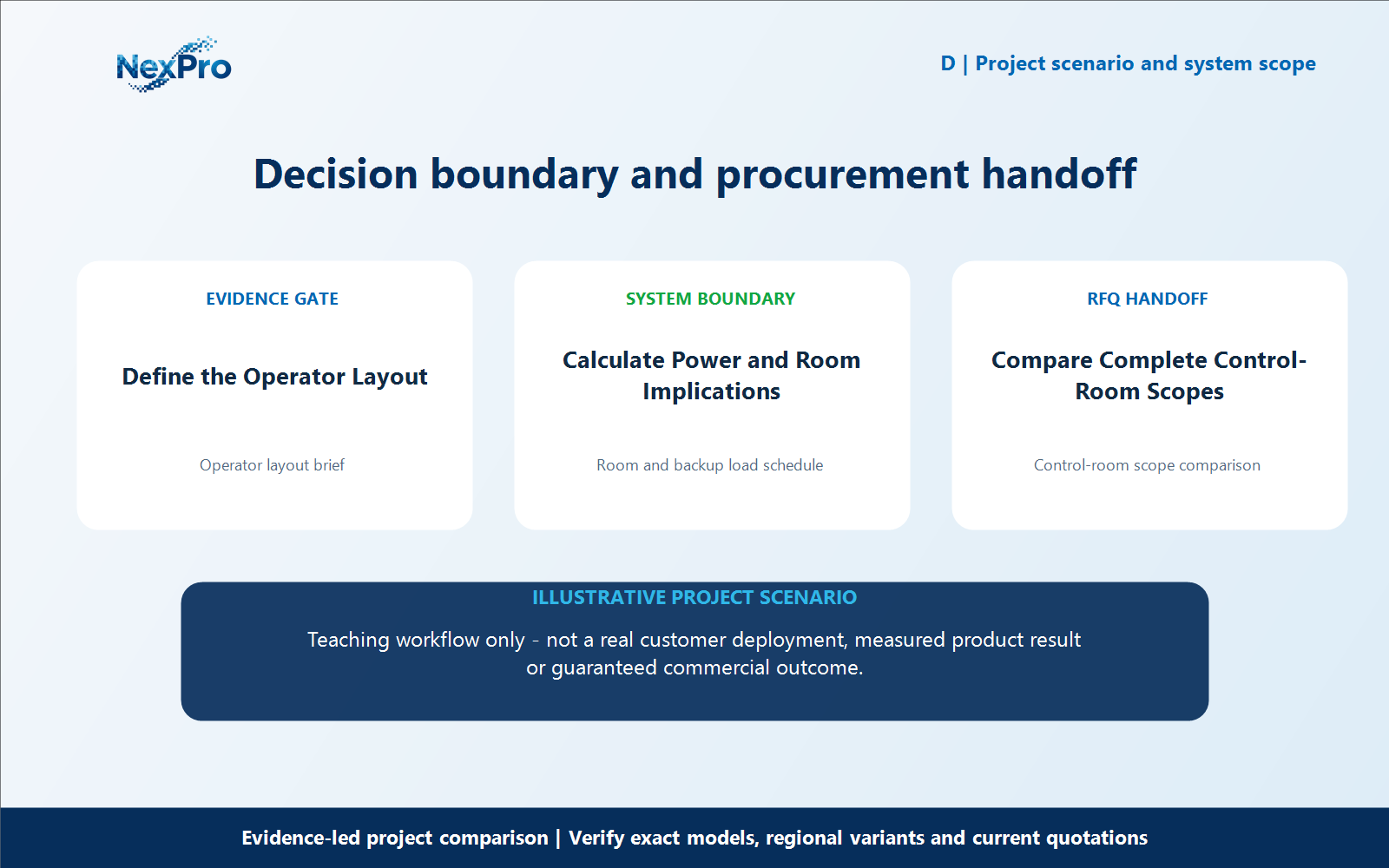
Define the Operator Layout
A security control room is not defined by the size of its screen. Compare the recording, decoding, display control and operator tasks separately in Seetong-compatible, Hikvision and Dahua proposals. A compact workstation or ordinary monitors may serve a bounded project, while larger walls and enterprise workflows need their own supported architecture and cost scope. What should determine the number and type of displays? The views and actions staff need at the same time. Define routine grids, priority views and incident playback before selecting screen size. A larger wall does not automatically improve the operator’s task, and a smaller display arrangement should not omit views that must remain visible.
For define the operator layout, build a working record around Operator layout brief. For Seetong Hikvision Dahua control room comparison, record the current project condition, candidate response, evidence source and unresolved boundary before comparing offers.
Review Operator layout brief separately from the downstream workflow. This prevents one attractive specification from deciding the complete Seetong Hikvision Dahua control room comparison question without considering recording, installation, operation and support consequences.
Carry the Operator layout brief record into the RFQ, BOQ review or pilot checklist. For Seetong Hikvision Dahua control room comparison, keep product capability, project assumptions and supplier responsibility beside the define the operator layout decision; site measurements, network policy, installation safety and acceptance remain project inputs unless the signed scope says otherwise.
- Record operator layout brief with a named source, owner or acceptance check; do not leave it as an unqualified brochure phrase.
Section 02
Separate Recording and Display Paths
Does recorded channel count prove display capacity? No. Identify where streams are decoded and which device outputs the required views. Recording capacity and display workload are separate constraints. Check the actual recorder, workstation or decoder configuration rather than assuming every recorded main stream can be shown at full resolution simultaneously.
For separate recording and display paths, build a working record around Record, decode, display diagram. For Seetong Hikvision Dahua control room comparison, record the current project condition, candidate response, evidence source and unresolved boundary before comparing offers.
Review Record and decode separately from display diagram. This prevents one attractive specification from deciding the complete Seetong Hikvision Dahua control room comparison question without considering recording, installation, operation and support consequences.
Carry the Record/decode/display diagram record into the RFQ, BOQ review or pilot checklist. For Seetong Hikvision Dahua control room comparison, keep product capability, project assumptions and supplier responsibility beside the separate recording and display paths decision; site measurements, network policy, installation safety and acceptance remain project inputs unless the signed scope says otherwise.
- Record record with a named source, owner or acceptance check; do not leave it as an unqualified brochure phrase.
- Verify decode with a named source, owner or acceptance check; do not leave it as an unqualified brochure phrase.
- Compare display diagram with a named source, owner or acceptance check; do not leave it as an unqualified brochure phrase.
Section 03
Identify Every Display-Control Role
Is a Seetong PC client a video-wall controller? Do not treat them as the same device or capability. A client can provide supported viewing tasks, while wall processing and LED control involve separate interfaces and equipment. Verify the intended architecture and exact product roles before mapping either a Seetong or competing package onto a large display.
For identify every display-control role, build a working record around Display equipment role matrix. For Seetong Hikvision Dahua control room comparison, record the current project condition, candidate response, evidence source and unresolved boundary before comparing offers.
Review Display equipment role matrix separately from the downstream workflow. This prevents one attractive specification from deciding the complete Seetong Hikvision Dahua control room comparison question without considering recording, installation, operation and support consequences.
Carry the Display equipment role matrix record into the RFQ, BOQ review or pilot checklist. For Seetong Hikvision Dahua control room comparison, keep product capability, project assumptions and supplier responsibility beside the identify every display-control role decision; site measurements, network policy, installation safety and acceptance remain project inputs unless the signed scope says otherwise.
- Record display equipment role matrix with a named source, owner or acceptance check; do not leave it as an unqualified brochure phrase.
| Comparison factor | Object or condition | Evidence-led action | Do not infer |
|---|---|---|---|
| Recorder | Accept and retain streams | Check actual recording capacity | Not a wall controller |
| Client/workstation | Supported views and operator tasks | Check decoding/output resources | Not unlimited main-stream display |
| Wall chain | Decoder/processor/LED roles | Use exact interfaces and models | No substitute product pictures |
| Value | Smallest sufficient architecture | Complete room and power scope | Do not remove required integrations |
Section 04
Compare Monitor, Workstation and Wall Options
How should the display alternatives be evaluated? Compare the required views, decoding resources, controls, maintenance access and installation scope for each arrangement. Keep the underlying recording requirement constant. An ordinary monitor option can be economical when sufficient, while a larger wall may be justified by a different operator task.
For compare monitor, workstation and wall options, build a working record around Three display-architecture options. For Seetong Hikvision Dahua control room comparison, record the current project condition, candidate response, evidence source and unresolved boundary before comparing offers.
Review Three display-architecture options separately from the downstream workflow. This prevents one attractive specification from deciding the complete Seetong Hikvision Dahua control room comparison question without considering recording, installation, operation and support consequences.
Carry the Three display-architecture options record into the RFQ, BOQ review or pilot checklist. For Seetong Hikvision Dahua control room comparison, keep product capability, project assumptions and supplier responsibility beside the compare monitor, workstation and wall options decision; site measurements, network policy, installation safety and acceptance remain project inputs unless the signed scope says otherwise.
- Record three display-architecture options with a named source, owner or acceptance check; do not leave it as an unqualified brochure phrase.
Section 05
Calculate Power and Room Implications
Should display power be added to the recording UPS automatically? No. Define the required outage behavior and identify which display equipment must remain on with the recording service. Calculate the actual loads and room implications from selected equipment. Do not assume a large screen’s power from appearance or treat cooling and essential recording as interchangeable loads.
For calculate power and room implications, build a working record around Room and backup load schedule. For Seetong Hikvision Dahua control room comparison, record the current project condition, candidate response, evidence source and unresolved boundary before comparing offers.
Review Room and backup load schedule separately from the downstream workflow. This prevents one attractive specification from deciding the complete Seetong Hikvision Dahua control room comparison question without considering recording, installation, operation and support consequences.
Carry the Room and backup load schedule record into the RFQ, BOQ review or pilot checklist. For Seetong Hikvision Dahua control room comparison, keep product capability, project assumptions and supplier responsibility beside the calculate power and room implications decision; site measurements, network policy, installation safety and acceptance remain project inputs unless the signed scope says otherwise.
- Record room and backup load schedule with a named source, owner or acceptance check; do not leave it as an unqualified brochure phrase.
Section 06
Compare Complete Control-Room Scopes
What is the credible Seetong-compatible value proposition? A supported recording and viewing package matched to the required operator tasks, with appropriate external display components where needed. Compare that scope with the exact Hikvision and Dahua alternatives. Retain a broader platform where mandatory integrations or control functions are not met by the simpler arrangement.
For compare complete control-room scopes, build a working record around Control-room scope comparison. For Seetong Hikvision Dahua control room comparison, record the current project condition, candidate response, evidence source and unresolved boundary before comparing offers.
Review Control-room scope comparison separately from the downstream workflow. This prevents one attractive specification from deciding the complete Seetong Hikvision Dahua control room comparison question without considering recording, installation, operation and support consequences.
Carry the Control-room scope comparison record into the RFQ, BOQ review or pilot checklist. For Seetong Hikvision Dahua control room comparison, keep product capability, project assumptions and supplier responsibility beside the compare complete control-room scopes decision; site measurements, network policy, installation safety and acceptance remain project inputs unless the signed scope says otherwise.
What should the buyer include in an RFQ for Seetong Hikvision Dahua control room comparison? Provide the camera schedule, required workflows, candidate equipment lists, mandatory brand or integration constraints, and the evidence still needed for compare complete control-room scopes. Keep access credentials out of the inquiry. For Seetong Hikvision Dahua control room comparison, this defines the next comparison; it does not promise identical performance, fixed savings or automatic approval.
- Record control-room scope comparison with a named source, owner or acceptance check; do not leave it as an unqualified brochure phrase.
Engineering references
These sources support the general planning principles. Always use the selected product's current datasheet and applicable project standards for final design.