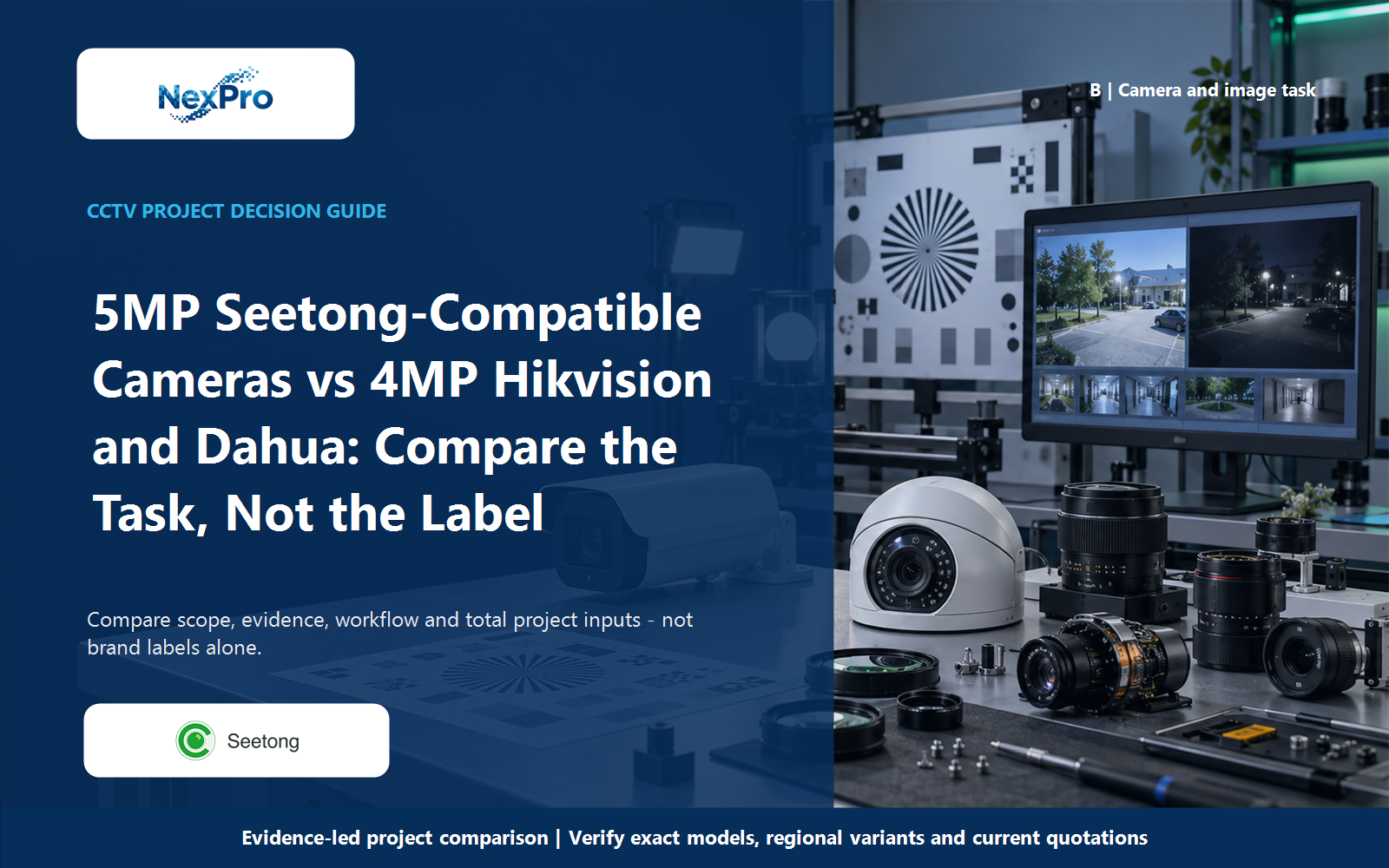
A 5MP label is not enough to justify replacing a 4MP camera. For a Seetong-compatible NexPro-Link package, compare the actual recording mode, field of view and target detail with the selected Hikvision and Dahua models. The useful value question is whether the required scene can be captured at an acceptable whole-system cost, not which carton carries the larger number.
Section 01
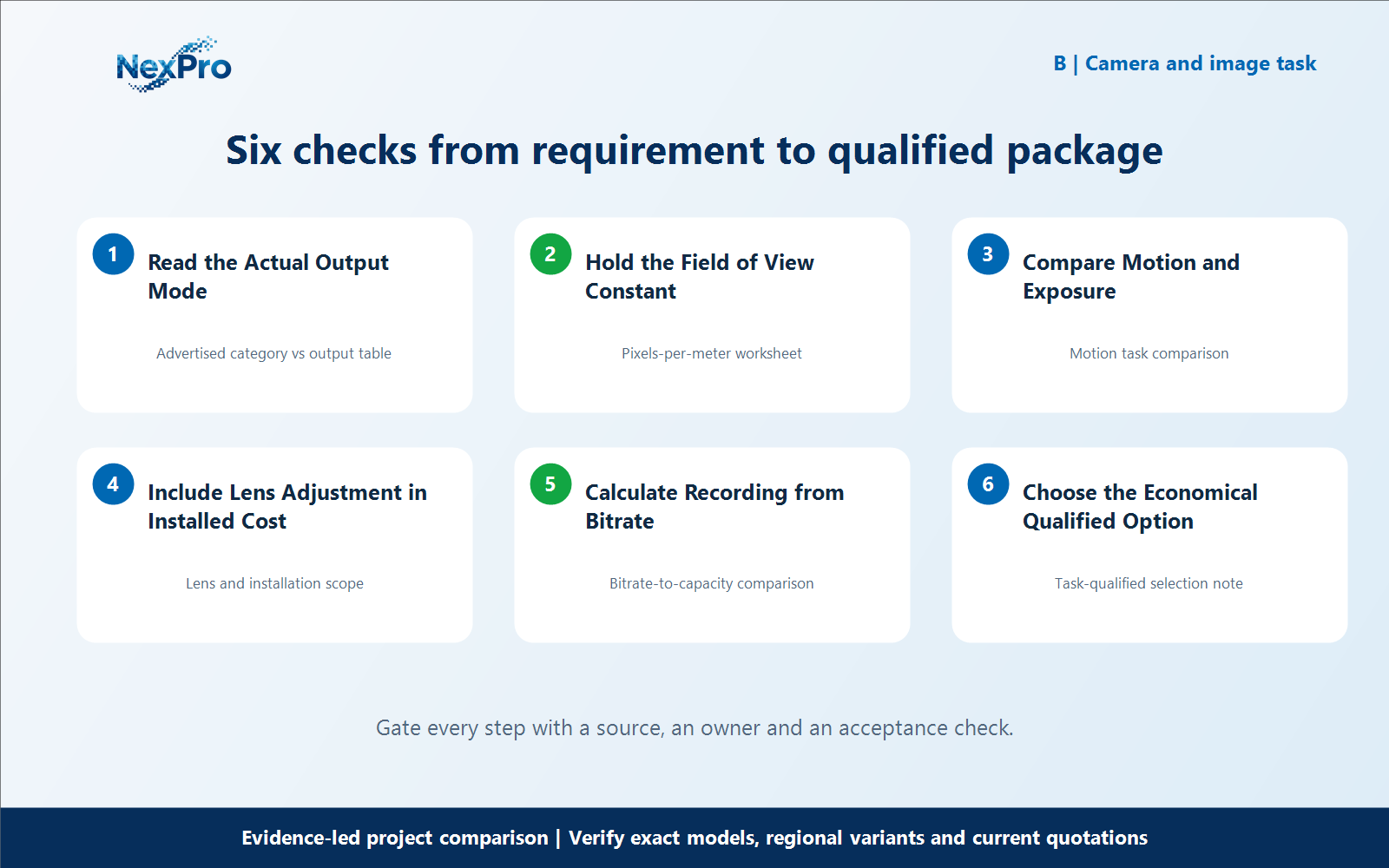
Read the Actual Output Mode
A 5MP label is not enough to justify replacing a 4MP camera. For a Seetong-compatible NexPro-Link package, compare the actual recording mode, field of view and target detail with the selected Hikvision and Dahua models. The useful value question is whether the required scene can be captured at an acceptable whole-system cost, not which carton carries the larger number. Is a 5MP product label the same as five million recorded pixels? Not necessarily. Read the actual stream dimensions and frame rate used in the proposed configuration. The supplied NexPro-Link 5MP-series document lists 2880 × 1620 among its outputs. Compare that declared mode with the exact competitor mode instead of treating marketing resolution categories as identical measurements.
For read the actual output mode, build a working record around Advertised category vs output table. For 5MP Seetong vs 4MP Hikvision, record the current project condition, candidate response, evidence source and unresolved boundary before comparing offers.
Review Advertised category vs output table separately from the downstream workflow. This prevents one attractive specification from deciding the complete 5MP Seetong vs 4MP Hikvision question without considering recording, installation, operation and support consequences.
Carry the Advertised category vs output table record into the RFQ, BOQ review or pilot checklist. For 5MP Seetong vs 4MP Hikvision, keep product capability, project assumptions and supplier responsibility beside the read the actual output mode decision; site measurements, network policy, installation safety and acceptance remain project inputs unless the signed scope says otherwise.
- Record advertised category vs output table with a named source, owner or acceptance check; do not leave it as an unqualified brochure phrase.
Section 02
Hold the Field of View Constant
Why should field of view be matched before comparing detail? A narrower view places more pixels on the same target but covers less surrounding area. Match the required scene before crediting one camera with better detail. Use horizontal output pixels divided by scene width as a planning measure, then assess the intended target under realistic conditions.
For hold the field of view constant, build a working record around Pixels-per-meter worksheet. For 5MP Seetong vs 4MP Hikvision, record the current project condition, candidate response, evidence source and unresolved boundary before comparing offers.
Review Pixels-per-meter worksheet separately from the downstream workflow. This prevents one attractive specification from deciding the complete 5MP Seetong vs 4MP Hikvision question without considering recording, installation, operation and support consequences.
Carry the Pixels-per-meter worksheet record into the RFQ, BOQ review or pilot checklist. For 5MP Seetong vs 4MP Hikvision, keep product capability, project assumptions and supplier responsibility beside the hold the field of view constant decision; site measurements, network policy, installation safety and acceptance remain project inputs unless the signed scope says otherwise.
- Record pixels-per-meter worksheet with a named source, owner or acceptance check; do not leave it as an unqualified brochure phrase.
Section 03
Compare Motion and Exposure
Can extra pixels compensate for motion blur? Additional pixels do not recover detail that has been blurred by exposure or lost in strong backlight. Describe target movement, light and the required shutter behavior. Compare useful frames of the moving target, not just a bright static screenshot or a nominal maximum resolution.
For compare motion and exposure, build a working record around Motion task comparison. For 5MP Seetong vs 4MP Hikvision, record the current project condition, candidate response, evidence source and unresolved boundary before comparing offers.
Review Motion task comparison separately from the downstream workflow. This prevents one attractive specification from deciding the complete 5MP Seetong vs 4MP Hikvision question without considering recording, installation, operation and support consequences.
Carry the Motion task comparison record into the RFQ, BOQ review or pilot checklist. For 5MP Seetong vs 4MP Hikvision, keep product capability, project assumptions and supplier responsibility beside the compare motion and exposure decision; site measurements, network policy, installation safety and acceptance remain project inputs unless the signed scope says otherwise.
- Record motion task comparison with a named source, owner or acceptance check; do not leave it as an unqualified brochure phrase.
| Comparison factor | Object or condition | Evidence-led action | Do not infer |
|---|---|---|---|
| Resolution | Read actual width × height | Compare the chosen mode | Not the package label |
| Scene width | Match the same task | Calculate pixels per meter | Do not zoom one test unfairly |
| Motion | Use comparable exposure objectives | Observe moving targets | Static sharpness is insufficient |
| Cost | Include lens and recording resources | Quote the qualified configuration | No automatic pixel-price winner |
Section 04
Include Lens Adjustment in Installed Cost
When can a motorized lens improve value? It can help adjust the framing during setup without replacing a fixed-focal-length lens, provided its range suits the position. Include any actual setup and maintenance differences in the quote comparison. Do not promise a labor saving that has not been measured or agreed for the project.
For include lens adjustment in installed cost, build a working record around Lens and installation scope. For 5MP Seetong vs 4MP Hikvision, record the current project condition, candidate response, evidence source and unresolved boundary before comparing offers.
Review Lens and installation scope separately from the downstream workflow. This prevents one attractive specification from deciding the complete 5MP Seetong vs 4MP Hikvision question without considering recording, installation, operation and support consequences.
Carry the Lens and installation scope record into the RFQ, BOQ review or pilot checklist. For 5MP Seetong vs 4MP Hikvision, keep product capability, project assumptions and supplier responsibility beside the include lens adjustment in installed cost decision; site measurements, network policy, installation safety and acceptance remain project inputs unless the signed scope says otherwise.
- Record lens and installation scope with a named source, owner or acceptance check; do not leave it as an unqualified brochure phrase.
Section 05
Calculate Recording from Bitrate
Does a 5MP label automatically require more storage than 4MP? Storage is driven by recorded bitrate and duration, not the label alone. Compare the settings needed to preserve the required scene and calculate capacity from those rates. A higher-resolution configuration may use more data, but a fixed brand-wide percentage cannot be inferred from megapixels.
For calculate recording from bitrate, build a working record around Bitrate-to-capacity comparison. For 5MP Seetong vs 4MP Hikvision, record the current project condition, candidate response, evidence source and unresolved boundary before comparing offers.
Review Bitrate-to-capacity comparison separately from the downstream workflow. This prevents one attractive specification from deciding the complete 5MP Seetong vs 4MP Hikvision question without considering recording, installation, operation and support consequences.
Carry the Bitrate-to-capacity comparison record into the RFQ, BOQ review or pilot checklist. For 5MP Seetong vs 4MP Hikvision, keep product capability, project assumptions and supplier responsibility beside the calculate recording from bitrate decision; site measurements, network policy, installation safety and acceptance remain project inputs unless the signed scope says otherwise.
- Record bitrate-to-capacity comparison with a named source, owner or acceptance check; do not leave it as an unqualified brochure phrase.
Section 06
Choose the Economical Qualified Option
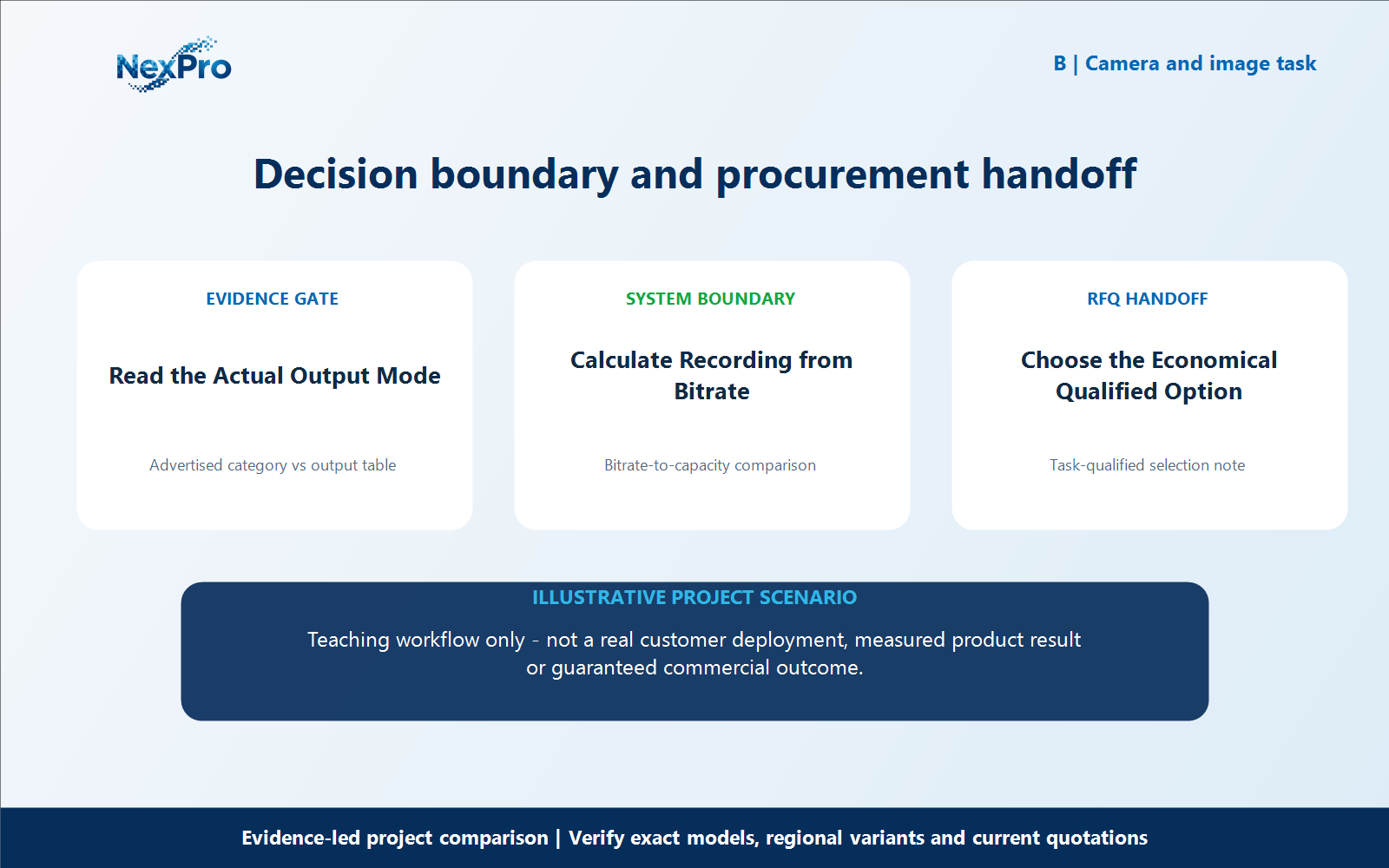
What would make the Seetong-compatible option good value? It would meet the required image task, supported recording workflow and installation conditions at an acceptable total cost. State any differences that remain. The conclusion can favor the NexPro-Link package when the evidence and quotation support it, without claiming that every 5MP device beats every 4MP competitor.
For choose the economical qualified option, build a working record around Task-qualified selection note. For 5MP Seetong vs 4MP Hikvision, record the current project condition, candidate response, evidence source and unresolved boundary before comparing offers.
Review Task-qualified selection note separately from the downstream workflow. This prevents one attractive specification from deciding the complete 5MP Seetong vs 4MP Hikvision question without considering recording, installation, operation and support consequences.
Carry the Task-qualified selection note record into the RFQ, BOQ review or pilot checklist. For 5MP Seetong vs 4MP Hikvision, keep product capability, project assumptions and supplier responsibility beside the choose the economical qualified option decision; site measurements, network policy, installation safety and acceptance remain project inputs unless the signed scope says otherwise.
What should the buyer include in an RFQ for 5MP Seetong vs 4MP Hikvision? Provide the camera schedule, required workflows, candidate equipment lists, mandatory brand or integration constraints, and the evidence still needed for choose the economical qualified option. Keep access credentials out of the inquiry. For 5MP Seetong vs 4MP Hikvision, this defines the next comparison; it does not promise identical performance, fixed savings or automatic approval.
- Record task-qualified selection note with a named source, owner or acceptance check; do not leave it as an unqualified brochure phrase.
Engineering references
These sources support the general planning principles. Always use the selected product's current datasheet and applicable project standards for final design.