A coworking operator is fitting out a new location with shared reception, bookable meeting rooms and tenant-controlled suites. Begin with the reception and shared circulation tasks approved for the site.
Section 01
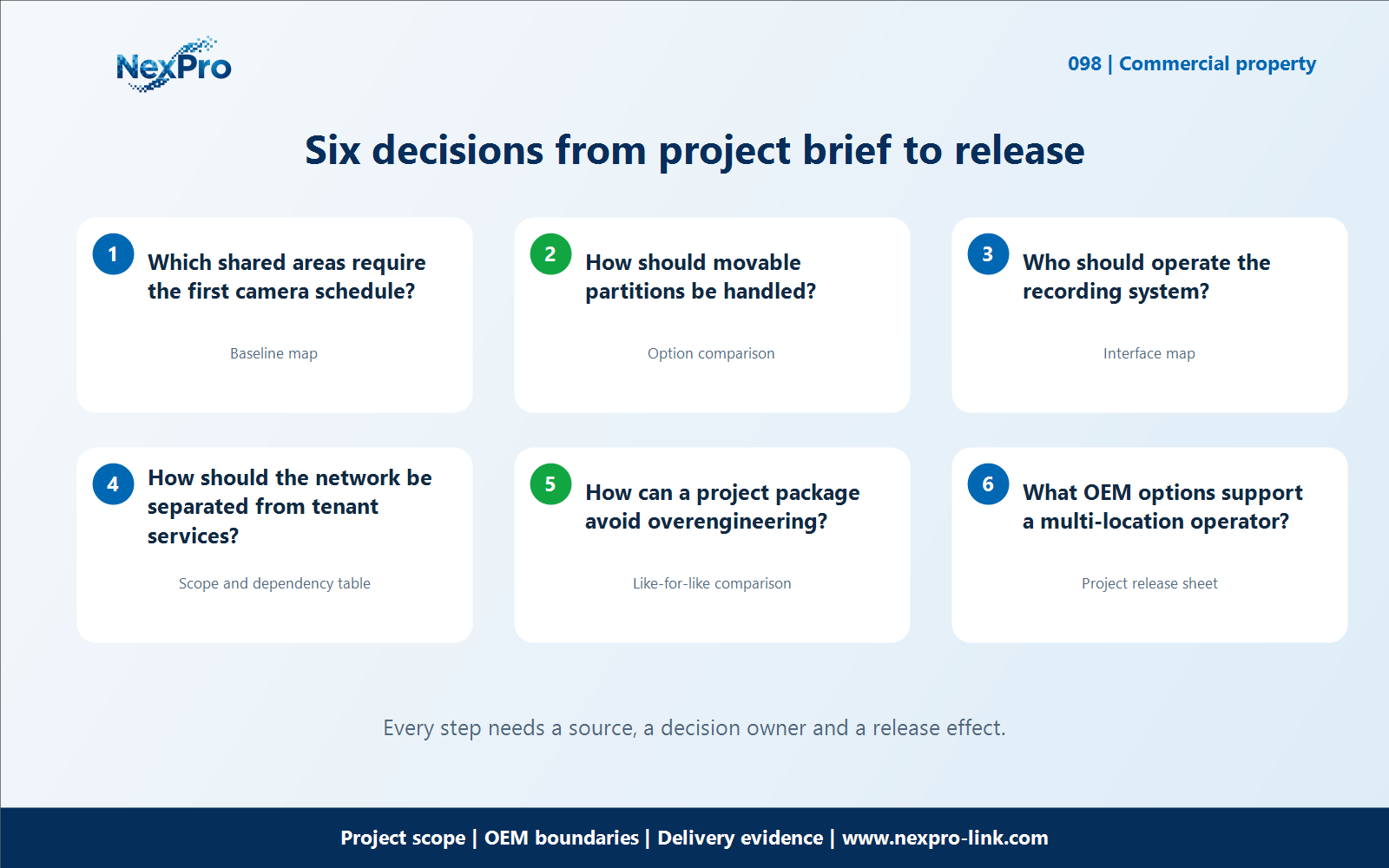
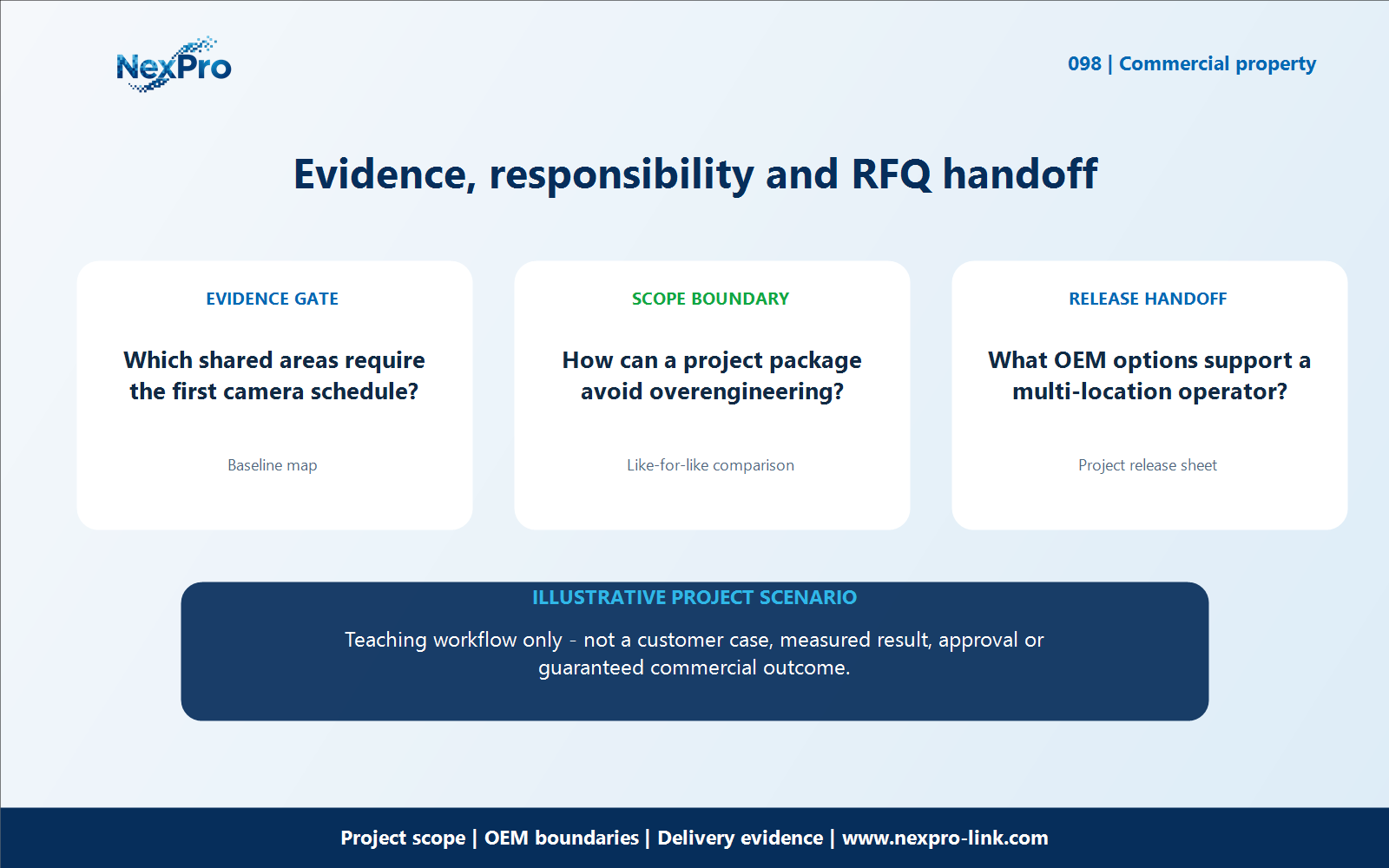
Which shared areas require the first camera schedule?
A coworking operator is fitting out a new location with shared reception, bookable meeting rooms and tenant-controlled suites. Begin with the reception and shared circulation tasks approved for the site. Keep meeting activity and tenant-controlled interiors outside the default security scope. The camera schedule should follow the intended use of each space, not merely every room on the floor plan.
For the "Which shared areas require the first camera schedule" decision, use the baseline map fields Area or item, Required task, Current assumption, Decision owner. Apply it to coworking shared space CCTV so the buyer, supplier and local integrator can see which input is confirmed, who owns it and which evidence remains open.
Evaluate which shared areas require the first camera schedule against the stated site task and the surrounding equipment, documentation, packing and handover dependencies for coworking shared space CCTV. For which shared areas require the first camera schedule in coworking shared space CCTV, record the confirmed condition, chosen option and remaining evidence separately; an open value is not a price, test, approval or customer-result claim.
Carry the which shared areas require the first camera schedule decision into the RFQ, BOQ, configuration or release record for coworking shared space CCTV. For which shared areas require the first camera schedule in coworking shared space CCTV, name the equipment, artwork, network, installation and acceptance owner; site-specific work remains with the buyer or integrator unless the signed scope says otherwise.
Section 02
How should movable partitions be handled?
How should movable partitions be handled? Treat partition and furniture changes as reasons to review the view. An adjustable lens can help maintain the original task, but it should not become a reason to extend monitoring into newly private areas. Keep the coverage purpose tied to the updated layout. For Coworking CCTV Packages: Shared Areas, Tenant Boundaries and Changing Layouts, keep this decision tied to the same project brief rather than opening a separate generic specification exercise.
For the "How should movable partitions be handled" decision, use the option comparison fields Position or option, Suitable condition, Trade-off, Next choice. Apply it to coworking shared space CCTV so the buyer, supplier and local integrator can see which input is confirmed, who owns it and which evidence remains open.
Evaluate how should movable partitions be handled against the stated site task and the surrounding equipment, documentation, packing and handover dependencies for coworking shared space CCTV. For how should movable partitions be handled in coworking shared space CCTV, record the confirmed condition, chosen option and remaining evidence separately; an open value is not a price, test, approval or customer-result claim.
Carry the how should movable partitions be handled decision into the RFQ, BOQ, configuration or release record for coworking shared space CCTV. For how should movable partitions be handled in coworking shared space CCTV, name the equipment, artwork, network, installation and acceptance owner; site-specific work remains with the buyer or integrator unless the signed scope says otherwise.
Section 03
Who should operate the recording system?
Who should operate the recording system? Assign normal viewing, incident export and system administration to authorized roles. These tasks need not belong to the same person. A shared workplace should not rely on a shared administrator credential simply because the recording system is relatively small. For Coworking CCTV Packages: Shared Areas, Tenant Boundaries and Changing Layouts, keep this decision tied to the same project brief rather than opening a separate generic specification exercise.
For the "Who should operate the recording system" decision, use the interface map fields Device or record, Input, Output, Responsible party. Apply it to coworking shared space CCTV so the buyer, supplier and local integrator can see which input is confirmed, who owns it and which evidence remains open.
Evaluate who should operate the recording system against the stated site task and the surrounding equipment, documentation, packing and handover dependencies for coworking shared space CCTV. For who should operate the recording system in coworking shared space CCTV, record the confirmed condition, chosen option and remaining evidence separately; an open value is not a price, test, approval or customer-result claim.
Carry the who should operate the recording system decision into the RFQ, BOQ, configuration or release record for coworking shared space CCTV. For who should operate the recording system in coworking shared space CCTV, name the equipment, artwork, network, installation and acceptance owner; site-specific work remains with the buyer or integrator unless the signed scope says otherwise.
| Project question | Project-oriented treatment | Keep equal when comparing offers |
|---|---|---|
| Which shared areas require the first camera schedule? | Begin with the reception and shared circulation tasks approved for the site. | Approved common-area coverage |
| How should movable partitions be handled? | Treat partition and furniture changes as reasons to review the view. | Landlord and tenant responsibility |
| Who should operate the recording system? | Assign normal viewing, incident export and system administration to authorized roles. | Recording and access workflow |
| How should the network be separated from tenant services? | Define the CCTV network boundary with the site's IT team. | Installation and owner-handover scope |
Section 04
How should the network be separated from tenant services?
How should the network be separated from tenant services? Define the CCTV network boundary with the site's IT team. Segmentation must be accompanied by the required access rules and management ownership. Connecting cameras to the same available router as tenant devices is not a complete network design. For Coworking CCTV Packages: Shared Areas, Tenant Boundaries and Changing Layouts, keep this decision tied to the same project brief rather than opening a separate generic specification exercise.
For the "How should the network be separated from tenant services" decision, use the scope and dependency table fields Item, Included, Dependency, Separate option. Apply it to coworking shared space CCTV so the buyer, supplier and local integrator can see which input is confirmed, who owns it and which evidence remains open.
Evaluate how should the network be separated from tenant services against the stated site task and the surrounding equipment, documentation, packing and handover dependencies for coworking shared space CCTV. For how should the network be separated from tenant services in coworking shared space CCTV, record the confirmed condition, chosen option and remaining evidence separately; an open value is not a price, test, approval or customer-result claim.
Carry the how should the network be separated from tenant services decision into the RFQ, BOQ, configuration or release record for coworking shared space CCTV. For how should the network be separated from tenant services in coworking shared space CCTV, name the equipment, artwork, network, installation and acceptance owner; site-specific work remains with the buyer or integrator unless the signed scope says otherwise.
Section 05
How can a project package avoid overengineering?
How can a project package avoid overengineering? Compare the software and hardware against real daily tasks. A small system does not automatically need an enterprise platform, but an ordinary app should not be assumed sufficient for every access requirement. Choose the least complex complete solution that meets the agreed workflow. For Coworking CCTV Packages: Shared Areas, Tenant Boundaries and Changing Layouts, keep this decision tied to the same project brief rather than opening a separate generic specification exercise.
For the "How can a project package avoid overengineering" decision, use the like-for-like comparison fields Requirement, Baseline, Proposed treatment, Remaining difference. Apply it to coworking shared space CCTV so the buyer, supplier and local integrator can see which input is confirmed, who owns it and which evidence remains open.
Evaluate how can a project package avoid overengineering against the stated site task and the surrounding equipment, documentation, packing and handover dependencies for coworking shared space CCTV. For how can a project package avoid overengineering in coworking shared space CCTV, record the confirmed condition, chosen option and remaining evidence separately; an open value is not a price, test, approval or customer-result claim.
Carry the how can a project package avoid overengineering decision into the RFQ, BOQ, configuration or release record for coworking shared space CCTV. For how can a project package avoid overengineering in coworking shared space CCTV, name the equipment, artwork, network, installation and acceptance owner; site-specific work remains with the buyer or integrator unless the signed scope says otherwise.
Section 06
What OEM options support a multi-location operator?
What OEM options support a multi-location operator? Use consistent device markings, site labels and operating cards across the approved package. Hardware branding can support the operator's service identity. It does not change the ownership, name or capabilities of a third-party application used to view the equipment. For Coworking CCTV Packages: Shared Areas, Tenant Boundaries and Changing Layouts, keep this decision tied to the same project brief rather than opening a separate generic specification exercise.
For the "What OEM options support a multi-location operator" decision, use the project release sheet fields Configuration, Artwork, Quantity, Location, Release stage. Apply it to coworking shared space CCTV so the buyer, supplier and local integrator can see which input is confirmed, who owns it and which evidence remains open.
Evaluate what oem options support a multi-location operator against the stated site task and the surrounding equipment, documentation, packing and handover dependencies for coworking shared space CCTV. For what oem options support a multi-location operator in coworking shared space CCTV, record the confirmed condition, chosen option and remaining evidence separately; an open value is not a price, test, approval or customer-result claim.
Carry the what oem options support a multi-location operator decision into the RFQ, BOQ, configuration or release record for coworking shared space CCTV. For what oem options support a multi-location operator in coworking shared space CCTV, name the equipment, artwork, network, installation and acceptance owner; site-specific work remains with the buyer or integrator unless the signed scope says otherwise.
Engineering references
These sources support the general planning principles. Always use the selected product's current datasheet and applicable project standards for final design.